HaloITSM vs. Microsoft System Center

Overview
ProductRatingMost Used ByProduct SummaryStarting Price
HaloITSM
Score 9.0 out of 10
Enterprise companies (1,001+ employees)
HaloITSM provides ITIL aligned help desk software that can be installed on premise or in the cloud. Boasting over 25 years of experience, HaloITSM has been developed to offer a feature rich application whilst maintaining a simple to use interface. Features include: Incident Management, Problem Management, Change Management, Asset Management, Service Catalogue, Telephony Integration, as well as the best of breed mobile apps. The vendor describes the following five differentiators: 1.…
$49
per month per user
Microsoft System Center
Score 9.0 out of 10
N/A
Microsoft System Center Suite is a family of IT management software for network monitoring, updating and patching, endpoint protection with anti-malware, data protection and backup, ITIL- structured IT service management, remote administration and more. It is available in two editions: standard and datacenter. Datacenter provides unlimited virtualization for high density private clouds, while standard is for lightly or non-virtualized private cloud workloads.
$1,323
Pricing
HaloITSMMicrosoft System Center
Editions & Modules
On Premise
$49
per month per user
Cloud
$49
per month per user
Standard Edition
$1323
Datacenter Edition
$3607
Offerings
Pricing Offerings
HaloITSMMicrosoft System Center
Free Trial
YesNo
Free/Freemium Version
NoNo
Premium Consulting/Integration Services
NoNo
Entry-level Setup FeeOptionalNo setup fee
Additional DetailsThere is 15% discount for all charities, educational institutions and non-profit organisations.
More Pricing Information
Community Pulse
HaloITSMMicrosoft System Center
Features
HaloITSMMicrosoft System Center
Incident and problem management
Comparison of Incident and problem management features of Product A and Product B
HaloITSM
8.4
Ratings
3% above category average
Microsoft System Center
-
Ratings
Organize and prioritize service tickets8.60 Ratings00 Ratings
Expert directory8.50 Ratings00 Ratings
Service restoration8.70 Ratings00 Ratings
Self-service tools8.60 Ratings00 Ratings
Subscription-based notifications8.60 Ratings00 Ratings
ITSM collaboration and documentation8.30 Ratings00 Ratings
ITSM reports and dashboards7.70 Ratings00 Ratings
ITSM asset management
Comparison of ITSM asset management features of Product A and Product B
HaloITSM
7.9
Ratings
4% below category average
Microsoft System Center
-
Ratings
Configuration mangement8.00 Ratings00 Ratings
Asset management dashboard7.70 Ratings00 Ratings
Policy and contract enforcement8.00 Ratings00 Ratings
Change management
Comparison of Change management features of Product A and Product B
HaloITSM
8.8
Ratings
5% above category average
Microsoft System Center
-
Ratings
Change requests repository8.70 Ratings00 Ratings
Change calendar8.70 Ratings00 Ratings
Service-level management9.00 Ratings00 Ratings
Best Alternatives
HaloITSMMicrosoft System Center
Small Businesses
Agiloft Service Desk (discontinued)
Score 9.0 out of 10

No answers on this topic

Medium-sized Companies
Agiloft Service Desk (discontinued)
Score 9.0 out of 10

No answers on this topic

Enterprises
ManageEngine ServiceDesk Plus
Score 9.2 out of 10

No answers on this topic

All AlternativesView all alternativesView all alternatives
User Ratings
HaloITSMMicrosoft System Center
Likelihood to Recommend
9.0
(0 ratings)
9.0
(0 ratings)
Usability
9.1
(0 ratings)
9.0
(0 ratings)
Support Rating
8.2
(0 ratings)
8.0
(0 ratings)
User Testimonials
HaloITSMMicrosoft System Center
Likelihood to Recommend
HALO is very much suited to the IT Support Desk environment and works very well. It offers all the functionality that is required to run a service plus much more. I can't really comment on the other modules yet as we haven't really fully utilised them, but hopefully will in the future.
Read full review
We used a product before that was designed to prevent users making changes and saving files to the desktop computer. This required a renewal of the license. By using SCCM in our environment we were able to discontinue using that product because SCCM allows us to completely restore a machine back to the original configuration. We have taught our users to save their individual work on either a network drive or a cloud drive. By doing this, if we do a re-image of their machine they have lost no data, and it makes for a faster resolution. In some instances having a computer in our SCCM environment it can become cumbersome when creating new users for very specific purposes. It can be done by creating new organizational units and applying new policies but when in a pinch it can be frustrating. For the most part we have tried to make "new" purpose images and groups to at least accommodate a quick install.
Read full review
Pros
  • Ticketing Structure
  • The ticketing structure (allowing us to add custom fields and tables) and the process are quick, clean, and easy to adapt to our changing needs. Change requests are processed within a few hours (complex ones take longer, purely for testing), however, the whole solution is geared to customization and the more you work with it the more you get out of it
  • SLA's
  • Detailed SLAs for each part of the business, with multiple tiers, time frames, reporting, and alerting options - a different config for every team configured with a few simple clicks
  • Time Management
  • Excellent granular reporting that lets you drill in, both from a business perspective as to how many hours are being spent on different activities and from a support perspective, where are your teams spending their team.
  • Reporting
  • Excellent set of customizable reports (hundreds of them) along with a reporting tool (For which a little SQL does go a long way) and for those fiddly reports, free support is only a call away.
  • Role Assignments
  • Simple role assignments that make updating changes to teams and departments the work of minutes rather than days. Easy to apply and each person can have multiple roles. Simple but powerful and very sleek.
Read full review
  • Provides our users the ability to deploy and manage our own datacenter based on defined software with understandable solutions for storage, compute, networking and security.
  • We are able to update at once all the computers from all departments without having to install the OS on every computer.
  • It allows us to have everything in one place for database management and datacenter inspection as well.
Read full review
Cons
  • Support for M365 \ Power Platform, Power Bi reporting in particular
  • Feel the asset management side of the product is not as good as the ticket management
  • Support is excellent but maybe an old school user forum where other admins can share and discuss ideas
Read full review
  • Needs web based storefront for requesting new software
  • Needs ability to manage the packaging work flow better
  • Sometimes is slow to download and there is no indication the entire catalog is being loaded, resulting in confused users not being able to find common software in the available list.
Read full review
Usability
Its simple and intuitiuve - requires minimal training to get people in and working at speed
Read full review
No matter our issues with the software, its ability to centrally manage systems, patch, image, and remote help users has far exceeded our timeliness to help staff. Its ability to keep current, enable us to keep the network secure, and standardize our end-user experience has saved us many hours, dollars, and time every day.
Read full review
Support Rating
I've made overall positive experiences with the Halo support. The only thing to increase would be some follow ups on feature requests. If someone would reach out to me, telling me wheter or not my feature request will be considered in future updates or not.
Read full review
If I had to dislike something about the system it would be how much it changes once you upgrade. This could be more of a problem of mine since I get used to one way and don't like it when it changes so much. I am enjoying the newest update, but it is a mess when you are actually going through the upgrades.
Read full review
Alternatives Considered
Based on our requirements, this is how we scored them. Halo - 78, ServiceNow - 77, Ivanti - 67, Jira - 57, Freshservice - 41. This was based purely on our requirements and whether additional modules required additional licences.
Read full review
None. We are a Microsoft business, and this is THE tool for imaging, packaging, remote support, and antivirus management. Microsoft's tool is the best for managing its software, systems, and antivirus clients. I will say that Microsoft Intune, the cloud platform, can be used for those with heavy 365 usage, but for us, that does not meet our current company needs.
Read full review
Return on Investment
  • It enabled us to allow our Service Desk Staff to work from home during COVID and this has continued ever since.
  • We have halved our average resolution time.
  • Some of the automation processes, when implemented alongside the MS Power Platform, have saved approximately 30 hours a month. This includes times when customers were unable to access the system until they had been trained. This is now automated via Halo and they get sent to on-demand training, instead of waiting up to 3 weeks for the next scheduled session.
Read full review
  • We have been able to automate our patch management, firmware and other security concerns.
  • We have a standardized "image" ensuring our setup is consistent across the enterprise. This alone has saved us in time to support and time to understand how to use our desktops.
Read full review
ScreenShots

HaloITSM Screenshots

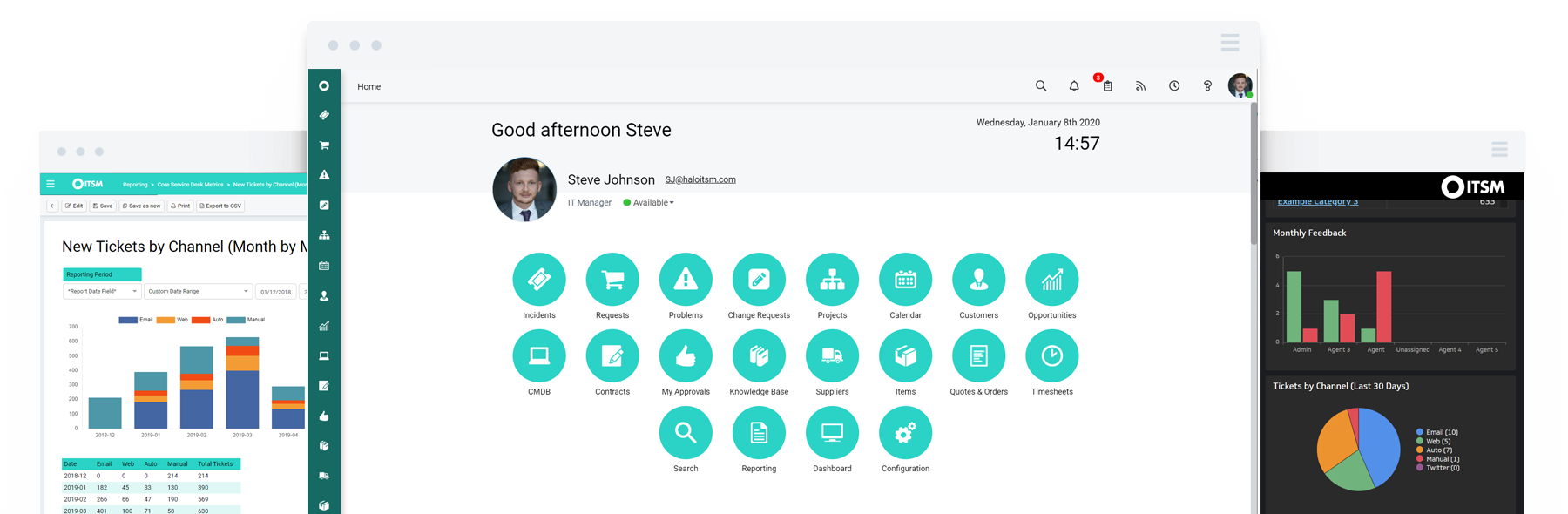
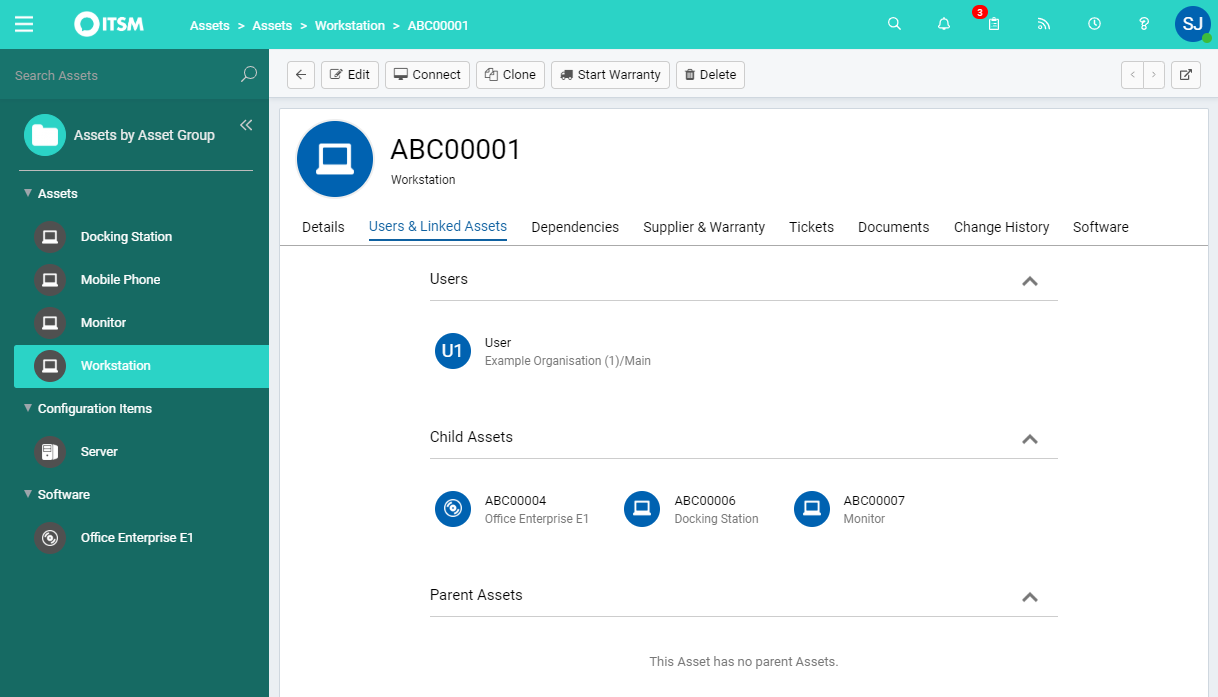
Screenshot of Halo ITSMScreenshot of Asset ManagementScreenshot of Incident ManagementScreenshot of Service CatalogueScreenshot of Change Control