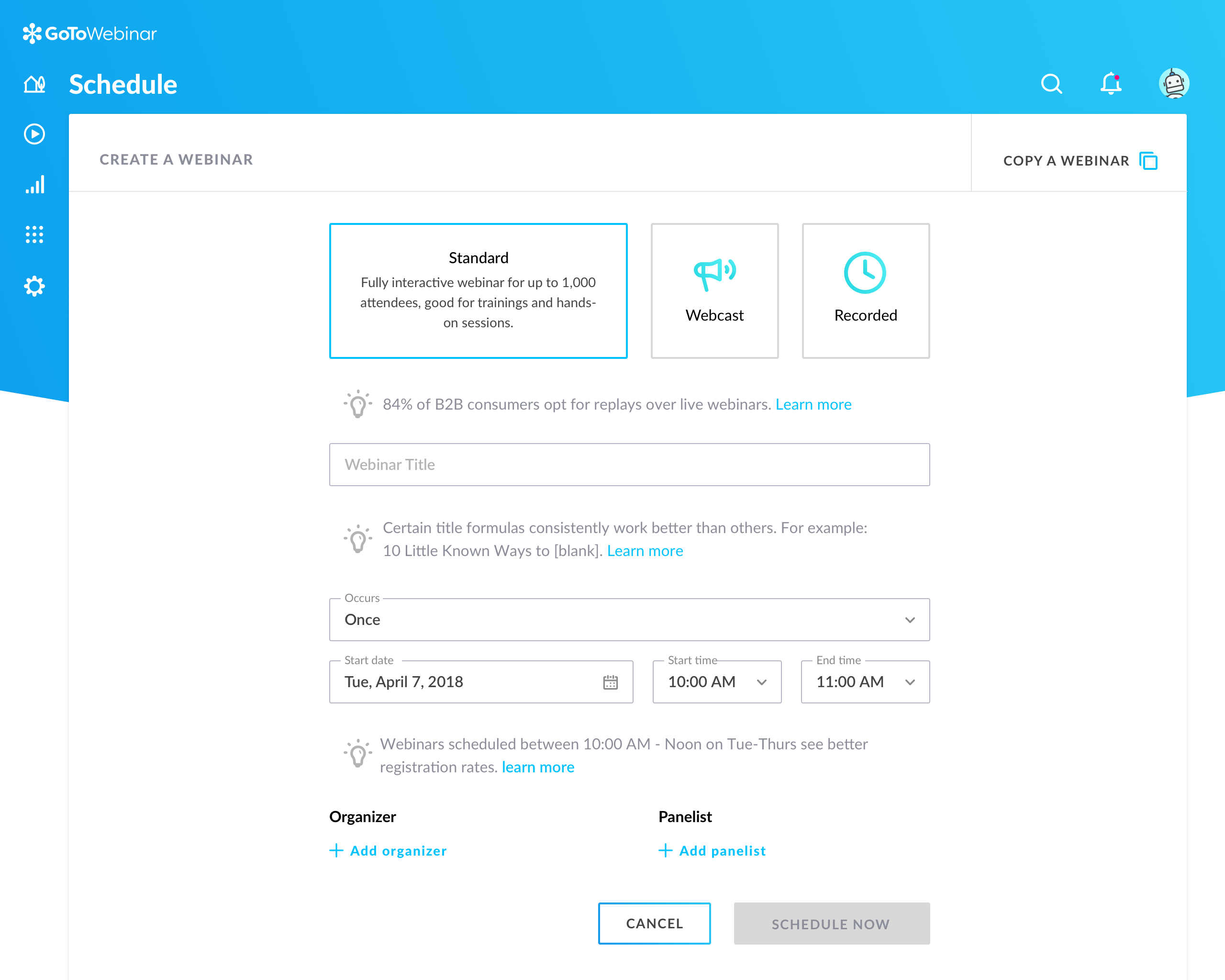
GoToWebinar is GoTo’s webinar and online conferencing solution, and offers features like audience polling and Q&A, flexible scheduling experiences, and webinar templates. It offers CRM integrations and reporting & analytics tools to help engage clients’ audiences.
$49
per month per organizer
Wistia
Score 9.8 out of 10
N/A
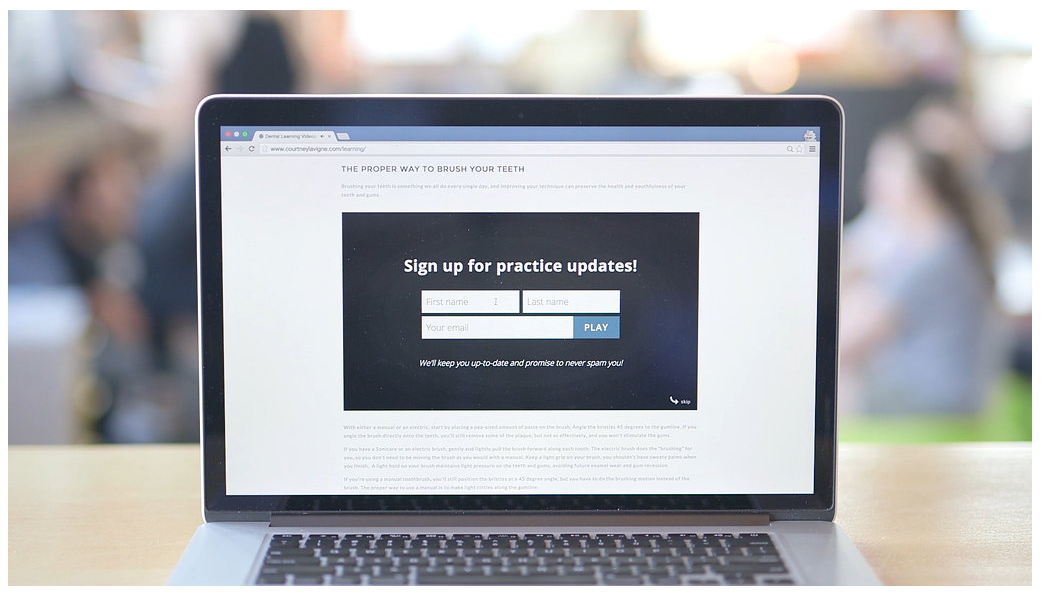
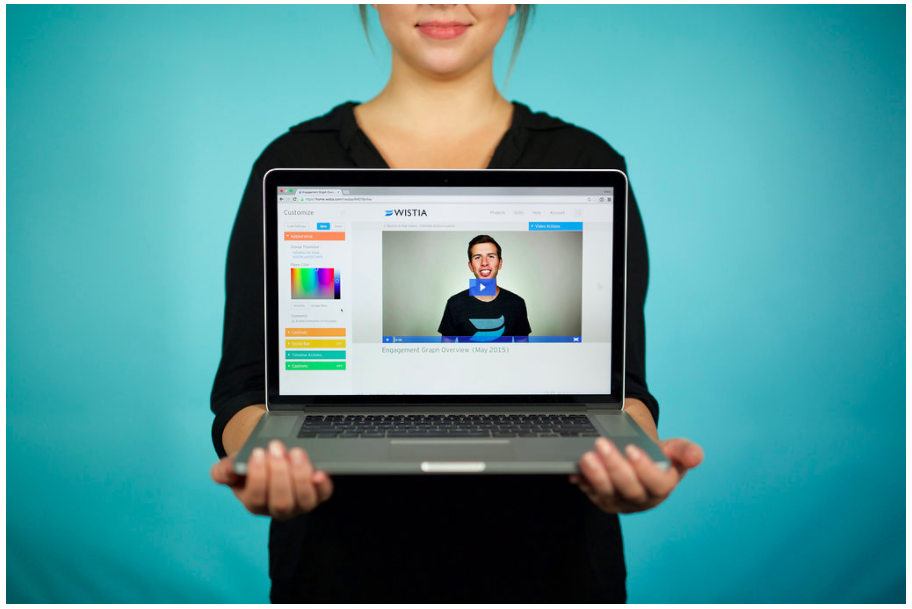
Wistia is a video marketing platform that helps teams create, host, market, and measure their videos and webinars. Wistia is used to create professional videos, host webinars, collect and send leads to a connected marketing automation platform. Wistia additionally offers customers support and educational resources.
$0
up to 10 videos
Pricing
GoTo Webinar
Wistia
Editions & Modules
Lite
$49/month
per month per organizer
Standard
$99/month
per month per organizer
Pro
$199/month
per month per organizer
Enterprise
$399/month
per month per organizer
Free
$0
up to 10 videos
Plus
$24
per month
Pro Plan
$99
per month
Advanced Plan
$399
per month
Offerings
Pricing Offerings
GoTo Webinar
Wistia
Free Trial
Yes
Yes
Free/Freemium Version
Yes
Yes
Premium Consulting/Integration Services
No
No
Entry-level Setup Fee
No setup fee
No setup fee
Additional Details
—
20% discount for annual pricing.
More Pricing Information
Community Pulse
GoTo Webinar
Wistia
Features
GoTo Webinar
Wistia
Reporting & Analytics
Comparison of Reporting & Analytics features of Product A and Product B
GoTo Webinar
7.2
Ratings
4% below category average
Wistia
-
Ratings
Dashboards
7.20 Ratings
00 Ratings
Data exportability
7.10 Ratings
00 Ratings
Performance & Compatibility of Online Events Software
Comparison of Performance & Compatibility of Online Events Software features of Product A and Product B
GoTo Webinar
7.6
Ratings
5% below category average
Wistia
-
Ratings
High quality audio
8.20 Ratings
00 Ratings
Mobile support
7.60 Ratings
00 Ratings
Online Meetings / Events
Comparison of Online Meetings / Events features of Product A and Product B
GoTo Webinar
7.2
Ratings
11% below category average
Wistia
-
Ratings
Calendar integration
7.70 Ratings
00 Ratings
Record meetings / events
8.40 Ratings
00 Ratings
Slideshows
8.50 Ratings
00 Ratings
Event registration
8.60 Ratings
00 Ratings
Online Events Collaboration
Comparison of Online Events Collaboration features of Product A and Product B
GoTo Webinar
8.2
Ratings
1% below category average
Wistia
-
Ratings
Audience polling
7.90 Ratings
00 Ratings
Q&A
8.60 Ratings
00 Ratings
Online Events Security
Comparison of Online Events Security features of Product A and Product B
GoTo Webinar
7.9
Ratings
4% below category average
Wistia
-
Ratings
Participant roles & permissions
7.70 Ratings
00 Ratings
Confidential attendee list
8.00 Ratings
00 Ratings
Online Events Marketing
Comparison of Online Events Marketing features of Product A and Product B
It is great for big events like training or product demos. It's good for marketing webinars with features like polls and Q&A. It's not ideal for small, casual meetings. It can be too expensive for some businesses. For smaller events, other tools might be better.
It's so awesome to see my videos come up on Google Search. A click brings viewers right to my website!!! Incredibly powerful. If I were just posting on YouTube, visitors would end up there and then off to the next best cat video instead of taking action with me on my website.
Dashboard for control are mostly intuitive but in some menus like the webcasting section can be cluttered
The current polling and survey capabilities are too simple. More advanced features, such as branching logic and real-time results, would make engagement more dynamic and insightful.
Although it's easy for organiser to use goto webinar, users have reported issues and long wait time on their end and they don't have much control over the session
Obtaining embed codes for a significantly large number of videos can be very time consuming as there is no way to automatically pull a report.
Within a project, there is no way to set the list to show a specific number of videos and you may only have a certain number of videos shown unless you click to expand the list and continue to do so.
Once the list is expanded and you click in to a video, when clicking back, the list reloads and you must expand the entire list again which can become very time consuming.
GoTo Webinar is not boring at all. Its design is extremely intuitive and specific for what its name serves. It is a great software for webinars which have become the trend of "continuous learning". I like the way we can manage participants in the webinars, interacting with them while they cannot disturb the flow of the speech by intruding with the mic.
Wistia is super easy to use and very reliable, anytime a video needs to be updated, the existing media can be replaced, but the url remains the same so anywhere this media is shared or embedded, it is immediately updated. Their support is extremely helpful, and there is very rarely any issues with this product.
GoTo Webinar's User Interface is simple and straightforward, which is what I, as an end user, prefer to interact with when I only use a software once or twice a month; I don't want to have to remember extra steps just to attend a webinar.
I just love the interface and the way things are organized. You can find all of the various controls and have the ability to enable/disable each. You can also get to help quickly from any screen. The screens are not cluttered and have a good use of whitepace, without the need to page through controls or reload the screen.
I rated GoTo Webinar a 9 out of 10 for availability because it generally performs reliably, with minimal application errors or unplanned outages. The platform’s high uptime ensures that it’s usually accessible when needed, supporting a seamless experience for scheduling and conducting webinars. While occasional minor issues may arise, they are infrequent and typically well-managed, contributing to a strong overall rating for availability.
I rated GoTo Webinar an 8 out of 10 for performance due to its generally robust capabilities. Pages load quickly, and reports are generated efficiently, even for complex data sets. The platform’s integration with other systems typically doesn’t introduce significant latency or performance issues. However, during peak usage times or when handling very large data volumes, there can be occasional slowdowns. Despite these instances, GoTo Webinar consistently provides strong performance and reliability in its core functions.
Couldn't be happier with the overall performance of the platform. Videos load fast, rarely have loading issues, look sclean and the styling and sizing doesn't have issues. The data comes in quickly and in real time. Also, on the administrative side, the videos seem to upload well without much issue. There's always issues uploading video, but we had way less upload issues with Wistia than with Vimeo.
I was always able to get someone on the phone when I needed to. They were very thorough and ensuring my questions were answered. And if I was asking for a solution or request that they didn't offer, they told me so I could at least stop trying to search for it.
We have only had to reach out to Wistia support a handful of times in the 4 years we have been using Wistia. They have always been quick to respond and help us solve the problem. The system is self-service so there should be very little to no need to reach out to support on a regular basis.
I didn't participate in the implementation nor did my company. As far as I know we have an IT office running alla these projects and we just use the final products for our educational purposes. I also didn't notice implementation at any level while using the desktop interface, but would immediately recognize it, if so.
Zoom scores well above GoTo and ON24 in brand recognition across mid to large enterprises. But GoTo scores well in SMBs. Regarding value for money and ROI, it's better than ON24. We selected GoTo because of the price point and to ensure that our partner-sourced SMB stacks do not end up not engaging with us because of a lack of a proper medium.
Wistia is in the process of making their livestreaming way better than the free alternative like YouTube and a well known competitor like gotomeeting. It's easy to add in cohosts, interact with chat members, add in polls and other features which can be a bit clunky on gotomeeting.
I rated GoTo Webinar an 8 out of 10 for scalability because it effectively supports deployment across multiple departments and sites with its flexible features. It allows for easy management of large-scale webinars and integration with various systems, accommodating a growing number of users and sessions. However, some users might find limitations in advanced customization or specific integration needs as their requirements become more complex. Overall, its robust capabilities and adaptability make it a strong choice for scalable webinar solutions.
Good: We've been able to keep various client teams trained up on our product
Good: It helps us automate communication about the webinars, as well as follow-ups
Bad: There is a time suck that shouldn't exist surrounding the recurring scheduler which needs to be rethought and retooled with more than the most basic real world use cases in mind
Doubled lead capture from lead magnet on website from one year to the next.
Increased email interaction on newsletters when embedding Wistia video thumbnail into email campaigns (10-15% links clicked bumped to 30-40% links clicked).
Can save us about 50+ hours of one-on-one client meeting time per year for pointing clients to video content rather than presenting the same info in a live setting.