Google Tasks, also available via a mobile app, aims to allow users to manage, capture, and edit tasks from anywhere, at anytime, with to-dos that sync across all devices. Integrates with Gmail and Google Calendar.
N/A
MeisterTask
Score 8.4 out of 10
Small Businesses (1-50 employees)
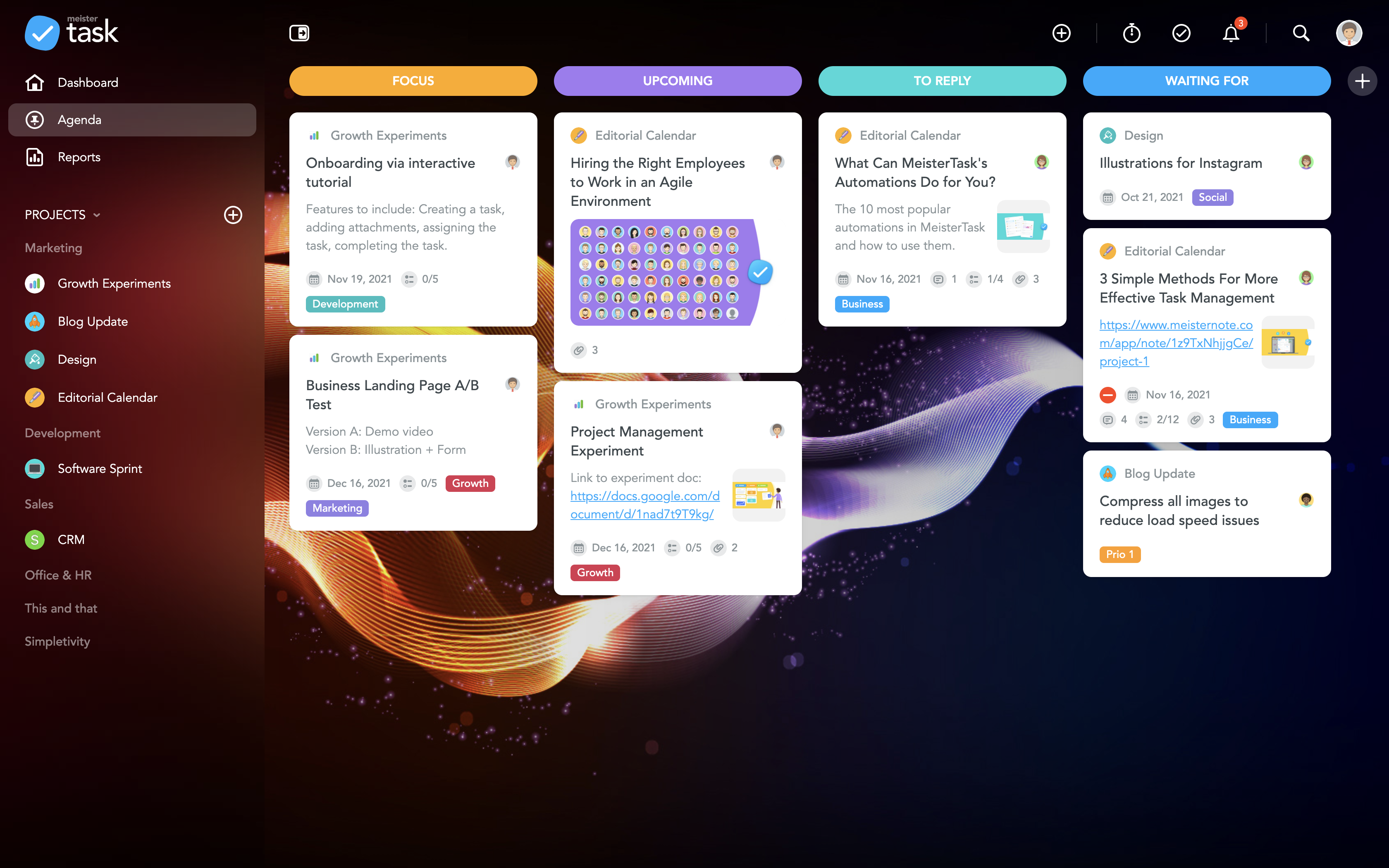
MeisterTask is a task management and collaboration tool that let teams manage tasks in a customizable environment. MeisterTask's project boards adapt to a team’s workflow, and is suitable for managing a variety of tasks from software sprints to editorial calendars. As opposed to only providing a tool that visualizes the work, MeisterTask automates recurring steps in users' workflows to help them work more efficiently and consistently.
MeisterTask is developed by…
$16
per month per user
Pricing
Google Tasks
MeisterTask
Editions & Modules
No answers on this topic
Pro
$16
per month per user
Business
$32
per month per user
Enterprise
Custom
Offerings
Pricing Offerings
Google Tasks
MeisterTask
Free Trial
No
No
Free/Freemium Version
No
Yes
Premium Consulting/Integration Services
No
No
Entry-level Setup Fee
No setup fee
No setup fee
Additional Details
—
Discounts are available for education and non-profit organisations. 28% discount for annual pricing.
More Pricing Information
Community Pulse
Google Tasks
MeisterTask
Features
Google Tasks
MeisterTask
Project Management
Comparison of Project Management features of Product A and Product B
Great to take quick notes during meetings. Along with being a good planner app, it offers a clean list of tasks from bottom left which looks great. It is also useful when using Google Calendar. I am a list person so I rely on this app. It is quick and easy to use and I never have to worry about losing a paper list.
If you are doing simple tasks, and do not need to see Gantt dependencies, this can work for you. You likely know that other tools seem cumbersome already, and Meistertask is the opposite. If you like mind mapping, try combining this with Mindmeister by thhe same company to integrate your mind maps into actual project plans.
The best part, Google Tasks is FREE. No paywall, no ads. Just pure productivity. I was looking for some task-management app which is free, since it was difficult to get a paid one. I found that this was the perfect solution for me.
It's deeply integrated with other Google services like Gmail and Calendar. It can pick tasks with Gmail from emails, in the form of suggestions. It's up to you, completely. The tasks will appear in your calendar automatically, if it's time or date specific.
It's simple and hassle free to insert tasks and complete them. The app loads fast and hardly faces any crash. I encountered no such crashes.
It is present in multiple platforms. I would create a task in my phone, and would check it off on my laptop.
It's hassle free to add and check off tasks. It was very helpful for me in college.
The learning curve is really short compared to other software that is related to this.
It is very easy to manage several projects at the same time, thus saving time in the work process.
Managing the elements of the list is very comfortable since its interface allows everything to work in an orderly manner based on what I want to put as important for me.
It has versions that are adapted to any type of company or if you want to give a personal use because it also has an option based on what you want to do with MeisterTask.
I really wish there was a tab to create a Gantt Chart on MeisterTask. This would be extremely helpful to track the progress of a project as a whole.
Some of the controls are not intuitive. For instance, you can select an individual person to see only their respective tasks, which is super helpful. But, to unselect that person and go back to the overview, you have to refresh the page and then hit the back button. This is super inconvenient to do every time.
One other feature I wish was included it a "percentage complete" tracker that showed what percentage is done with each task people are on.
Google is simple to use and easy to understand. Having a one-click to add tasks via Google Calendar is a must for any busy business that manages multiple accounts and/or projects. Compliance and business standards are at the forefront, with notification reminders so you don't forget any of those annual certifications, for example.
Since the app is free, we can't expect to get a great support. 1. The app does not even have a dedicated forum where other members can help each other. 2. The app only has a feedback option, which I rarely think visits the team. 3. Even after sending many feedbacks, you can't expect a reply. 4. In a nutshell, if you face any problem, you can just wait. Nothing more than that.
We switched from Google Tasks to Todoist as we like the layout and the functions more, even though we still use all the other Google programs. Nothing particularly bad but we enjoy Todoist more for our purposes. Google Tasks is even more simple to use than Todoist and has different layout options.
MeisterTask is a great app for tracking your to-dos and manage your team. You can track the time you spent on each task and it's a nice design. Good mobile app too, that helps keep everyone informed about the event and the task that need to be done and who is taking care of what task.