Google Content Experiments (discontinued) vs. Webtrends Optimize

Overview
ProductRatingMost Used ByProduct SummaryStarting Price
Google Content Experiments (discontinued)
Score 7.3 out of 10
N/A
Google Content Experiments was a tool that can be used to create A/B test from within Google Analytics. It has been discontinued since 2019, and Google now recommends using its Google Optimize service for A/B testing.N/A
Webtrends Optimize
Score 9.7 out of 10
N/A
Webtrends Optimize is a web optimization platform and is offered by the company of the same name. The product competes most often with Adobe Test and Target, Maxymiser, SiteSpect, and Optimizely.N/A
Pricing
Google Content Experiments (discontinued)Webtrends Optimize
Editions & Modules
No answers on this topic
Offerings
Pricing Offerings
Google Content Experiments (discontinued)Webtrends Optimize
Free Trial
NoYes
Free/Freemium Version
NoNo
Premium Consulting/Integration Services
NoNo
Entry-level Setup FeeNo setup feeNo setup fee
Additional DetailsThere is no tiering and no different prices for different tools. The entire feature set is available to all users as standard at one price, agreed up front.
More Pricing Information
Community Pulse
Google Content Experiments (discontinued)Webtrends Optimize
Features
Google Content Experiments (discontinued)Webtrends Optimize
Testing and Experimentation
Comparison of Testing and Experimentation features of Product A and Product B
Google Content Experiments (discontinued)
9.2
Ratings
11% above category average
Webtrends Optimize
8.3
Ratings
1% above category average
a/b experiment testing9.00 Ratings9.10 Ratings
Split URL testing10.00 Ratings8.20 Ratings
Multivariate testing10.00 Ratings8.20 Ratings
Multi-page/funnel testing9.00 Ratings8.20 Ratings
Cross-browser testing8.00 Ratings8.20 Ratings
Mobile app testing8.00 Ratings8.20 Ratings
Test significance9.00 Ratings8.20 Ratings
Visual / WYSIWYG editor10.00 Ratings8.20 Ratings
Advanced code editor9.00 Ratings8.20 Ratings
Page surveys8.00 Ratings8.20 Ratings
Visitor recordings8.00 Ratings8.20 Ratings
Preview mode8.00 Ratings8.20 Ratings
Test duration calculator10.00 Ratings8.20 Ratings
Experiment scheduler10.00 Ratings8.20 Ratings
Experiment workflow and approval8.00 Ratings8.20 Ratings
Dynamic experiment activation10.00 Ratings8.20 Ratings
Client-side tests10.00 Ratings9.10 Ratings
Server-side tests10.00 Ratings8.20 Ratings
Mutually exclusive tests10.00 Ratings8.20 Ratings
Audience Segmentation & Targeting
Comparison of Audience Segmentation & Targeting features of Product A and Product B
Google Content Experiments (discontinued)
10.0
Ratings
16% above category average
Webtrends Optimize
8.2
Ratings
4% below category average
Standard visitor segmentation10.00 Ratings9.10 Ratings
Behavioral visitor segmentation10.00 Ratings8.20 Ratings
Traffic allocation control10.00 Ratings7.30 Ratings
Website personalization10.00 Ratings8.20 Ratings
Results and Analysis
Comparison of Results and Analysis features of Product A and Product B
Google Content Experiments (discontinued)
9.9
Ratings
16% above category average
Webtrends Optimize
8.1
Ratings
4% below category average
Click analytics10.00 Ratings9.10 Ratings
Form fill analysis10.00 Ratings7.30 Ratings
Conversion tracking10.00 Ratings8.20 Ratings
Goal tracking10.00 Ratings8.20 Ratings
Test reporting9.00 Ratings8.20 Ratings
Results segmentation10.00 Ratings8.20 Ratings
CSV export10.00 Ratings8.20 Ratings
Experiments results dashboard10.00 Ratings8.20 Ratings
Scroll maps00 Ratings7.30 Ratings
Best Alternatives
Google Content Experiments (discontinued)Webtrends Optimize
Small Businesses
Convert Experiences
Convert Experiences
Score 9.9 out of 10
Convert Experiences
Convert Experiences
Score 9.9 out of 10
Medium-sized Companies
Dynamic Yield
Dynamic Yield
Score 8.3 out of 10
Dynamic Yield
Dynamic Yield
Score 8.3 out of 10
Enterprises
Dynamic Yield
Dynamic Yield
Score 8.3 out of 10
Dynamic Yield
Dynamic Yield
Score 8.3 out of 10
All AlternativesView all alternativesView all alternatives
User Ratings
Google Content Experiments (discontinued)Webtrends Optimize
Likelihood to Recommend
9.0
(0 ratings)
7.4
(0 ratings)
Likelihood to Renew
7.5
(0 ratings)
5.3
(0 ratings)
Usability
-
(0 ratings)
7.0
(0 ratings)
Availability
-
(0 ratings)
10.0
(0 ratings)
Performance
-
(0 ratings)
10.0
(0 ratings)
Support Rating
8.0
(0 ratings)
9.1
(0 ratings)
Online Training
-
(0 ratings)
6.0
(0 ratings)
Implementation Rating
-
(0 ratings)
7.0
(0 ratings)
User Testimonials
Google Content Experiments (discontinued)Webtrends Optimize
Likelihood to Recommend
Google Content Experiments is suited for large and small organizations, no matter your organizational goals. It is not recommended for organizations that are only interested in qualitative data, as there are other tools for receiving specific user experience feedback. It is also not recommended that you implement tests without some sort of goal in mind.
Read full review
There are certainly a few things to consider. If you're looking to run A/B/n or Multivariate tests with some basic segmentation or targeting then Webtrends Optimize is capable of providing that. If budget is a major consideration then that is another area where Optimize may be more attractive. However, based on both of these criteria it is my opinion that there are other tools out there that provide more value. For segmentation discovery, identification of user affinities, and execution of an effective targeting and personalization strategy then there are certainly other tools that should be considered.
Read full review
Pros
  • When you need to measure against event-based goals
  • If you need to see how the test variations performed against secondary goals
  • Given that the the platform requires you actually code a new page with a unique URL, this tool can be good for radical redesigns.
  • Great insights into other information about your testing groups, like whether or not they're mobile, screen size, browser, or really any dimension available in GA.
Read full review
  • The Webtrends team are excellent at taking the time to understand and learn about our distinct business needs, and recommend suggestions in response.
  • The Webtrends platform has undergone several changes over the time I was using it. This illustrates the constant thrive to improve their service to users, something I greatly appreciated.
  • Webtrends Optimize enables the whole process to be simple with its handy instructional guides that can inform clients about using the service.
Read full review
Cons
  • You can only optimise for one goal, so if you have several conversions, like phone call and email you need to do it manually.
  • It seems not to work that well for pages with lower amounts of traffic - not great for new or niche sites.
Read full review
  • The cost is a factor. When you're trying to save money, particularly as a startup (a lot of our clients are up-and-comers) it has to be seen as an investment...but the cost to implement the system is fairly large.
  • There's a bit of a steep learning curve, you can't just dive into the program.
  • It's not impossible but it's not as easy as snapping your fingers to easily implement the program cross-platform.
Read full review
Likelihood to Renew
Content Experiments just makes it is simple and easy to implement A|B tests. We will be evaluating other tools in search of a more robust system for multivariate and cross-page testing, such as Optimizely or Visual Website Optimizer. However, for basic testing, you can't really beat it.
Read full review
Difficulty was getting business units to take the time and spend the money to test, and then implement, best options.
Read full review
Usability
No answers on this topic
Set up of basic tests that do not use segmentation or targeting is an intuitive experience that can be learned quickly by new users. However, as the need for segmentation and other more advanced capabilities arise, the experience begins to degrade.
Read full review
Reliability and Availability
No answers on this topic
zero complaints. I'm not aware of it ever failing.
Read full review
Performance
No answers on this topic
Zero complaints. It seemed to do its job quickly and accurately.
Read full review
Support Rating
Using the free tool, overall "live support" is limited. However, there are plenty of online resources to get started. If you need handheld support, it is best to upgrade the service or hire a developer through one of Google's partner agencies. There could be more support for understanding what makes a test useful or not.
Read full review
The support from the team at Webtrends Optimize is unparalleled. There is always someone to consult should there be any issues.
Read full review
Online Training
No answers on this topic
Online training was ok. Because every test is a custom test, there's only so much that can be covered in a generic lesson.
Read full review
Implementation Rating
No answers on this topic
Implementation was pretty straightforward
Read full review
Alternatives Considered
Google Website Optimizer was a better product but has been discontinued. We have also used Test and Target , which has more features but we have been doing fine with Google Content Experiments. Most testing situations can be handled with Google Content Experiments.
Read full review
Webtrends Optimize is one of the best solutions out there for digital marketers to improve their sales by providing a better experience for their customers' journey. With that said, it is also a costly solution in comparison to other services in the market today. The adage of you gets what you pay for is true as they are a market leader in the optimization space.
Read full review
Return on Investment
  • Doing good experiments/Optimize has helped to take out the guesswork of the things we want to implement.
  • We have done fairly complex changes such as changing navigation and managed to see improvements outcomes immediately before we have to request developer.
  • Our teams have become more data centric in how they approach changes.
Read full review
  • So far we haven't seen an ROI that we can accurately measure due to only running a couple of tests that haven't resulted in direct, site wide changes. However, we have learnt a lot about how to set up the right processes and documentation.
Read full review
ScreenShots

Webtrends Optimize Screenshots

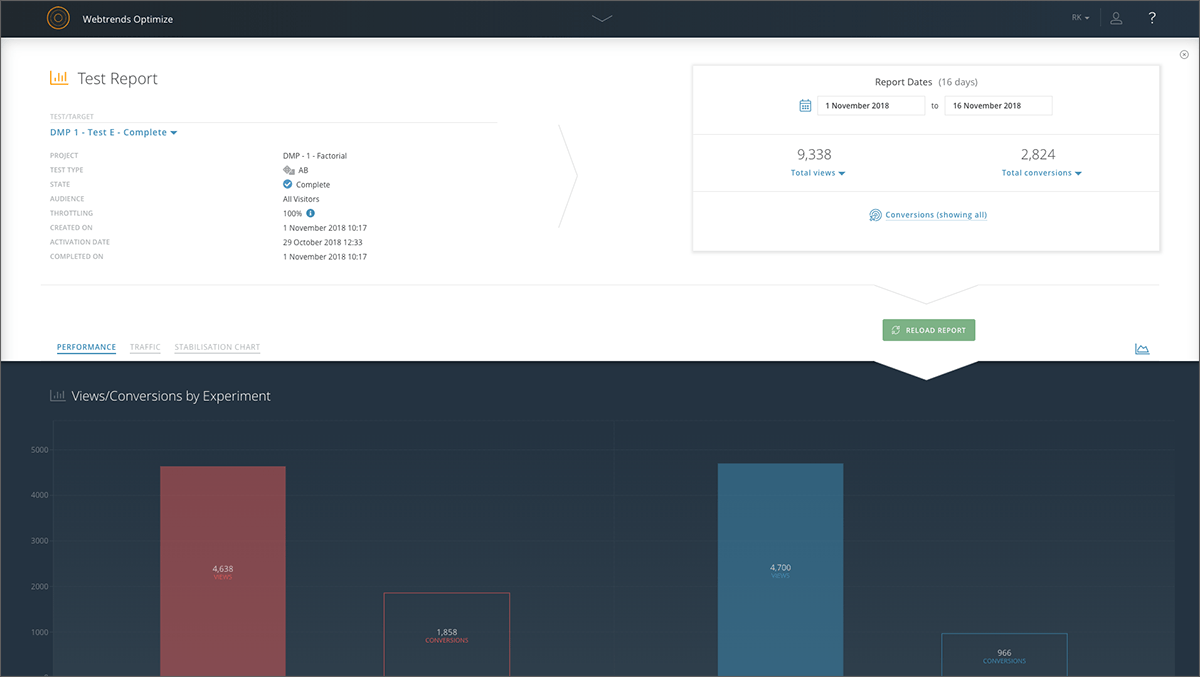
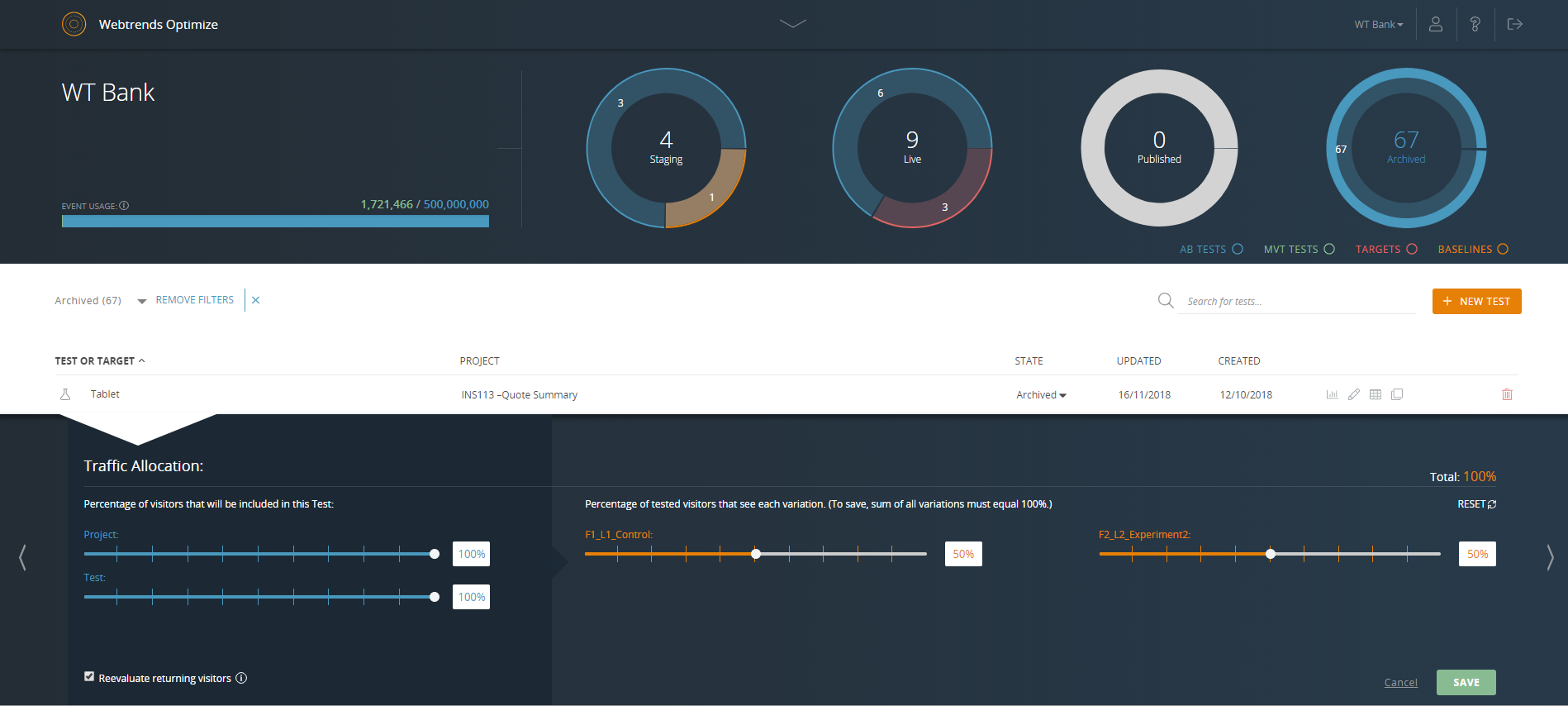
Screenshot of Reporting dashboard - default viewScreenshot of Specific experiment report - top level overviewScreenshot of Drag & drop segmentation moduleScreenshot of Point & click WYSIWYG Visual EditorScreenshot of Reporting dashboard - specific test or target overviewScreenshot of Reporting dashboard - specific test or target throttle settings