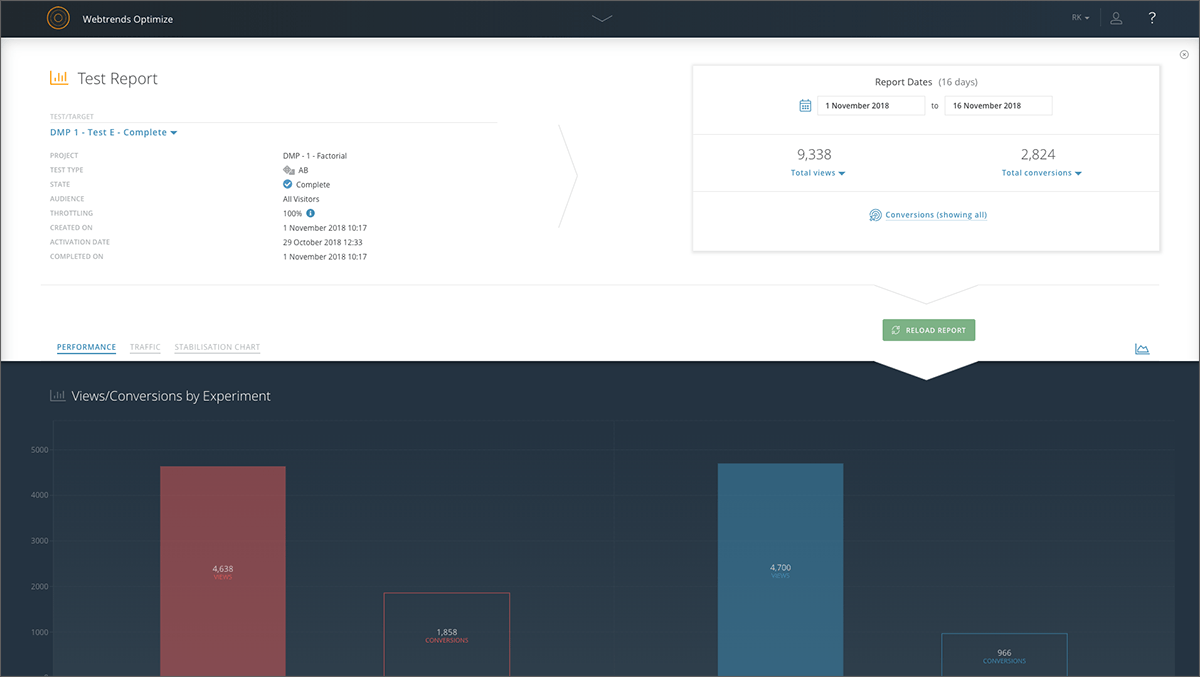
Webtrends Optimize is a web optimization platform and is offered by the company of the same name. The product competes most often with Adobe Test and Target, Maxymiser, SiteSpect, and Optimizely.
N/A
Pricing
Webtrends Optimize
Editions & Modules
No answers on this topic
Offerings
Pricing Offerings
Webtrends Optimize
Free Trial
Yes
Free/Freemium Version
No
Premium Consulting/Integration Services
Yes
Entry-level Setup Fee
No setup fee
Additional Details
There is no tiering and no different prices for different tools. The entire feature set is available to all users as standard at one price, agreed up front.
A de minimis incentive was given to thank the reviewer for their time. The incentive was not used to bias or drive a particular response, nor was the incentive contingent on a positive endorsement. More Info
Verified User
Chose Webtrends Optimize
There's a LOT of B2B software out there. It's easy to get lost in all of the incoherent noise, between different programs. Webtrends is constantly updating and working with their users to create the best experience possible. I would highly recommend webtrends, and as a second …
A de minimis incentive was given to thank the reviewer for their time. The incentive was not used to bias or drive a particular response, nor was the incentive contingent on a positive endorsement. More Info
Verified User
Chose Webtrends Optimize
Webtrends Optimize is one of the best solutions out there for digital marketers to improve their sales by providing a better experience for their customers' journey. With that said, it is also a costly solution in comparison to other services in the market today. The adage of …
A de minimis incentive was given to thank the reviewer for their time. The incentive was not used to bias or drive a particular response, nor was the incentive contingent on a positive endorsement. More Info
Head of E-commerce in Marketing at Virgin Wines (Wine and Spirits, 51-200 employees)
Chose Webtrends Optimize
Webtrends, Qubit and Maxymiser were all excellent companies to work with. There's honestly not much between them in my experience. I selected Webtrends based on the quality of their consultants.
A de minimis incentive was given to thank the reviewer for their time. The incentive was not used to bias or drive a particular response, nor was the incentive contingent on a positive endorsement. More Info
Onsite ABn & MVT Testing Manager | Site & Conversion Rate Optimisation in Information Technology at Lloyds Banking Group (Financial Services, 10,001+ employees)
A de minimis incentive was given to thank the reviewer for their time. The incentive was not used to bias or drive a particular response, nor was the incentive contingent on a positive endorsement. More Info
E-Marketing Analyst in Marketing at Epson Europe B.V. (Computer Hardware, 1001-5000 employees)
Chose Webtrends Optimize
Webtrends Optimize can be used for much more complex tests, allows better conversion tracking and data collection. Visual Website Optimizer (VWO) is suitable for smaller, simple projects. Webtrends Optimize comes with an excellent consultancy that could save you a lot of time …
A de minimis incentive was given to thank the reviewer for their time. The incentive was not used to bias or drive a particular response, nor was the incentive contingent on a positive endorsement. More Info
Senior Account Executive in Marketing at Volume (Marketing and Advertising, 51-200 employees)
Chose Webtrends Optimize
Webtrends Optimize definitely gave me a more comphrensive overview of the product
Verified User
Chose Webtrends Optimize
Omniture: extreme feature set and integration with business intelligence and other systems. The problem was price. I was never able to convince management that the price tag was justified.
Key User Insights
Would buy again
No answers on this topic
Delivers good value for the price
No answers on this topic
Happy with the feature set
No answers on this topic
Lived up to sales and marketing promises
No answers on this topic
Implementation went as expected
No answers on this topic
Features
Webtrends Optimize
Testing and Experimentation
Comparison of Testing and Experimentation features of Webtrends Optimize
Feature
Webtrends Optimize
8.3
1 Ratings
1% above category average
a/b experiment testing
9.11 Ratings
Split URL testing
8.21 Ratings
Multivariate testing
8.21 Ratings
Multi-page/funnel testing
8.21 Ratings
Cross-browser testing
8.21 Ratings
Mobile app testing
8.21 Ratings
Test significance
8.21 Ratings
Visual / WYSIWYG editor
8.21 Ratings
Advanced code editor
8.21 Ratings
Page surveys
8.21 Ratings
Visitor recordings
8.21 Ratings
Preview mode
8.21 Ratings
Test duration calculator
8.21 Ratings
Experiment scheduler
8.21 Ratings
Experiment workflow and approval
8.21 Ratings
Dynamic experiment activation
8.21 Ratings
Client-side tests
9.11 Ratings
Server-side tests
8.21 Ratings
Mutually exclusive tests
8.21 Ratings
Audience Segmentation & Targeting
Comparison of Audience Segmentation & Targeting features of Webtrends Optimize
Feature
Webtrends Optimize
8.2
1 Ratings
4% below category average
Standard visitor segmentation
9.11 Ratings
Behavioral visitor segmentation
8.21 Ratings
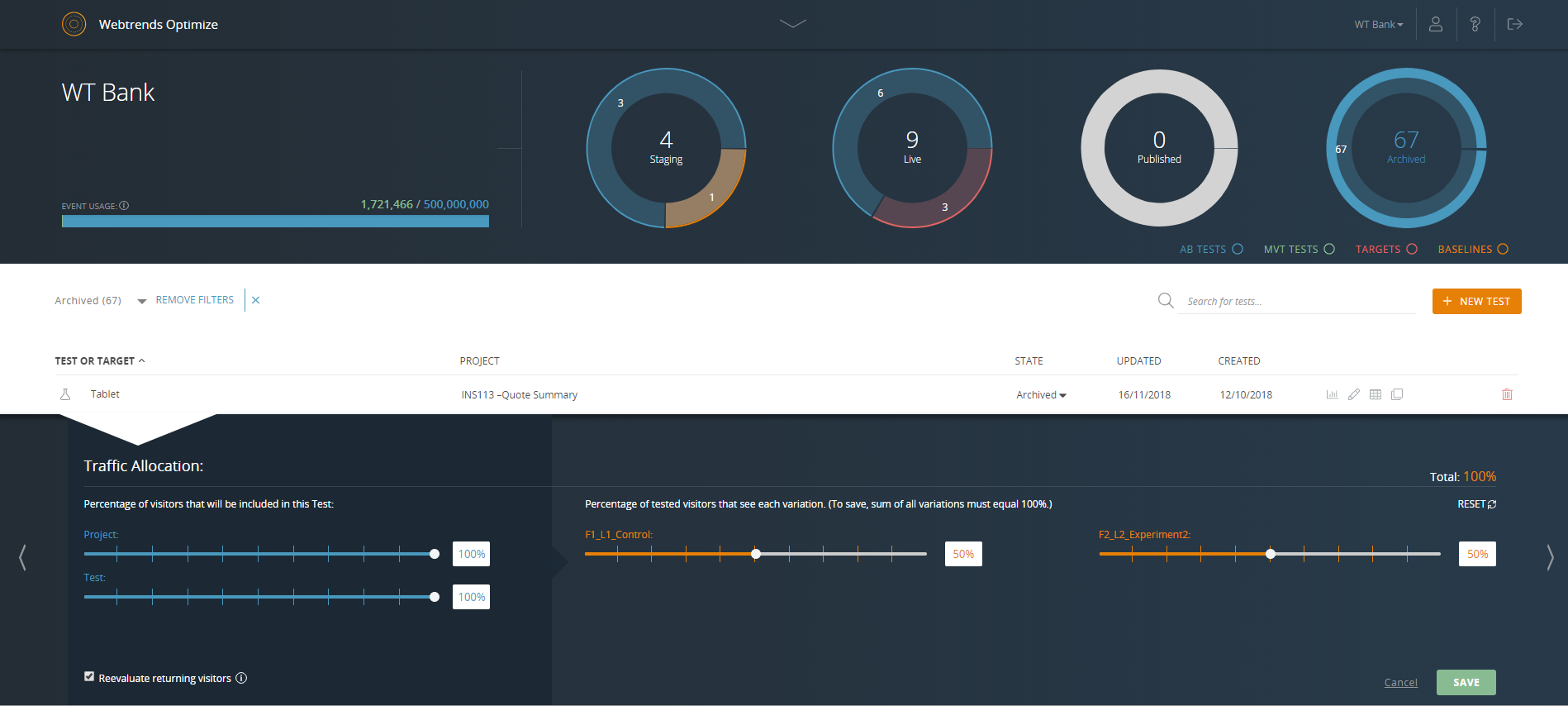
Traffic allocation control
7.31 Ratings
Website personalization
8.21 Ratings
Results and Analysis
Comparison of Results and Analysis features of Webtrends Optimize
Webtrends optimize is a marketing solution aimed squarely at transactional and eCom based websites. I would only recommend a colleague to engage with the solution once the marketing dept is at a point where their website is fully optimized in regards to SEO and all the other fundamentals in order to truly build upon what Webtrends can offer. This shows you an easier way of measuring your ROI and the money you will invest with the tool-moving forward.
A de minimis incentive was given to thank the reviewer for their time. The incentive was not used to bias or drive a particular response, nor was the incentive contingent on a positive endorsement. More Info
Intuitive test set-up makes for a low learning curve.
Ability to create custom data tables which enable exporting of visitor level data for more in-depth analysis outside of the Webtrends Optimize platform.
The cost is a factor. When you're trying to save money, particularly as a startup (a lot of our clients are up-and-comers) it has to be seen as an investment...but the cost to implement the system is fairly large.
There's a bit of a steep learning curve, you can't just dive into the program.
It's not impossible but it's not as easy as snapping your fingers to easily implement the program cross-platform.
A de minimis incentive was given to thank the reviewer for their time. The incentive was not used to bias or drive a particular response, nor was the incentive contingent on a positive endorsement. More Info
Set up of basic tests that do not use segmentation or targeting is an intuitive experience that can be learned quickly by new users. However, as the need for segmentation and other more advanced capabilities arise, the experience begins to degrade.
Webtrends Optimize can be used for much more complex tests, allows better conversion tracking and data collection. Visual Website Optimizer (VWO) is suitable for smaller, simple projects. Webtrends Optimize comes with an excellent consultancy that could save you a lot of time and resources
So far we haven't seen an ROI that we can accurately measure due to only running a couple of tests that haven't resulted in direct, site wide changes. However, we have learnt a lot about how to set up the right processes and documentation.