

Chose Google Content Experiments (discontinued)
Google Content Experiments (discontinued) vs. Unbounce
| Product | Rating | Most Used By | Product Summary | Starting Price |
|---|---|---|---|---|
 Google Content Experiments (discontinued) | Score7.3 out of 10 | N/A | Google Content Experiments was a tool that can be used to create A/B test from within Google Analytics. It has been discontinued since 2019, and Google now recommends using its Google Optimize service for A/B testing. | N/A |
 Unbounce | Score8.1 out of 10 | Mid-Size Companies (51-1,000 employees) | Unbounce is a landing page builder for marketers. Marketers can use the drag and drop platform to create customized, responsive landing pages for their marketing campaigns. | $99 per month |
| Google Content Experiments (discontinued) | Unbounce | |||||||||||||||
|---|---|---|---|---|---|---|---|---|---|---|---|---|---|---|---|---|
| Editions & Modules | No answers on this topic |
| ||||||||||||||
| Offerings |
| |||||||||||||||
| Entry-level Setup Fee | No setup fee | Optional | ||||||||||||||
| Additional Details | — | All plans include: Unlimited conversions, Unlimited subdomains, 1000+ integrations, Built-in AI copywriting, and Customer support. Discount available for annual pricing. | ||||||||||||||
| More Pricing Information | ||||||||||||||||
| Google Content Experiments (discontinued) | Unbounce | |
|---|---|---|
| Considered Both Products | | Chose Unbounce Unbounce is slightly different from Optimizely, Visual Website Optimizer and Google Content Experiments because it is essentially a tool for building landing pages rather than testing any aspect of your website. Unbounce solved a problem for us because we wanted to build … Independently Invited by TrustRadius A de minimis incentive was given to thank the reviewer for their time. The incentive was not used to bias or drive a particular response, nor was the incentive contingent on a positive endorsement. More Info |
| Key User Insights | ||
| Would buy again | ||
No answers on this topic | 70% Would buy again 14 Answers | |
| Delivers good value for the price | ||
No answers on this topic | 82% Delivers good value for the price 14 Answers | |
| Happy with the feature set | ||
No answers on this topic | 85% Happy with the feature set 17 Answers | |
| Lived up to sales and marketing promises | ||
No answers on this topic | 72% Lived up to sales and marketing promises 13 Answers | |
| Implementation went as expected | ||
No answers on this topic | 89% Implementation went as expected 17 Answers | |

| Google Content Experiments (discontinued) | Unbounce | |||||||||||||||||||||||||||||||||||||||||||||||||||||||||||||
|---|---|---|---|---|---|---|---|---|---|---|---|---|---|---|---|---|---|---|---|---|---|---|---|---|---|---|---|---|---|---|---|---|---|---|---|---|---|---|---|---|---|---|---|---|---|---|---|---|---|---|---|---|---|---|---|---|---|---|---|---|---|---|
| Testing and Experimentation |
| |||||||||||||||||||||||||||||||||||||||||||||||||||||||||||||
| Audience Segmentation & Targeting |
| |||||||||||||||||||||||||||||||||||||||||||||||||||||||||||||
| Results and Analysis |
| |||||||||||||||||||||||||||||||||||||||||||||||||||||||||||||
| SEO and Conversion Optimization |
| |||||||||||||||||||||||||||||||||||||||||||||||||||||||||||||
| Google Content Experiments (discontinued) | Unbounce | |
|---|---|---|
| Small Businesses |  Google Optimize Score6.7 out of 10 |  Instapage Score7.6 out of 10 |
| Medium-sized Companies |  AB Tasty Score8.8 out of 10 | Instapage Score7.6 out of 10 |
| Enterprises | Google Optimize Score6.7 out of 10 | No answers on this topic |
| All Alternatives | View all alternatives | View all alternatives |
| Google Content Experiments (discontinued) | Unbounce | |
|---|---|---|
| Likelihood to Recommend | 9.0 | 8.2 |
| Likelihood to Renew | 7.5 | 7.7 |
| Usability | - | 7.0 |
| Availability | - | 9.1 |
| Support Rating | 8.0 | 9.6 |
| Implementation Rating | - | 6.0 |
| Google Content Experiments (discontinued) | Unbounce | |
|---|---|---|
| Likelihood to Recommend |
|
|
| Pros |
|
|
| Cons |
|
|
| Likelihood to Renew |
|
|
| Usability | No answers on this topic |
|
| Support Rating |
|
|
| Implementation Rating | No answers on this topic |
|
| Alternatives Considered |
|
|
| Return on Investment |
|
|
| ScreenShots | Unbounce Screenshots   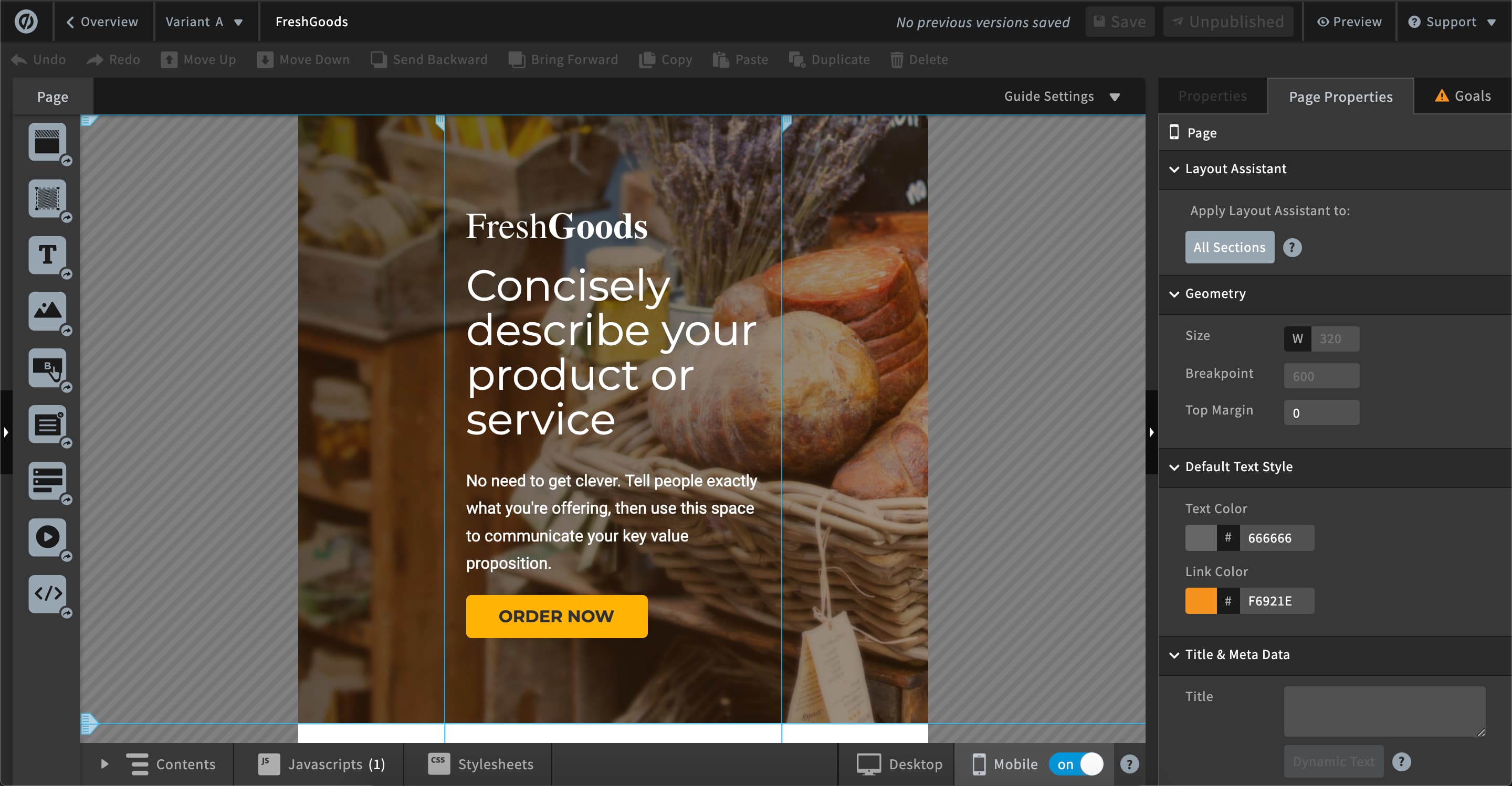  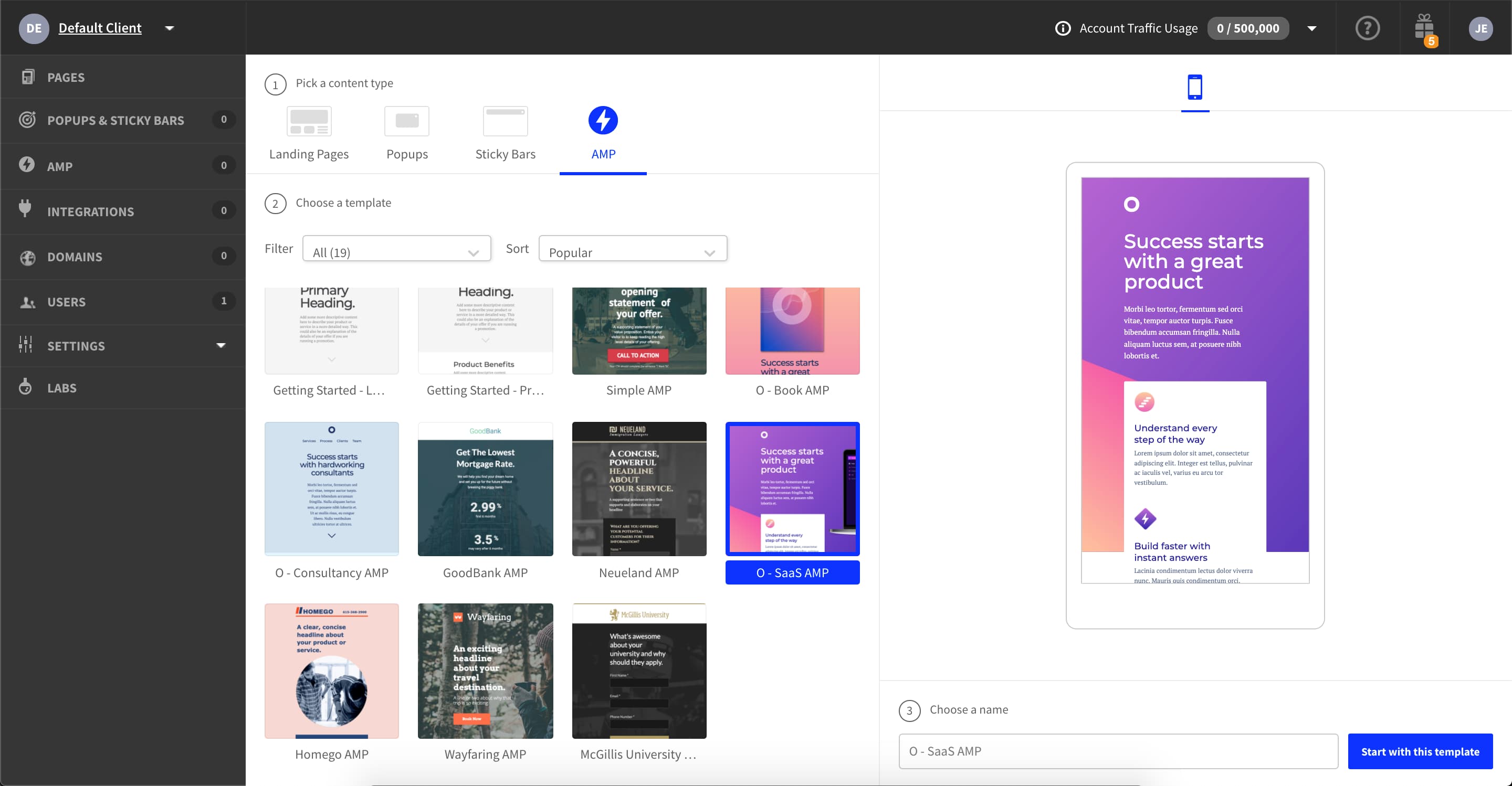 |


