
GoodSync vs. Google Backup and Sync (discontinued)
| Product | Rating | Most Used By | Product Summary | Starting Price |
|---|---|---|---|---|
 GoodSync | Score10 out of 10 | N/A | GoodSync for Business provides complete enterprise data backup and synchronization across data sources, destinations, and systems. The GoodSync for Business Control Center is specifically designed to minimize user interaction and increase management control by deploying pre-created GoodSync backup and synchronization jobs to GoodSync for Business Workstations and GoodSync for Business Servers, and enabling an administrator to monitor performance from a centralized location. | N/A |
 Google Backup and Sync (discontinued) | Score7.9 out of 10 | N/A | Google backup and sync was used to copy files from their computer to Google Drive's cloud services. Google Backup and sync includes file versioning and collaboration tools. Google Backup and Sync functionality is being replaced by the Drive for Desktop client, a feature of Google Drive. Users of Backup and Sync are encouraged to migrate. | N/A |
| GoodSync | Google Backup and Sync (discontinued) | |||||||||||||||
|---|---|---|---|---|---|---|---|---|---|---|---|---|---|---|---|---|
| Editions & Modules | No answers on this topic | No answers on this topic | ||||||||||||||
| Offerings |
| |||||||||||||||
| Entry-level Setup Fee | No setup fee | No setup fee | ||||||||||||||
| Additional Details | — | — | ||||||||||||||
| More Pricing Information | ||||||||||||||||
| GoodSync | Google Backup and Sync (discontinued) | |
|---|---|---|
| Considered Both Products | No answer on this topic | No answer on this topic |
| Key User Insights | ||
| Would buy again | ||
No answers on this topic | 100% Would buy again 5 Answers | |
| Delivers good value for the price | ||
No answers on this topic | 100% Delivers good value for the price 5 Answers | |
| Happy with the feature set | ||
No answers on this topic | 100% Happy with the feature set 5 Answers | |
| Lived up to sales and marketing promises | ||
No answers on this topic | No answers on this topic | |
| Implementation went as expected | ||
No answers on this topic | No answers on this topic | |
| GoodSync | Google Backup and Sync (discontinued) | |||||||||||||||||||||||||
|---|---|---|---|---|---|---|---|---|---|---|---|---|---|---|---|---|---|---|---|---|---|---|---|---|---|---|
| Data Center Backup |
| |||||||||||||||||||||||||
| Enterprise Backup |
| |||||||||||||||||||||||||
| GoodSync | Google Backup and Sync (discontinued) | |
|---|---|---|
| Small Businesses |  NAKIVO Backup & Replication Score9.7 out of 10 | No answers on this topic |
| Medium-sized Companies |  Druva Security Cloud Score9.7 out of 10 | No answers on this topic |
| Enterprises | Druva Security Cloud Score9.7 out of 10 | No answers on this topic |
| All Alternatives | View all alternatives | View all alternatives |
| GoodSync | Google Backup and Sync (discontinued) | |
|---|---|---|
| Likelihood to Recommend | 10.0 | 9.6 |
| Usability | - | 9.0 |
| Support Rating | - | 8.2 |
| GoodSync | Google Backup and Sync (discontinued) | |
|---|---|---|
| Likelihood to Recommend |
|
|
| Pros |
|
|
| Cons |
|
|
| Usability | No answers on this topic |
|
| Support Rating | No answers on this topic |
|
| Alternatives Considered |
|
|
| Return on Investment |
|
|
| ScreenShots | GoodSync Screenshots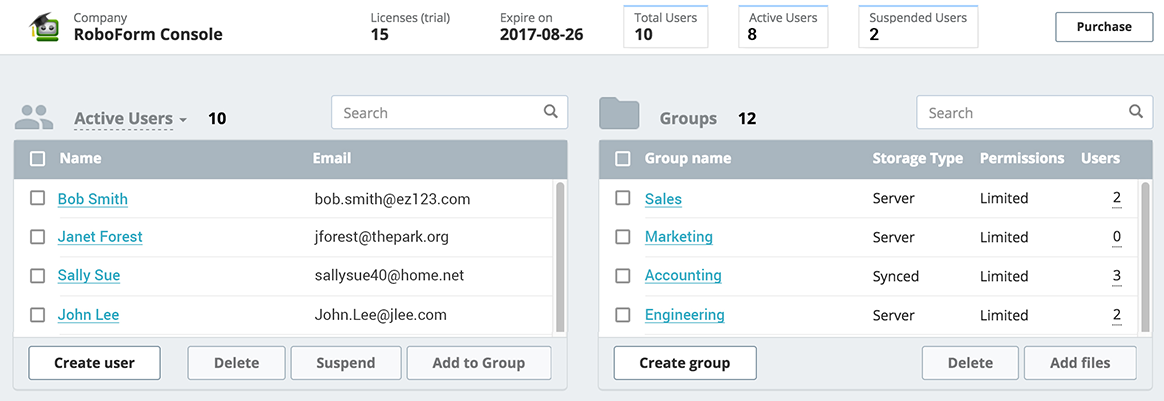 |

