
GoodSync
| Product | Rating | Most Used By | Product Summary | Starting Price |
|---|---|---|---|---|
 GoodSync | Score10 out of 10 | N/A | GoodSync for Business provides complete enterprise data backup and synchronization across data sources, destinations, and systems. The GoodSync for Business Control Center is specifically designed to minimize user interaction and increase management control by deploying pre-created GoodSync backup and synchronization jobs to GoodSync for Business Workstations and GoodSync for Business Servers, and enabling an administrator to monitor performance from a centralized location. | N/A |
| GoodSync | |||||||||||
|---|---|---|---|---|---|---|---|---|---|---|---|
| Editions & Modules | No answers on this topic | ||||||||||
| Offerings |
| ||||||||||
| Entry-level Setup Fee | No setup fee | ||||||||||
| Additional Details | — | ||||||||||
| More Pricing Information | |||||||||||
| GoodSync | |||||||||||||||||
|---|---|---|---|---|---|---|---|---|---|---|---|---|---|---|---|---|---|
| Data Center Backup |
| ||||||||||||||||
| Enterprise Backup |
|
| GoodSync | |
|---|---|
| Small Businesses |  NAKIVO Backup & Replication Score9.7 out of 10 |
| Medium-sized Companies |  Druva Security Cloud Score9.7 out of 10 |
| Enterprises | Druva Security Cloud Score9.7 out of 10 |
| All Alternatives | View all alternatives |
| GoodSync | |
|---|---|
| Likelihood to Recommend | 10.0 |
| GoodSync | |
|---|---|
| Likelihood to Recommend |
|
| Pros |
|
| Cons |
|
| Alternatives Considered |
|
| Return on Investment |
|
| ScreenShots | GoodSync Screenshots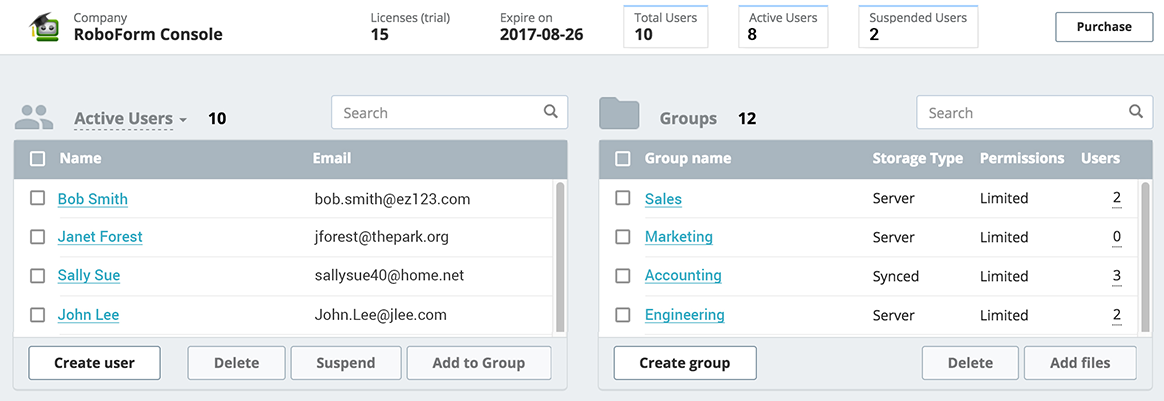 |

