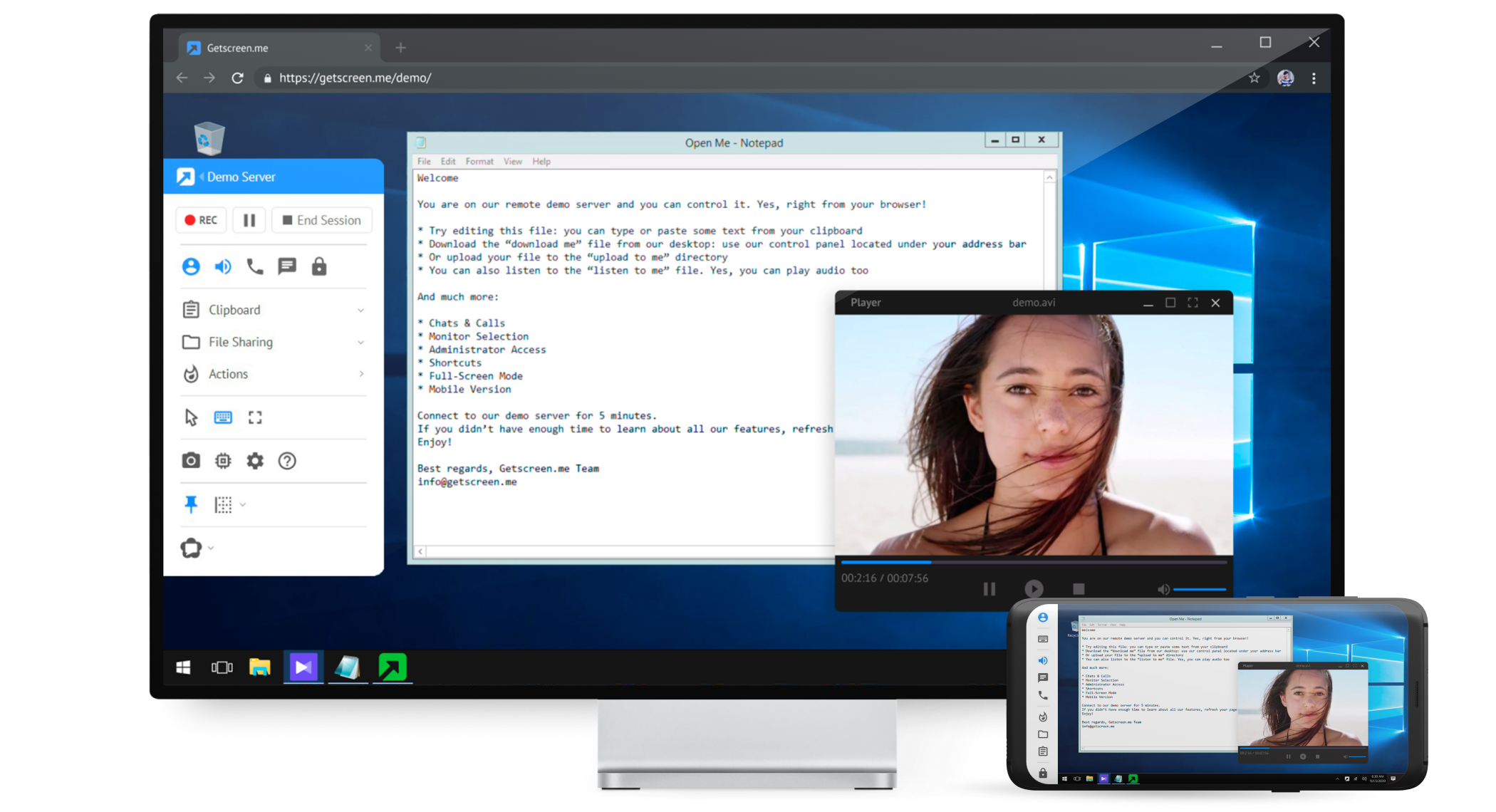
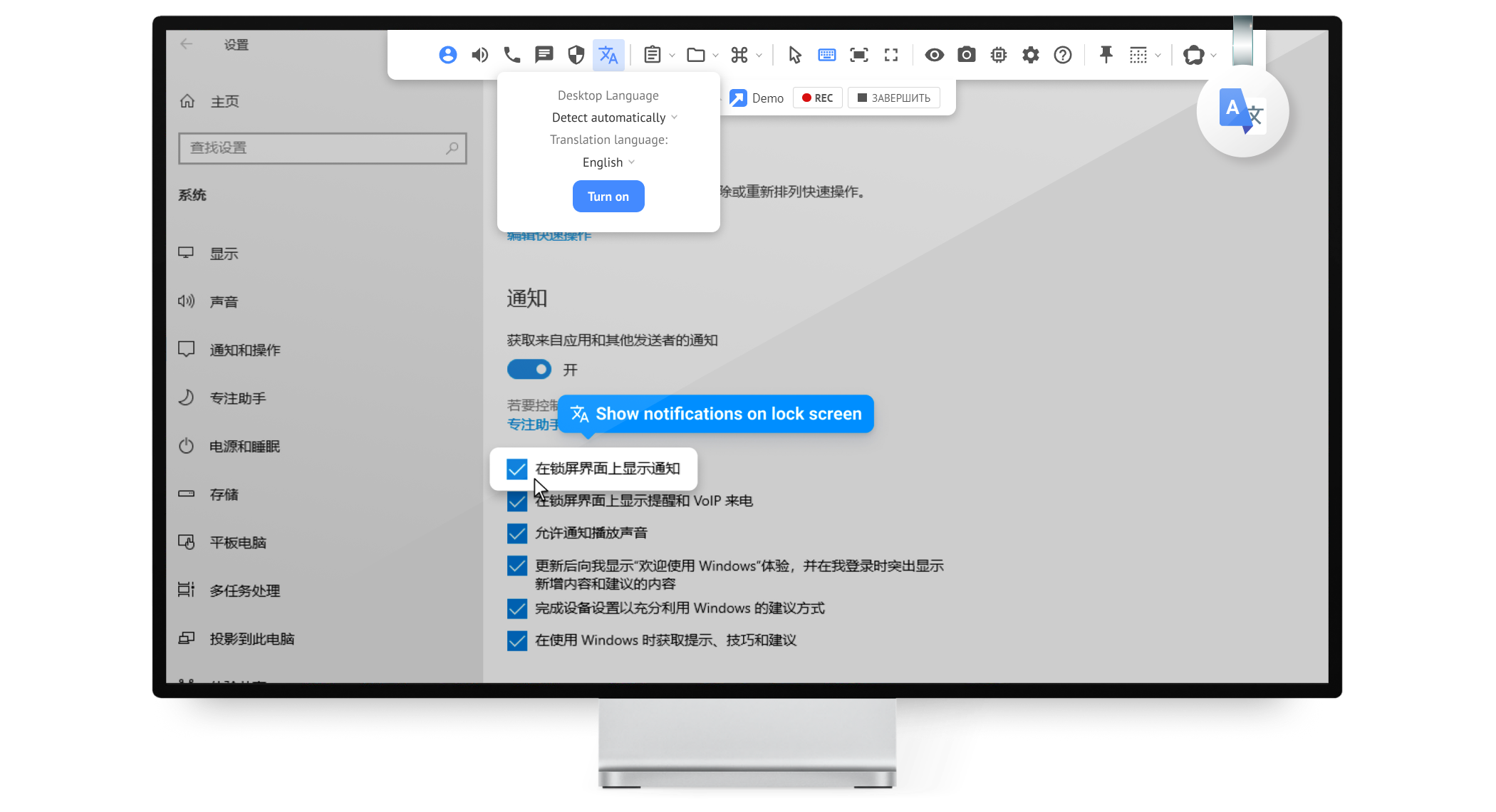
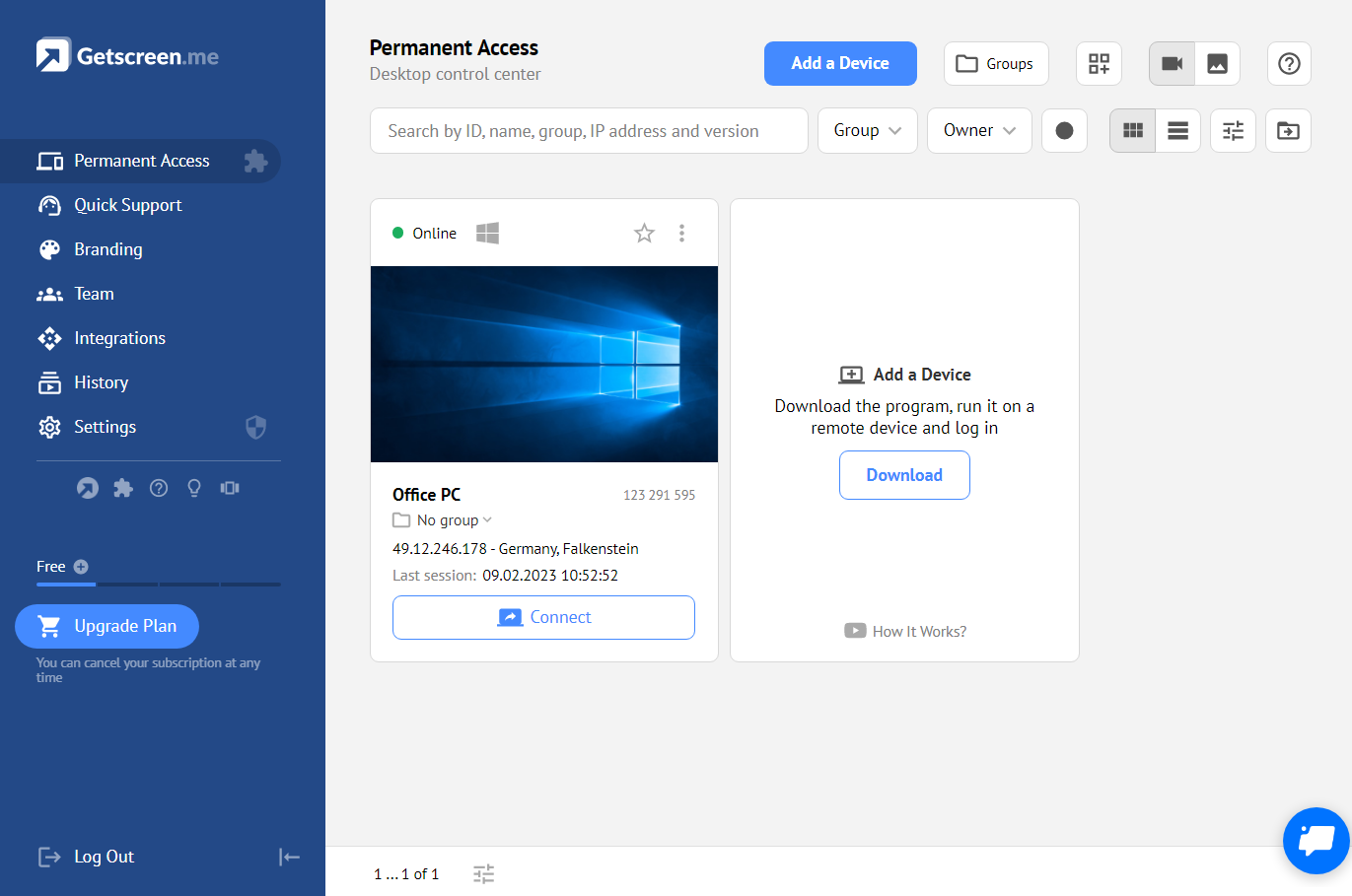
Getscreen.me is a cloud-based software for administration, technical support and remote work. Service provides remote desktop access from a browser, without any installation. It has permanent access and boasts quick support and instantaneous connection, with computers in the user's personal cabinet. The service works over the HTTPS protocol, which includes AES encryption.
$0
Splashtop
Score 8.5 out of 10
N/A
Splashtop is a software solution for both remote access and remote support. Boasting 30+ million customers worldwide and users among both large and small organizations across the globe, Splashtop presents their solution as secure, high-performing, and fit to specific use-cases. Splashtop is ISO certified, SOC 2 and GDPR compliant. Splashtop Remote Access provides remote desktop connections for business professionals and teams to work from anywhere, using any device.…
$8.25
per month per user, billed annually
Pricing
Getscreen.me
Splashtop
Editions & Modules
Free
$0
Standard
$5
per month per user, per device
Advanced
$8
per month per user, per device
Enterprise
$10
per month per user, per device
Splashtop Remote Access Pro
$8.25
per month per user, billed annually
Splashtop Remote Access Performance
$13.00
per month per user, billed annually
Splashtop Remote Support Enterprise
Contact Sales
per month per concurrent technician, billed annually
Splashtop Remote Access Enterprise
Contact Sales
per month per user, billed annually
Splashtop On-Prem
Contact Sales
Splashtop Autonomous Endpoint Management (AEM)
Contact Sales
per month per endpoint, billed annually
Splashtop Remote Support SOS
Starting at $22.00
per month per concurrent technician, billed annually
Offerings
Pricing Offerings
Getscreen.me
Splashtop
Free Trial
Yes
Yes
Free/Freemium Version
Yes
No
Premium Consulting/Integration Services
No
No
Entry-level Setup Fee
No setup fee
No setup fee
Additional Details
16% discount with an annual subscription
—
More Pricing Information
Community Pulse
Getscreen.me
Splashtop
Features
Getscreen.me
Splashtop
Remote Administration
Comparison of Remote Administration features of Product A and Product B
It's well suited for IT employees who want to have an easy way to connect to other empoyees or customers. the quck conenct functionallity is easy to use and setup. Unfortunitly in germany some customers got slow internet and the performance from getscreen.me is not so great compaired to other remote desktop software.
Well Suited for Remote users with PCs needing to login to specific remote PC's. It is less functional for remote users on Cell phones although Cell phone users can look on the remote PC to see if they need to logon from a desktop to conduct transactions
Unbelievable performance! It's so fast I tested a PC game through it just for fun, and it was incredible!
The increase in productivity throughout our organization has been notable. The flexibility of employees to occasionally work remotely, when needed, has been hugely beneficial.
Enterprise IT tools like One-to-Many actions has saved us a lot of time and headache in certain situations, such as deploying a basic MSI or script. SOS has been a saving grace for some employees to receive remote IT support in emergency situations, as well.
Splashtop had a functionality issue with a Mac OS upgrade recently that prevented remote access for about two weeks. I had to request tickets directly and they had known about the impending issue without a collaborative solution between them and Apple.
Better Beta testing for version upgrades is always needed. Software is constantly changing so these types of platforms need to be at the forefront of resolving interoperability issues with Mac, Windows, Linux, etc.
The tech support for the issue I experience could have been more proactive. I was providing my client's IT provider and Splashtop with updates on the bug issue, where it should have been the other way around.
I believe that I will renew Splashtop without any problems in the coming years as eating stable costs without increases even in critical periods such as the Covid virus, Splashtop allows access to 25 unattended stations and has continuous updates and new features. It also allows resale to users with sub-accounts
For what we need it to do, it just works. And I'm sure that we're not even using it to the full extent of what it's capable and designed to do. If we had the need, Getscreen.me has many more features that we could implement. If the need arises in the future, it's great knowing that we already have a tool to utilize.
It's hard to find any significant faults with Splashtop. It offers a very responsive remote access experience with clear and simple interface. There's very little learning curve as it's toolbar mimics other popular remote access solutions graphical user interface. It's gives you access to your remote computer quickly and stays out of your way
I've never had any issues with it, nor any connectivity issues. They always say when they'll be maintaining the system and it's always in the odd hours, so nobody uses then. But I've never had any issues.
When I did reach out at the early days of using Getscreen.me I got a pretty prompt response, and all of my questions were answered. Since then, I have never needed to contact support. This is a GOOD thing!
Splashtop has good customer support - they respond quickly and provide adequate solutions, but we honestly rarely find ourselves needing to reach out to them. The software is so easy to use and about as plug-and-play as it gets, so we generally don't run into an issue that does not have an immediate, obvious solution provided in the software.
It couldn't have been any easier to setup and I have had no issues with it since it was implemented. It's a great product and makes remotely connecting to another device so simple and quick. I can't recommend it enough
While TeamViewer is a more mature/developed product. TeamViewer has more features and the interface is very similar but TeamViewer feels better. While TeamViewer currently takes the lead by a small margin for us, Getscreen.me is a very capable application for our needs. For the price/performance we prefer Getscreen.me.
Splashtop Business Enterprise is actually easier to implement and get it up and running, all users have to do is download the standard or personalize file and run it, then share the code with you and you are all set to go, i like it because you can even do it from your phone if necessary
It's a product that allows us to work remotely and access our servers from anywhere in the world. Our team works from different parts of the world and it's a great tool for us.
Since we cannot utilize an enterprise-level POS system, Splashtop bridges the data gap between our store locations and our headquarters. This is what enables us to function. Without remote terminal access, our business would be unable to operate. Period. I can't overstate this.