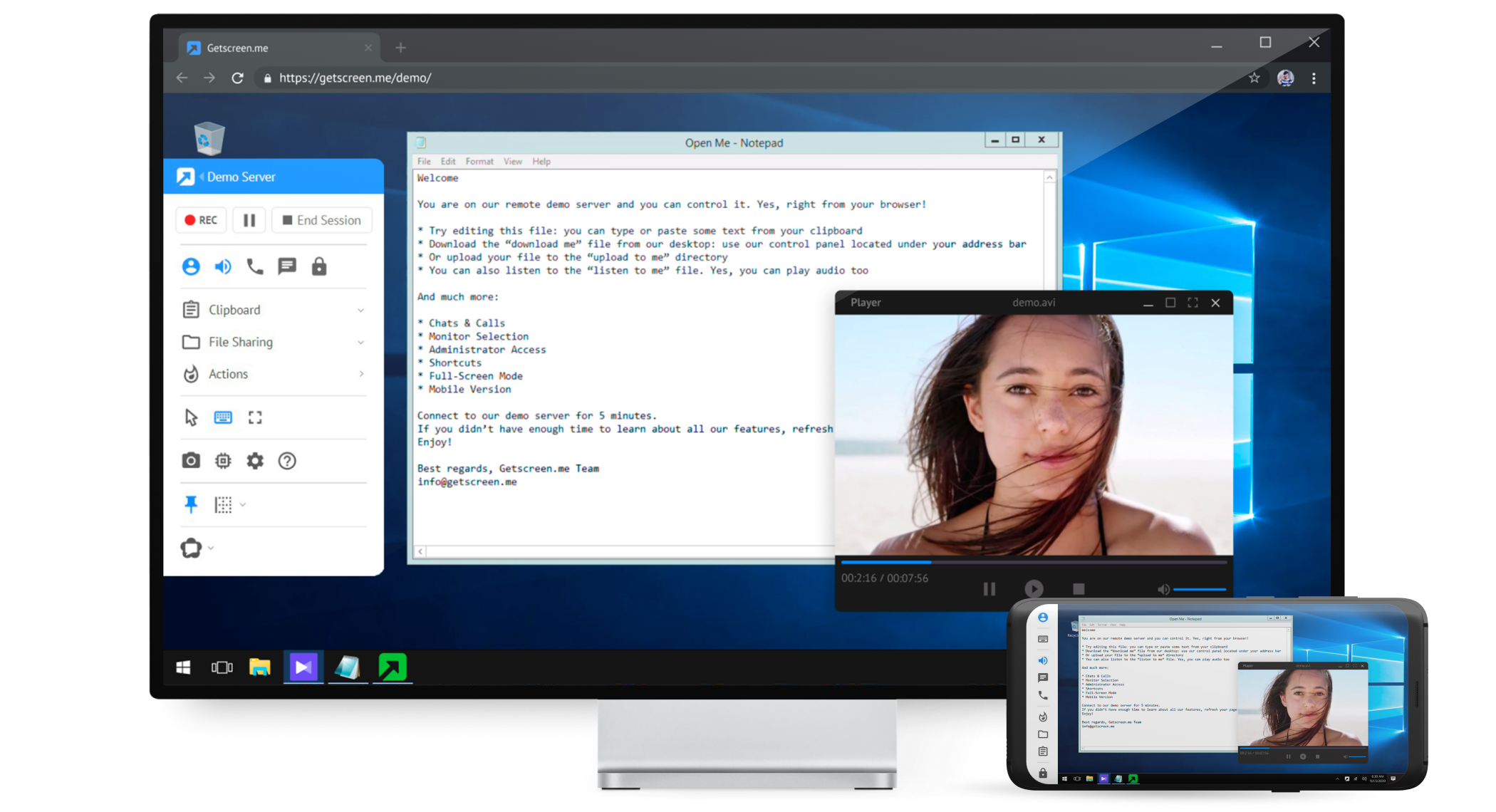
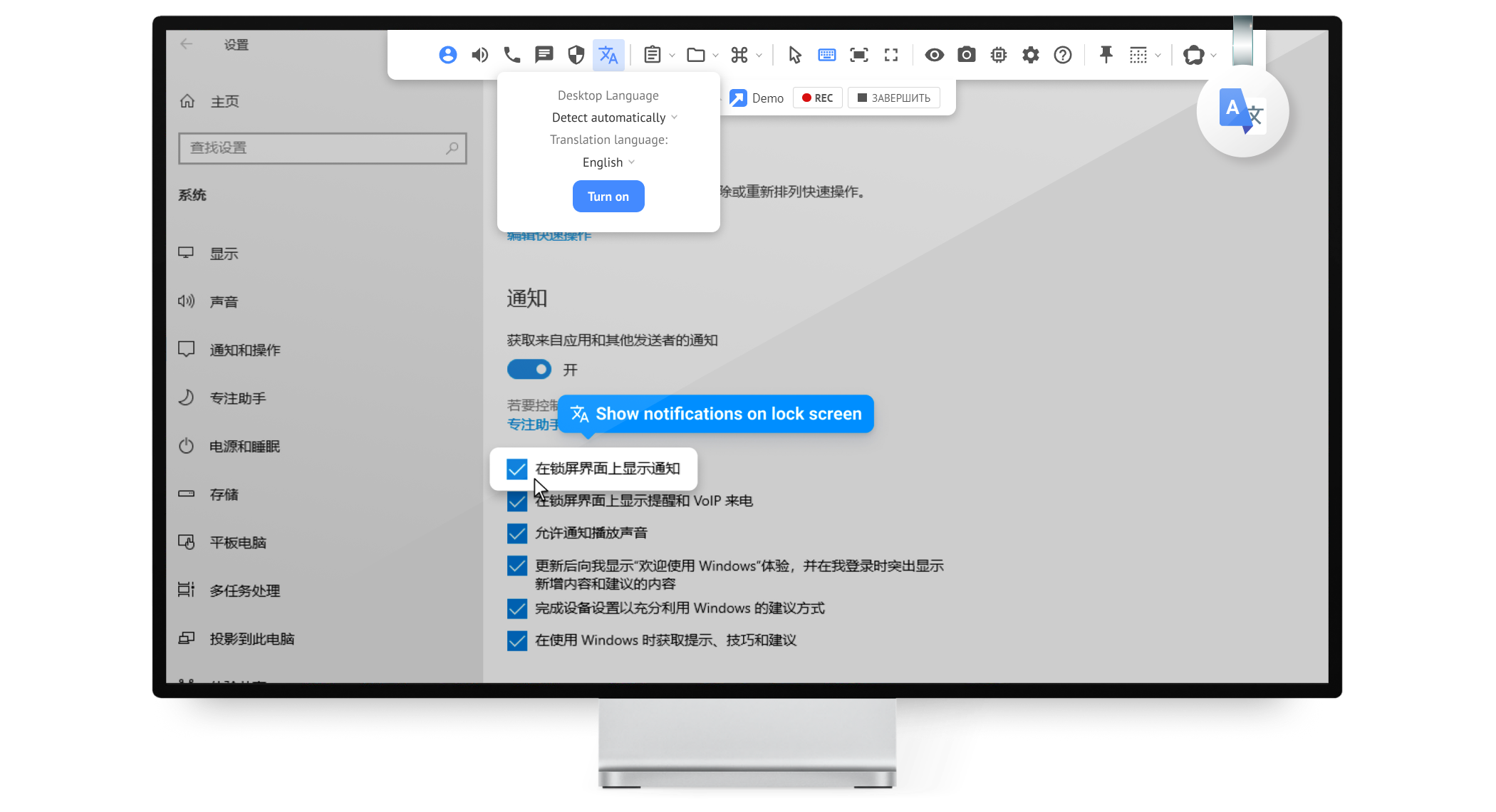
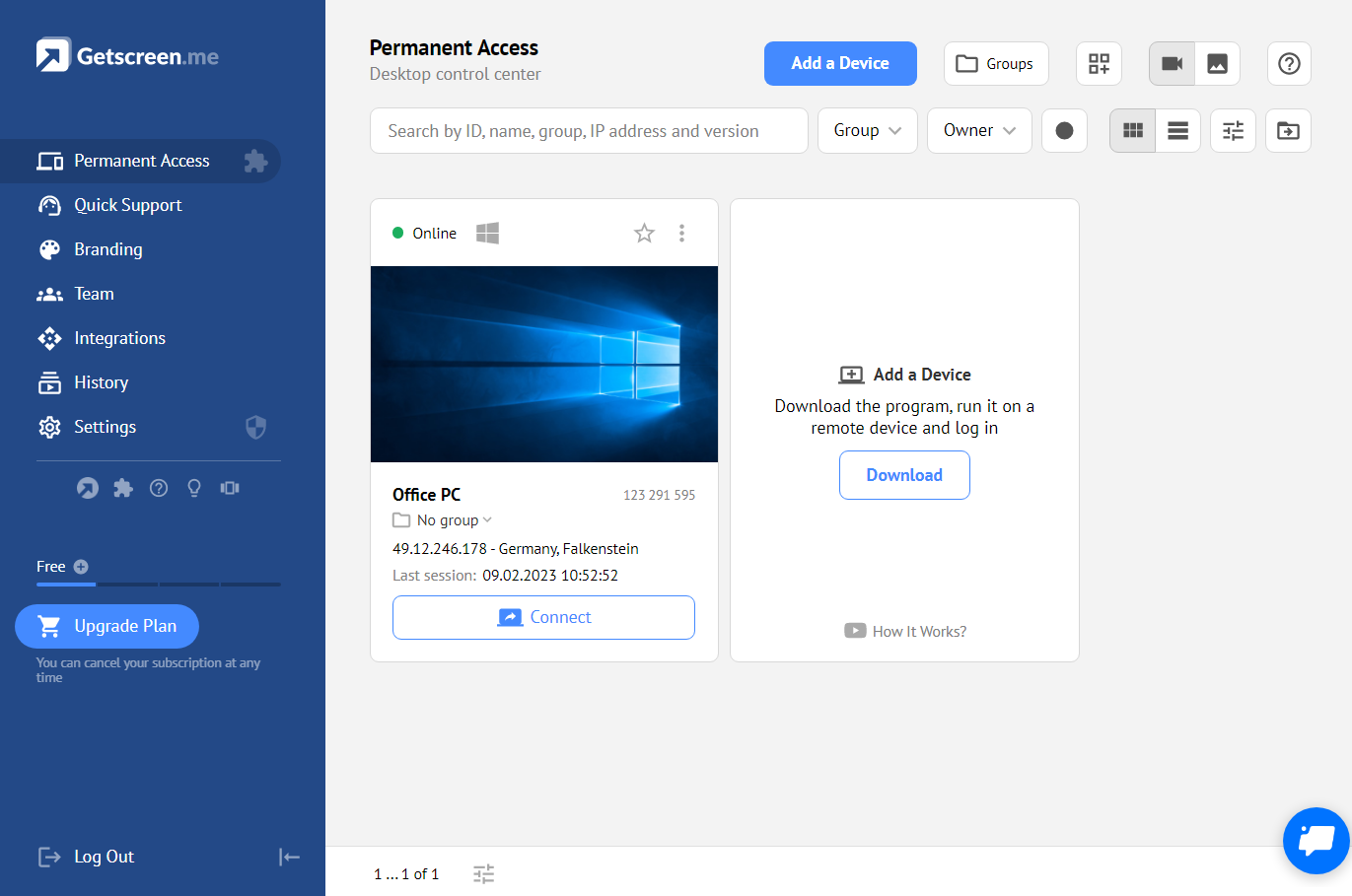
Getscreen.me is a cloud-based software for administration, technical support and remote work. Service provides remote desktop access from a browser, without any installation. It has permanent access and boasts quick support and instantaneous connection, with computers in the user's personal cabinet. The service works over the HTTPS protocol, which includes AES encryption.
$0
per user
ISL Light
Score9.2 out of 10
Small Businesses (1-50 employees)
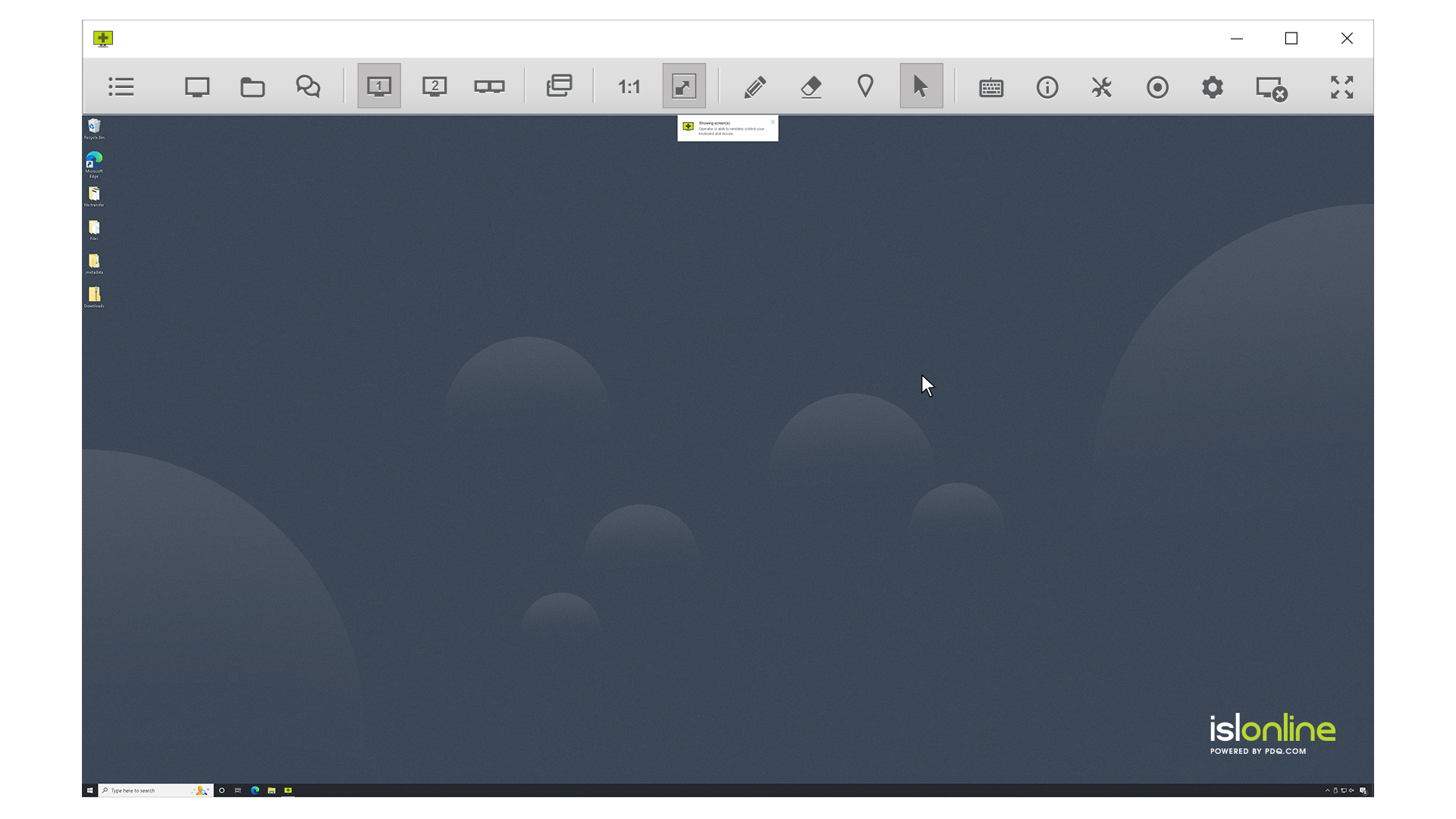
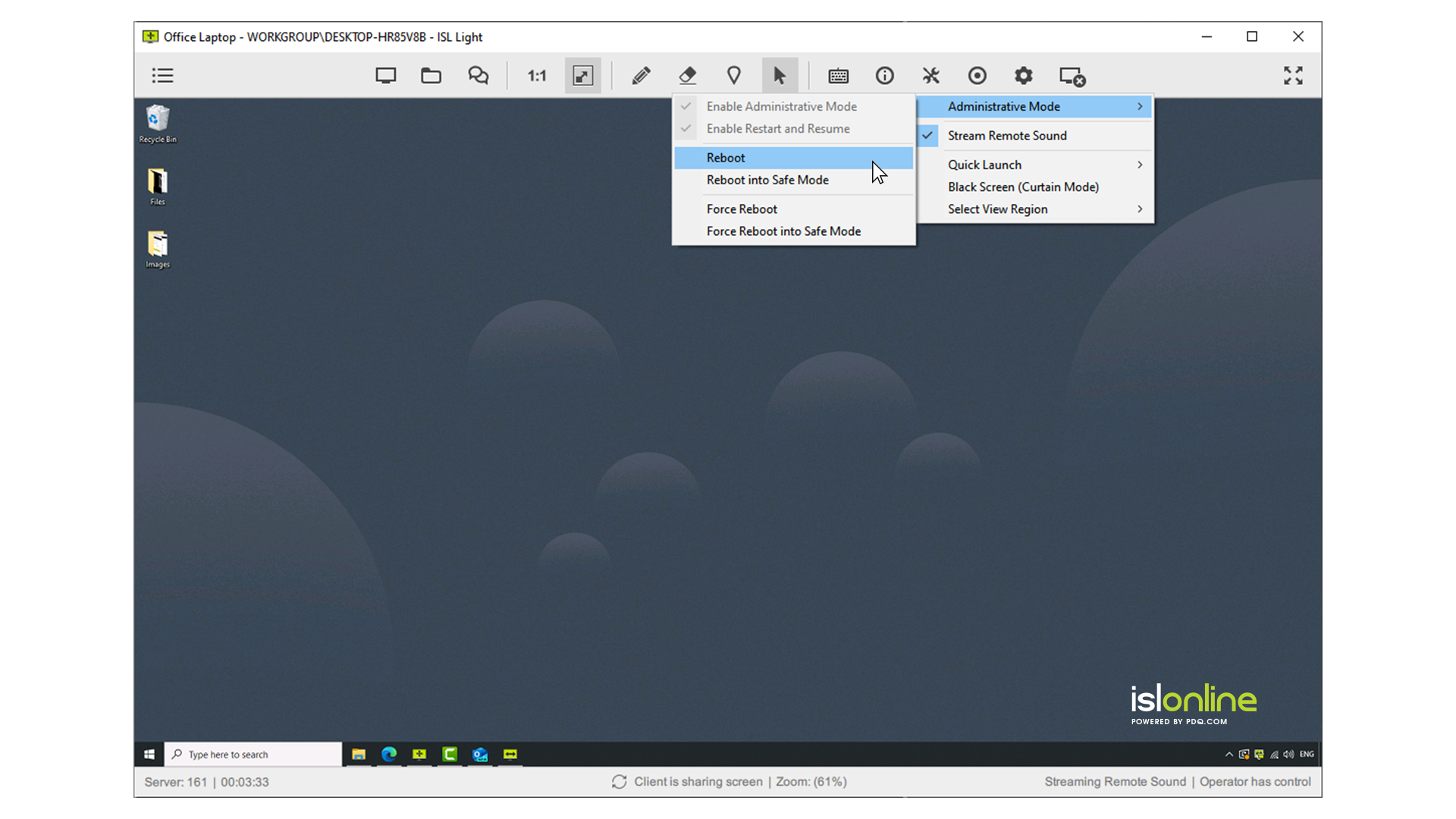
ISL Light is remote support and remote access software that enables SMBs and large enterprises to offer fast and efficient support and maintenance for Windows, Mac and Linux computers as well as mobile device support for Android and iOS.
$418
per year (1 concurrent user)
Pricing
Getscreen.me
ISL Light
Editions & Modules
Free
$0
Standard
$5
per month per user, per device
Advanced
$8
per month per user, per device
Enterprise
$10
per month per user, per device
Standard
$34.90
per month (billed annually) per concurrent user
Self-Hosted
$44.90
per month (billed annually) per concurrent user
Premium
$54.90
per month (billed annually) per concurrent user
Enterprise (Managed Private Cloud)
$23,976
per year 20 concurrent users
Offerings
Pricing Offerings
Getscreen.me
ISL Light
Free Trial
Yes
Yes
Free/Freemium Version
Yes
No
Premium Consulting/Integration Services
Yes
Yes
Entry-level Setup Fee
No setup fee
No setup fee
Additional Details
16% discount with an annual subscription
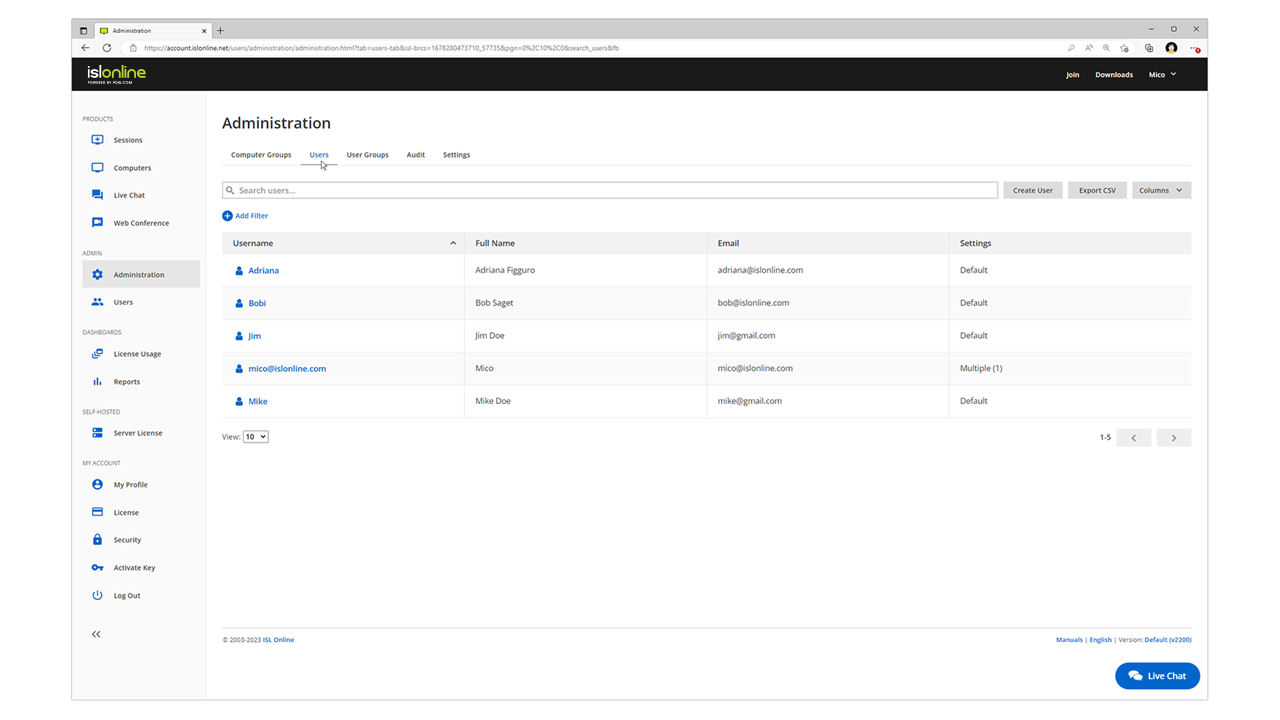
ISL Online's pricing model considers the number of licenses purchased, which determines the maximum number of concurrent users within the organization. A concurrent user is defined as anyone running one or more sessions simultaneously from any device. There are no restrictions on the number of ISL Light users within a company or the remote devices managed.
For example, with three licenses, an unlimited number of people in a company can use ISL Light and can access an unlimited number of remote devices, but only three users can use it concurrently. When one of these three users ends their session, a fourth user can begin their session, and so on.
More Pricing Information
Community Pulse
Getscreen.me
ISL Light
Considered Both Products
Getscreen.me
No answer on this topic
ISL Online
Verified User
Chose ISL Light
Multi-monitor handling is super easy with ISL Light. The licensing model of ISL Light's self-hosted version is unbeatable. Great technical support, which often used before I purchased. The unbelievable price increase during and after the covid time of remote tools, has ended, …
A de minimis incentive was given to thank the reviewer for their time. The incentive was not used to bias or drive a particular response, nor was the incentive contingent on a positive endorsement. More Info
As long as there is internet connectivity, Getscreen.me is useful for connecting to your desktop or a server in order to work remotely. An example would be a dedicated machine for rendering video. We use Getscreen.me to log in and start the render. Connecting to a client desktop to provide on system support. There is the ability to log and record activity when the application is used, this would be helpful for monitoring activity of a remote desktop tech support team. Reporting is basic but provides enough information to track interactions.
A de minimis incentive was given to thank the reviewer for their time. The incentive was not used to bias or drive a particular response, nor was the incentive contingent on a positive endorsement. More Info
ISL light is suitable for anyone who plans to provide remote assistance services on a medium to large scale. Due to the high entry price, it is less suitable for consultants with a smaller number of clients or remote stations that need management. Their smallest package in which minutes are rented does not seem suitable for most cases.
A de minimis incentive was given to thank the reviewer for their time. The incentive was not used to bias or drive a particular response, nor was the incentive contingent on a positive endorsement. More Info
A de minimis incentive was given to thank the reviewer for their time. The incentive was not used to bias or drive a particular response, nor was the incentive contingent on a positive endorsement. More Info
Speed - the Getscreen.me solution is an all round winner - however I find that there is a slight lag when controlling a remote PC mouse - compared to the competitors products. If this can be improved on - the GETSCREEN.ME get a 10 out of 10 from us!
A de minimis incentive was given to thank the reviewer for their time. The incentive was not used to bias or drive a particular response, nor was the incentive contingent on a positive endorsement. More Info
Need a control toggle at least on AlwaysOn. User moves the mouse and you lose all control instantly.
Clipboard features are a bit wonky still, and your clipboard seems to get emptied a lot. So if you're trying to copy and paste you might lose something
Passwords for the systems are saved per machine, so if you work from multiple devices it can be tricky if you have complex passwords
A de minimis incentive was given to thank the reviewer for their time. The incentive was not used to bias or drive a particular response, nor was the incentive contingent on a positive endorsement. More Info
A de minimis incentive was given to thank the reviewer for their time. The incentive was not used to bias or drive a particular response, nor was the incentive contingent on a positive endorsement. More Info
For what we need it to do, it just works. And I'm sure that we're not even using it to the full extent of what it's capable and designed to do. If we had the need, Getscreen.me has many more features that we could implement. If the need arises in the future, it's great knowing that we already have a tool to utilize.
A de minimis incentive was given to thank the reviewer for their time. The incentive was not used to bias or drive a particular response, nor was the incentive contingent on a positive endorsement. More Info
Everything works well and quickly, and that's all we need. ISL Light always works, and we've never had a situation where the server was inaccessible or the website was down. It simply gives us a 100% guarantee that we can always log in to our customers' systems. We can install the ISL Light client at our customers' sites without any problems, even though security is high.
A de minimis incentive was given to thank the reviewer for their time. The incentive was not used to bias or drive a particular response, nor was the incentive contingent on a positive endorsement. More Info
A de minimis incentive was given to thank the reviewer for their time. The incentive was not used to bias or drive a particular response, nor was the incentive contingent on a positive endorsement. More Info
When I did reach out at the early days of using Getscreen.me I got a pretty prompt response, and all of my questions were answered. Since then, I have never needed to contact support. This is a GOOD thing!
A de minimis incentive was given to thank the reviewer for their time. The incentive was not used to bias or drive a particular response, nor was the incentive contingent on a positive endorsement. More Info
We had issues with mouse skipping on mobile devices. Support is immediatly availabe, they examined our case and in one of the new versions of the app this problem was gone.
A de minimis incentive was given to thank the reviewer for their time. The incentive was not used to bias or drive a particular response, nor was the incentive contingent on a positive endorsement. More Info
A de minimis incentive was given to thank the reviewer for their time. The incentive was not used to bias or drive a particular response, nor was the incentive contingent on a positive endorsement. More Info
In my experience, Getscreen.me stacks up very well against other remote desktop software like TeamViewer and AnyDesk. One of the things I appreciate most about Getscreen.me is its competitive pricing. Compared to other remote control services like TeamViewer or AnyDesk, I find that Getscreen.me offers fantastic value for money.In terms of functionality, Getscreen.me has all the features I need, including cross-platform access, file transfer, and remote control. I also find the quick access function to be incredibly useful, as it allows me to connect to a remote computer in just two clicks.
Multi-monitor handling is super easy with ISL Light. The licensing model of ISL Light's self-hosted version is unbeatable. Great technical support, which often used before I purchased. The unbelievable price increase during and after the covid time of remote tools, has ended, when I found ISL Light. ISL Light is really a underdog in the remote utility market. I'm glad that I found it.
A de minimis incentive was given to thank the reviewer for their time. The incentive was not used to bias or drive a particular response, nor was the incentive contingent on a positive endorsement. More Info