Genially vs. VistaCreate

Overview
ProductRatingMost Used ByProduct SummaryStarting Price
Genially
Score 10.0 out of 10
N/A
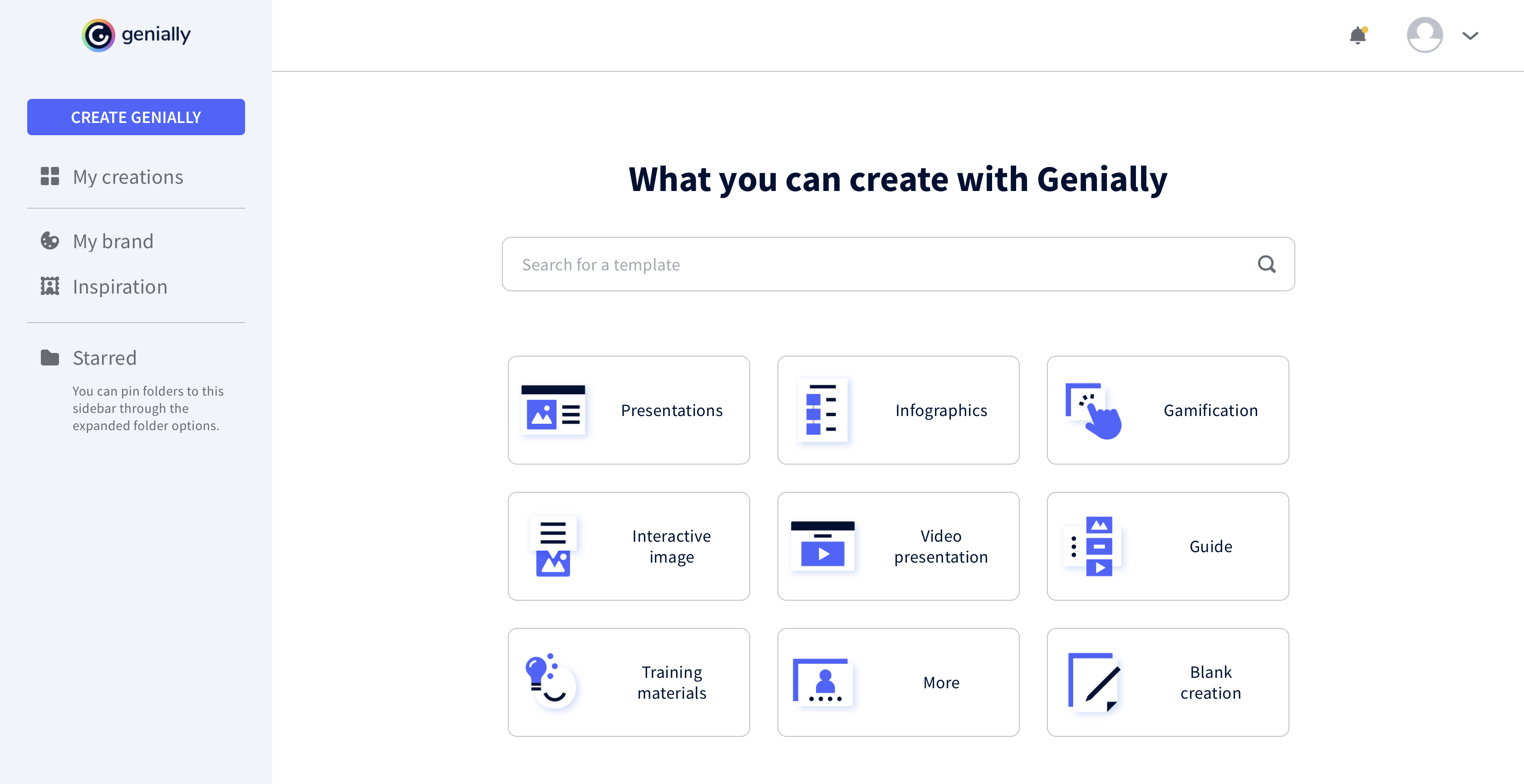
Genially is a provider of interactive visual communication and an online tool to create presentations, interactive images, infographics, dossiers, quizzes, resumes, etc. and enrich them with interactivity and animation effects. Without needing a team of designers and programmers, Genially is designed to allow enterprises to make an impact with striking, visual communication in a flash. It includes interactive and animated effects to distribute…
$7.49
per month (billed annually)
VistaCreate
Score 9.4 out of 10
N/A
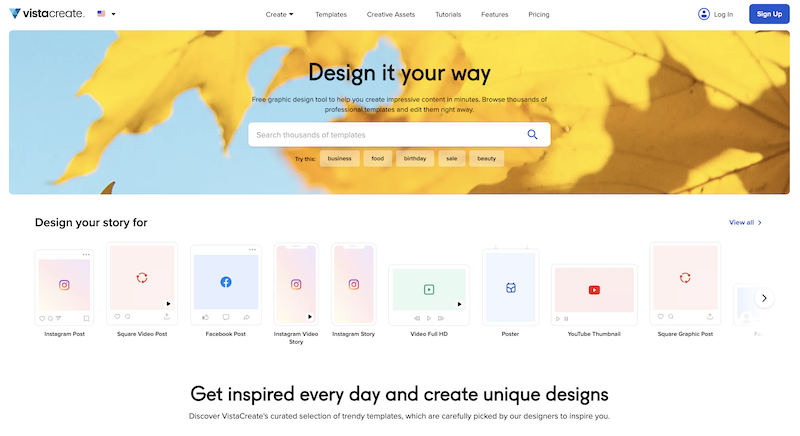
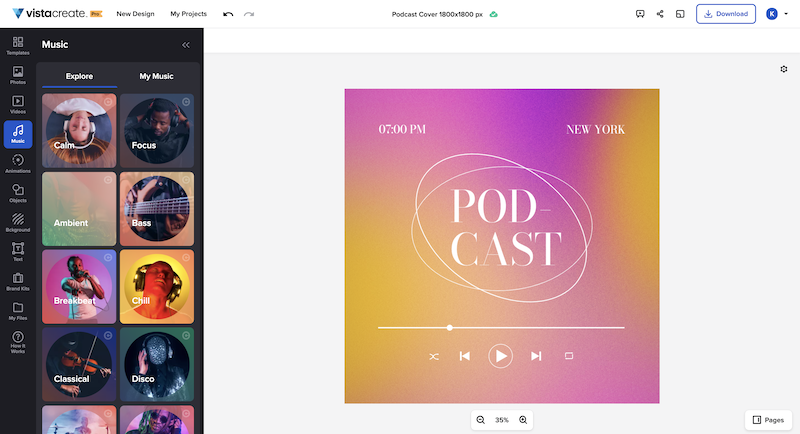
What is VistaCreate (ex-Crello)? VistaCreate is an online visual editing tool for creating videos, animations, graphic designs for social media, print, websites, or virtually any kind of static and animated design for commercial, business, or personal needs. On October 27, 2021 Crello joined the Vista group of companies and changed its brand name to VistaCreate. It includes 50,000 professionally designed templates that are already preformatted and…N/A
Pricing
GeniallyVistaCreate
Editions & Modules
Pro
$7.49
per month (billed annually)
Master
$20.82
per month (billed annually) 5 members
Team
$70.79
per month (billed annually)
No answers on this topic
Offerings
Pricing Offerings
GeniallyVistaCreate
Free Trial
NoYes
Free/Freemium Version
YesYes
Premium Consulting/Integration Services
NoNo
Entry-level Setup FeeNo setup feeNo setup fee
Additional Details
More Pricing Information
Community Pulse
GeniallyVistaCreate
Best Alternatives
GeniallyVistaCreate
Small Businesses
CorelDRAW Graphics Suite
Score 9.8 out of 10
CorelDRAW Graphics Suite
Score 9.8 out of 10
Medium-sized Companies
GIMP
GIMP
Score 9.3 out of 10
GIMP
GIMP
Score 9.3 out of 10
Enterprises
CorelDRAW Graphics Suite
Score 9.8 out of 10
CorelDRAW Graphics Suite
Score 9.8 out of 10
All AlternativesView all alternativesView all alternatives
User Ratings
GeniallyVistaCreate
Likelihood to Recommend
9.0
(0 ratings)
10.0
(0 ratings)
User Testimonials
GeniallyVistaCreate
Likelihood to Recommend
All the controls needed to make presentations interactive using unique content are accessible easily from the platform's menu, and there is no programming knowledge required to make this work. Genially's support for collaboration enables multiple people to work on the same document for faster completion of a project.
Read full review
It's great for social media campaigns where you need to adapt pictures for different sizes for each social channel. With VistaCreate it's easy to modify all of them in a few clicks. It also works well with creating diagrams with cool statistics.
Read full review
Pros
  • Use of animations and visual effects to bring presentations to life.
  • Enables adding multiple layers of information to a slide for extra interactivity.
  • Lets us measure the impact we have made on our audiences.
Read full review
  • Certificate design
  • Social media communications
  • Conversion of designs into various file formats e.g. mp4, jpg, pdf
  • PowerPoint designs
Read full review
Cons
  • It would be nice to be able to save images and have them available on Genially.
  • More free templates.
  • Figure out a way to make editing less time consuming.
Read full review
  • Difficult to design content on mobile phone
  • Mobile designs do not sync with desktop app
Read full review
Alternatives Considered
I prefer Genially if I need to make it interactive but use Canva when I'm more in a rush and need a nice design. Also, if I know I need to use different images I usually prefer to use Canva because you can save them there and it has more templates for me to choose from. Having said all that, I love Genially because it allows me to do things no other app can.
Read full review
In my view, VistaCreate is easier to navigate and design content. The templates are fun and appealing. The availability of Shutterstock photos is endless. The version history is saved so that work is not lost. There is a brand feature that automatically selects color themes to support branding. It is easy to export content to your desired file type.
Read full review
Return on Investment
  • Different members of our team use Genially and some find it difficult to use.
  • Genially allowed us to create interactive flyer that are great for our audience.
  • We have created very nice presentations on Genially that we can later share with the audience.
Read full review
  • Improved communication with staff
  • Improved brand presence on social media
  • Ability to appeal to all age groups
  • Improved staff morale
Read full review
ScreenShots

Genially Screenshots

Screenshot of Screenshot of Screenshot of Screenshot of

VistaCreate Screenshots

Screenshot of Screenshot of Screenshot of Screenshot of