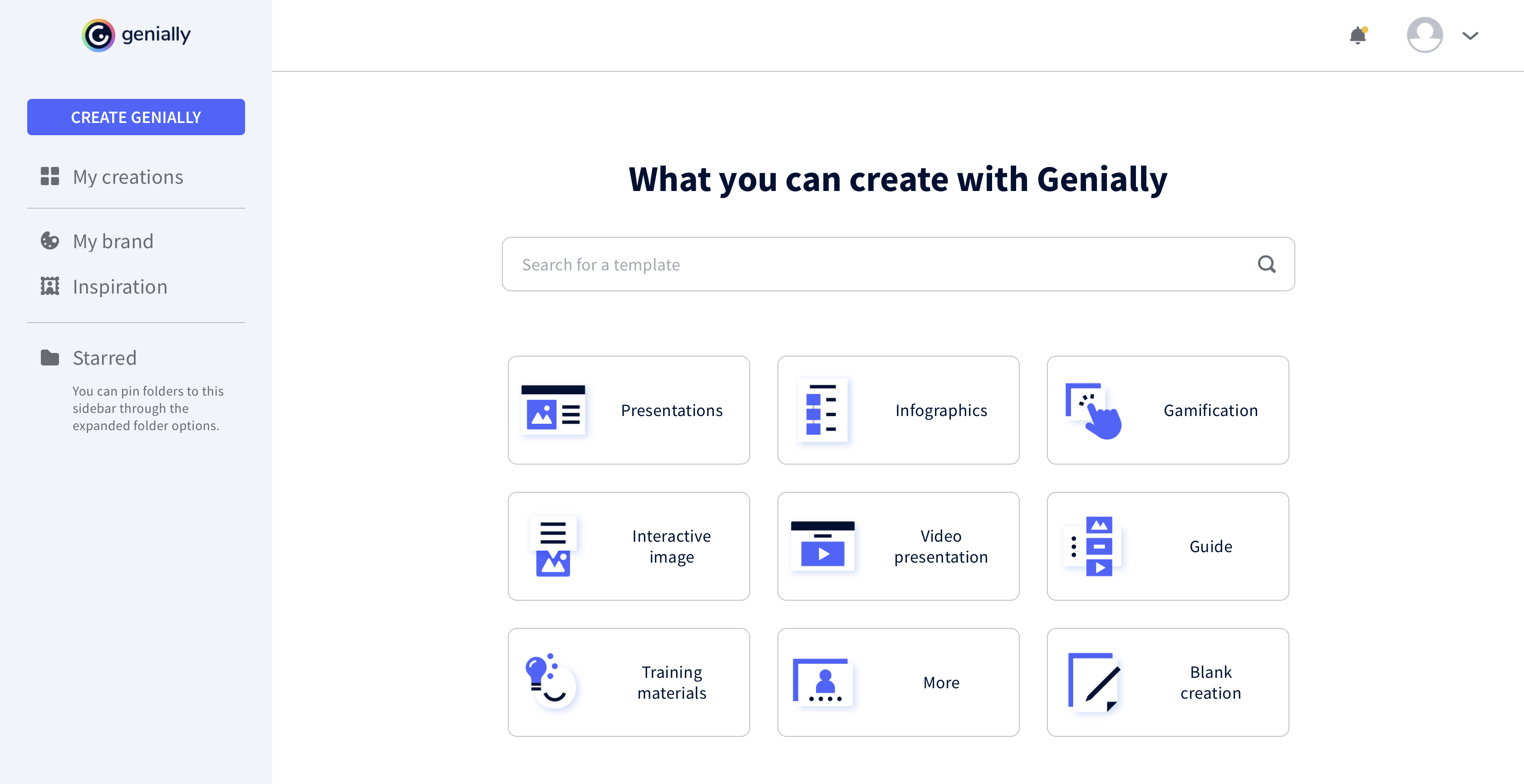
Genially is a provider of interactive visual communication and an online tool to create presentations, interactive images, infographics, dossiers, quizzes, resumes, etc. and enrich them with interactivity and animation effects. Without needing a team of designers and programmers, Genially is designed to allow enterprises to make an impact with striking, visual communication in a flash. It includes interactive and animated effects to distribute…
Academic Coordinator at Universidad Catolica Argentina y CALP (E-Learning, 1001-5000 employees)
Chose Genially
I prefer Genially if I need to make it interactive but use Canva when I'm more in a rush and need a nice design. Also, if I know I need to use different images I usually prefer to use Canva because you can save them there and it has more templates for me to choose from. Having …
A de minimis incentive was given to thank the reviewer for their time. The incentive was not used to bias or drive a particular response, nor was the incentive contingent on a positive endorsement. More Info
Product Development Lead in Product Management at AT&T (Telecommunications, 10,001+ employees)
Chose Genially
This web tool is designed to be broad and wide-reaching because it can be used in several ways such as attracting customers, circulating news, and teaching skills. You don't have to be a programmer to create stunning digital projects that are both unique and stunning.
A de minimis incentive was given to thank the reviewer for their time. The incentive was not used to bias or drive a particular response, nor was the incentive contingent on a positive endorsement. More Info
Genially is well suited for important presentations and when you want the reader to interact with the document you are creating. The smart blocks are also very useful and well thought out. Genially is not your best tool if you need to put something together fast or if you need to customize a lot because editing could be time-consuming.
A de minimis incentive was given to thank the reviewer for their time. The incentive was not used to bias or drive a particular response, nor was the incentive contingent on a positive endorsement. More Info
A de minimis incentive was given to thank the reviewer for their time. The incentive was not used to bias or drive a particular response, nor was the incentive contingent on a positive endorsement. More Info
A de minimis incentive was given to thank the reviewer for their time. The incentive was not used to bias or drive a particular response, nor was the incentive contingent on a positive endorsement. More Info
This web tool is designed to be broad and wide-reaching because it can be used in several ways such as attracting customers, circulating news, and teaching skills. You don't have to be a programmer to create stunning digital projects that are both unique and stunning.
A de minimis incentive was given to thank the reviewer for their time. The incentive was not used to bias or drive a particular response, nor was the incentive contingent on a positive endorsement. More Info
A de minimis incentive was given to thank the reviewer for their time. The incentive was not used to bias or drive a particular response, nor was the incentive contingent on a positive endorsement. More Info