Genially vs. Nearpod

Overview
ProductRatingMost Used ByProduct SummaryStarting Price
Genially
Score 10.0 out of 10
N/A
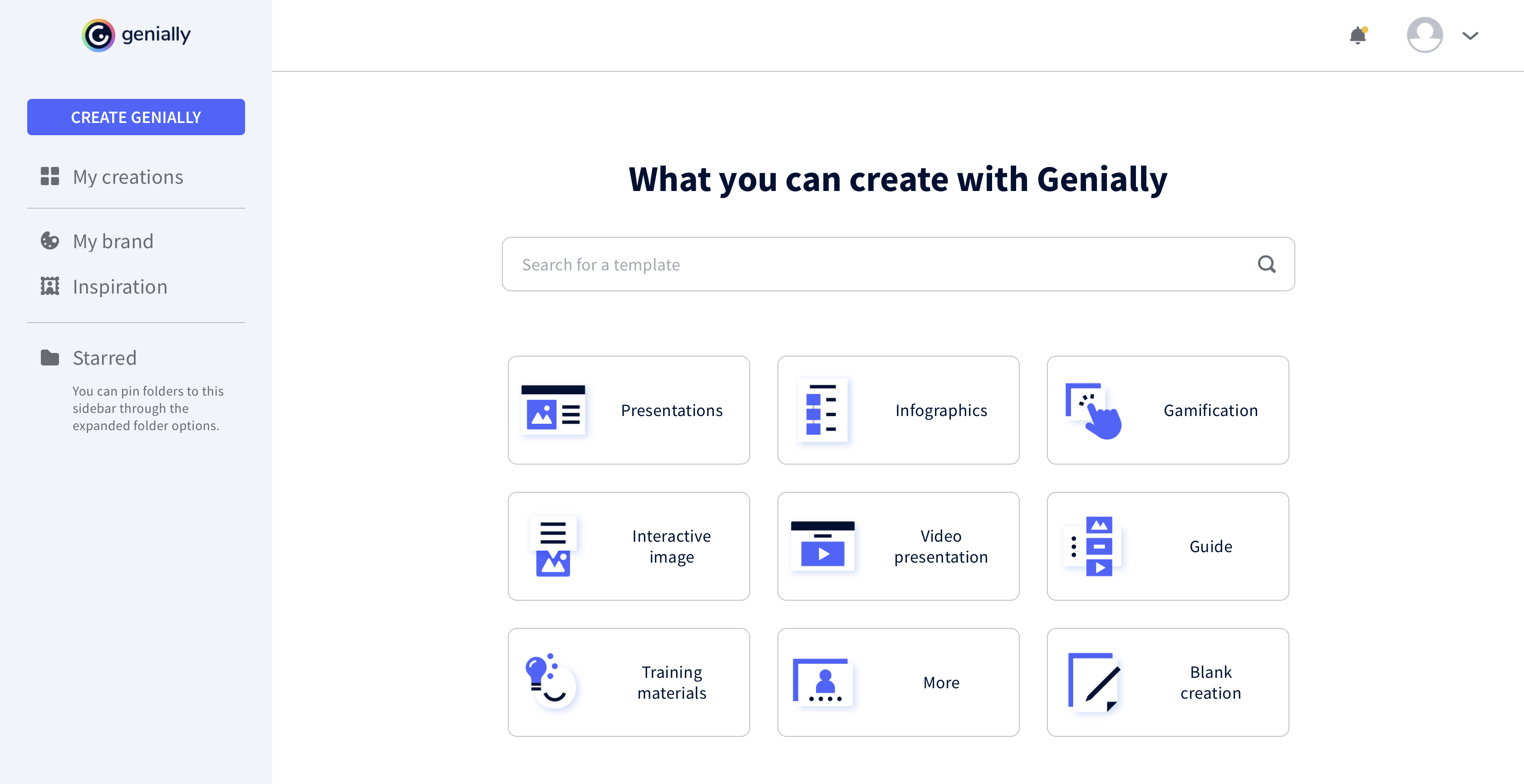
Genially is a provider of interactive visual communication and an online tool to create presentations, interactive images, infographics, dossiers, quizzes, resumes, etc. and enrich them with interactivity and animation effects. Without needing a team of designers and programmers, Genially is designed to allow enterprises to make an impact with striking, visual communication in a flash. It includes interactive and animated effects to distribute…
$7.49
per month (billed annually)
Nearpod
Score 8.8 out of 10
N/A
Nearpod is an education-focused learning management software solution offered by Nearpod.
$159
per year
Pricing
GeniallyNearpod
Editions & Modules
Pro
$7.49
per month (billed annually)
Master
$20.82
per month (billed annually) 5 members
Team
$70.79
per month (billed annually)
Gold
$159
per year
Platinum
$397
per year
Silver
Free
Premium Plus
Get quote
per year
Offerings
Pricing Offerings
GeniallyNearpod
Free Trial
NoNo
Free/Freemium Version
YesYes
Premium Consulting/Integration Services
NoNo
Entry-level Setup FeeNo setup feeNo setup fee
Additional DetailsNearpod has a free version for all teachers. There are paid options for individual teachers, as well as schools and districts, for increased features and access.
More Pricing Information
Community Pulse
GeniallyNearpod
Best Alternatives
GeniallyNearpod
Small Businesses
CorelDRAW Graphics Suite
Score 9.8 out of 10
Freckle by Renaissance
Score 9.9 out of 10
Medium-sized Companies
GIMP
GIMP
Score 9.3 out of 10
Schoology Learning
Schoology Learning
Score 9.7 out of 10
Enterprises
CorelDRAW Graphics Suite
Score 9.8 out of 10
Schoology Learning
Schoology Learning
Score 9.7 out of 10
All AlternativesView all alternativesView all alternatives
User Ratings
GeniallyNearpod
Likelihood to Recommend
9.0
(0 ratings)
9.0
(0 ratings)
Likelihood to Renew
-
(0 ratings)
9.0
(0 ratings)
Usability
-
(0 ratings)
8.0
(0 ratings)
Support Rating
-
(0 ratings)
10.0
(0 ratings)
User Testimonials
GeniallyNearpod
Likelihood to Recommend
All the controls needed to make presentations interactive using unique content are accessible easily from the platform's menu, and there is no programming knowledge required to make this work. Genially's support for collaboration enables multiple people to work on the same document for faster completion of a project.
Read full review
Nearpod works great in any classroom, but the presentation must be projected or each student must have access to a internet connected device.
Read full review
Pros
  • Use of animations and visual effects to bring presentations to life.
  • Enables adding multiple layers of information to a slide for extra interactivity.
  • Lets us measure the impact we have made on our audiences.
Read full review
  • Provide timely and individualized feedback.
  • Allow for the teacher to check for understanding, for the entire class, in one view.
  • Present an array of different interactive lesson items, at the fingertips of every student.
Read full review
Cons
  • It would be nice to be able to save images and have them available on Genially.
  • More free templates.
  • Figure out a way to make editing less time consuming.
Read full review
  • The notes feature in Nearpod sometimes has bugs that can be bothersome.
  • The free version of Nearpod is limited, and missing some of my most favored features.
  • Becoming proficient at lesson creation outside of Google Slides can take some time until you have mastered the learning curve.
Read full review
Likelihood to Renew
No answers on this topic
Goal is to continue our subscription for the 2019-2020 school year
Read full review
Usability
No answers on this topic
While there is some learning curve to fully understand and know how to lead a lesson with Nearpod, once mastered successfully, Nearpod lessons are simple to create and deliver. When leading a lesson, it is relatively simple to see how everyone in the class performs and how well they participate and understand.
Read full review
Support Rating
No answers on this topic
The support staff for Nearpod is top-notch. I have not had technical issues, but I did have a concern about my bill and they reached out to me nearly immediately to address the problem. I was very satisfied with how they handled the interaction from beginning to end. They did a great job.
Read full review
Alternatives Considered
I prefer Genially if I need to make it interactive but use Canva when I'm more in a rush and need a nice design. Also, if I know I need to use different images I usually prefer to use Canva because you can save them there and it has more templates for me to choose from. Having said all that, I love Genially because it allows me to do things no other app can.
Read full review
Outside of Miro, Nearpod is my favorite program for leading a lesson. If I am presenting, and not requiring my students to perform any activities, then I really like Miro for presentations. If I have a large class, then I still prefer Nearpod to all others. Additionally, the more certain I am of what I want to do when, the more I like using Nearpod for lessons.
Read full review
Return on Investment
  • Different members of our team use Genially and some find it difficult to use.
  • Genially allowed us to create interactive flyer that are great for our audience.
  • We have created very nice presentations on Genially that we can later share with the audience.
Read full review
  • Nearpod has a positive impact on my students because they learn while using technology vs. traditional method.
  • My students' scores have improved ever since I've started implementing the consistent use of Nearpod.
  • I cherish the fact that the teacher is in control but the activities are all student centered and fully engages them.
Read full review
ScreenShots

Genially Screenshots

Screenshot of Screenshot of Screenshot of Screenshot of