Genially vs. Infogram

Overview
ProductRatingMost Used ByProduct SummaryStarting Price
Genially
Score 10.0 out of 10
N/A
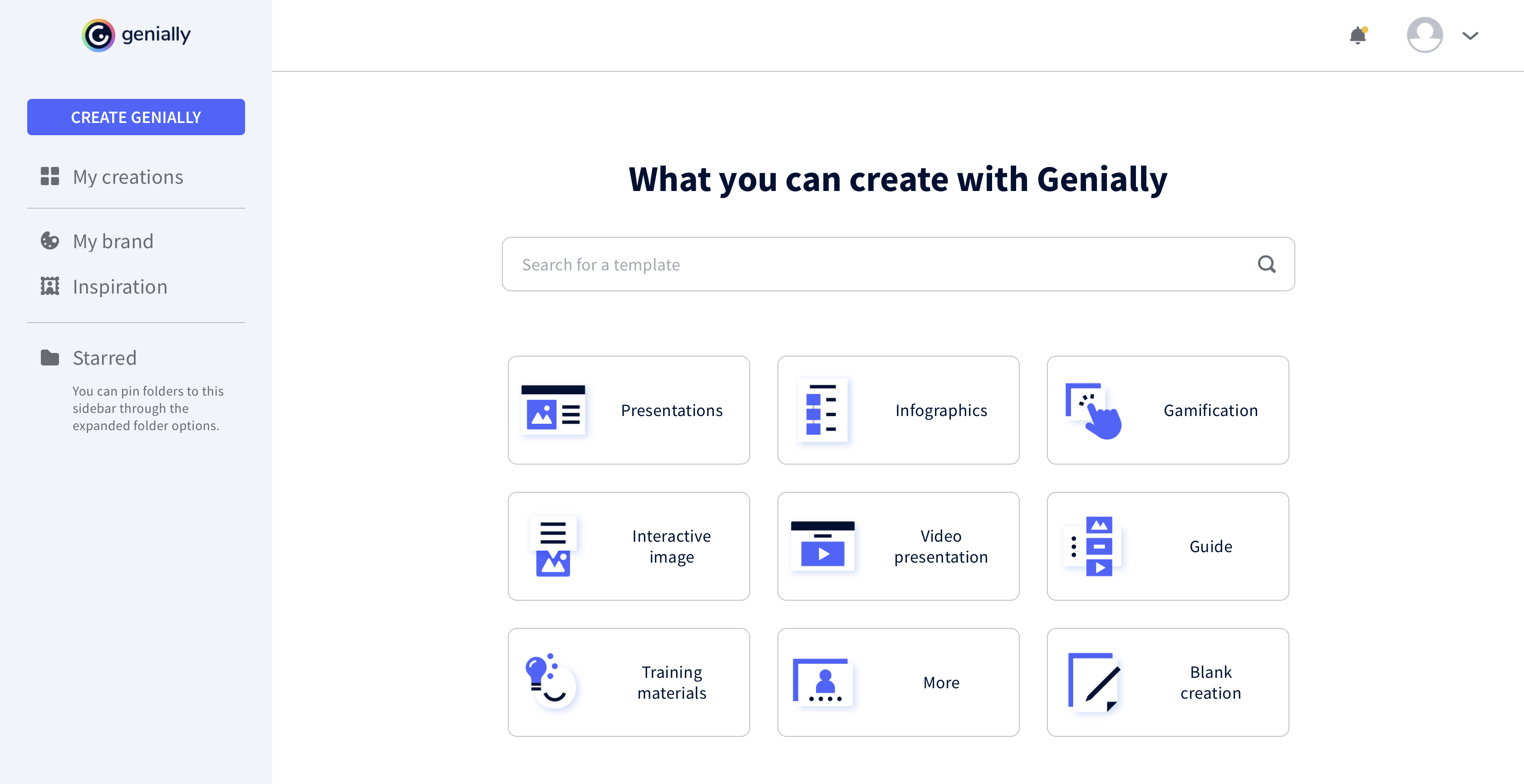
Genially is a provider of interactive visual communication and an online tool to create presentations, interactive images, infographics, dossiers, quizzes, resumes, etc. and enrich them with interactivity and animation effects. Without needing a team of designers and programmers, Genially is designed to allow enterprises to make an impact with striking, visual communication in a flash. It includes interactive and animated effects to distribute…
$7.49
per month (billed annually)
Infogram
Score 10.0 out of 10
N/A
Infogram is an online tool for creating infographics, charts, dashboards, and interactive reports. Users can upload spreadsheets containing the data they want to visualize, or set up a live integration from another data source using the Infogram API. From a graphics and layout perspective, Infogram includes a library of stock images, icons, etc. (or users can upload their own) and a drag and drop editor.N/A
Pricing
GeniallyInfogram
Editions & Modules
Pro
$7.49
per month (billed annually)
Master
$20.82
per month (billed annually) 5 members
Team
$70.79
per month (billed annually)
No answers on this topic
Offerings
Pricing Offerings
GeniallyInfogram
Free Trial
NoNo
Free/Freemium Version
YesNo
Premium Consulting/Integration Services
NoNo
Entry-level Setup FeeNo setup feeNo setup fee
Additional Details
More Pricing Information
Community Pulse
GeniallyInfogram
Best Alternatives
GeniallyInfogram
Small Businesses
CorelDRAW Graphics Suite
Score 9.7 out of 10
CorelDRAW Graphics Suite
Score 9.7 out of 10
Medium-sized Companies
GIMP
GIMP
Score 9.3 out of 10
GIMP
GIMP
Score 9.3 out of 10
Enterprises
CorelDRAW Graphics Suite
Score 9.7 out of 10
CorelDRAW Graphics Suite
Score 9.7 out of 10
All AlternativesView all alternativesView all alternatives
User Ratings
GeniallyInfogram
Likelihood to Recommend
9.0
(0 ratings)
9.0
(0 ratings)
Support Rating
-
(0 ratings)
10.0
(0 ratings)
User Testimonials
GeniallyInfogram
Likelihood to Recommend
All the controls needed to make presentations interactive using unique content are accessible easily from the platform's menu, and there is no programming knowledge required to make this work. Genially's support for collaboration enables multiple people to work on the same document for faster completion of a project.
Read full review
Infogram is great for making infographic-based presentations, leaving behind that look of the old PowerPoint graphics. It is also very good to create posters, maps, and other graphic communication pieces, particularly when there is a need for high-density information in a compact and attractive format. It could also be very useful for promoting ideas at social media, due to the same reasons. In short, it is a powerful tool for communication.
Read full review
Pros
  • Use of animations and visual effects to bring presentations to life.
  • Enables adding multiple layers of information to a slide for extra interactivity.
  • Lets us measure the impact we have made on our audiences.
Read full review
  • Intuitive, friendly interface that is actually fun to work with and makes data visualization less intimidating. Easy for non-technical people to master
  • A wide variety of visualizations, charts, and graphic elements that continues to grow
  • Great compatibility. Easy to integrate with webpages, social media marketing, etc. and mobile-friendly
  • Saves a lot of time. You can have a professional-looking infographic or chart pretty quickly that is ready to share or embed.
Read full review
Cons
  • It would be nice to be able to save images and have them available on Genially.
  • More free templates.
  • Figure out a way to make editing less time consuming.
Read full review
  • As with other web-based apps, you need a reliable internet connection.
  • Sometimes you really wish to have more control over some graphics, to make finer tweaking.
  • The price for the pro version (the lower tier above free) is currently at 19 USD/month when billed annually, which can be a bit much if you don't need to use Infogram regularly.
Read full review
Support Rating
No answers on this topic
I have personally always had quick, friendly, and helpful responses from the Infogram team.
Read full review
Alternatives Considered
I prefer Genially if I need to make it interactive but use Canva when I'm more in a rush and need a nice design. Also, if I know I need to use different images I usually prefer to use Canva because you can save them there and it has more templates for me to choose from. Having said all that, I love Genially because it allows me to do things no other app can.
Read full review
Infogram had the best balance between the quality and variety of graphics you can produce vs being easy to use.
Read full review
Return on Investment
  • Different members of our team use Genially and some find it difficult to use.
  • Genially allowed us to create interactive flyer that are great for our audience.
  • We have created very nice presentations on Genially that we can later share with the audience.
Read full review
  • Has a free user option and it is faster and easier to build great graphical graphs.
  • Now I don’t have to ask design guys to make me a fancier graph for a presentation.
  • After the first graphs are made I can reuse them for the next month's presentation.
Read full review
ScreenShots

Genially Screenshots

Screenshot of Screenshot of Screenshot of Screenshot of