Fotor vs. Genially

Overview
ProductRatingMost Used ByProduct SummaryStarting Price
Fotor
Score 9.1 out of 10
N/A
Fotor is a graphic design and photo editing & collaging tool, supporting PC (Mac & Windows), Mobile (Android & iOS) and Web, from the company of the same name in Chengdu.
$8.99
per month
Genially
Score 10.0 out of 10
N/A
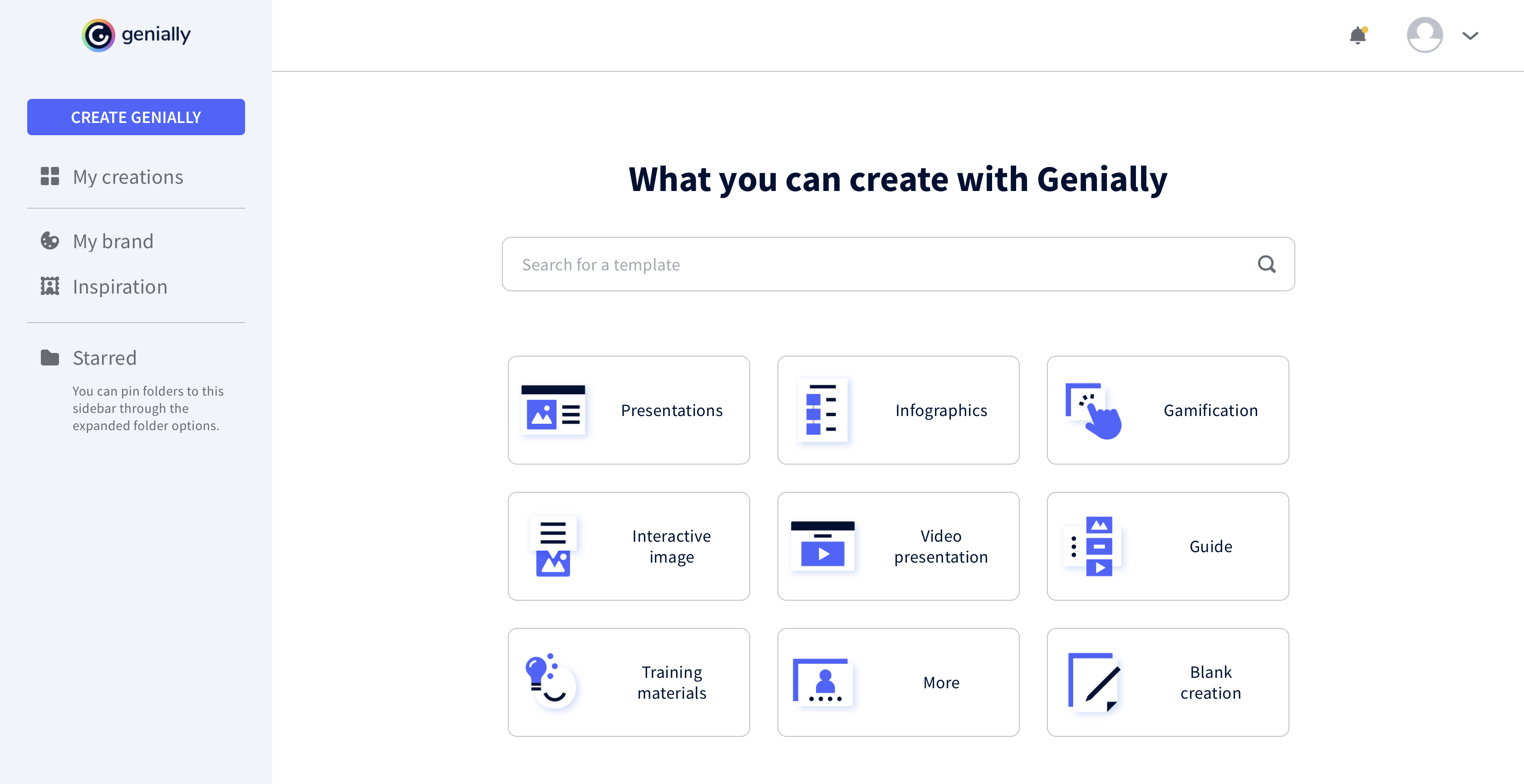
Genially is a provider of interactive visual communication and an online tool to create presentations, interactive images, infographics, dossiers, quizzes, resumes, etc. and enrich them with interactivity and animation effects. Without needing a team of designers and programmers, Genially is designed to allow enterprises to make an impact with striking, visual communication in a flash. It includes interactive and animated effects to distribute…
$7.49
per month (billed annually)
Pricing
FotorGenially
Editions & Modules
Fotor Pro
$8.99
per month
Fotor Pro+
$19.99
per month
Fotor Pro
$39.99
per year
Fotor Pro+
$89.99
per year
Pro
$7.49
per month (billed annually)
Master
$20.82
per month (billed annually) 5 members
Team
$70.79
per month (billed annually)
Offerings
Pricing Offerings
FotorGenially
Free Trial
YesNo
Free/Freemium Version
YesYes
Premium Consulting/Integration Services
NoNo
Entry-level Setup FeeNo setup feeNo setup fee
Additional Details
More Pricing Information
Community Pulse
FotorGenially
Best Alternatives
FotorGenially
Small Businesses
CorelDRAW Graphics Suite
Score 9.8 out of 10
CorelDRAW Graphics Suite
Score 9.8 out of 10
Medium-sized Companies
GIMP
GIMP
Score 9.3 out of 10
GIMP
GIMP
Score 9.3 out of 10
Enterprises
CorelDRAW Graphics Suite
Score 9.8 out of 10
CorelDRAW Graphics Suite
Score 9.8 out of 10
All AlternativesView all alternativesView all alternatives
User Ratings
FotorGenially
Likelihood to Recommend
9.1
(0 ratings)
9.0
(0 ratings)
User Testimonials
FotorGenially
Likelihood to Recommend
With Fotor, people who do not have graphic design skills can now create beautiful images, and those with the skill can create even more captivating images and marketing materials. Truly it's a game changer.
Read full review
All the controls needed to make presentations interactive using unique content are accessible easily from the platform's menu, and there is no programming knowledge required to make this work. Genially's support for collaboration enables multiple people to work on the same document for faster completion of a project.
Read full review
Pros
  • Image Editing
  • Video Enhancing
  • Restoring old photos and image clarity
  • AI Image Generation
Read full review
  • Use of animations and visual effects to bring presentations to life.
  • Enables adding multiple layers of information to a slide for extra interactivity.
  • Lets us measure the impact we have made on our audiences.
Read full review
Cons
  • Improve unblurring of photos so it stays true to the image
  • Improve old photo colorizing
  • Add more banner templates for authors
Read full review
  • It would be nice to be able to save images and have them available on Genially.
  • More free templates.
  • Figure out a way to make editing less time consuming.
Read full review
Alternatives Considered
Fotor with Canva = What can't you design? These are my favorite go-to tools in my work as a digital creator.
Read full review
I prefer Genially if I need to make it interactive but use Canva when I'm more in a rush and need a nice design. Also, if I know I need to use different images I usually prefer to use Canva because you can save them there and it has more templates for me to choose from. Having said all that, I love Genially because it allows me to do things no other app can.
Read full review
Return on Investment
  • Reduced the amount of time it takes to design.
  • Inspires designers through its examples and templates.
  • The affordable subscription allows small businesses and freelancers to use its features.
Read full review
  • Different members of our team use Genially and some find it difficult to use.
  • Genially allowed us to create interactive flyer that are great for our audience.
  • We have created very nice presentations on Genially that we can later share with the audience.
Read full review
ScreenShots

Genially Screenshots

Screenshot of Screenshot of Screenshot of Screenshot of