Flipgrid is a video learning platform, acquired by Microsoft in 2018.
N/A
Moovly
Score 7.0 out of 10
N/A
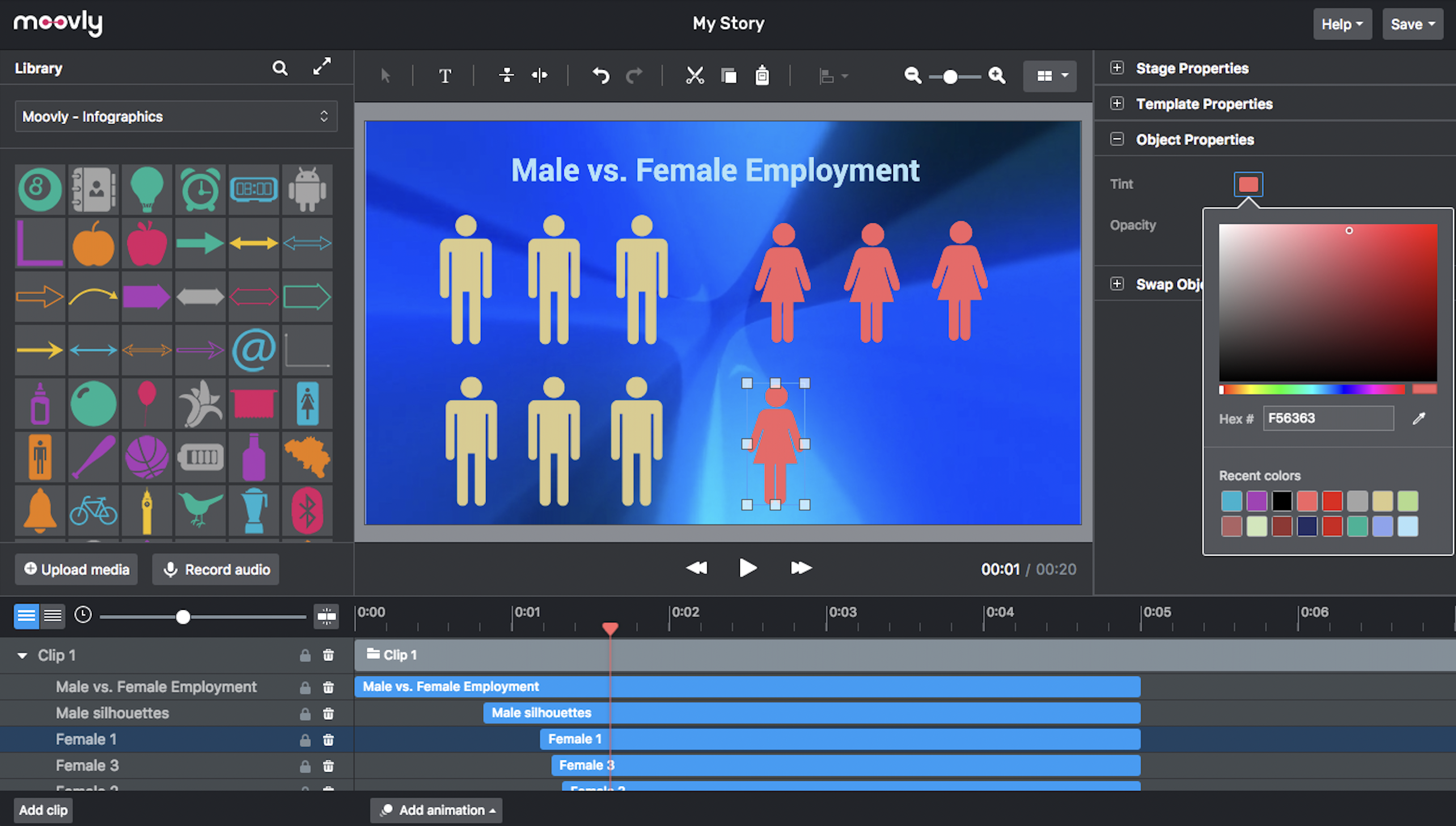
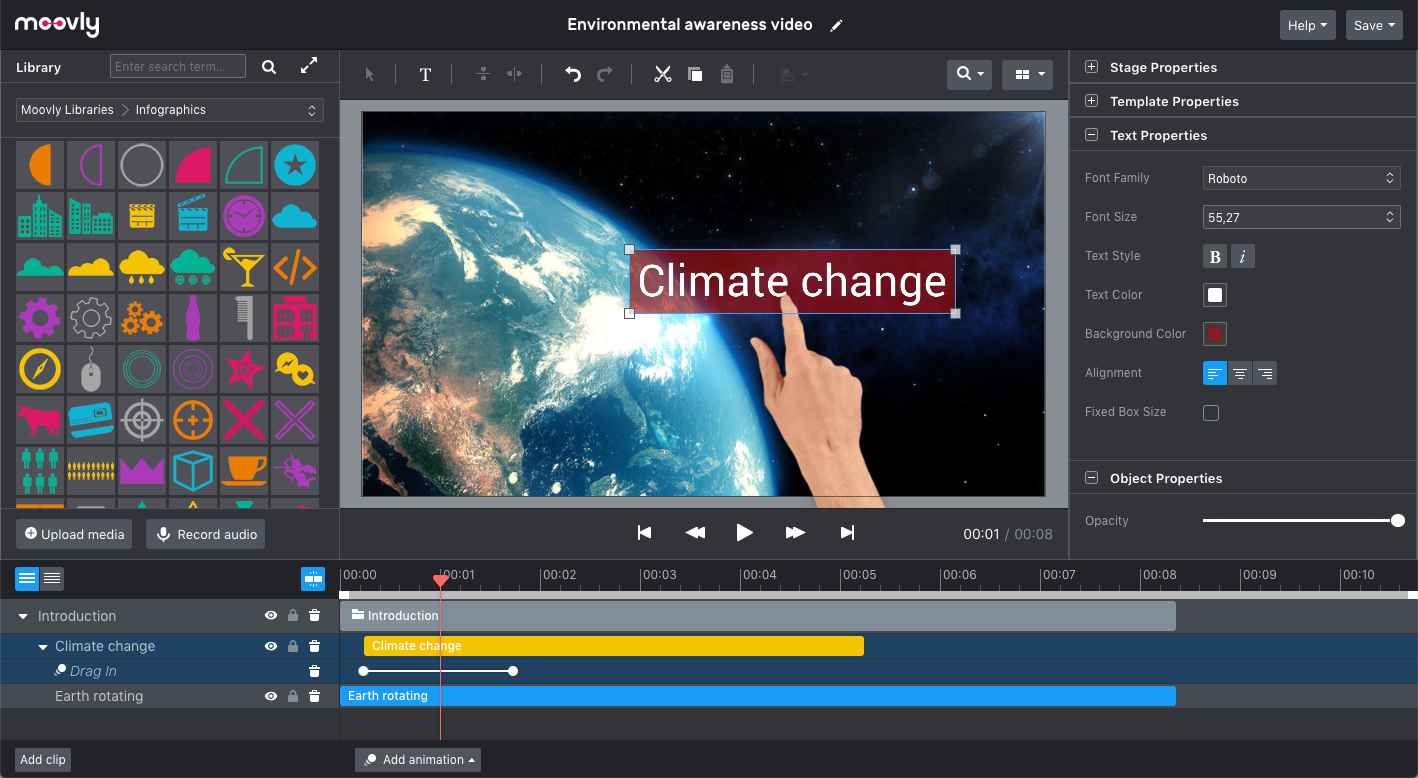
Moovly aims to enable users to create videos in any style without being an expert. Moovly's drag-and-drop interface lets users combine media objects from their libraries with the user's own uploaded media, as well as animate, synchronize, and time all objects in a timeline. Export content in any video format for online publishing, social media, projection, television, smartphone, or tablet. Moovly also includes more than a million royalty-free media objects to use freely. …
N/A
Pricing
Flipgrid
Moovly
Editions & Modules
No answers on this topic
Offerings
Pricing Offerings
Flipgrid
Moovly
Free Trial
No
No
Free/Freemium Version
No
No
Premium Consulting/Integration Services
No
No
Entry-level Setup Fee
No setup fee
No setup fee
Additional Details
—
—
More Pricing Information
Community Pulse
Flipgrid
Moovly
Features
Flipgrid
Moovly
Video Marketing
Comparison of Video Marketing features of Product A and Product B
Flipgrid
9.0
Ratings
18% above category average
Moovly
8.0
Ratings
6% above category average
Lead generation
9.00 Ratings
00 Ratings
Video personalization
9.00 Ratings
8.00 Ratings
Video Platform Integrations
Comparison of Video Platform Integrations features of Product A and Product B
Flipgrid
10.0
Ratings
47% above category average
Moovly
-
Ratings
Integration to LMS
10.00 Ratings
00 Ratings
Video Security
Comparison of Video Security features of Product A and Product B
Flipgrid
8.2
Ratings
8% below category average
Moovly
8.0
Ratings
11% below category average
Video access controls
8.00 Ratings
00 Ratings
User management
9.00 Ratings
00 Ratings
Video link sharing
8.00 Ratings
8.00 Ratings
Internal video
8.00 Ratings
8.00 Ratings
External video
8.00 Ratings
8.00 Ratings
Video Player
Comparison of Video Player features of Product A and Product B
Flipgrid
7.5
Ratings
12% below category average
Moovly
-
Ratings
Player customization
7.00 Ratings
00 Ratings
Embedded videos
9.00 Ratings
00 Ratings
Video quality / Bandwidth controls
6.00 Ratings
00 Ratings
Mobile compatibility
8.00 Ratings
00 Ratings
Video Analytics
Comparison of Video Analytics features of Product A and Product B
Flipgrid
9.5
Ratings
19% above category average
Moovly
-
Ratings
Streaming quality reports
9.00 Ratings
00 Ratings
Per viewer tracking
10.00 Ratings
00 Ratings
Per video tracking
9.00 Ratings
00 Ratings
Video analytics dashboard
10.00 Ratings
00 Ratings
Video Hosting, Management & Storage
Comparison of Video Hosting, Management & Storage features of Product A and Product B
Flipgrid
9.3
Ratings
7% above category average
Moovly
-
Ratings
Video upload & format support
9.00 Ratings
00 Ratings
Video library / File management
9.90 Ratings
00 Ratings
Video portal
9.00 Ratings
00 Ratings
Video Engagement
Comparison of Video Engagement features of Product A and Product B
I'd greatly recommend it to any teacher. It can be used in a variety of scenarios but mainly for speaking activities. It can work for example as an oral exam or oral evaluation, this I make them hiding it from other students' views. I also use it to analyze and comment about videos and readings. When students start talking and liking it, it's a killer. They start asking when is the next forum going to happen. However, something I do not recommend it for is role plays or collective readings, which I have tried and it fails miserably. This is because of timing, students upload the video at different moments and it is a hot mess. However, I am fine with the first part because it works pretty well.
It would really depend on the use case if I am going to recommend Moovely to someone else. There are just situations where a stand-alone software just makes more sense. However, I would recommend Moovely over other web-based products on the sheer amount of access of options for stock images/video, compared to some others on the market right now.
Flipgrid allows teachers to post a question to students on how they accomplished a particular task. This is important because it shows the students process and also gives them an opportunity to teach others.
Flipgrid allows teachers to make a "mixed tape" of student responses and use it for assessment. This allows teachers to show parents and administrators whether student growth.
Flipgrid has a great feature that allows teachers to post their Flipgrids with the community. The community can reuse the questions and edit them. This allows collaboration among fellow teachers.
Not only can teachers post questions but they can also record themselves asking the question. This is great for non-readers and English Language Learners.
Flipgrid has been easy for both our students and staff to use. When there is an issue with the program, we can easily reach support, and the trouble is resolved in an extremely quick and timely manner.
Flipgrip is great for supporting educators. They provide opportunities for teachers to learn the program and become ambassadors for the program. They are also responsive to questions and concerns through many different modes. That includes online communities, email, and Facebook communities. They are eager to meet and troubleshoot with you and are also eager to meet educators at conferences and meetings.
Flipgrid is unique in its ability to allow students to create and share their own videos. I’m sure there are other ways to do this, but this is the first program that I’ve seen with these features. Students aren’t necessarily used to sharing academic videos of themselves, so it’s good practice!
This product is straightforward to implement and share across our building and district. As a large district, it was not difficult to train staff and have them feel at ease implementing the program.