
FileInvite vs. Ideagen Collaboration Portal
FileInvite vs. Ideagen Collaboration Portal
| Product | Rating | Most Used By | Product Summary | Starting Price |
|---|---|---|---|---|
 FileInvite | N/A | FileInvite automates the process of collecting information and documents from your clients. The vendor says the process is simple, and the interface is secure. All you have to do is create and send a FileInvite with the information you require. The client then uploads the files to a secure portal where you can approve or decline the information that has been submitted. FileInvite also allows you to set up reminders, templates and sync with your cloud storage like Google… | N/A | |
 Ideagen Collaboration Portal | N/A | Ideagen Collaboration Portal , formerly Huddle is Ideagen’s tool supporting teams' work by enabling them to store, share and work on content. | $10 per user/per month |
| FileInvite | Ideagen Collaboration Portal | |||||||||||||||
|---|---|---|---|---|---|---|---|---|---|---|---|---|---|---|---|---|
| Editions & Modules | No answers on this topic |
| ||||||||||||||
| Offerings |
| |||||||||||||||
| Entry-level Setup Fee | No setup fee | No setup fee | ||||||||||||||
| Additional Details | — | — | ||||||||||||||
| More Pricing Information | ||||||||||||||||
| FileInvite | Ideagen Collaboration Portal |
|---|
| FileInvite | Ideagen Collaboration Portal | |||||||||||||||||||||||||||
|---|---|---|---|---|---|---|---|---|---|---|---|---|---|---|---|---|---|---|---|---|---|---|---|---|---|---|---|---|
| Project Management |
| |||||||||||||||||||||||||||
| Communication |
| |||||||||||||||||||||||||||
| File Sharing & Management |
|
| FileInvite | Ideagen Collaboration Portal | |
|---|---|---|
| Small Businesses |  Square 9 Softworks Score 9.5 out of 10 |  Stackby Score 9.0 out of 10 |
| Medium-sized Companies |  MSB Docs Score 9.4 out of 10 |  Troop Messenger Score 9.8 out of 10 |
| Enterprises |  M‑Files Score 8.9 out of 10 |  HCL Connections Score 9.0 out of 10 |
| All Alternatives | View all alternatives | View all alternatives |
| FileInvite | Ideagen Collaboration Portal | |
|---|---|---|
| Likelihood to Recommend | 1.0 (0 ratings) | 9.1 (0 ratings) |
| Usability | 7.0 (0 ratings) | 8.2 (0 ratings) |
| Performance | 10.0 (0 ratings) | - (0 ratings) |
| Ease of integration | 10.0 (0 ratings) | - (0 ratings) |
| FileInvite | Ideagen Collaboration Portal | |
|---|---|---|
| Likelihood to Recommend | 
|
 Eric Batson Trainer / Analyst |
| Pros |
 Abraham Smythe Head of Acquisition |
|
| Cons |
|
 Rob Butterworth Head of IT |
| Usability |
|
|
| Performance |
| No answers on this topic |
| Alternatives Considered |
|
 Kindred Alana Freelance graphic design |
| Return on Investment |
|
|
| ScreenShots | FileInvite Screenshots 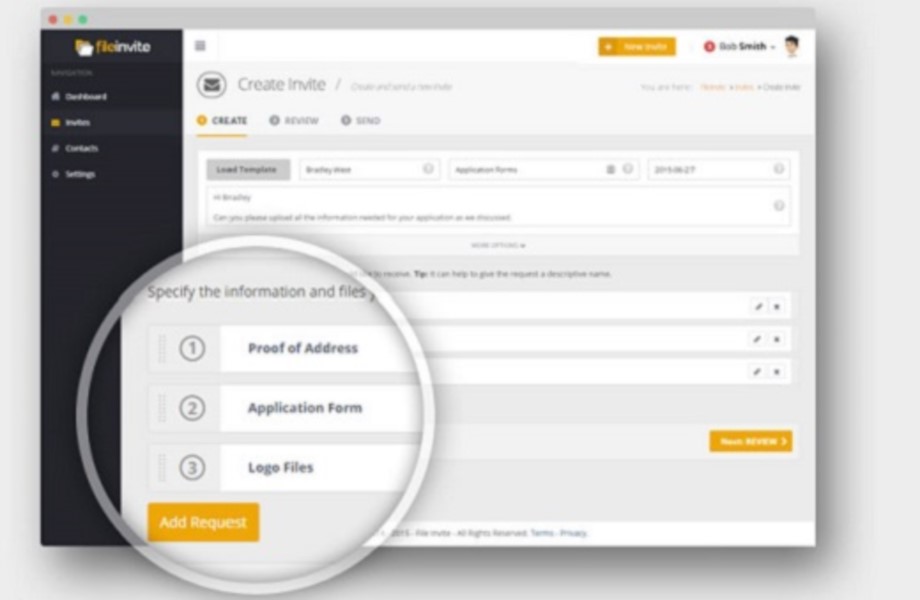  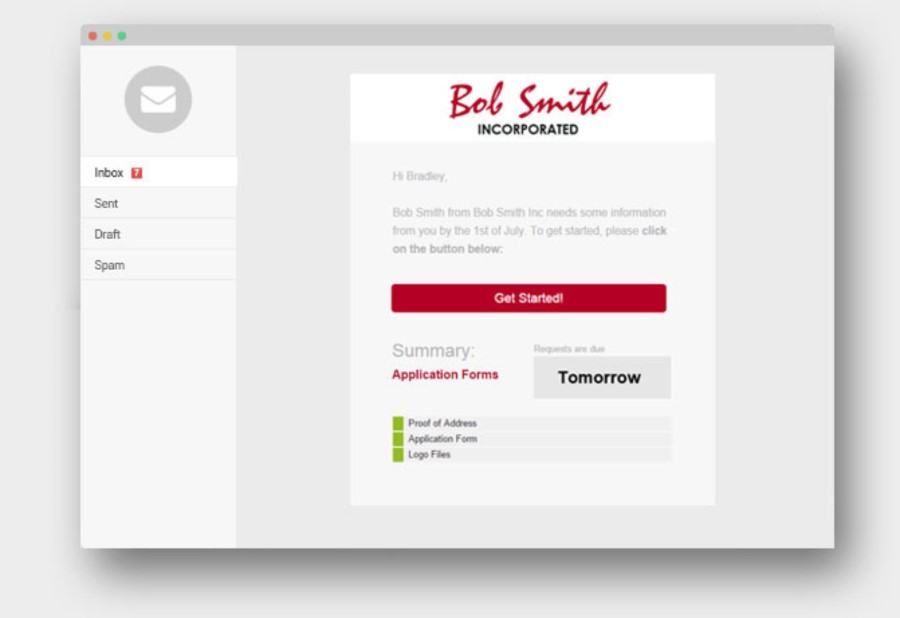   | Ideagen Collaboration Portal Screenshots     |