Upland FileBound is a document management system that enables reliable, user-friendly content workflow.
N/A
OnBase
Score7.7 out of 10
N/A
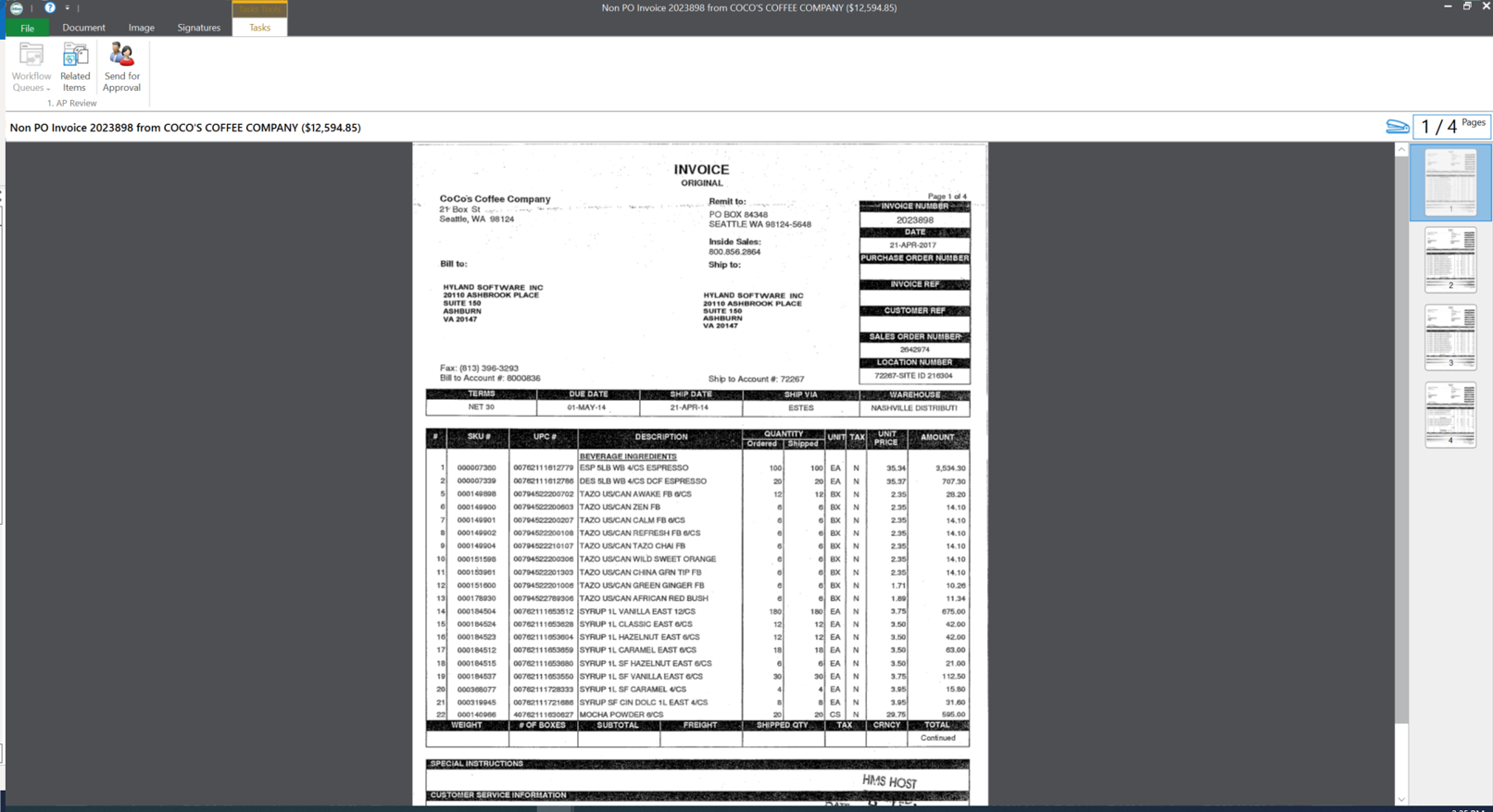
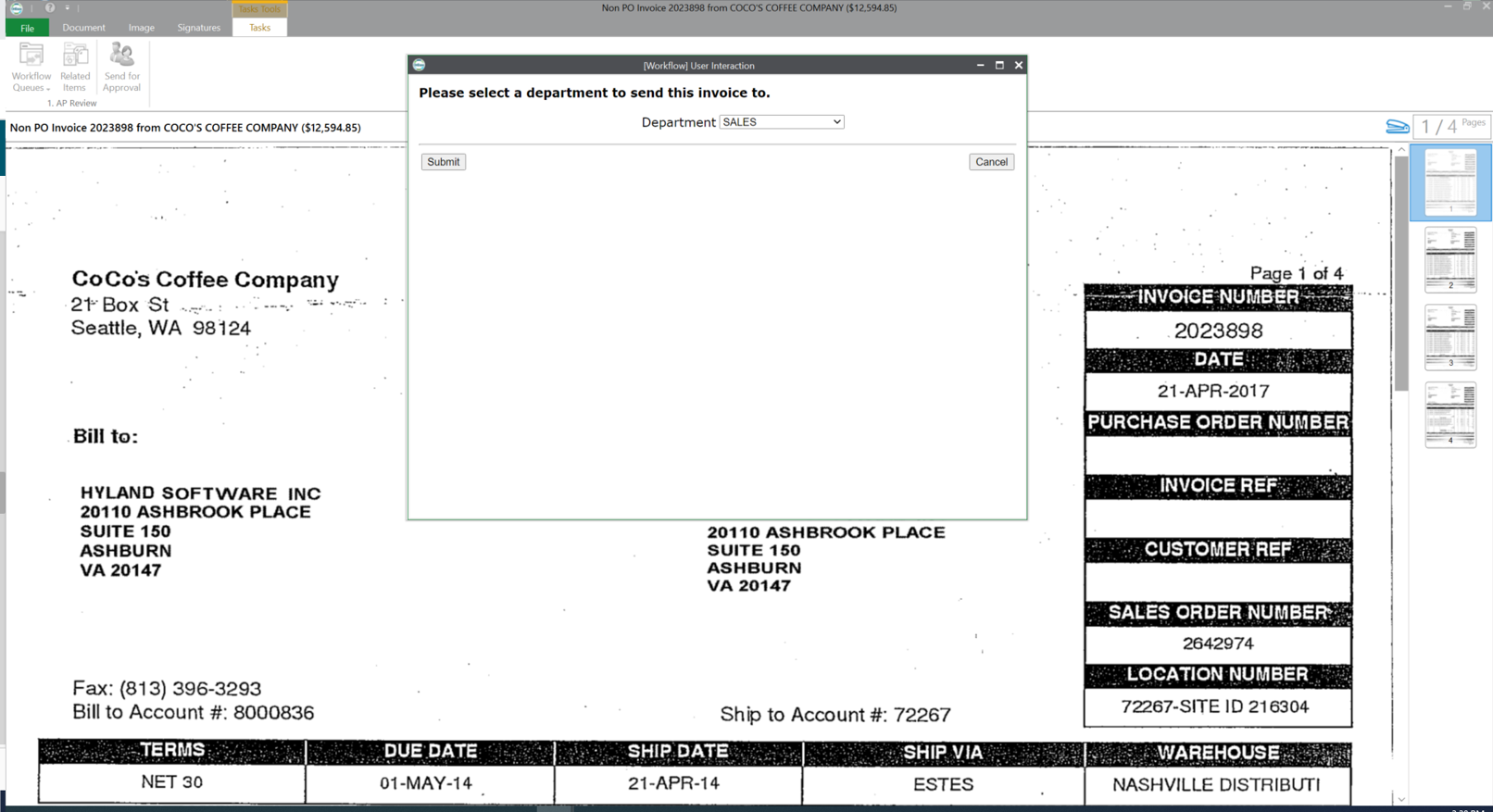
OnBase by Hyland is an enterprise content management platform with business process and case management capabilities. It is modular by design and allows users to tailor the solution to their specific requirements.
N/A
Pricing
FileBound
OnBase
Editions & Modules
No answers on this topic
No answers on this topic
Offerings
Pricing Offerings
FileBound
OnBase
Free Trial
No
No
Free/Freemium Version
No
No
Premium Consulting/Integration Services
No
No
Entry-level Setup Fee
No setup fee
No setup fee
Additional Details
—
—
More Pricing Information
Features
FileBound
OnBase
Enterprise Content Management
Comparison of Enterprise Content Management features of FileBound and OnBase
Feature
FileBound
8.7
1 Ratings
9% above category average
OnBase
8.2
43 Ratings
3% above category average
Content capture & imaging
10.01 Ratings
9.041 Ratings
File sync, storage & archiving
9.01 Ratings
9.033 Ratings
Document management
10.01 Ratings
10.042 Ratings
Records management
8.01 Ratings
8.040 Ratings
Content search & retrieval
5.01 Ratings
8.043 Ratings
Security, risk management & information governance
Filebound is great for documents that have been archived or not needed on a day to day basis. It serves it purpose as a storage/filing system to digitize any previous "hard copy" filing system. But for the day to day accessibility, I find other programs to be more responsive and quicker to use. Also, In order to use or edit any document uploaded to Filebound, you currently have to re-download the document onto your computer to edit. If the editing capabilities were streamlined for quicker response that would also be a plus.
A de minimis incentive was given to thank the reviewer for their time. The incentive was not used to bias or drive a particular response, nor was the incentive contingent on a positive endorsement. More Info
OnBase is a content services solution for organizations that need high visibility to documents or information across multiple teams or departments. It supports users' access control, workflow functionality with transaction history, electronic document retention, and destruction documentation. Hyland can support the organization for implementations or solutions, or the organization can utilize the education services and build out the solution themselves.
A de minimis incentive was given to thank the reviewer for their time. The incentive was not used to bias or drive a particular response, nor was the incentive contingent on a positive endorsement. More Info
Filebound is easily to upload documents onto and file into the proper location. You can easily find a file on your computer and have it uploaded within seconds
Filebound gives you customization so you can create your own folders, criteria needed to file and search for uploaded documents. You have options of file types, names, certain fields of information to display when searching for files.
Filebound allows you to download and print your saved documents quickly for future access. There is no limit to how you can use your scanned documents
A de minimis incentive was given to thank the reviewer for their time. The incentive was not used to bias or drive a particular response, nor was the incentive contingent on a positive endorsement. More Info
Searching for Documents. Filebound does not allow you to look in differing file types for a specific document. You have to search each file type individually. And we have found that spaces or symbols are needed in front of the entered search information in order for Filebound to do a more broad search.
You cannot move uploaded around, if you have more than one scan in a file. Once they are uploaded into a location, you cannot move it, you can only delete it and re-scan it into the proper file.
If it was possible to simply drag and drop a file into Filebound to start the upload process, that would save time.
A de minimis incentive was given to thank the reviewer for their time. The incentive was not used to bias or drive a particular response, nor was the incentive contingent on a positive endorsement. More Info
I personally find the user inferface to be obnoxious and obtuse.
When we have issues it is often hard to resolve the problem as there are many variables such as file types, DPI, and scanner setting that combine to make it hard to pinpoint trouble spots.
The upgrade process has always been a nightmare for our team. We are not on the latest version now due to this issue.
A de minimis incentive was given to thank the reviewer for their time. The incentive was not used to bias or drive a particular response, nor was the incentive contingent on a positive endorsement. More Info
OnBase has become a core part of our enterprise solutions toolkit due to its ever-growing integration capabilities. Any business process that produces or tracks documents or object entities can be modeled and managed within OnBase and used to supplement almost any line-of-business system that we use.
A de minimis incentive was given to thank the reviewer for their time. The incentive was not used to bias or drive a particular response, nor was the incentive contingent on a positive endorsement. More Info
You get out of something what you put into it. You reap what you sow! If an organization will spend time setting the solution up, dedicating staff to its development and ongoing support, and always keep the end-user in mind during development, you will have one of the most well-received solutions in your organization. So many organizations that I speak with stand up a solution but don't commit someone to its upkeep and development. It is vital that you have the staff to work within the solution on a daily basis.
A de minimis incentive was given to thank the reviewer for their time. The incentive was not used to bias or drive a particular response, nor was the incentive contingent on a positive endorsement. More Info
This rating is a compromise because I technically have 2 tiers of support. I go through a re-seller that I give a (10). I send an email and receive acknowledgment within minutes. For the few times we need to contact Hyland for assistance, it sometimes takes a couple of days to receive a response - and then the first tier might go back and forth a dozen times through email instead of initiating a phone call. And for an advanced issue, they take too long before they forward to an evangelist or someone more knowledgeable that is able to assist. I give that process an (8).
A de minimis incentive was given to thank the reviewer for their time. The incentive was not used to bias or drive a particular response, nor was the incentive contingent on a positive endorsement. More Info
The trainer was very knowledgeable and was a Hyland employee. The training was at their corporate headquarters, so it allowed our team to become familiar with organization and culture.
A de minimis incentive was given to thank the reviewer for their time. The incentive was not used to bias or drive a particular response, nor was the incentive contingent on a positive endorsement. More Info
A de minimis incentive was given to thank the reviewer for their time. The incentive was not used to bias or drive a particular response, nor was the incentive contingent on a positive endorsement. More Info
Using Hyland professional services to assist with the implementation made things much easier. They have the knowledge and experience to get the system live as users are expecting
A de minimis incentive was given to thank the reviewer for their time. The incentive was not used to bias or drive a particular response, nor was the incentive contingent on a positive endorsement. More Info
The version of SharePoint we were utilizing was not very practical. We oftentimes had issues with archived documents, where they could be found or opening them all together. It seemed the older the document the harder it was to access when logged into SharePoint. This is critical in our business as we need to behave full access to documentation sent and received for an owner's account.
I don't have numbers, but our organization was able to go from having three large off-site and one on-site storage units to having none. This saved money on a monthly and yearly basis.
A de minimis incentive was given to thank the reviewer for their time. The incentive was not used to bias or drive a particular response, nor was the incentive contingent on a positive endorsement. More Info
OnBase provides a very reliable ECM platform for the company.
OnBase helped to remove the dependency on paper files and file folders. This saved real estate cost as well as facilitated the ability to work from anywhere.
OnBase made same day processing of all incoming and outgoing documents a reality.
A de minimis incentive was given to thank the reviewer for their time. The incentive was not used to bias or drive a particular response, nor was the incentive contingent on a positive endorsement. More Info