FIELDBOSS vs. ServiceMax

Overview
ProductRatingMost Used ByProduct SummaryStarting Price
FIELDBOSS
Score 0.0 out of 10
Mid-Size Companies (51-1,000 employees)
FIELDBOSS is a specialized Field Service Management (FSM) software solution built on the Microsoft Dynamics 365 ERP and hosted on the scalable Microsoft Azure cloud. Designed for field service businesses that require an end-to-end management platform, FIELDBOSS is designed to streamline operations, improve service efficiency, and enhance customer satisfaction. It provides businesses with a unified solution for scheduling, dispatching, work order management, asset tracking, and compliance…N/A
ServiceMax
Score 7.9 out of 10
N/A
ServiceMax’s mission is to help customers with asset-centric field service management software. ServiceMax’s mobile apps and cloud-based software provide an overview of assets to field service teams. By optimizing field service operations, customers across all industries can better manage the complexities of service, support faster growth and run more profitable, outcome-centric businesses.
$100
per month
Pricing
FIELDBOSSServiceMax
Editions & Modules
No answers on this topic
Subscription
$100.00
per month
Offerings
Pricing Offerings
FIELDBOSSServiceMax
Free Trial
NoYes
Free/Freemium Version
NoYes
Premium Consulting/Integration Services
NoNo
Entry-level Setup FeeRequiredRequired
Additional Details
More Pricing Information
Community Pulse
FIELDBOSSServiceMax
Best Alternatives
FIELDBOSSServiceMax
Small Businesses
Method:CRM
Method:CRM
Score 8.5 out of 10
Method:CRM
Method:CRM
Score 8.5 out of 10
Medium-sized Companies
Jotform
Jotform
Score 8.5 out of 10
Jotform
Jotform
Score 8.5 out of 10
Enterprises
Oracle Service
Oracle Service
Score 5.1 out of 10
Oracle Service
Oracle Service
Score 5.1 out of 10
All AlternativesView all alternativesView all alternatives
User Ratings
FIELDBOSSServiceMax
Likelihood to Recommend
-
(0 ratings)
1.0
(0 ratings)
Support Rating
-
(0 ratings)
8.0
(0 ratings)
User Testimonials
FIELDBOSSServiceMax
Likelihood to Recommend
Being
able to react to customers’ needs through real-time contact with our technicians
has improved our customer experience and increased operational efficiencies. Having
information at our fingertips, by using reporting and tracking allows us the visibility
we need to identify potential problems and find quick solutions, thereby preventing
or decreasing repeat visits and elevator downtime. We’ve increased workforce
productivity with technician mobile access, using automated flows in processing
multi-level tasks throughout the system, and our users having the ability to easily
create custom views and reports to fit their needs.
Read full review
ServiceMax boasts that it runs natively on the SalesForce platform however, in reality, it functions less as a native component and more so as a confusing doppelganger that redirects your work at every turn from its intended output to something else entirely. Although it blends right into SalesForce on a surface level it is by no means seamless as it takes every frustrating or slow element of its host platform and amplifies them, seeming exponentially at times. This is of course until you'd like the ServiceMax components to differentiate themselves in some manner from elements that are actually native to SalesForce. For example, let's say you'd like to run a report of tickets pending review for invoicing but both SalesForce and ServiceMax's service platforms have the record types "Ticket" and "Invoice", what do you do? Well, you get to take part in what will soon become your new top housekeeping task, hours of trial and error until you stumble upon the magic combination of selections that might get you *most* of your data. In short, ServiceMax is...
  1. Painfully slow - I wrote this review while waiting for it to update a single line in Price Book)
  2. Inherently buggy
  3. Unintuitive
  4. Hopefully shortlived
Read full review
Pros
  • Automation of processing multi-level tasks
  • Real-time data and communication
  • Users being able to create customized views and reports
  • Evolving and updating their solution
  • Top-notch support service, even in a pinch
Read full review
  • ServiceMax easily creates service tickets and tracking information.
Read full review
Cons
  • Payroll processing
  • User set-up and maintenance
Read full review
  • The offline sync is very buggy and has many limitations. Recovery of the sync if it fails because of technicalities is in many ways, unrecoverable and unexplainable by the user.
  • No integration with Salesforce knowledge articles.
  • Support is limited and usually not knowledgeable about their own products.
Read full review
Usability
The
integration with Microsoft Dynamics 365 is optimal for any company, as any user
that has used a Microsoft product finds the interface intuitive and allows them
to navigate the system with ease. Users are able customize views and reports that are easily share with colleagues throughout your organization
Read full review
No answers on this topic
Support Rating
No answers on this topic
Engaged account management. Support is based worldwide but handoffs have not been too painful.
Read full review
Alternatives Considered
No answers on this topic
ServiceMax has an offline capability, and also integrates with our Salesforce side of business. At the time, Salesforce did not have a field service application so we could not consider it, but if we could now, we would probably go with that instead. ServiceMax is also expensive. But at the time, ServiceMax was the only offering out there that integrated with Salesforce, had mobile offline capability, and could operate at the scale we needed.
Read full review
Return on Investment
  • Increased productivity
  • Identifying potential risks
  • Monitoring business trends and adapting to a changing environment
Read full review
  • We are able to track and easily report on the location of all our installed hardware to pinpoint issues.
Read full review
ScreenShots

FIELDBOSS Screenshots

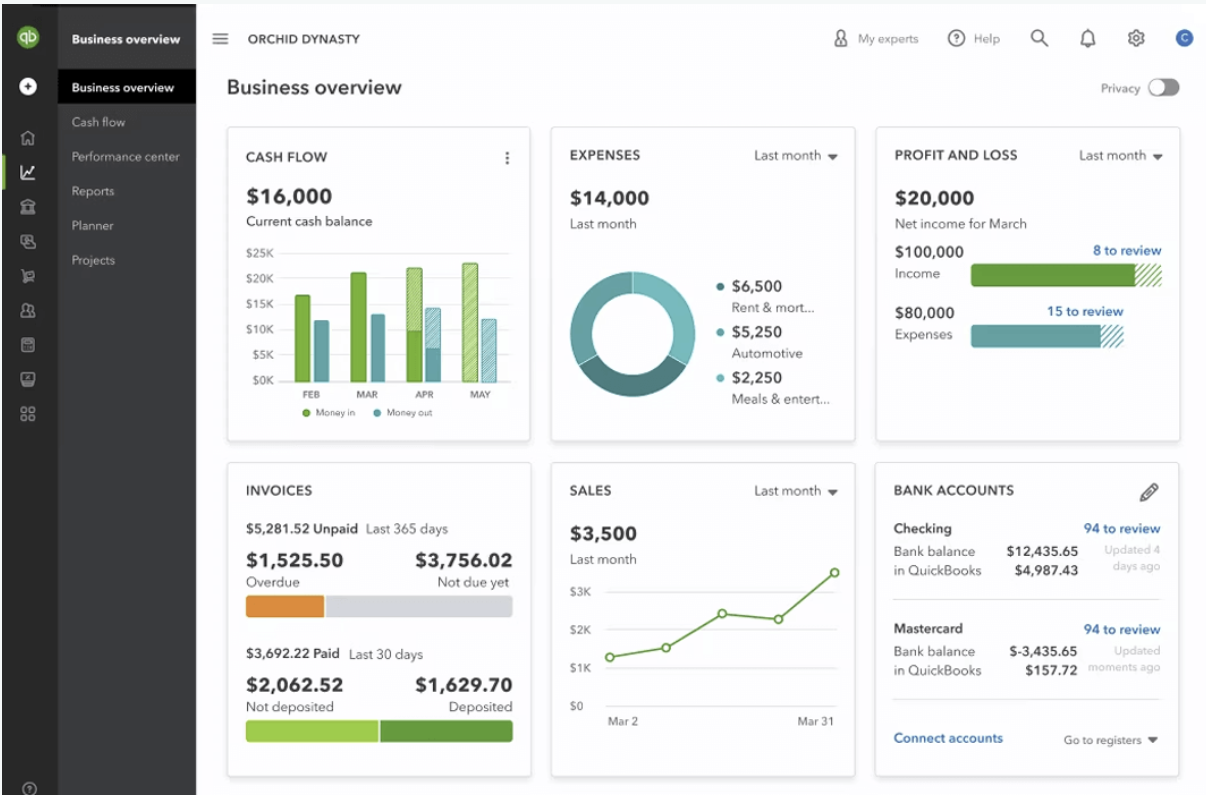
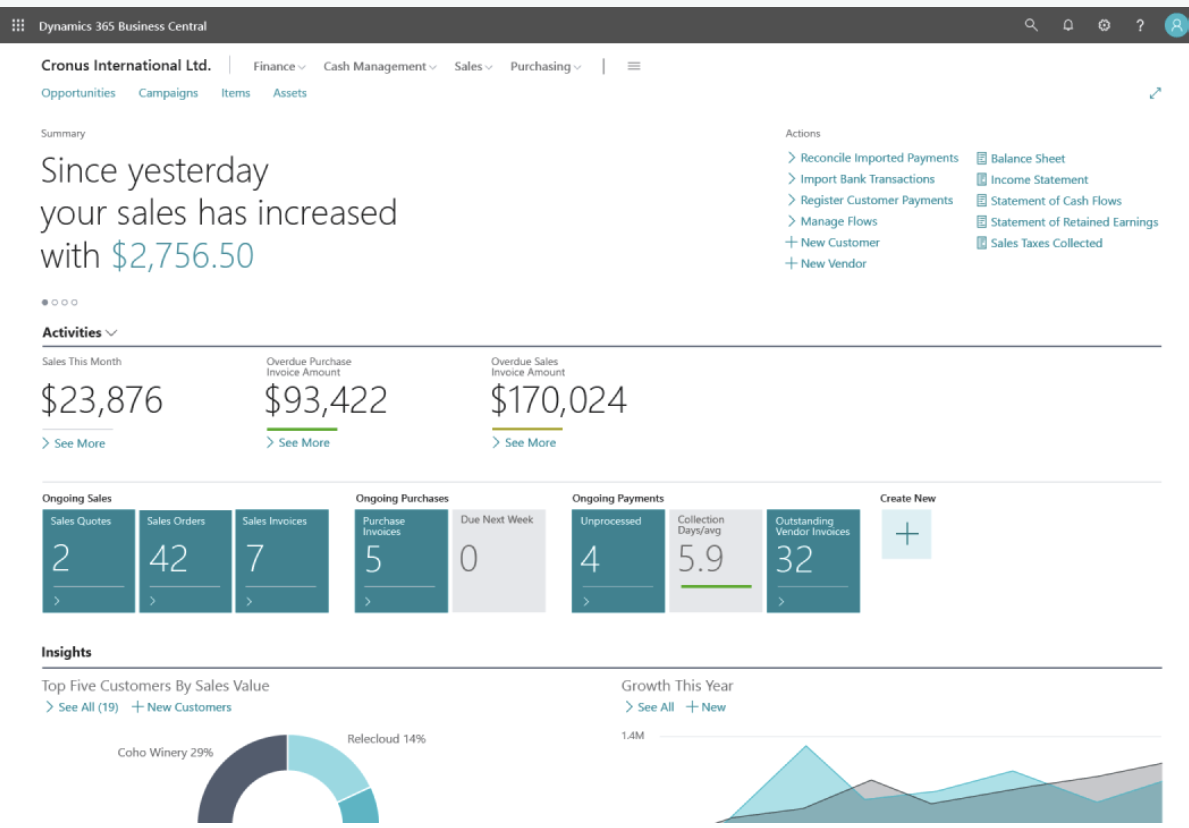
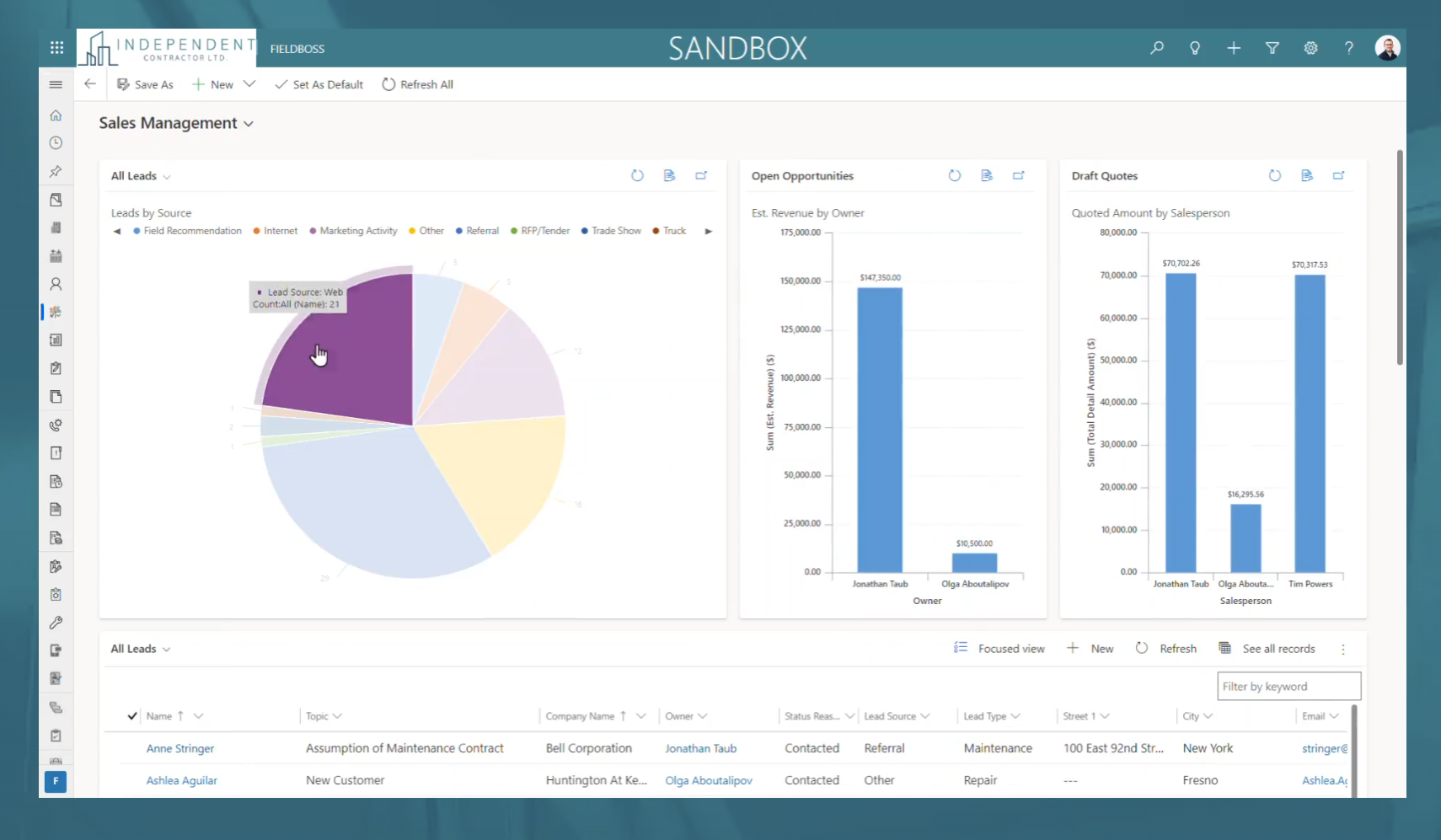
Screenshot of the FIELDBOSS dashboard as shown with Quickbooks integrationScreenshot of the FIELDBOSS dashboard as shown with Microsoft Dynamics 365 Business Central integraitonScreenshot of FIELDBOSS example reporting

ServiceMax Screenshots

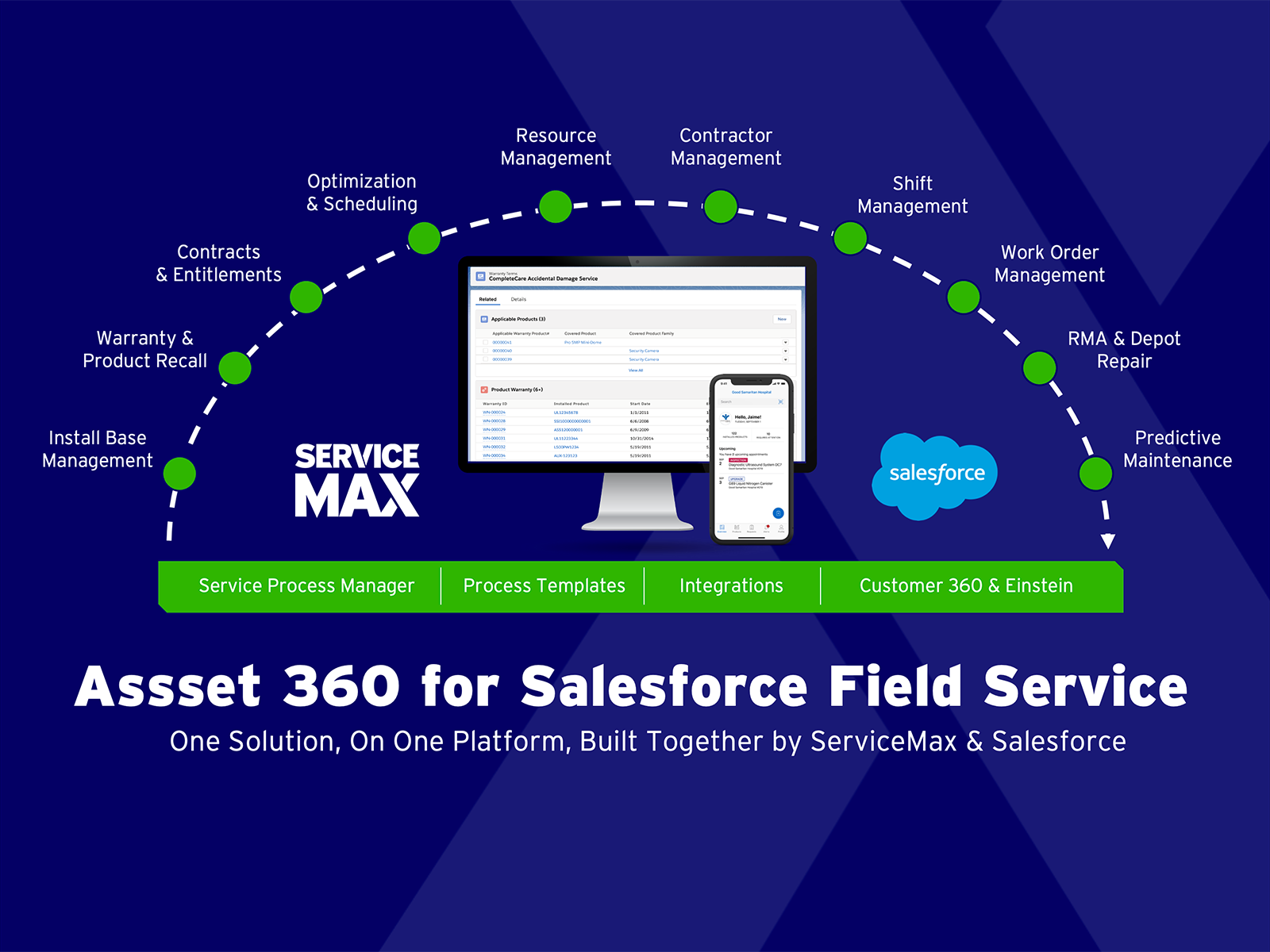
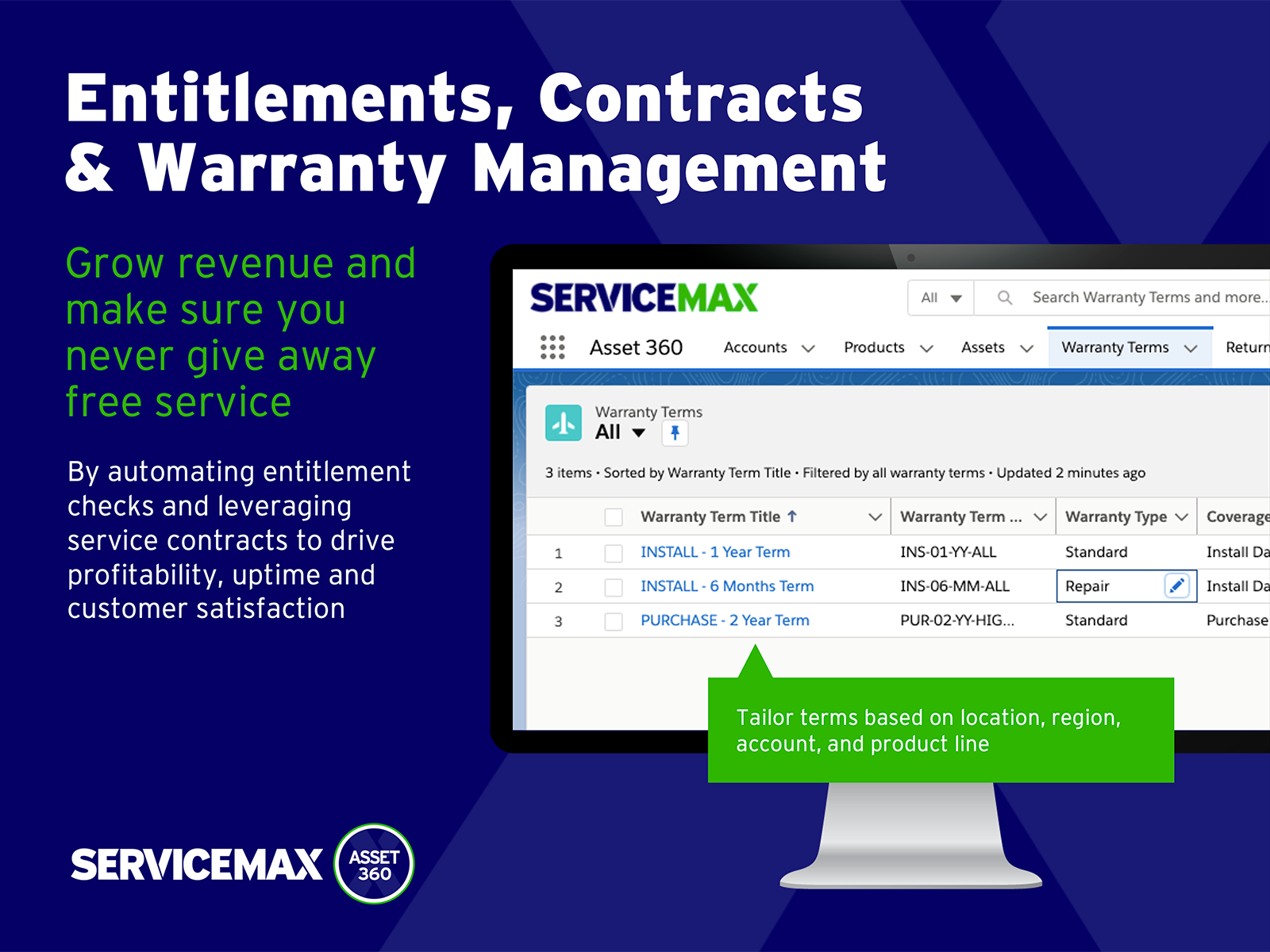
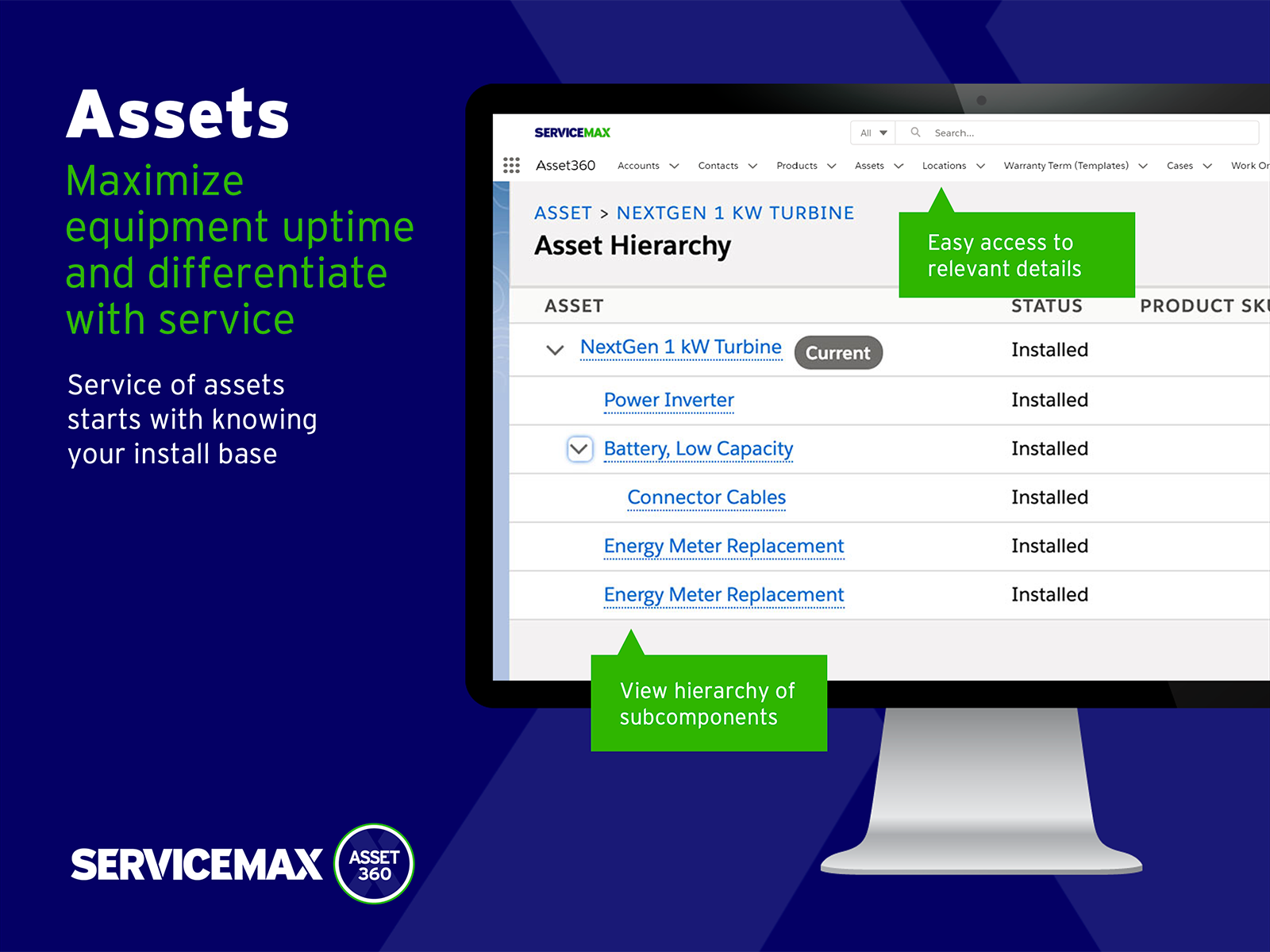
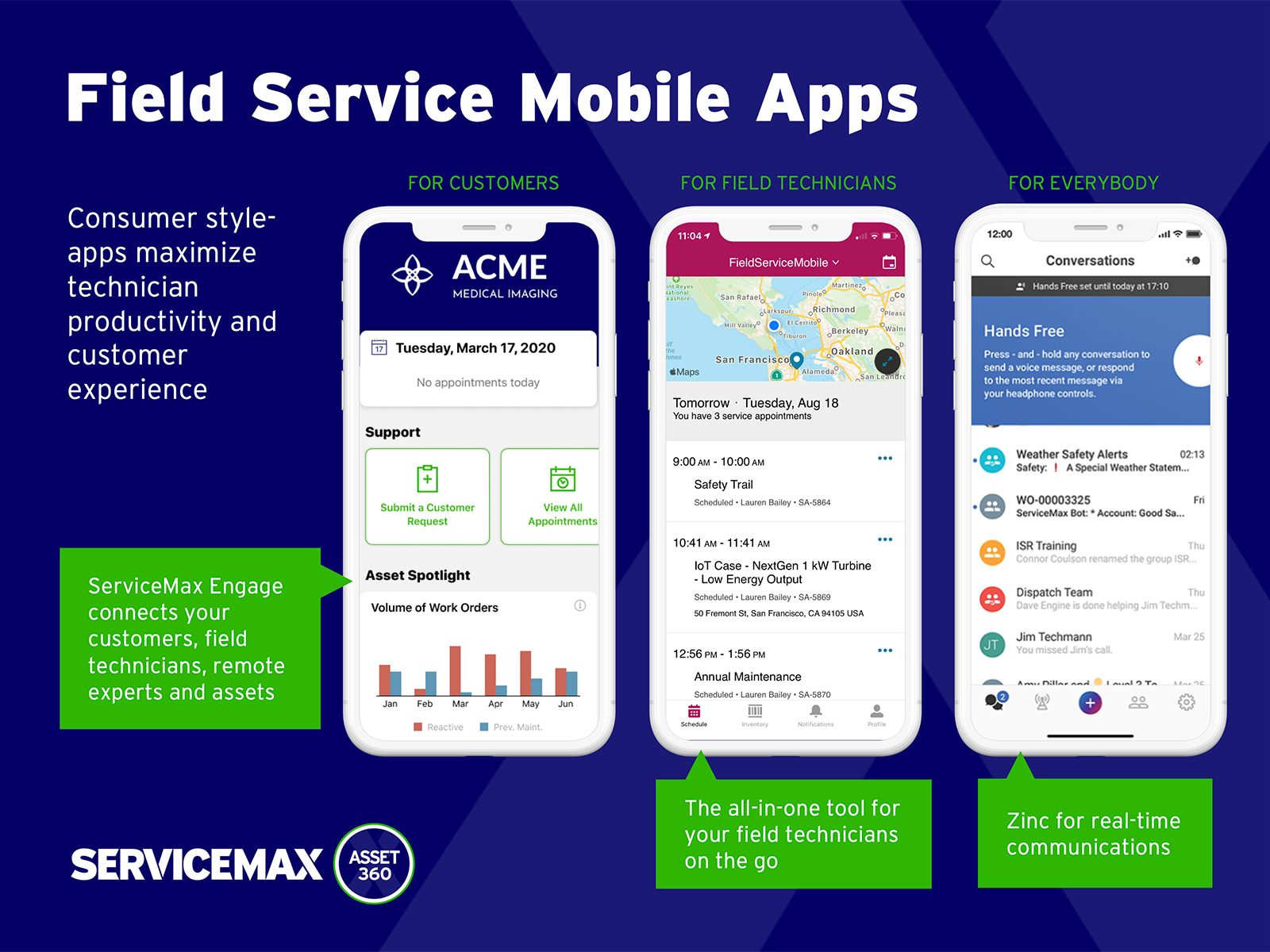
Screenshot of Asset 360 for Salesforce Field ServiceScreenshot of Entitlements, Contracts & WarrantiesScreenshot of Scheduling & OptimizationsScreenshot of Powerful Asset DataScreenshot of Mobile Suite: Zinc, Engage, Service Board, GoScreenshot of Partner, RMA, Depot Repair