
Excel Analyzer vs. Row Zero
| Product | Rating | Most Used By | Product Summary | Starting Price |
|---|---|---|---|---|
 Excel Analyzer | Score7.9 out of 10 | N/A | N/A | $0 |
 Row Zero | N/A | N/A | Row Zero is a spreadsheet for big data that works just like Excel and Google Sheets, but can handle 1+ billion rows, process data faster, and connect live to a data warehouse and other data sources. Row Zero spreadsheets can pull entire database tables into a spreadsheet, letting non-technical users build live pivot tables, graphs, models, and metrics on data from a data warehouse. Users can also open, edit, and share multi-GB files (CSV, parquet, txt,… | $0 |
| Excel Analyzer | Row Zero | |||||||||||||||
|---|---|---|---|---|---|---|---|---|---|---|---|---|---|---|---|---|
| Editions & Modules |
|
| ||||||||||||||
| Offerings |
| |||||||||||||||
| Entry-level Setup Fee | No setup fee | No setup fee | ||||||||||||||
| Additional Details | — | Discount available for annual subscription on Pro and Business plans. | ||||||||||||||
| More Pricing Information | ||||||||||||||||
| Excel Analyzer | Row Zero | |
|---|---|---|
| Small Businesses |  Stackby Score9 out of 10 | Stackby Score9 out of 10 |
| Medium-sized Companies |  Microsoft Excel Score8.7 out of 10 | Microsoft Excel Score8.7 out of 10 |
| Enterprises | Microsoft Excel Score8.7 out of 10 | Microsoft Excel Score8.7 out of 10 |
| All Alternatives | View all alternatives | View all alternatives |
| Excel Analyzer | Row Zero | |
|---|---|---|
| Likelihood to Recommend |
| No answers on this topic |
| Pros |
| No answers on this topic |
| Cons |
| No answers on this topic |
| Usability |
| No answers on this topic |
| Alternatives Considered |
| No answers on this topic |
| Return on Investment |
| No answers on this topic |
| ScreenShots | Row Zero Screenshots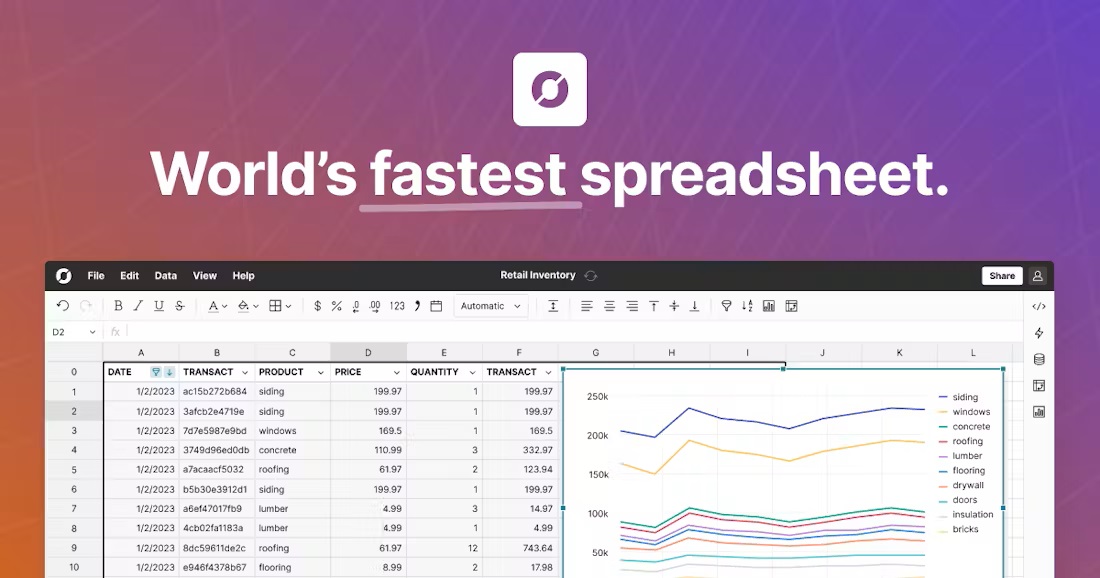 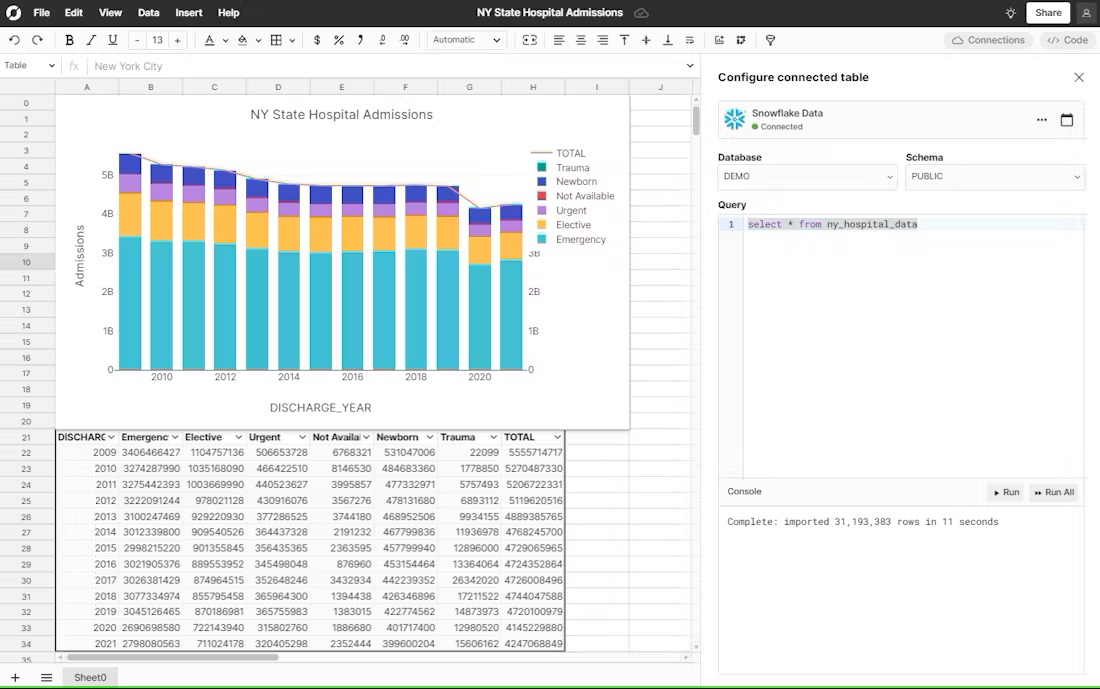 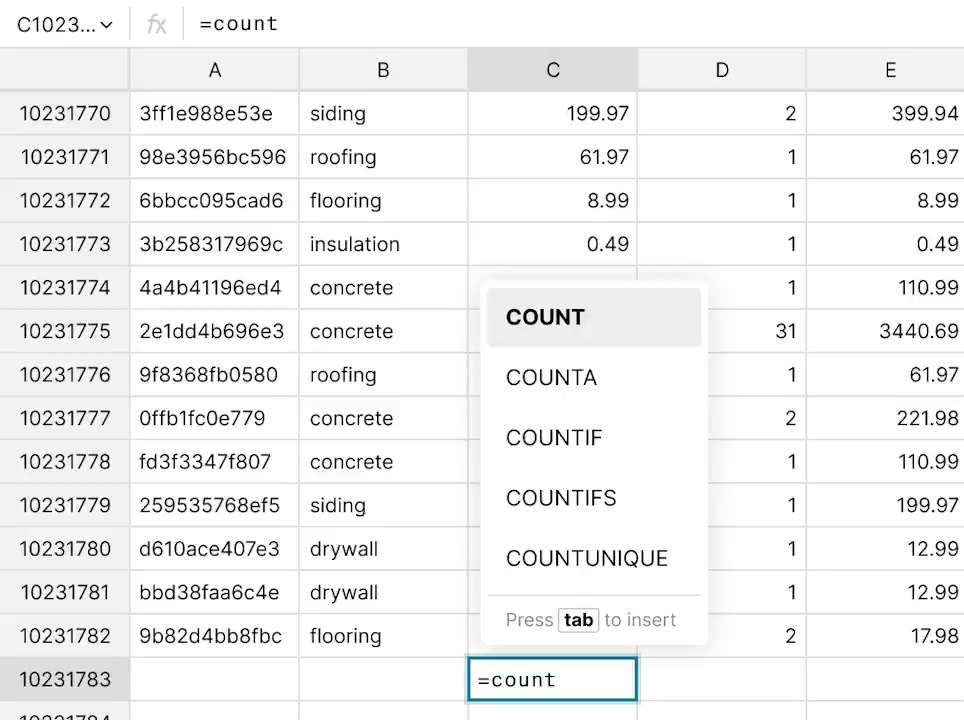 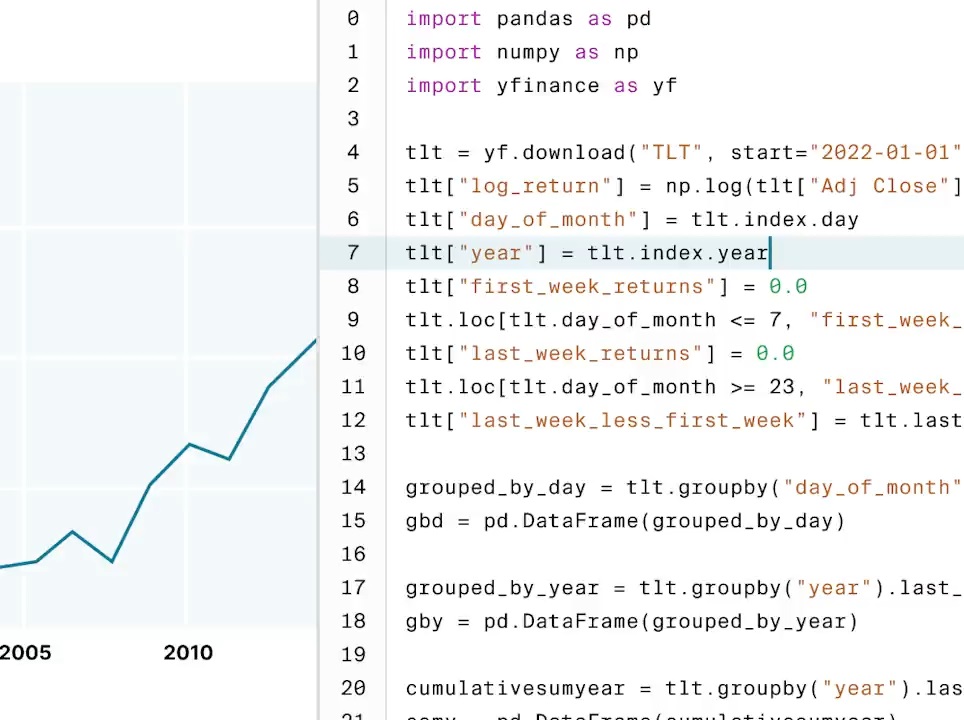 |


