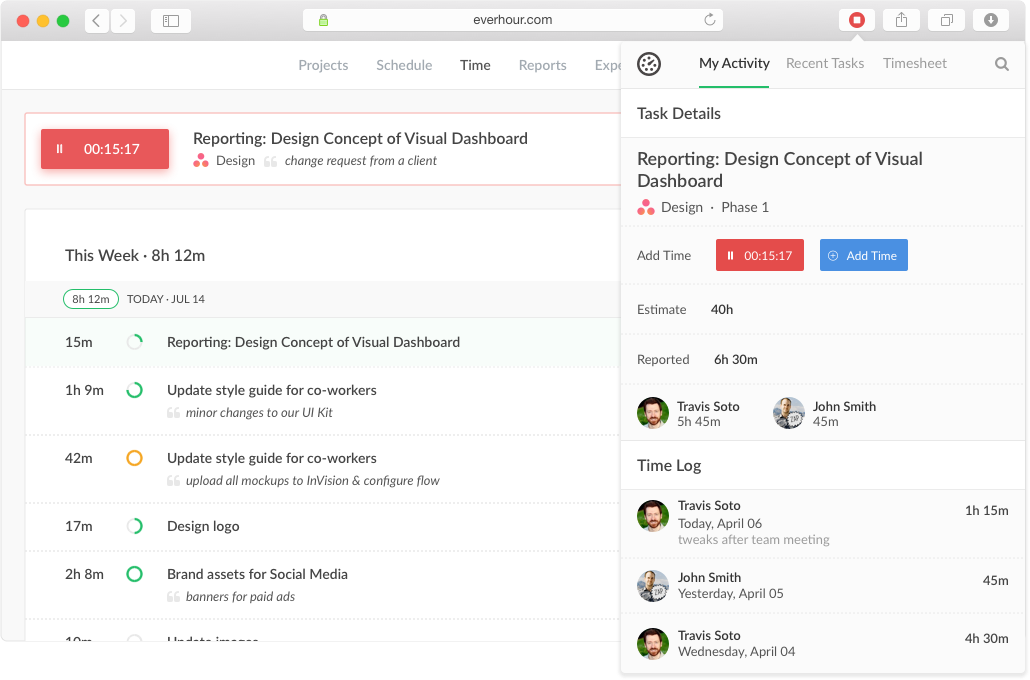
Everhour is a time tracker equipped with project & team management features. Everhour integrates with project management apps so users can track time on tasks right from its interface: Asana, Basecamp, Trello, Jira, ClickUp, Basecamp, Notion, Todoist, GitHub, GitLab, etc. Its time tracking features provide options for timekeeping and time management. It helps to facilitate a team's time tracking experience by adding reminders, auto stop timers, start and stop timers, and…
$0
Timely
Score 7.0 out of 10
N/A
Timely AS, headquartered in Oslo, Norway, offers their automatic employee and project time tracking application.
Everhour is useful in every environment where you need the measure of time for certain tasks. In most cases, this could be project management but it could also include trips or travels, conferences, congresses, or several other things that you need to take control of the time used. Its less appropriate if you are going to measure things in weeks or days, it's better to measure smaller pieces of time like minutes of hours, so you could have a more useful metrics to work with.
Timely is well suited for organizing complex projects that require communication, transparency, data access, and monitoring tasks. It also helps with making sure everyone knows the small and day-to-day tasks required from each one, and not only the big picture of the project. In complex projects, it is easy to become frustrated by the amount of work that still needs to be done. Timely breaks it into smaller parts.
It has a genius dashboard with all real-time traffic information of all team members. It is a very useful tool as well to track efficiency for both in-house and remote team members
It has well-done integration with Asana (and other task-managers) which allows you to track time on tasks without switching between apps or tools which it truly awesome
It has a scheduling tool which allows you to plan long term traffic of all your team members by using Asana projects and tasks so there is no need to copy and paste the same story points between different systems
It has flexible reporting system which allows you to build very custom project time tracking report based on your needs (any field or table type can be customized and you wish)
An integration with the desktop version of Asana would be useful, as many of our employees use that version.
A reminder when a task has been running for a while would be useful too, as the user could have forgotten to turn off the timer
Multiple tasks running simultaneously would be useful, as many times we solve some problems while we are reunited or complete some tasks while other processes are running.
Everhour's overall usability is definitely one of its key strengths. The UI is intuitive and clean, making time tracking feel less "technical" than other solutions we've tried. Our entire team, including less tech-savvy contractors, found it easy to use.
For admin its not great but for the team it is fairly straight forward I think. The reports are clunky at times, if I have something pulled up on a tab then go into a different tab and back into the Timely tab, whatever I had up is gone, etc.
In the almost 2 1/2 years we have had to contact support 1 time and it really was for a feature request. Their support team responded quickly and told us that the feature was going to be added in the next few months. We have had no support issues ever. I have never had a time tracking solution that has had no issues until Everhour.
When evaluating other systems, we compared Everhour against Toggl Track and JIRA. Toggl Track offered robust reporting but felt too feature-heavy for our contractor management needs. It was also a bit more difficult to use. JIRA's time tracking, while powerful for development teams, was overly complex for us and had too much overhead.
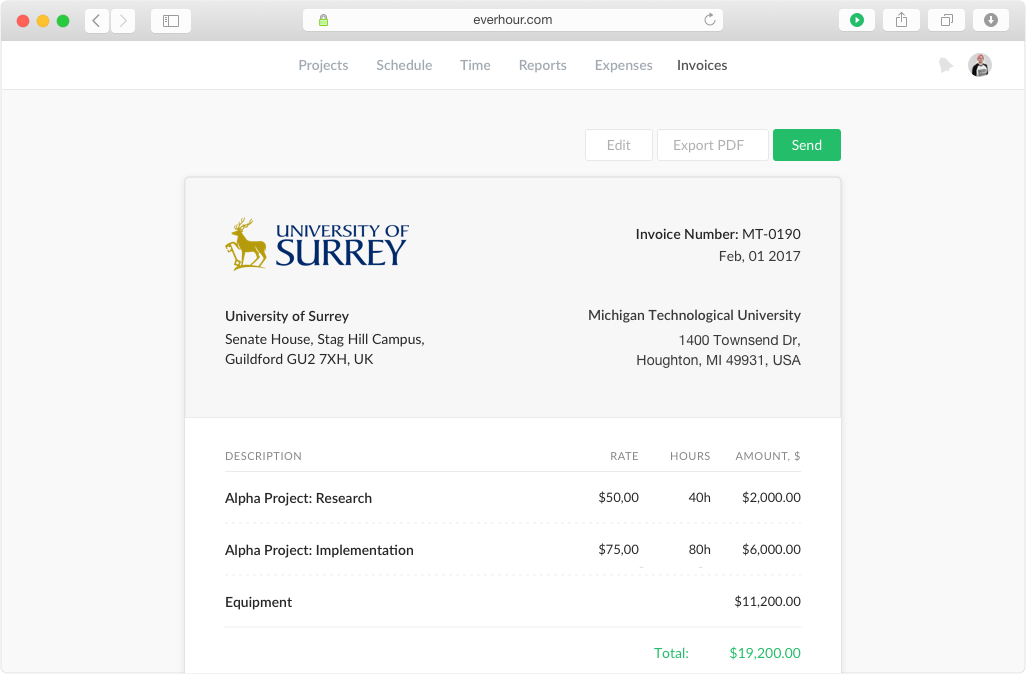
Simplifies end-of-month billing processes and reduces manual entry
Quicker team onboarding due to consistent time tracking structure between Asana & Everhour
Improved productivity due to Asana integration as tasks can be reassigned and tracked by multiple team members, regardless of who is assigned to the task (good for collaboration between team members)