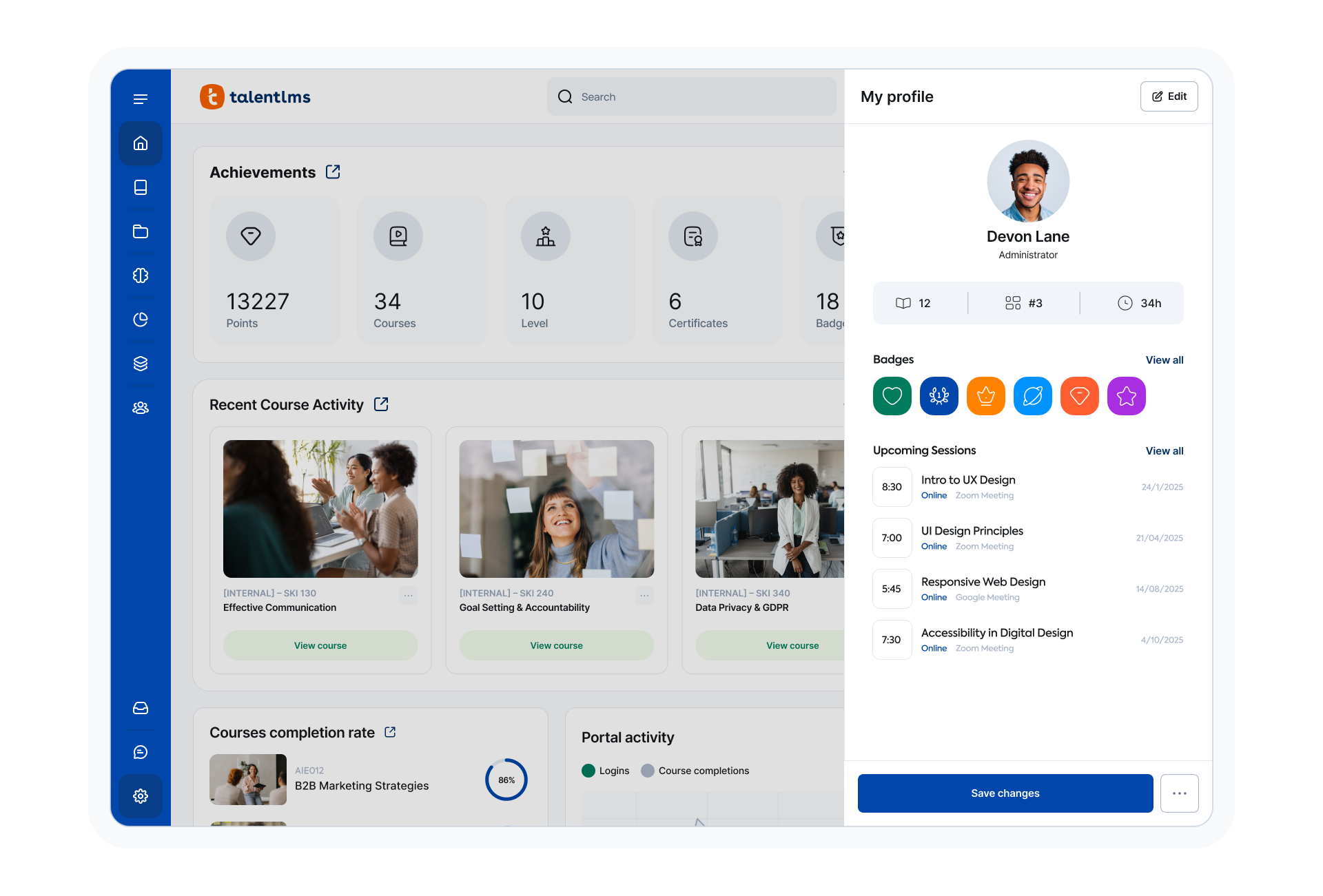
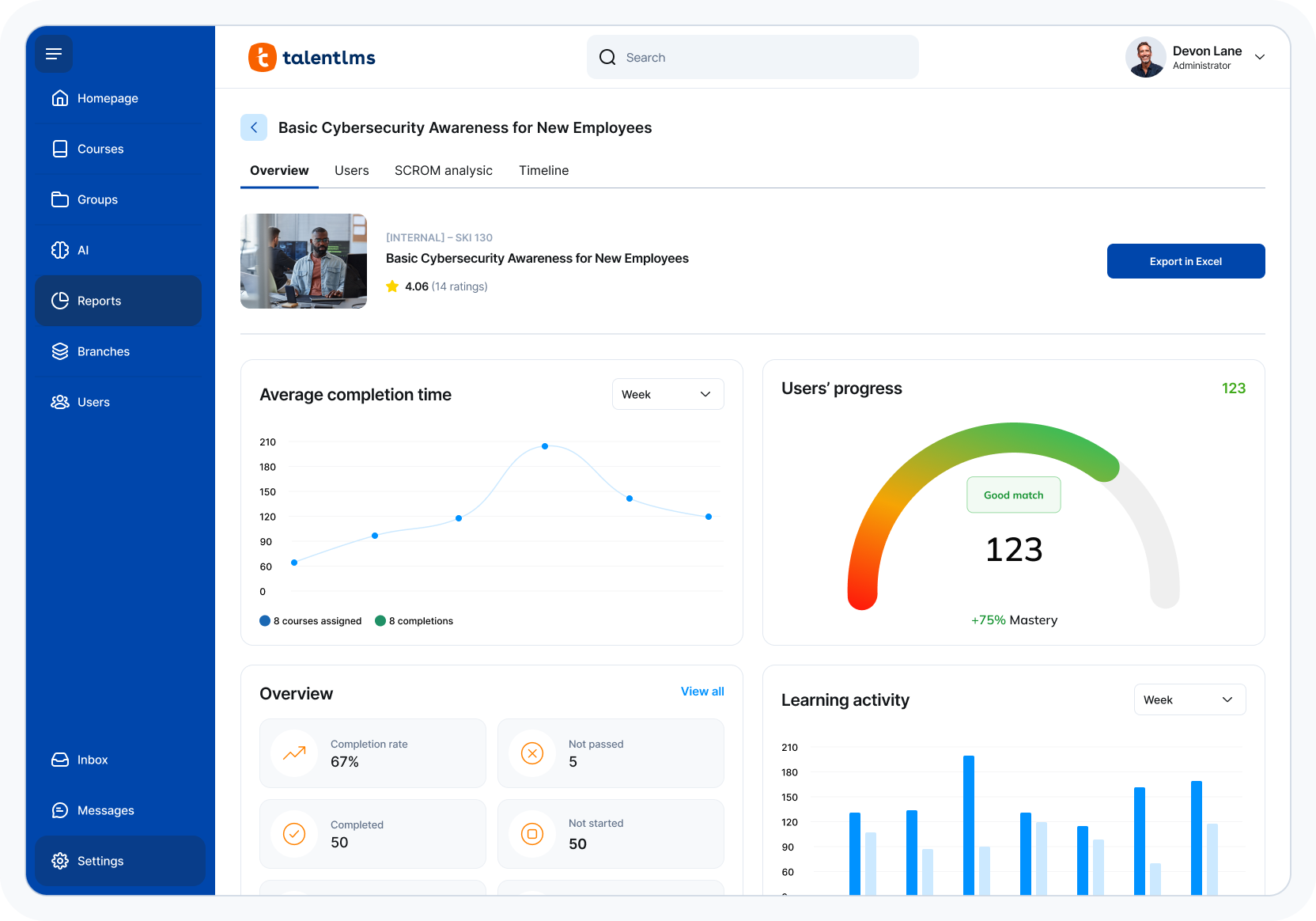
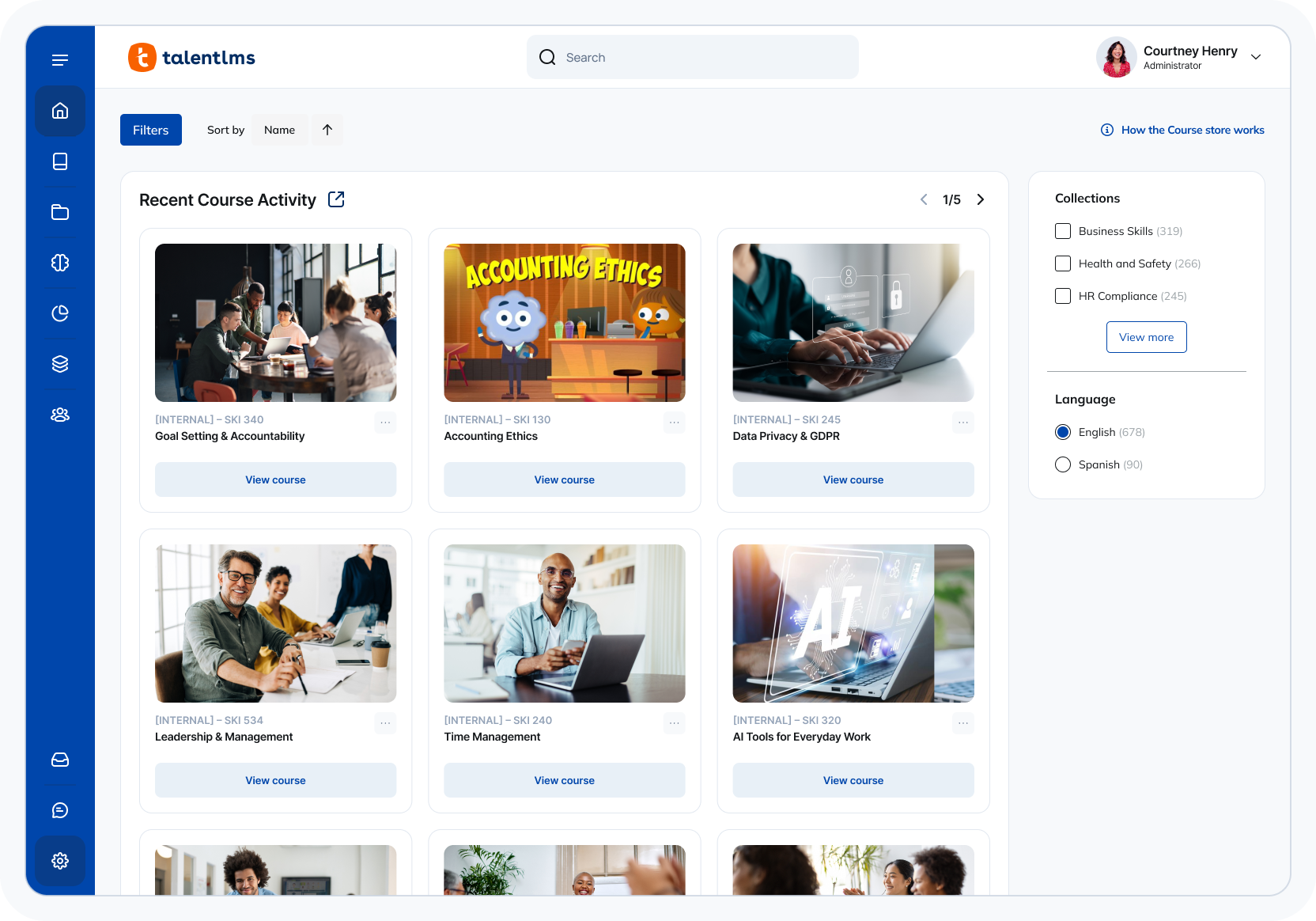
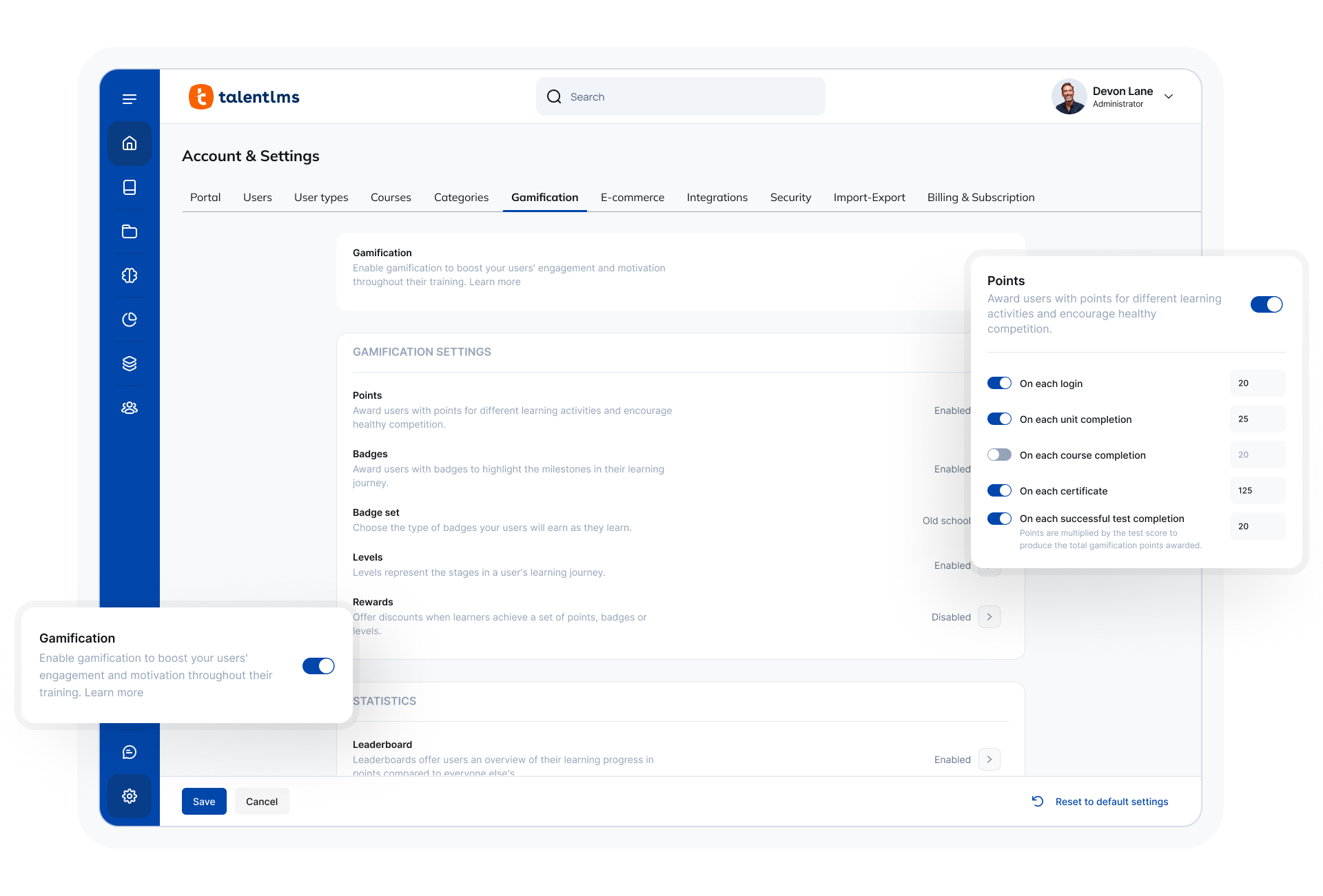
TalentLMS is an LMS built for training success, presented as fully customizable and easy to manage, so that teams embrace training while feeling right at home. It is used to provide the right training to any team and every use, while giving expert guidance and support every step of the way.
$149
per month 1-40 users
iSpring Market (discontinued)
Score9.5 out of 10
N/A
A system used to help launch a digital marketplace with a course catalog, user management, and promotion options. The product was discontinued in 2024.
$77
per month
Pricing
TalentLMS
iSpring Market (discontinued)
Editions & Modules
Core
$149
per month 1-40 users
Grow
$299
per month 1-70 users
Pro
$579
per month 1-100 users
Enterprise (Custom plan)
Custom
annual plan Starts at 1000 users
500 users, 25 Gb
$77
per month billed annually
1000 users, 50 Gb
$147
per month billed annually
2000 users, 100 Gb
$277
per month billed annually
Offerings
Pricing Offerings
TalentLMS
iSpring Market (discontinued)
Free Trial
No
Yes
Free/Freemium Version
Yes
No
Premium Consulting/Integration Services
No
No
Entry-level Setup Fee
No setup fee
No setup fee
Additional Details
Users can stay on the Forever Free plan and upgrade, or downgrade or cancel at any time. Higher volume plans available at additional cost. Discount available for annual billing, and for nonprofits.
With iSpring Market, you pay only for active users (who pay for training courses or view two or more free courses).
Vice President Education Ops in Professional Services at American Road & Transportation Builders Association (ARTBA) (Non-profit Organization Management, 11-50 employees)
Chose iSpring Market (discontinued)
We picked iSpring Market because of cost, maintenance, and easy of use.
A de minimis incentive was given to thank the reviewer for their time. The incentive was not used to bias or drive a particular response, nor was the incentive contingent on a positive endorsement. More Info
TalentLMS is user-friendly enough for someone new to LMS management can get a site up and running in a relatively quick manner. It is rather intuitive to operate. My needs have been a rather small scale of 400 learners and TalentLMS more than meets the need to produce a professional-looking and operational website to send customers and staff. The point here is that although I do not know how well it can be up-scaled, it certainly delivers for small to medium organizations to need to get content online
A de minimis incentive was given to thank the reviewer for their time. The incentive was not used to bias or drive a particular response, nor was the incentive contingent on a positive endorsement. TR verified that a representative sample of customers was invited. More Info
iSpring Market is suited for small organizations with limited staff and limited IT resources. Allowing users to self-register is a huge time-saver for small organizations. SEO, Google Tag Manager and SSO are included and easy to set up. For the most part, the documentation is good and the help desk provides timely customer service. iSpring Market is not the best tool for larger and more sophisticated organization. It's extremely difficult to get global reporting data, it doesn't import data from other systems, and it only exports a limited amount of data for use in other applications such as business intelligence software.
A de minimis incentive was given to thank the reviewer for their time. The incentive was not used to bias or drive a particular response, nor was the incentive contingent on a positive endorsement. More Info
Email notifications have arbitrary limits on what information can be included. For example, you cannot include the user password in any notification email regarding course enrollment, group enrollment, etc.
Notification emails are not sent out in a reasonable time frame. Sometimes, it takes over 20 minutes for a new user to get their registration email.
It would be nice to get reports in the base domain containing customer user fields from various branches.
A de minimis incentive was given to thank the reviewer for their time. The incentive was not used to bias or drive a particular response, nor was the incentive contingent on a positive endorsement. TR verified that a representative sample of customers was invited. More Info
There are few global reporting features. I can get specific information on a user or a course, but there is no easy way to find users who made an account and didn't enroll in a course. You have to look at every user, or download spreadsheets and search.
There are very few hooks available to Zapier to transfer data to other services.
You can't transfer data into the iSpring Market using Zapier, so we can't use our member management system to populate courses.
The ease of use, the robustness of the offering, and familiarity. It does everything we need and probably more. We likley don't utilize all the functionality it has as it does what we want it to without having to dig that deep into its tools. Their course library also has saved us some time in terms of saving time from creating some basic courses.
The system is intuitive. It does not have a lot of features that are hidden behind secret menus or elsewhere. There are often multiple ways to get to the same place through different menus without having to go back to the home or root menu. It makes things pretty easy. Additionally, if there is something I can't figure out, there is documentation available to help with that.
Quick answer, comprehensive, and customized. I sent an email with multiple questions and feedback about their new UI, and the agent addressed all of them directly and honestly no sugar-coating and no call center lingo. Most questions can also be addressed directly in their UI with a really good help center widget.
A de minimis incentive was given to thank the reviewer for their time. The incentive was not used to bias or drive a particular response, nor was the incentive contingent on a positive endorsement. TR verified that a representative sample of customers was invited. More Info
Implementation was relatively easy. When we set up a second branch, we needed a little help. But the support area is well-detailed. My clients had no experience with an LMS and their digital skills were limited. We had a long way to go. Nevertheless, it was relatively easy. It was rather quick!
A de minimis incentive was given to thank the reviewer for their time. The incentive was not used to bias or drive a particular response, nor was the incentive contingent on a positive endorsement. TR verified that a representative sample of customers was invited. More Info
Both are good, but the pricing and general value proposition of Talent LMS are better than Trainual in my opinion. Trainual is a bit more modern and cleaner looking from a user interface perspective, but it comes at a higher cost. Both platforms provide very similar features in the way of general functionality and user experience, but Talent LMS wins because of its better pricing model.
A de minimis incentive was given to thank the reviewer for their time. The incentive was not used to bias or drive a particular response, nor was the incentive contingent on a positive endorsement. More Info
A de minimis incentive was given to thank the reviewer for their time. The incentive was not used to bias or drive a particular response, nor was the incentive contingent on a positive endorsement. TR verified that a representative sample of customers was invited. More Info
We have saved thousands of dollars a year in licensing fees compared with other products we used.
We have eliminated the need for contractors, to build content for iSpring Market, saving tens of thousands of dollars, because we can publish directly into the system using iSpring Suite.
We get 80% fewer help desk requests for enrollment and payment compared to the last two products we used.