EdrawMind vs. MindMeister

Overview
ProductRatingMost Used ByProduct SummaryStarting Price
EdrawMind
Score 10.0 out of 10
N/A
EdrawMind is a cross-platform, multi-functional mind mapping software from Wondershare Edrawsoft. Available in free and professional versions, EdrawMind provides a variety of intelligent layouts, diverse display modes and combines design elements with pre-defined theme styles in a strive to create an efficient tool for users. Since the release of version V10.6.0, EdrawMind has integrated artificial intelligence with new AI-driven…N/A
MindMeister
Score 3.5 out of 10
N/A
MindMeister is an online mind mapping tool that lets users share maps with an unlimited number of users and collaborate with them in real-time. MindMeister is used to brainstorm ideas, plan projects, take meeting minutes, develop business strategies, and create presentations. MindMeister runs in any standard web-browser as well as on iOS and Android devices, so users can access, edit and present their mind maps anytime, wherever they are. With MindMeister, users…
$45
per 6 months per user
Pricing
EdrawMindMindMeister
Editions & Modules
No answers on this topic
Personal
$45
per 6 months per user
Pro
$75
per 6 months per user
Business
$114
per 6 months per user
Offerings
Pricing Offerings
EdrawMindMindMeister
Free Trial
NoNo
Free/Freemium Version
NoYes
Premium Consulting/Integration Services
NoNo
Entry-level Setup FeeNo setup feeNo setup fee
Additional DetailsMindMeister offers 6-monthly and yearly subscriptions. Discounts for educational users and non-profit organizations are also available. Up to 22% discount for yearly pricing.
More Pricing Information
Community Pulse
EdrawMindMindMeister
Best Alternatives
EdrawMindMindMeister
Small Businesses
MindManager
MindManager
Score 8.3 out of 10
MindManager
MindManager
Score 8.3 out of 10
Medium-sized Companies
MindManager
MindManager
Score 8.3 out of 10
MindManager
MindManager
Score 8.3 out of 10
Enterprises
Miro
Miro
Score 9.2 out of 10
Miro
Miro
Score 9.2 out of 10
All AlternativesView all alternativesView all alternatives
User Ratings
EdrawMindMindMeister
Likelihood to Recommend
10.0
(0 ratings)
1.0
(0 ratings)
Support Rating
-
(0 ratings)
10.0
(0 ratings)
User Testimonials
EdrawMindMindMeister
Likelihood to Recommend
I love it and that is all I can say. Once you are taking notes or need to make a logical argument case, it's the tool to use. It's may not so easy to use when taking when you need to dictate by voice because the voice taking gesture doesn't work well for me
Read full review
This product is well suited for making mind maps and outlining projects and ideas from the start. It can be tough if you are trying to convert something you began in Docs. It allows for a lot of intuitive creation, making your work flow easily. It can get to be a bit clunky though if you make your map too large.
Read full review
Pros
  • Helps with flow of thought
  • Makes reviewing notes easy
  • Easy to switch between platforms
Read full review
  • The UI is well laid out and easy to use. The workflow makes perfect sense and makes creating tasks a breeze.
  • The collaboration features make brainstorming not only easy but fun! Everyone enjoys using the tool, which was not the case with other collaboration software we used.
  • I love being able to get all of my thoughts and ideas on the screen to see them and then be able to connect them in a logical way.
Read full review
Cons
  • Have a method to travel from one end of the relationship line to the other end
  • When printing the mindmap, have option to format the fit image to one page rather than tile it across the page multiple times
  • Improve the dictation feature when writings in the mindmap. It does not work so well
  • need more varied options for branching: have lightning looking branches, with a cloud being at the main start;
  • have tree looking branch types, with a seed at the main start; have a river tributary looking branch types, with a spring/dam/lake at the main start; have a solar system type branching, with a sun/star at the main start; have a electron system type branching, with a nucleus at the main start; in essence some type of fractals. I can send sketch examples if you want
  • Have option to include voice recording by directly recording into the branches
Read full review
  • I wish collaborators could add comments without having to be given editor privileges. A "Reviewer" role would be helpful.
  • I would like to be able to toggle note visibility on and off. If there is a way to do it now, I haven't found it. As it is, I have to hover or use the sidebar to see notes.
  • Two or three times I have seen my nodes spontaneously reverse order in a big map (over their recommended limit). Even so, they are working on tracking the issue down.
Read full review
Support Rating
No answers on this topic
Never had an issue with customer support, though we never really needed anything major as far as technical help. I do not believe they offer 24 hour customer support but we don't need it as MindMeister is not the type of tool we need need 24 hour a day support for. Overall, very happy with the level of support.
Read full review
Alternatives Considered
I've used Xmind, MindMeister, Mindly, Coggle, MindMup, Mindmap Maker, SimpleMind, and a few other applications to see what they offered. I chose EdrawMind after carefully consider all the available options on the market. EdrawMind came out on top for me in terms of platform support, cloud storage, aesthetics, functionality, features, customer support and ease-of-use
Read full review
Mindmeister has a good free plan compared with Lucidchart, and better Google Drive integration in my opinion. draw.io has a better free plan than MindMeister, but I prefer MindMeister for mindmap creation still, while I prefer draw.io for other types of diagrams. Xmind is powerful, but bloated, and requires installation on every machine that needs to open the file. The fact that MindMeister is in the cloud is a huge bonus.
Read full review
Return on Investment
  • Had increased my prospective efficiency about 10x
  • Number of prospects going through process have increased more than 20%
  • Time it takes to do process have decreased about 30%
Read full review
  • Our meetings became more productive (time saving /better outcome).
  • Project management activities became more efficient (time-saving/increased quality/better collaboration).
  • It became easier to create online repositories to share relevant and well-organized information to our teams (before it was dispersed, incomplete, and difficult to find/manage).
Read full review
ScreenShots

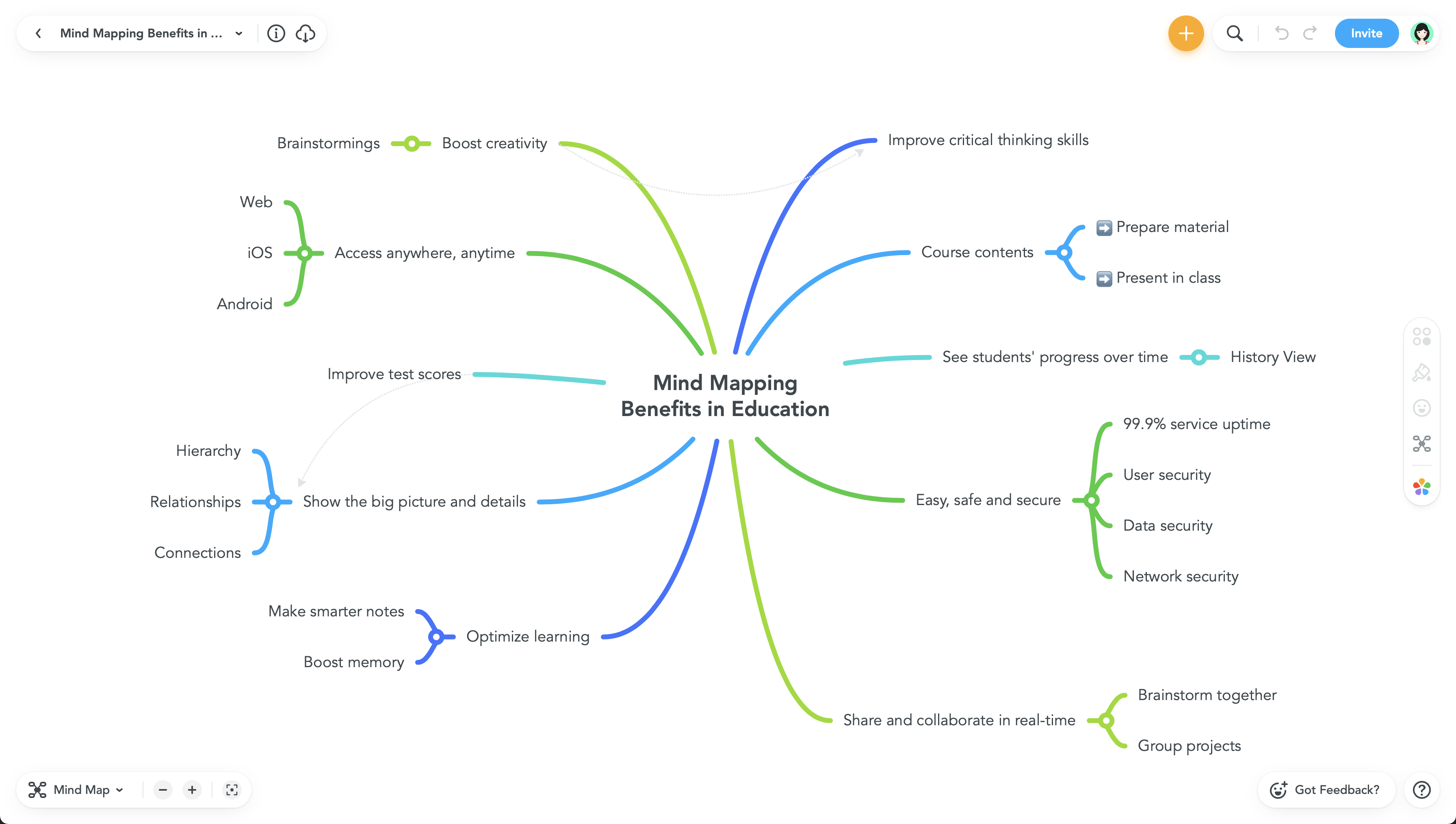
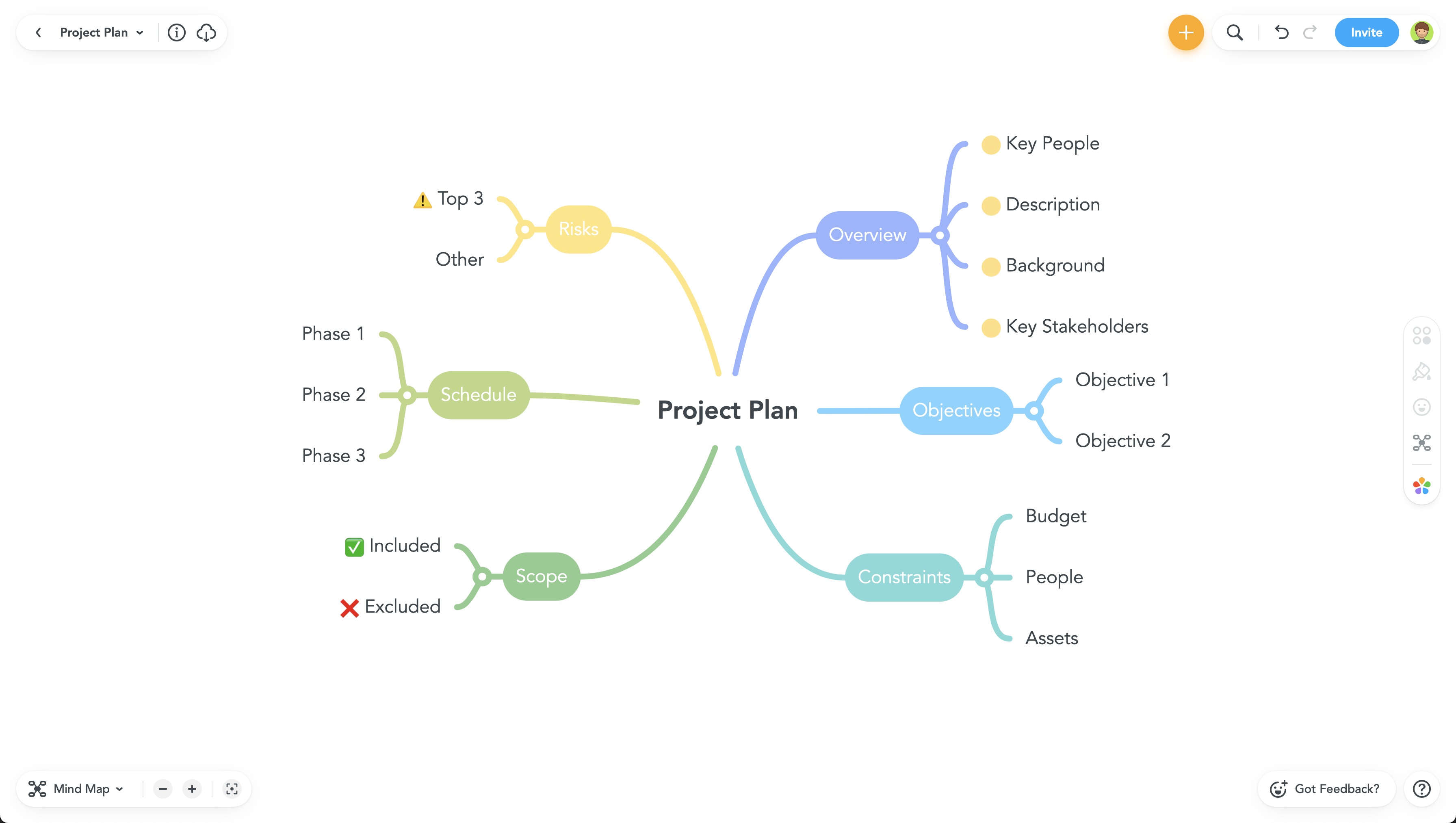
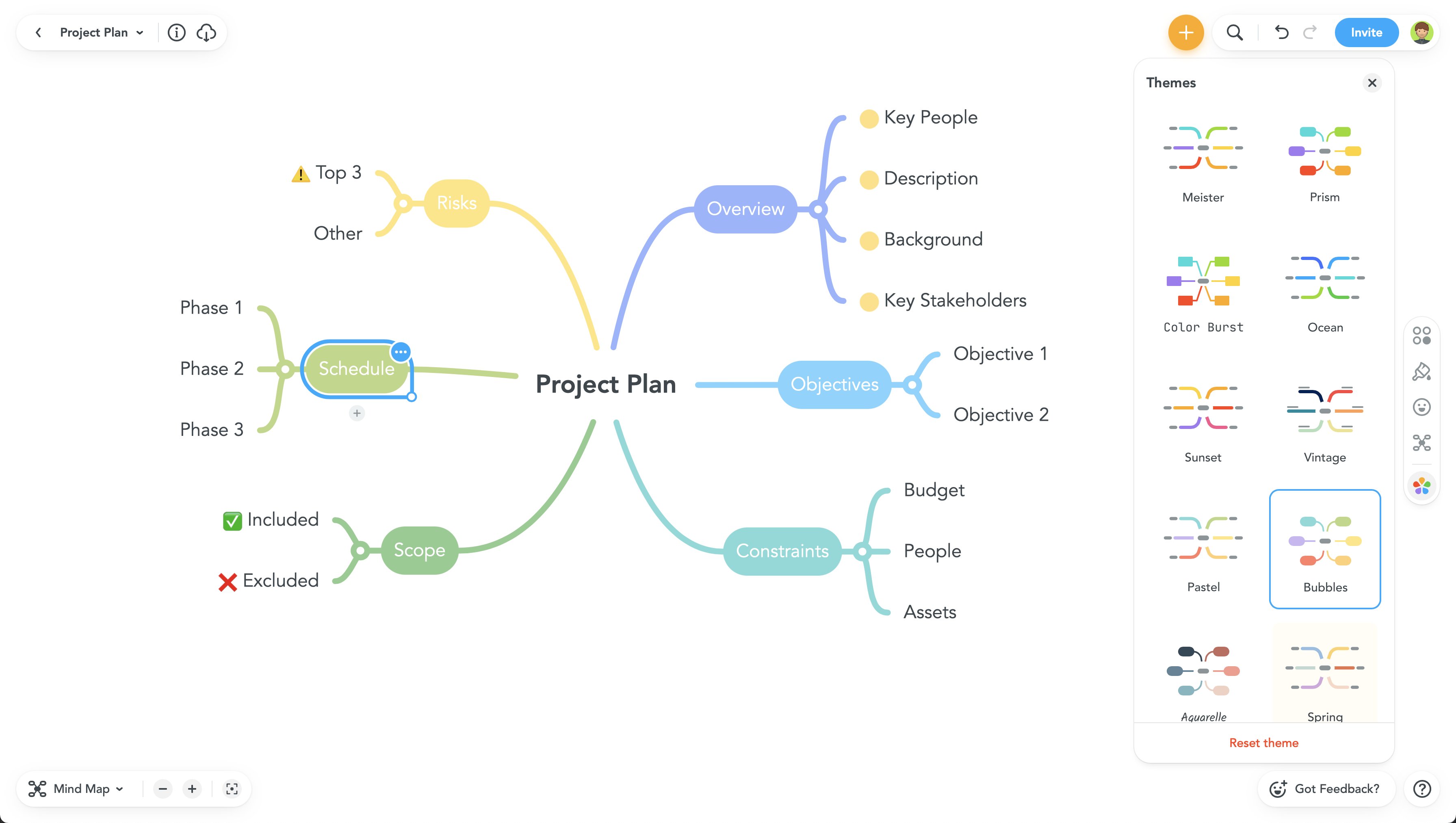
MindMeister Screenshots

Screenshot of Screenshot of Screenshot of Screenshot of