Drum Web Meeting vs. Mikogo

Overview
ProductRatingMost Used ByProduct SummaryStarting Price
Drum Web Meeting
Score 7.0 out of 10
Small Businesses (1-50 employees)
Drum Web Meetings provides users with an instant meeting solution. Users can create and join meetings with a click of a button with no downloads or system requirements. Users are not restricted on features and can benefit from a true-to-life meeting experience. The meeting host can promote and demote meeting attendees to and from a presenter. Drum provides users with the opportunity to embed their meeting area inside their branded experience, whether that be their website or an…
$0
Mikogo
Score 1.2 out of 10
N/A
Mikogo is a free screen sharing solution with built-in VoIP for online meetings, web presentations, web conferencing and sales demos.
$156
Annually
Pricing
Drum Web MeetingMikogo
Editions & Modules
Free
$0
Enterprise
£20
Minimum 10 licences
Professional
£26
Basic Annual
$156
Annually
Professional Annual
$228
Annually
Professional Lifetime
$456
Lifetime License per User
Team Annual
$468
Annually
Team Lifetime
$936
Lifetime License [Unlimited Users]
Offerings
Pricing Offerings
Drum Web MeetingMikogo
Free Trial
YesYes
Free/Freemium Version
YesYes
Premium Consulting/Integration Services
NoNo
Entry-level Setup FeeNo setup feeNo setup fee
Additional DetailsEnterprise plans are also available for larger organizations, with a custom number of users, meeting participants, and channels. Master Administration and Web API integrations are also available. Contact Mikogo for further information.
More Pricing Information
Community Pulse
Drum Web MeetingMikogo
Features
Drum Web MeetingMikogo
Performance & Compatibility of Online Events Software
Comparison of Performance & Compatibility of Online Events Software features of Product A and Product B
Drum Web Meeting
-
Ratings
Mikogo
3.1
Ratings
88% below category average
High quality audio00 Ratings4.10 Ratings
High quality video00 Ratings4.10 Ratings
Low bandwidth requirements00 Ratings1.10 Ratings
Mobile support00 Ratings3.20 Ratings
Screen Sharing
Comparison of Screen Sharing features of Product A and Product B
Drum Web Meeting
-
Ratings
Mikogo
6.0
Ratings
28% below category average
Desktop sharing00 Ratings2.20 Ratings
Whiteboards00 Ratings9.80 Ratings
Online Meetings / Events
Comparison of Online Meetings / Events features of Product A and Product B
Drum Web Meeting
-
Ratings
Mikogo
3.0
Ratings
94% below category average
Calendar integration00 Ratings1.10 Ratings
Meeting initiation00 Ratings1.20 Ratings
Record meetings / events00 Ratings2.10 Ratings
Slideshows00 Ratings7.60 Ratings
Online Events Collaboration
Comparison of Online Events Collaboration features of Product A and Product B
Drum Web Meeting
-
Ratings
Mikogo
2.1
Ratings
118% below category average
Live chat00 Ratings1.20 Ratings
Audience polling00 Ratings3.10 Ratings
Q&A00 Ratings2.10 Ratings
Online Events Security
Comparison of Online Events Security features of Product A and Product B
Drum Web Meeting
-
Ratings
Mikogo
1.5
Ratings
138% below category average
User authentication00 Ratings1.20 Ratings
Participant roles & permissions00 Ratings1.10 Ratings
Confidential attendee list00 Ratings2.10 Ratings
Best Alternatives
Drum Web MeetingMikogo
Small Businesses
Intermedia AnyMeeting Pro
Score 7.1 out of 10
Intermedia AnyMeeting Pro
Score 7.1 out of 10
Medium-sized Companies
JioMeet
JioMeet
Score 10.0 out of 10
JioMeet
JioMeet
Score 10.0 out of 10
Enterprises
Webex Meetings
Webex Meetings
Score 8.4 out of 10
Webex Meetings
Webex Meetings
Score 8.4 out of 10
All AlternativesView all alternativesView all alternatives
User Ratings
Drum Web MeetingMikogo
Likelihood to Recommend
-
(0 ratings)
1.2
(0 ratings)
Support Rating
-
(0 ratings)
8.0
(0 ratings)
User Testimonials
Drum Web MeetingMikogo
Likelihood to Recommend
No answers on this topic
Given its narrow focus and inability to do that well, I cannot think of a scenario where Mikogo would be a fit. This software only provides 'attended' remote sessions whereby the person presenting their screen must also approve the connection of the user attempting to view or control their screen. While this has its place, it did not perform well in this limited scope.
Read full review
Pros
No answers on this topic
  • Collaboration audio/video - Very strong features. It simple and it just works as you expect. Especially multi-user collaboration capability.
  • File sharing - Again, nothing fancy but works as advertised.
  • Inexpensive- A single license allows for up to 25 participants and 3 concurrent calls. Even the free version is extremely capable and a good go-to option.
Read full review
Cons
No answers on this topic
  • Customer Support. Blog based and slow to respond
  • Free version is limited
Read full review
Support Rating
No answers on this topic
I have not had to use their support for anything other than setup.
Read full review
Alternatives Considered
No answers on this topic
Mikogo has simple features and is easy to use. If you don't need lots of bells and whistles and just want to screen share or video conference on a small scale Mikogo works best. Join.me & TeamViewer are a bit confusing for the novice small business person. My experience with LogMeIn has been that it's sluggish. GoToMeeting works great but is pricey for the small firm that mainly does one-to-one support/training. I couldn't get Zoom to work right.
Read full review
Return on Investment
No answers on this topic
  • Saves time and money in travel expenses to support remote locations for IT purposes.
Read full review
ScreenShots

Drum Web Meeting Screenshots

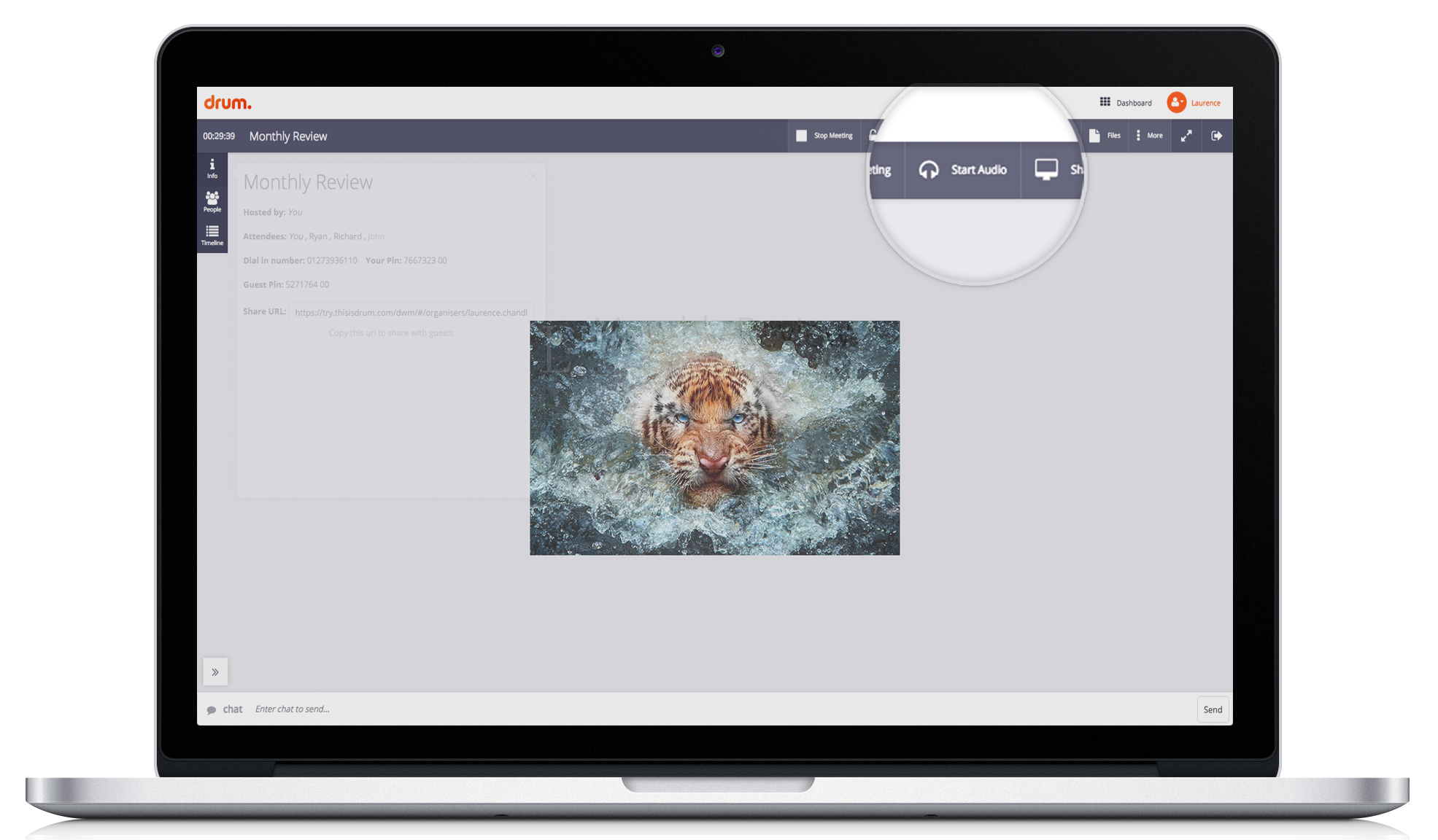
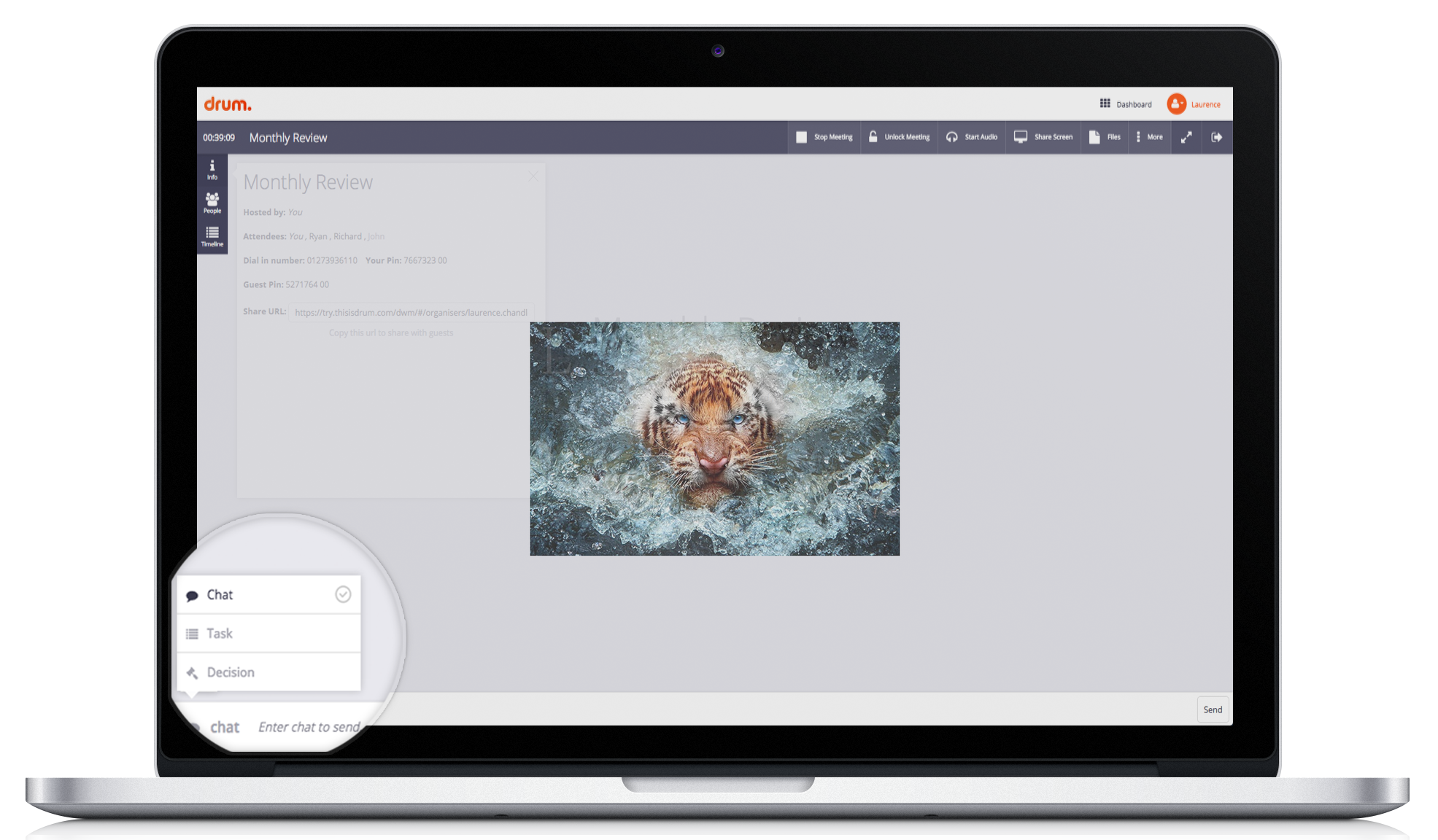
Screenshot of Join with WebRTC audio in Drum Web Meetings.Screenshot of Uploading a file with Drum Web Meetings.Screenshot of Sharing your screen with Drum Web Meetings. The block box can be stretched to fit the desired space.Screenshot of The meeting dashboard to manage all of your Drum Web Meetings.Screenshot of Three different ways to interact with the meeting attendees within Drum Web Meetings.

Mikogo Screenshots

Screenshot of Screen sharing between two windows desktop computersScreenshot of Phone conference and participant list options