
Dropbox Business vs. Filestack
| Product | Rating | Most Used By | Product Summary | Starting Price |
|---|---|---|---|---|
 Dropbox Business | Score9 out of 10 | N/A | Dropbox Business expands on the company's cloud storage service by providing additional features, such as lost file recovery for an extended period, integration with popular office suites (e.g. Office 365), the Dropbox Paper collaboration extension, two-factor authentication (2FA) and single sign-on (SSO), tiered administrator controls and granular permission sharing, remote device wipe, API, and other features of use to larger groups and businesses. | $15 per month |
 Filestack | Score10 out of 10 | N/A | Filestack is a developer service for uploading files from anywhere onto the user's application. Filestack allows software developers to integrate more than 25 of the world’s leading cloud drives with just a few lines of code. End users can upload content from websites and mobile apps like Facebook, Instagram, and Dropbox or wherever that content is stored. Filestack enables developers to upload and store large files, transform and manipulate images and other file types, and deliver that… | $69 per month |
| Dropbox Business | Filestack | |||||||||||||||
|---|---|---|---|---|---|---|---|---|---|---|---|---|---|---|---|---|
| Editions & Modules |
|
| ||||||||||||||
| Offerings |
| |||||||||||||||
| Entry-level Setup Fee | No setup fee | No setup fee | ||||||||||||||
| Additional Details | — | Filestack pricing tiers are based off of the number of API calls for file uploads, file transformations, and outbound bandwidth. Start for free, and contact the vendor regarding custom pricing. | ||||||||||||||
| More Pricing Information | ||||||||||||||||
| Dropbox Business | Filestack | |
|---|---|---|
| Considered Both Products | No answer on this topic | No answer on this topic |
| Key User Insights | ||
| Would buy again | ||
94% Would buy again 59 Answers | No answers on this topic | |
| Delivers good value for the price | ||
95% Delivers good value for the price 56 Answers | No answers on this topic | |
| Happy with the feature set | ||
95% Happy with the feature set 60 Answers | No answers on this topic | |
| Lived up to sales and marketing promises | ||
98% Lived up to sales and marketing promises 48 Answers | No answers on this topic | |
| Implementation went as expected | ||
98% Implementation went as expected 51 Answers | No answers on this topic | |
| Dropbox Business | Filestack | |||||||||||||||||||||||||
|---|---|---|---|---|---|---|---|---|---|---|---|---|---|---|---|---|---|---|---|---|---|---|---|---|---|---|
| File Sharing & Management |
| |||||||||||||||||||||||||
| Cloud Storage Security & Administration |
| |||||||||||||||||||||||||
| Cloud Storage Platform |
| |||||||||||||||||||||||||
| Dropbox Business | Filestack | |
|---|---|---|
| Small Businesses |  Egnyte Score9.7 out of 10 |  Dropbox DocSend Score9.6 out of 10 |
| Medium-sized Companies |  Azure Backup Score8.2 out of 10 | Dropbox DocSend Score9.6 out of 10 |
| Enterprises |  ownCloud Score9.2 out of 10 | No answers on this topic |
| All Alternatives | View all alternatives | View all alternatives |
| Dropbox Business | Filestack | |
|---|---|---|
| Likelihood to Recommend | 8.5 | 10.0 |
| Likelihood to Renew | 5.0 | - |
| Usability | 9.0 | - |
| Availability | 8.0 | - |
| Performance | 8.0 | - |
| Support Rating | 8.4 | - |
| Implementation Rating | 9.0 | - |
| Configurability | 9.0 | - |
| Ease of integration | 8.0 | - |
| Product Scalability | 9.0 | - |
| Vendor post-sale | 8.0 | - |
| Vendor pre-sale | 5.0 | - |
| Dropbox Business | Filestack | |
|---|---|---|
| Likelihood to Recommend |
|
|
| Pros |
|
|
| Cons |
|
|
| Likelihood to Renew |
| No answers on this topic |
| Usability |
|
|
| Reliability and Availability |
| No answers on this topic |
| Performance |
| No answers on this topic |
| Support Rating |
| No answers on this topic |
| Implementation Rating |
| No answers on this topic |
| Alternatives Considered |
|
|
| Scalability |
| No answers on this topic |
| Return on Investment |
|
|
| ScreenShots | Filestack Screenshots 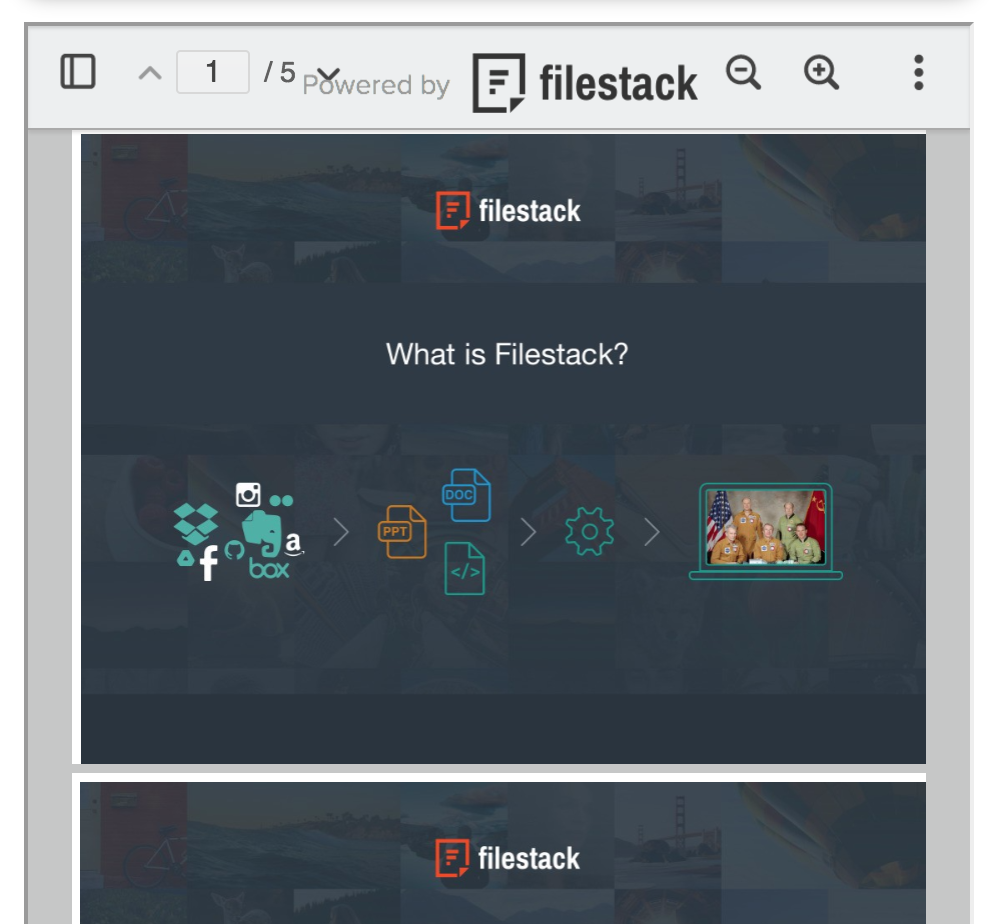  |




