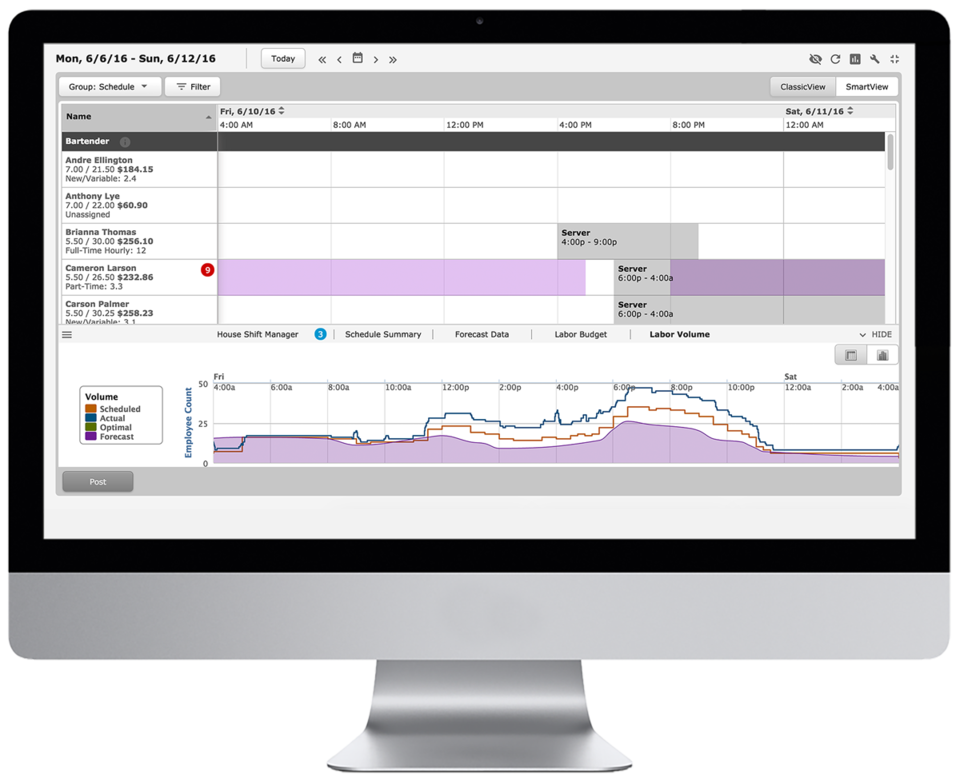
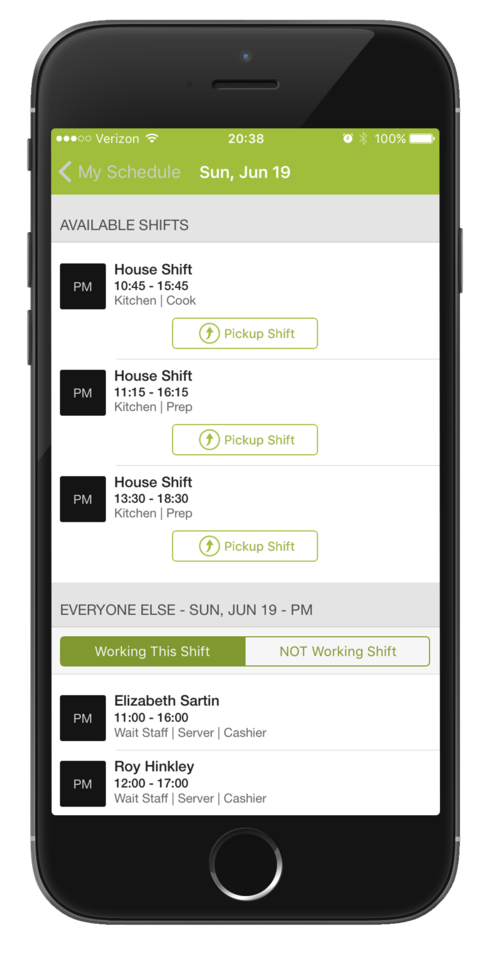
Deputy is a web-based workforce manager solution. Deputy is designed to help users simplify their scheduling, timesheets, tasking, employee communication and administrative tasks. It includes various apps and one click payroll integration that aim to make workforce management easier. The Deputy platform enables users to schedule in line with demand, prepare accurate payroll, and communicate more clearly. Deputy streamlines employee admin, so teams can focus on what…
$2.50
per user
HotSchedules
Score 8.0 out of 10
N/A
HotSchedules is a cloud-based scheduling, labor and communication management software solution serving the restaurant and hospitality industry. According to the vendor, key benefits include: Build & Communicate Schedules The scheduling and labor management software reduces the time it takes managers to create and communicate schedules. All scheduling and employee information is stored in one central location, so managers have access to time-off requests,…
$2
per month per employee
Pricing
Deputy
HotSchedules
Editions & Modules
Scheduling Only
$2.50
per user
Scheduling, Time and Attendance
$4.50
per user
Enterprise
Custom pricing for enterprise clients
per user
Essentials
$2
per month per employee
Plus
$4
per month per employee
Quote-Based
Quote-based pricing
Offerings
Pricing Offerings
Deputy
HotSchedules
Free Trial
Yes
Yes
Free/Freemium Version
Yes
No
Premium Consulting/Integration Services
Yes
No
Entry-level Setup Fee
Optional
No setup fee
Additional Details
—
—
More Pricing Information
Community Pulse
Deputy
HotSchedules
Features
Deputy
HotSchedules
Workforce Management Software Features
Comparison of Workforce Management Software Features features of Product A and Product B
[My own feeling on the subject is] that large teams will probably enjoy the features much more than a smaller team. [In my opinion] I would not have signed up with Deputy had it not been for the integration with my payroll provider. [From my point of view] the cost is not worth it for a small team. [I've found] it has a lot of features geared towards big teams and those are not things you can "opt-out" of from a cost/tier standpoint [as far as I'm concerned].
For small to medium-sized companies HotSchedules works great when business is very static. If you are simply using HotSchedules for a schedule writing tool, it is phenomenal. However, it does miss the mark as a labor control software. Needs more controls to keep managers aware of spending versus historical sales data.
Communication is so simple on HotSchedules. Whether it is communicating a new schedule release, or a quick note about tonight's shift we as managers are able to easily communicate and know that it will reach our team through text notifications, or email notifications.
The Meal Break planning tool is very useful in being able to help our floor leaders clearly understand and plan for what breaks are needed throughout the shift. This allows them to come up with a strategic game plan quickly and spend more time with our guests.
Shift Swaps and Releases are so seamless. This is our favorite tool as it makes helping our team cover shifts extremely easy and painless. On the flip side it also makes staff who want more hours be able to find what is available in real time.
Clocking In and out can be a little slow. It takes longer to clock in then our previous method. Before we just had a card you swiped and it would clock you in. Took 2 seconds. Now with the Hotschdules method we use it take 30 seconds or so. Not a huge issue but it can add up if you have one computer and a line of employees waiting to clock in.
Time Cards. It does not allow you to view someones current time until the "punch" has ended. If the manager would like to check what time the employee clocked in/out from lunch they have to wait until the employee has clocked out for the day before the record is generated. As a shift lead you may send and employee to lunch but forget to note what time you sent them. Awhile passes and you feel like they should be back by now, so you want to go in and see what time they left for lunch but it does not show you that punch record because the employee is still "clocked in" they are just on their "Meal Break"
The ability to customize the restrictions for Clocking in and out. You can set it up so that employees can only clock in from a specific location, however if you have a manager who is allowed to work from home they would not be able to clock in without being at the same location as set in the software. It would be nice to see it able to be customized per user.
The basic functionality and overall efficiency it provides is enough to renew. I still would like to see improvements in reporting and leave management, but overall it is absolutely worth it to have the program. I especially like having remote access and supervisors scheduling and approving time sheets of employees
Deputy is user-friendly and easy to understand for users with basic to moderate computer knowledge. The Employee is simple and easy for employees to understand. Employees get push notifications when shifts are scheduled and can clock in and out easily directly from the phone or kiosk, or using the website. The only challenge we’ve had is the ability for management to assign leave to employees who have not yet requested time off.
6 Years of Experience provides me the insight on the upgrades and changes that HotSchedules has done to improve the experience of its users. There are so many features that we still have not started or used to the fullest, but we believe that we are currently getting a strong value out of the money that is paid for this product.
Every time I have contacted support they have answered my question within the hour and solved every problem we have had. They follow up to make sure we are satisfied with our results which has been great when we are busy and get distracted
On rare occasions a phone call has been required to find the solution to a problem, the HotSchedules response staff have been helpful, courteous, and genuinely seem to care for their clients and take pride in what they do. The consistent development and fine tuning of the platform, interface, and mobile environment shows that this is not a program full of people who rest on their laurels.
It took me a bit to get all my staff input from our previous scheduling software. However, once all the information was there, everything went smoothly and we were able to start implementing Deputy right away. It did not take long to train my staff and have them comfortable with using the system.
For years we used TimeTrax systems but they were hard to use and required manual downloads of punches, networked setups, and we needed separate setups for each location. When evaluating cloud-based solutions we first tried TSheets, but the higher cost and lack of features made us choose Deputy. Our main complaint about the actual TSheets system was the IPads did not store punches when it first launched so if you lost internet it couldn't store the punches. When we were evaluating the system they were building a police station next door that resulted in intermittent internet outages and the kiosk app basically became a brick until the internet came back on.
I have not used any other Scheduling software for employees. As a campground manager in the summer season, we are using campground master for reservations. it is very similar in process to employee scheduling. the ability to the user of that program to set up their own parameters for time and reservations is something that would benefit the employee scheduling software.
We have gone from using deputy simply to schedule a couple of members of staff on coffee shop shifts, to also scheduling staff in the retail unit part of our business, to now also scheduling team days and having remote working staff start on schedule shifts to track their working hours.
Hundreds of man-hours saved monthly that previously was spent on recording hours work.
Holiday management is very clear and support fair treatment of staff.
The 100% accuracy of timesheets is amazing. Once approved thousands of timesheets just land in our payroll system thanks to the export/import functions.
Saving time on scheduling means our managers can focus more on guest experience, managing the floor and other areas that contribute to the success of our business.