Autotask PSA is designed as a complete IT Business Management Platform for MSPs, now from Datto (resulting from the Autotask merger with Datto in 2017).
N/A
Jira Service Management
Score 7.9 out of 10
N/A
Jira Service Management (formerly Jira Service Desk, now including features from the former Mindville Insight, acquired by Atlassian in June 2020) is a service desk software that is purpose-built for IT, service, and support teams. The software provides everything IT and support teams need out-of-the-box for service request, incident, problem and change management. Jira Service Management integrates seamlessly with Jira Software so that IT and development teams can work better together. Users…
$0
per month
Pricing
Datto Autotask PSA
Jira Service Management
Editions & Modules
No answers on this topic
Free
$0
per month
Standard
$20
per agent/per month
Premium
$40
per agent/per month
Enterprise
Contact sales team
Offerings
Pricing Offerings
Autotask PSA
Jira Service Management
Free Trial
No
Yes
Free/Freemium Version
No
No
Premium Consulting/Integration Services
No
No
Entry-level Setup Fee
No setup fee
No setup fee
Additional Details
—
—
More Pricing Information
Community Pulse
Datto Autotask PSA
Jira Service Management
Features
Datto Autotask PSA
Jira Service Management
Incident and problem management
Comparison of Incident and problem management features of Product A and Product B
Datto Autotask PSA
-
Ratings
Jira Service Management
8.2
Ratings
1% above category average
Organize and prioritize service tickets
00 Ratings
7.50 Ratings
Expert directory
00 Ratings
9.00 Ratings
Service restoration
00 Ratings
9.50 Ratings
Self-service tools
00 Ratings
7.00 Ratings
Subscription-based notifications
00 Ratings
10.00 Ratings
ITSM collaboration and documentation
00 Ratings
7.00 Ratings
ITSM reports and dashboards
00 Ratings
7.50 Ratings
ITSM asset management
Comparison of ITSM asset management features of Product A and Product B
Datto Autotask PSA
-
Ratings
Jira Service Management
10.0
Ratings
20% above category average
Configuration mangement
00 Ratings
10.00 Ratings
Asset management dashboard
00 Ratings
10.00 Ratings
Policy and contract enforcement
00 Ratings
10.00 Ratings
Change management
Comparison of Change management features of Product A and Product B
In my opinion, Datto Autotask is exceptionally complicated to set up, manage, and use on a daily basis. I would think the target market for this product would be someone managing a team of 20 - 50 people, possibly more. In my experience, for it to run properly you will need to dedicate at least half an FTE to running this product in an organization of that size per month. I would not recommend it for companies with less than 10 people or for companies that value quick communication with their clients. I would not recommend it for companies using Datto's RMM product. The integration exists, but it is clearly a bolt-on. They were not developed together and they are slow to talk to each other. Frequently you cannot add details from RMM sessions into the PSA without manually copying the ticket number, and if the ticket is more than a week old, then you can't even find it with the ticket number.
Great to manage your issues in a clear and centralised way. If your development teams work with Jira, it will all naturally come together. Great way to manage the issues from end to end. - Very flexible if you have people who understands the set up and is able to configure it for your needs - Maybe not the best if you want something with very easy set up
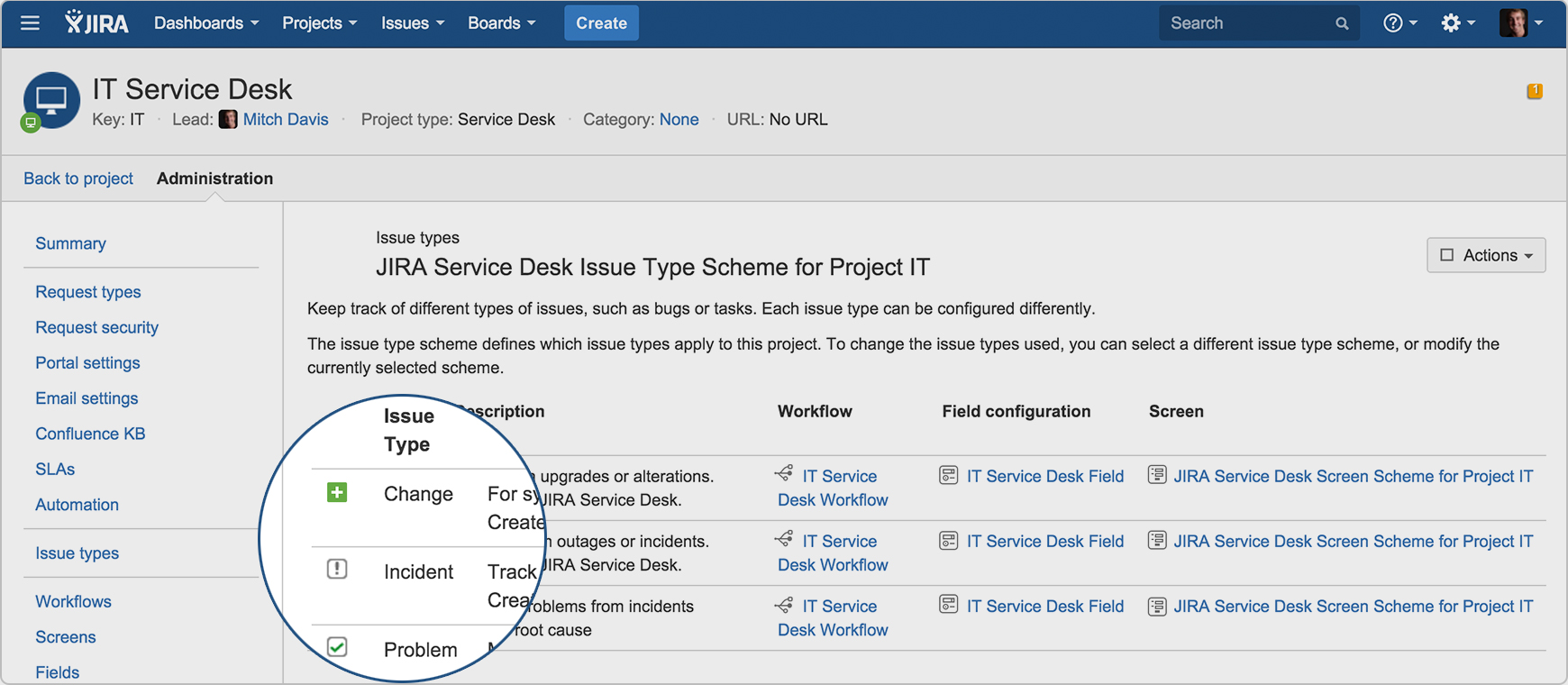
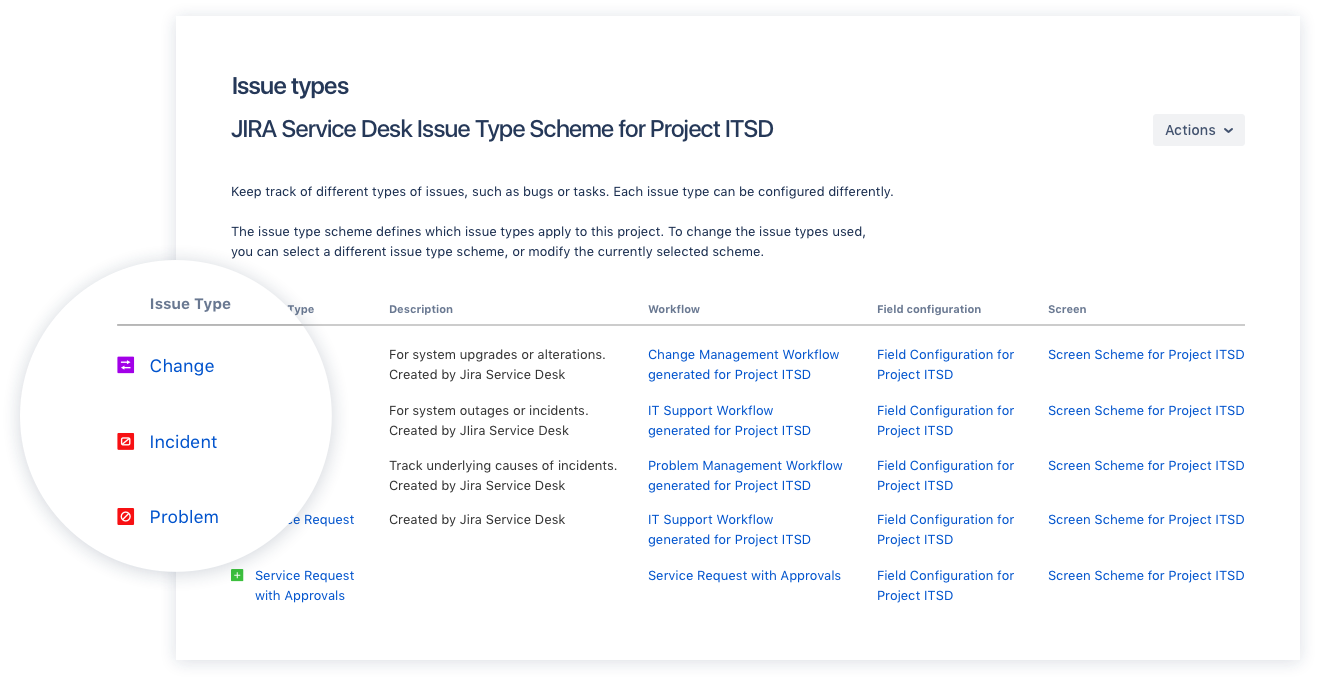
AutoTask allows for us to receive and work support tickets very easily. We've setup various 'Issue Types' that in turn are bound to SLAs ensuring that items are worked appropriately as they are received.
The automation that AutoTask allows for with regards to various emails/requests coming through has been great. It allows for us to not have to constantly "watch the queue" as when a critical item arrives the appropriate persons are notified and can work it.
I feel that the management of AutoTask for both user setup, and various automations is done well. We're able to copy settings as needed, and create templates for multiple items.
Some of the built-in functions and workflows are surprisingly limited given the fact that you can customize a lot with JQL. These limited areas do not allow you to use JQL. For instance, the built-in notifications are lacking. They have one that is great-- "notify on critical ticket creation"-- EXCEPT that it does not allow you to notify a group or anything, only individual users.
The ticket interface is a little odd for agents. Changing the status is not a simple drop down from unassigned to open to in progress to pending, etc. There are a couple of tabs ("investigate", "pending", "workflow") where you can change the status in different ways. Maybe I am just not used to this way of doing it, but I feel like it could be simplified.
It can get complicated deleting/changing some of the out-of-the-box fields and rules, because you never know what will break workflows or other automated/built-in features.
Datto Autotask PSA is a full featured product that can do almost anything you need. There is a significant learning curve to get started which requires several hours spent in product training. Additionally, several hours / days are needed to get clients imported, contracts configured, and integrations implemented. Once the setup and user training is complete, the product is very functional, but it's imperative to not get overwhelmed when starting out.
I have given this rating because, in my opinion, I don't see any downsides of Jira until now. We can customise workflows based on the project needs, including task workflows. Jira is very extensible, which is one of its most important features.
I gave JIRA a 9 rating since for me JIRA works according to its purpose. Since there is a customer portal, our clients can leave a comment or communicate with us using the PR ticket that way it is easier for us to also request any additional information we need for our investigation.
The portion of Autotask that we've used other companies for prior to using Autotask is the Endpoint Management. The Autotask Endpoint Management (AEM) portal integrates perfectly with their PSA/CRM tools. It's alerting features are much better than the above software as there aren't a bunch of superfluous and unneeded alerts. Instead, it only alerts for things that you specify that you want. Alerts aside, for the PSA/CRM, I don't have much to compare it to as Autotask was the first PSA we tried. It's hard to imagine a PSA having more features or doing a better job than Autotask.
We chose Jira Service Management due to its easy integrations with the rest of the Atlassian tools, as we have also invested in those. For the price, the ability to add or remove agents, and the cost being reflected in that, it was an excellent medium for us. For the foreseeable future, I do not see us moving off this platform.