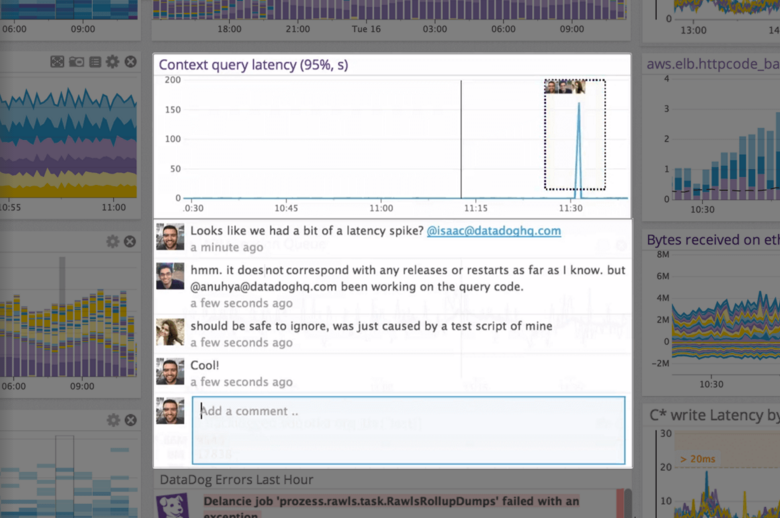
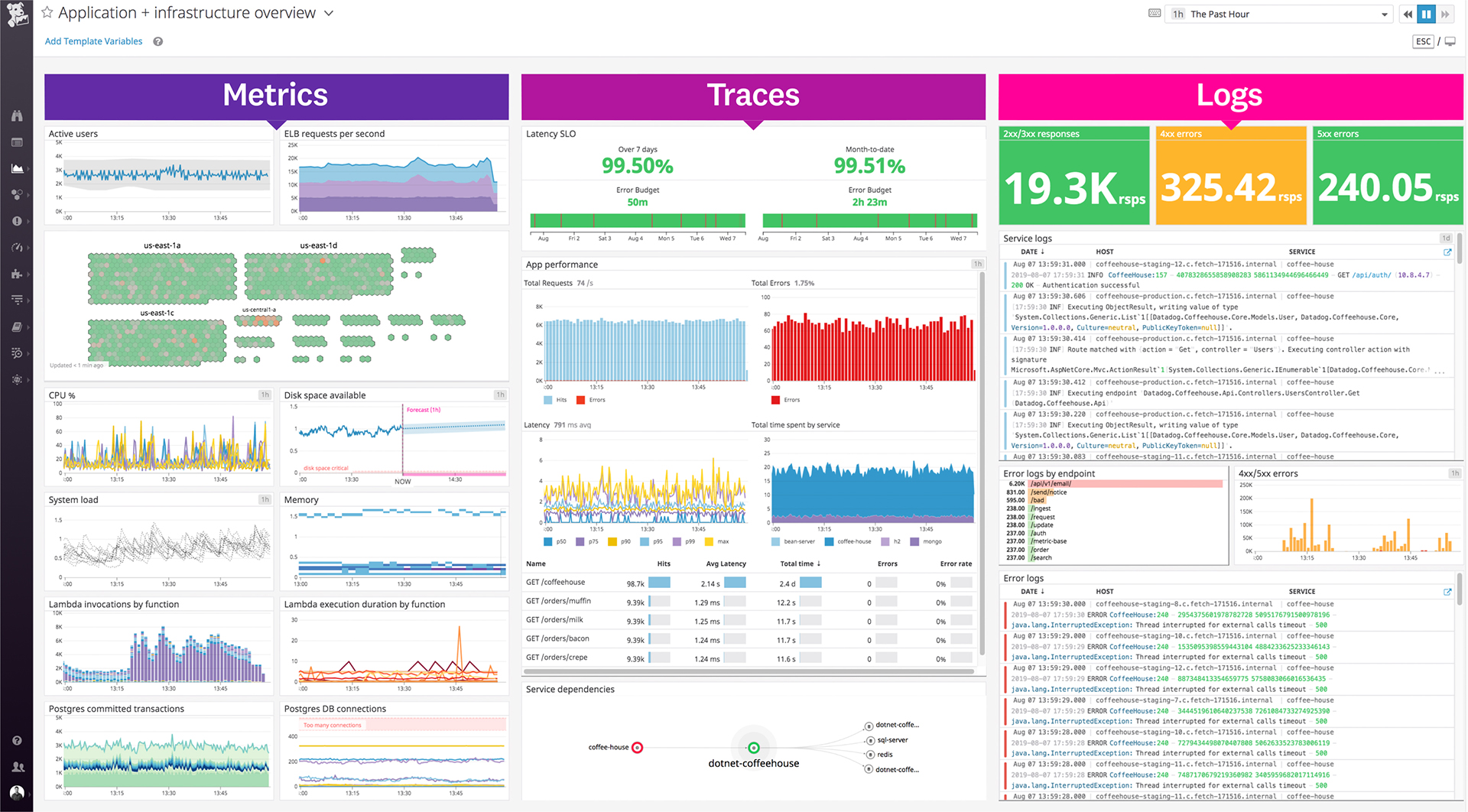
Datadog is a monitoring service for IT, Dev and Ops teams who write and run applications at scale, and want to turn the massive amounts of data produced by their apps, tools and services into actionable insight.
$1.27
per month (billed annually) per host
PRTG
Score 8.9 out of 10
N/A
PRTG Network Monitor is the flagship offering from German software company Paessler, for monitoring local and wide area networks (LANs & WANs), servers, websites, apps, and more.
$2,149
per year
Pricing
Datadog
PRTG Network Monitor
Editions & Modules
Log Management
$1.27
per month (billed annually) per host
Infrastructure
$15.00
per month (billed annually) per host
Standard
$18
per month per host
Enterprise
$27
per month per host
DevSecOps Pro
$27
per month per host
APM
$31.00
per month (billed annually) per host
DevSecOps Enterprise
$41
per month per host
PRTG 500
$2,149
per year
Hosted 500
$2,149
per year
PRTG 1,000
$3,899
per year
Hosted 1000
$3,899
per year
PRTG 2,500
$8,099
per year
Hosted 2500
$8,099
per year
PRTG 5,000
$14,199
per year
Hosted 5000
$14,199
per year
PRTG 10000
$17,899
per year
PRTG Enterprise
Custom Pricing
subscription license
Offerings
Pricing Offerings
Datadog
PRTG
Free Trial
Yes
Yes
Free/Freemium Version
Yes
No
Premium Consulting/Integration Services
No
No
Entry-level Setup Fee
Optional
No setup fee
Additional Details
Discount available for annual pricing. Multi-Year/Volume discounts available (500+ hosts/mo).
—
More Pricing Information
Community Pulse
Datadog
PRTG Network Monitor
Features
Datadog
PRTG Network Monitor
Network Performance Monitoring
Comparison of Network Performance Monitoring features of Product A and Product B
A one-stop solution for everything you need. Multiple functionalities are tailored to meet specific business needs. Logs are essential for any business, and Datadog manages logs effectively. Rum sessions are something new to me and have given us a new perspective on how to reverse engineer issues that we see for our customers.
It is well suited for an environment that deploys networking equipment and is needing monitoring 24/7. It works well to deliver real time data and alerts that are suited for taking action and notifying groups of members. It is less appropriate for use cases that involve only a few devices that don’t have dedicated teams looking for problems or uptime.
Very, very configurable. You can create all kinds of monitors for all kinds of things. Plus it has loads of suggestions out of the box. It can get complicated but monitoring is complicated. Pretty decent interface and good support - active community.
I really liked how easy it was to add alerts by SMS. So easy to setup.
I like their sizing models (for purchase). We're actually small enough that we are free. But it's not free as in stripped down - it's free because we don't use many "sensors" and don't honestly have the need.
Alert windows cause lag in notifications (e.g. if the alert window is X errors in 1 hour, we won't get alerted until the end of the 1 hour range)
I would appreciate more supportive examples for how to filter and view metrics in the explorer
I would like a more clear interface for metrics that are missing in a time frame, rather than only showing tags/etc. for metrics that were collected within the currently viewed time frame
Licensing on a per entity basis can be cumbersome for devices which have a ton of monitoring points like network switches\routers. Each sensor may count against a license, which could be a lot of you were monitoring every TX\RX of an SFP for example
A better method to easily template\copy monitors across devices
The navigation in the web GUI could be a little more straightforward in terms of the hierarchy
I would renew it because the platform has brought us many technical and economic benefits that make the cost-benefit ratio very good. Additionally, to do so does not require large investments in training, licensing or infrastructure, and at the administration level, extensive knowledge is not required to be able to bear it.
Datadog's user interface is quite friendly and easy to navigate. With menus clearly categorized, and ability to bookmark important dashboards, one can easily find what they're looking for. For dashboards, ability to move and resize visualizations and group them, is really helpful to organize dashboards. Automatic suggestions from Datadog for important visualizations based on the metrics and logs would provide another level of ease of use.
The tool is very intuitive to use and it is Windows-based (everybody knows how to use Windows) so it's easy to get into. Every time is setup in a hierarchy so if you have a good initial hierarchy design, it will really reduce administrative effort down the road.
The support team usually gets it right. We did have a rather complicate issue setting up monitoring on a domain controller. However, they are usually responsive and helpful over chat. The downside would be I don’t think they have any phone support. If that is important to you this might not be a good fit.
I am giving this a 6 simply because I have never had to contact support. The online documentation is adequate for most things, and the user-maintained knowledgebase is excellent. The few times I have run into issues that were not easily resolvable with intuitive UI, I was able to find the answers that I needed either in the PRTG-provided documentation, the knowledgebase, or with a quick online web search.
It's very important that de project's teams have different member of the TI. We have learned too late the importa of Security Analyst at the design architecture moment. We have to rebuild part of the implementation for made this big mistake.
I selected Datadog because of its features and the wide range of integration support. As I already told it supports more that 600+ integrations which helps and organization to keep everything in a single place and also its AI feature which is reducing the time for root cause analysis. Its custom dashboards features which helps us to visualize the data in a more attractive way.
When I evaluated Centreon back in 2014, it felt overly complex compared to PRTG Network Monitor. Centreon's configuration required deeper technical expertise, involving manual setup and extensive scripting. The interface seemed less intuitive and demanded more time to manage and maintain. In contrast, PRTG Network Monitor offered simpler sensor-based monitoring and a more user-friendly interface, which ultimately influenced my choice.
PRTG has definitely had a positive impact on the business as monitoring can all be done from a central location and is easily accessible by all the relevant stakeholders.
It can easily give us stats on up time etc which is used for statistics and SLA monitoring etc - this provides customers with detailed information which we wouldn't' otherwise be able to provide.
For the price, I think it is the best product available on the market