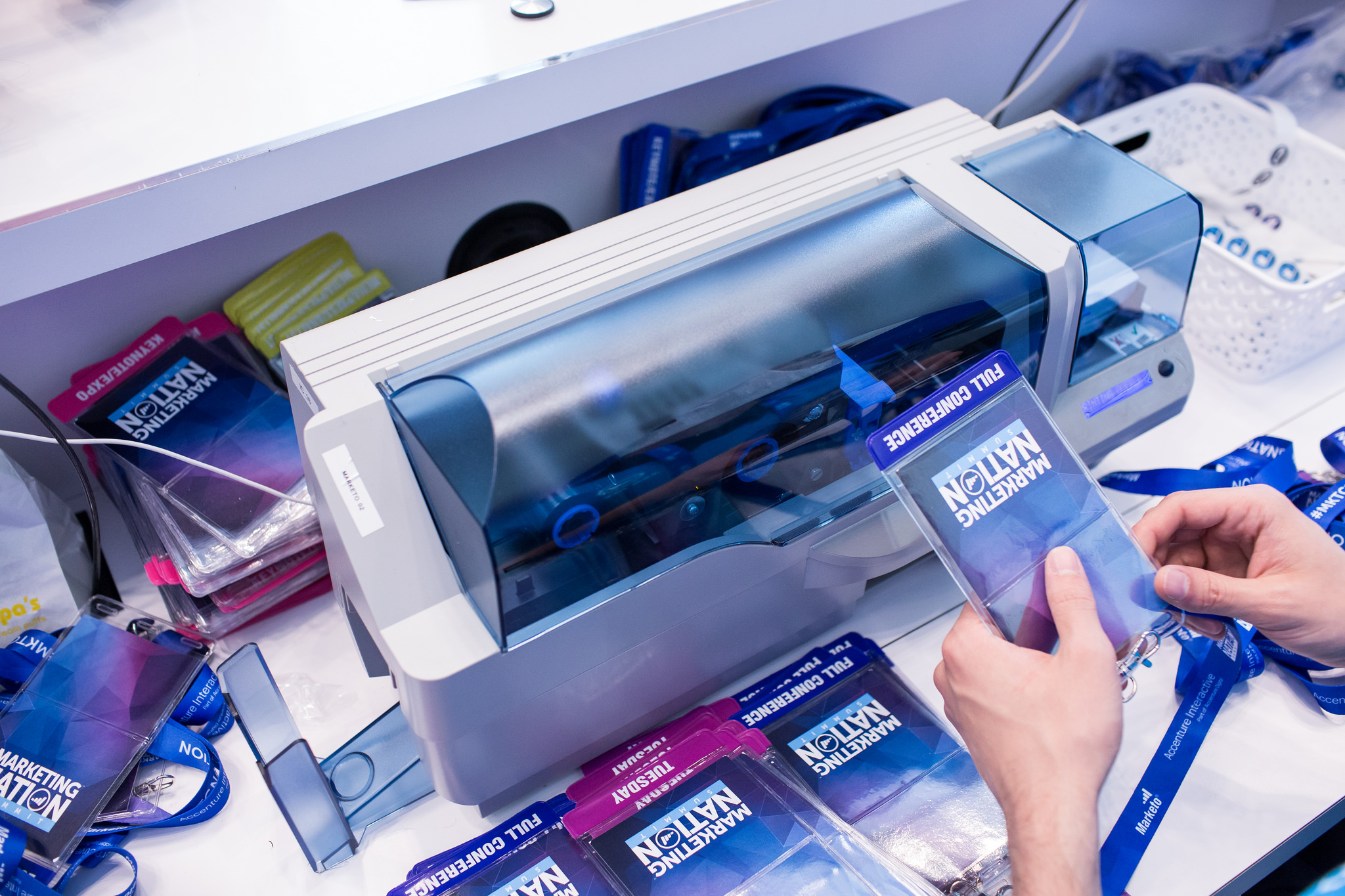
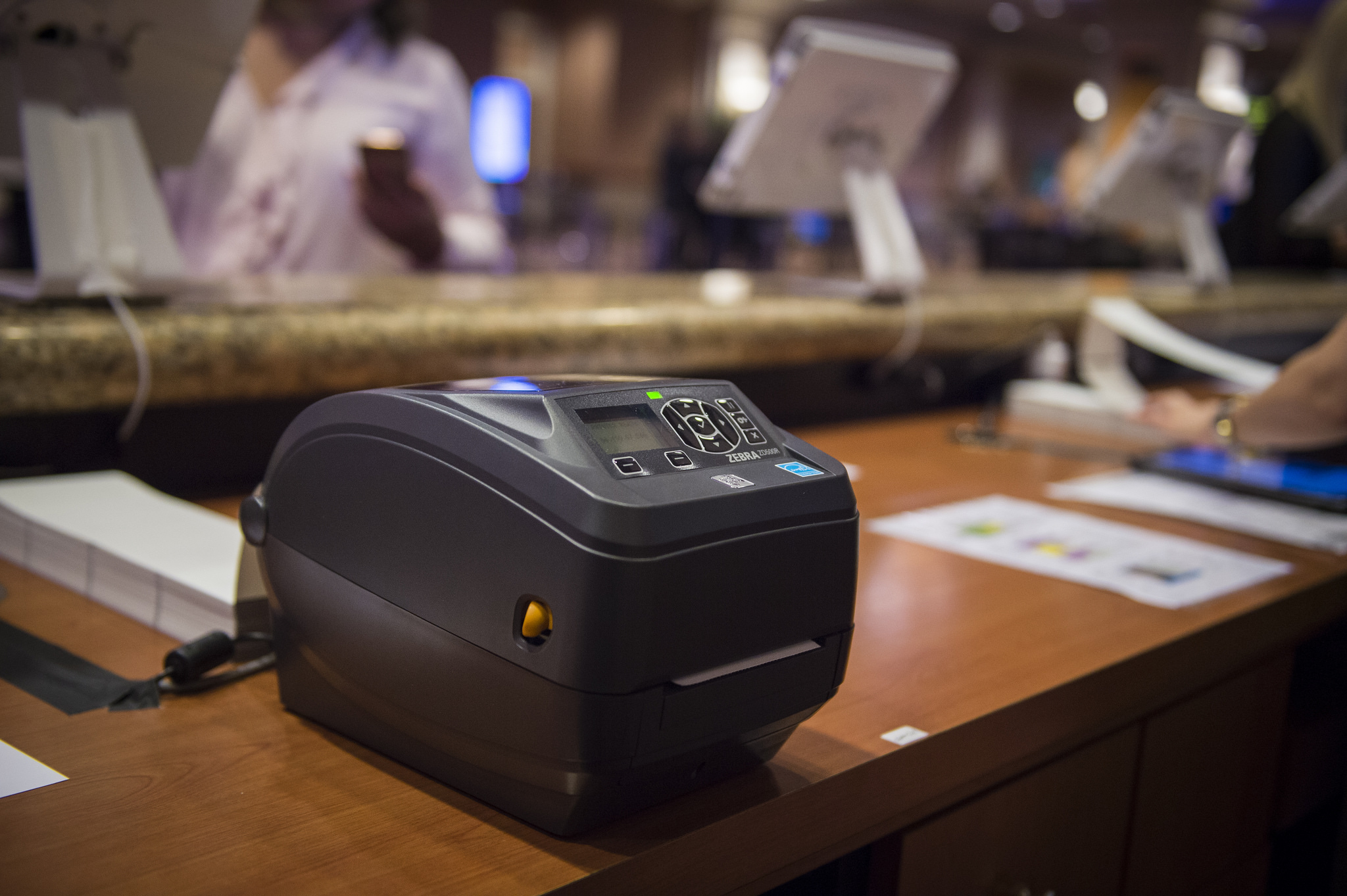
AllianceTech is now Cvent Onsite Solutions. The product promises to help you deliver efficient, engaging, and measurable onsite experiences, regardless of the size or complexity of your meeting or event. Featuring check-in and badging, attendee tracking, lead capture, reporting and analytics, mobile event apps, and social amplification display.
N/A
Cvent Event Diagramming
Score9.5 out of 10
N/A
Cvent Event Diagramming (Social Tables) is a software application that allows event planners and properties to work together online. Cvent's cloud-based hospitality software positions event properties to increase sales and work more collaboratively and efficiently with their event, and meeting customers. The vendor boasts over 175,000 unique users who rely on Social Tables and state that over 4 million events have been planned within the platform.
$199
per month billed annually
Pricing
Cvent Onsite Solutions
Cvent Event Diagramming
Editions & Modules
No answers on this topic
ESSENTIAL
$0
PROFESSIONAL
$199
per month billed annually
CUSTOM PACKAGE
Contact
Offerings
Pricing Offerings
Cvent Onsite Solutions
Cvent Event Diagramming
Free Trial
No
No
Free/Freemium Version
No
Yes
Premium Consulting/Integration Services
No
Yes
Entry-level Setup Fee
No setup fee
No setup fee
Additional Details
—
—
More Pricing Information
Community Pulse
Cvent Onsite Solutions
Cvent Event Diagramming
Considered Both Products
Cvent
Verified User
Chose Cvent Onsite Solutions
Our organization has not used any other products similar to Cvent Onsite Solutions. The reason for this is prior management has focused on overworking staff to do time consuming tasks that this product now resolves. With everything previously being done by hand, over the phone, …
A de minimis incentive was given to thank the reviewer for their time. The incentive was not used to bias or drive a particular response, nor was the incentive contingent on a positive endorsement. More Info
Cvent
Verified User
Chose Cvent Event Diagramming
There are other CAD systems used by my employer. This brings more to the table with allowing us to seat attendees it is not only a CAD program, it seats attendees so we can see who has checked in and who has not. That is something the other CAD systems cant even touch.
A de minimis incentive was given to thank the reviewer for their time. The incentive was not used to bias or drive a particular response, nor was the incentive contingent on a positive endorsement. More Info
Verified User
Chose Cvent Event Diagramming
I believe my organization has evaluated Eventbrite in the past. I'm not too familiar with Eventbrite and if it is similar to Cvent Event Diagramming. Overall, Cvent Event Diagramming seems rather advanced and a unique type of software. We have had such a great experience with Cv…
A de minimis incentive was given to thank the reviewer for their time. The incentive was not used to bias or drive a particular response, nor was the incentive contingent on a positive endorsement. More Info
A de minimis incentive was given to thank the reviewer for their time. The incentive was not used to bias or drive a particular response, nor was the incentive contingent on a positive endorsement. More Info
Verified User
Chose Cvent Event Diagramming
A specific tool designed for industry requirements and isn’t a generic off the shelf tool.
A de minimis incentive was given to thank the reviewer for their time. The incentive was not used to bias or drive a particular response, nor was the incentive contingent on a positive endorsement. More Info
I am highly likely to always recommend Cvent Onsite Solutions based on the positive experience I have had with them. I have had an amazing experience overall with the entire Cvent platform and all of their offerings. The support team is awesome and extremely knowledgeable. This is the type of software that offers customers the cutting edge to excel
A de minimis incentive was given to thank the reviewer for their time. The incentive was not used to bias or drive a particular response, nor was the incentive contingent on a positive endorsement. More Info
It's the best software I've used. It allowed me to collaborate on a huge event with multiple stakeholders to ensure the main planner understood the venue and capacity issues. It's also allowed me to realize the scope of venue needs and abilities. Very helpful in visualizing a space
A de minimis incentive was given to thank the reviewer for their time. The incentive was not used to bias or drive a particular response, nor was the incentive contingent on a positive endorsement. More Info
A de minimis incentive was given to thank the reviewer for their time. The incentive was not used to bias or drive a particular response, nor was the incentive contingent on a positive endorsement. More Info
Scaling - I love that you can scale a layout in the program, and it tends to be pretty spot on. For example, we could have 20 different measurements for a street, once we type in a single measurement the rest auto fills (and is REALLY close to accurate).
Uploading - I love that you can upload images and mark all over them. Particularly, you can upload google earth images for outside festivals, and scale them accordingly.
Creating - In the program you can create a diagram based on the size of the room. For example, if you know you have a 40x80 tent, you can make a custom layout and build the whole thing.
Setup Templates - These templates make it easy for you to auto fill an entire room with rounds, rectangles or other formations without having to fill them all in individually.
A de minimis incentive was given to thank the reviewer for their time. The incentive was not used to bias or drive a particular response, nor was the incentive contingent on a positive endorsement. More Info
I have had issues with them sending the correct printers in the past, but it doesn't happen often. And when they do, they ship overnight to correct the issue.
It's an expensive option - they tend to Nickel and Dime.
The app/gamification features are still not perfect. I've had several issues with games on the day of.
A de minimis incentive was given to thank the reviewer for their time. The incentive was not used to bias or drive a particular response, nor was the incentive contingent on a positive endorsement. More Info
A development that would be useful would be the ability to reorder the diagrams to a custom order in one event so that when exported as one document, they are in an order that can be customized to flow well for the meeting planner.
A de minimis incentive was given to thank the reviewer for their time. The incentive was not used to bias or drive a particular response, nor was the incentive contingent on a positive endorsement. More Info
Cvent Onsite Solutions is very user friendly and easy for those who are not very tech savvy. My first time using On-Arrival went very smoothly while onsite for a program due to the prior training that was provided by Cvent Onsite Solutions in our OSS training. Overall, it allows for tech integrations to be utilized easily.
Cvent Diagramming really does cover the bases for us. It's an easy to use program that anyone can figure out. It's got collaboration features so we can share with clients and they can make their own edits. Venues can send us there floorplans and send directly to us for edits. Overall: their templates, table numbering feature, measuring, scaling and shape/object tools make building floorplans easy
A de minimis incentive was given to thank the reviewer for their time. The incentive was not used to bias or drive a particular response, nor was the incentive contingent on a positive endorsement. More Info
The person onsite can be hit or miss. We have had a few really wonderful support technicians that came prepared, were helpful, and jumped in where needed. We have had others that sat back, didn't offer advice or best practices tips, and were not pleasant to work with. It's very hit or miss.
A de minimis incentive was given to thank the reviewer for their time. The incentive was not used to bias or drive a particular response, nor was the incentive contingent on a positive endorsement. More Info
The support was exceptional, and they remained an arm's reach away for when we ran into any questions after we began using the tool. Overall, we experienced phenomenal customer service. We also had more than one web-based call where their team would walk us through examples and answer any questions we had.
One not listed here is iCapture. We use iCapture right now for lead capture. It's easy to use and priced well, and we leverage all of our events. It's easy to use the tool.
Moved away from Aventri/E-Touches quickly after being stuck in a 3-year contract. We started with Cvent Onsite Solutions (formerly AllianceTech), and procurement moved us to Aventri. After a good battle, we were able to move back to Cvent Onsite Solutions (formerly AllianceTeach).
A de minimis incentive was given to thank the reviewer for their time. The incentive was not used to bias or drive a particular response, nor was the incentive contingent on a positive endorsement. More Info
It has similar tools that MeetingMatrix has, but the Collaboration, or allowing vendors access is the feature that I appreciate the most that Cvent Event Diagraming offers that MeetingMatrix did not have. It is also easier to save as a PDF to print and email a version to vendors as well
A de minimis incentive was given to thank the reviewer for their time. The incentive was not used to bias or drive a particular response, nor was the incentive contingent on a positive endorsement. More Info
A de minimis incentive was given to thank the reviewer for their time. The incentive was not used to bias or drive a particular response, nor was the incentive contingent on a positive endorsement. More Info
Has streamlined our registration and check-in process, saving us an hour+ on-site, plus ensuring a safer and more enjoyable experience for staff and attendees.
Has saved us up to $1,000+ for signature events when managing F&B budget items.
A de minimis incentive was given to thank the reviewer for their time. The incentive was not used to bias or drive a particular response, nor was the incentive contingent on a positive endorsement. More Info