Cvent is a cloud-based enterprise event management company with nearly 4,000 employees and over 300,000 users worldwide. Cvent offers software solutions to event planners and marketers for online event registration, venue selection, event management and marketing, onsite solutions, email marketing, and attendee engagement. Cvent's suite of products automate and simplify the planning process to maximize the impact of events. Cvent provides hoteliers with an integrated platform, enabling…
N/A
GoTo Webinar
Score 8.1 out of 10
N/A
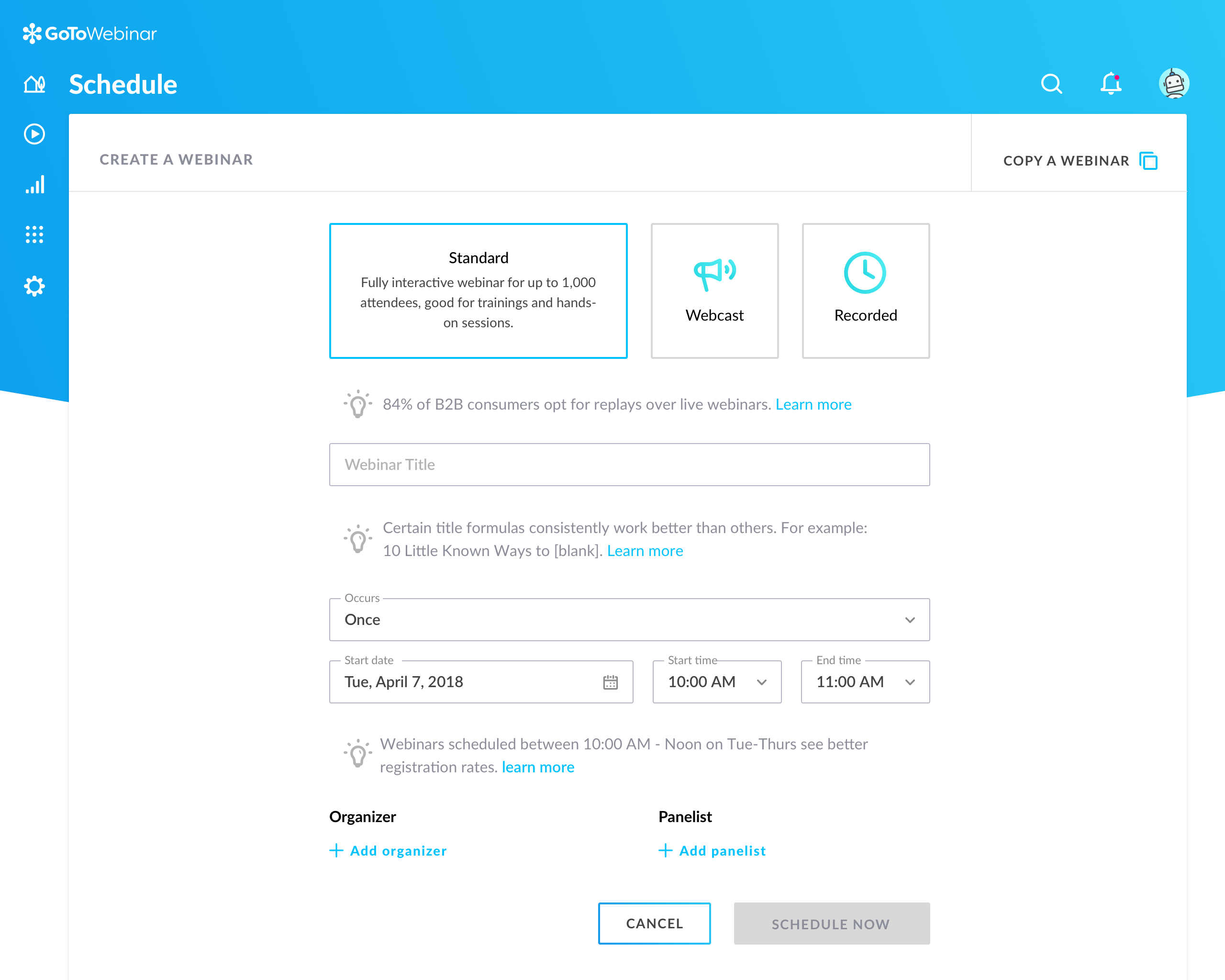
GoToWebinar is GoTo’s webinar and online conferencing solution, and offers features like audience polling and Q&A, flexible scheduling experiences, and webinar templates. It offers CRM integrations and reporting & analytics tools to help engage clients’ audiences.
$49
per month per organizer
Pricing
Cvent Event Management
GoTo Webinar
Editions & Modules
No answers on this topic
Lite
$49/month
per month per organizer
Standard
$99/month
per month per organizer
Pro
$199/month
per month per organizer
Enterprise
$399/month
per month per organizer
Offerings
Pricing Offerings
Cvent Event Management
GoTo Webinar
Free Trial
No
Yes
Free/Freemium Version
No
Yes
Premium Consulting/Integration Services
No
No
Entry-level Setup Fee
Required
No setup fee
Additional Details
—
—
More Pricing Information
Community Pulse
Cvent Event Management
GoTo Webinar
Features
Cvent Event Management
GoTo Webinar
Mobile Capabilities
Comparison of Mobile Capabilities features of Product A and Product B
Cvent Event Management
6.3
Ratings
28% below category average
GoTo Webinar
-
Ratings
Responsive Design for Web Access
6.40 Ratings
00 Ratings
Mobile Application
6.80 Ratings
00 Ratings
Dashboard / Report / Visualization Interactivity on Mobile
5.90 Ratings
00 Ratings
Online Meetings / Events
Comparison of Online Meetings / Events features of Product A and Product B
Cvent Event Management
8.6
Ratings
0% above category average
GoTo Webinar
7.2
Ratings
11% below category average
Calendar integration
8.80 Ratings
7.70 Ratings
Meeting initiation
8.50 Ratings
00 Ratings
Integrates with social media
8.10 Ratings
00 Ratings
Record meetings / events
8.80 Ratings
8.40 Ratings
Slideshows
8.90 Ratings
8.50 Ratings
Event registration
8.60 Ratings
8.60 Ratings
Online Events Collaboration
Comparison of Online Events Collaboration features of Product A and Product B
Cvent Event Management
9.0
Ratings
9% above category average
GoTo Webinar
8.2
Ratings
1% below category average
Live chat
8.70 Ratings
00 Ratings
Audience polling
9.10 Ratings
7.90 Ratings
Q&A
9.00 Ratings
8.60 Ratings
Online Events Security
Comparison of Online Events Security features of Product A and Product B
Cvent Event Management
8.8
Ratings
5% above category average
GoTo Webinar
7.9
Ratings
4% below category average
User authentication
8.90 Ratings
00 Ratings
Participant roles & permissions
8.70 Ratings
7.70 Ratings
Confidential attendee list
8.90 Ratings
8.00 Ratings
Online Events Marketing
Comparison of Online Events Marketing features of Product A and Product B
Cvent Event Management
8.0
Ratings
6% below category average
GoTo Webinar
8.1
Ratings
5% above category average
Branding options
7.90 Ratings
8.10 Ratings
Integration to Marketing Automation
8.60 Ratings
8.00 Ratings
Attendee list export
7.50 Ratings
00 Ratings
Virtual Event
Comparison of Virtual Event features of Product A and Product B
Cvent Event Management
8.4
Ratings
1% above category average
GoTo Webinar
-
Ratings
Registration, RSVP, and ticketing
7.50 Ratings
00 Ratings
Email marketing
8.10 Ratings
00 Ratings
Livestreaming
8.50 Ratings
00 Ratings
Audience engagement
8.40 Ratings
00 Ratings
Event recording
8.60 Ratings
00 Ratings
Virtual booths
8.50 Ratings
00 Ratings
Networking
8.80 Ratings
00 Ratings
Event analytics
8.80 Ratings
00 Ratings
Reporting & Analytics
Comparison of Reporting & Analytics features of Product A and Product B
Cvent Event Management
-
Ratings
GoTo Webinar
7.2
Ratings
4% below category average
Dashboards
00 Ratings
7.20 Ratings
Data exportability
00 Ratings
7.10 Ratings
Performance & Compatibility of Online Events Software
Comparison of Performance & Compatibility of Online Events Software features of Product A and Product B
The breadth of features is such that Cvent Event Management is a strong choice for events of significant scope and complexity, particularly in volume and diversity of programming. The learning curve may be on the steep side for customers with simpler needs, though Cvent Event Management is addressing this by providing more streamlining in their solution suite.
It is great for big events like training or product demos. It's good for marketing webinars with features like polls and Q&A. It's not ideal for small, casual meetings. It can be too expensive for some businesses. For smaller events, other tools might be better.
You have to implement a workaround to use images in your session descriptions.
They tend to add features by acquiring other platforms, but then don't always cleanly integrate them into Cvent itself, so they always seem sort of ratcheted on.
The media and document library is pretty basic, so you need to take extra steps to link PDFs and other documents within the registration process if you choose to host the docs on Cvent.
Dashboard for control are mostly intuitive but in some menus like the webcasting section can be cluttered
The current polling and survey capabilities are too simple. More advanced features, such as branching logic and real-time results, would make engagement more dynamic and insightful.
Although it's easy for organiser to use goto webinar, users have reported issues and long wait time on their end and they don't have much control over the session
I enjoy the app and what it has to offer. It makes working in events a lot easier! Before I would have to go to our warehouse and print name badges and write out different names if they needed it. Attendees also did not have access to our breakout sessions. Now, I can adjust names onsite and we can allow attendees to access our sessions before the event begins
GoTo Webinar is not boring at all. Its design is extremely intuitive and specific for what its name serves. It is a great software for webinars which have become the trend of "continuous learning". I like the way we can manage participants in the webinars, interacting with them while they cannot disturb the flow of the speech by intruding with the mic.
Cvent has a lot of functionality, which can be overwhelming to new users who are not too technically savvy. However, Cvent does a great job of providing tools and support for users to learn and troubleshoot. I also appreciate the work and progress that Cvent has been making in Accessibility.
GoTo Webinar's User Interface is simple and straightforward, which is what I, as an end user, prefer to interact with when I only use a software once or twice a month; I don't want to have to remember extra steps just to attend a webinar.
Cvent does go down pretty frequently. And while it often doesn't impact day to day use usually, if it does go down at the wrong time, you may not be able to access very important event information when you need it. Usually outages do not last very long, but it could still be a very bad situation if this happens at the wrong moment
I rated GoTo Webinar a 9 out of 10 for availability because it generally performs reliably, with minimal application errors or unplanned outages. The platform’s high uptime ensures that it’s usually accessible when needed, supporting a seamless experience for scheduling and conducting webinars. While occasional minor issues may arise, they are infrequent and typically well-managed, contributing to a strong overall rating for availability.
I rated GoTo Webinar an 8 out of 10 for performance due to its generally robust capabilities. Pages load quickly, and reports are generated efficiently, even for complex data sets. The platform’s integration with other systems typically doesn’t introduce significant latency or performance issues. However, during peak usage times or when handling very large data volumes, there can be occasional slowdowns. Despite these instances, GoTo Webinar consistently provides strong performance and reliability in its core functions.
The company offers 24/7 customer support, including phone, email, and chat support, to ensure that we can get help when we need it. Additionally, the platform has a comprehensive help center and knowledge base, including user guides, tutorials, and FAQs, which help us troubleshoot issues on our own. Cvent also provides training and support resources, including onboarding assistance, live training sessions, and webinars, which help us get the most out of the platform. Overall, Cvent appears to be committed to providing excellent customer support and resources to its users, which can help ensure a positive user experience and successful events.
I was always able to get someone on the phone when I needed to. They were very thorough and ensuring my questions were answered. And if I was asking for a solution or request that they didn't offer, they told me so I could at least stop trying to search for it.
Our on-site trainer was very knowledgeable in the product and gave us very important pointers on best practices and how to perform tasks in the simplest manner
It would have been nice during implementation if we had received more pointers on how to organize our parked report folders, libraries, etc. to avoid the mess we find ourselves in today. If we had known ahead of time the limitations we could have planned better.
I didn't participate in the implementation nor did my company. As far as I know we have an IT office running alla these projects and we just use the final products for our educational purposes. I also didn't notice implementation at any level while using the desktop interface, but would immediately recognize it, if so.
Honestly, Cvent Event Management's registration platform is superior. The logic, setup options are far better than what the companies above have to offer. The only downfall is that it is far more expensive, and sometimes isn't needed for the most basic of registration sites.
Zoom scores well above GoTo and ON24 in brand recognition across mid to large enterprises. But GoTo scores well in SMBs. Regarding value for money and ROI, it's better than ON24. We selected GoTo because of the price point and to ensure that our partner-sourced SMB stacks do not end up not engaging with us because of a lack of a proper medium.
I rated GoTo Webinar an 8 out of 10 for scalability because it effectively supports deployment across multiple departments and sites with its flexible features. It allows for easy management of large-scale webinars and integration with various systems, accommodating a growing number of users and sessions. However, some users might find limitations in advanced customization or specific integration needs as their requirements become more complex. Overall, its robust capabilities and adaptability make it a strong choice for scalable webinar solutions.
The Cvent suite of events has drastically reduced redundant work throughout our events department allowing us to streamline a lot of the registration/software aspects of our events and allow us to focus on other areas of our events that had previously been placed on the back burner.
Since Cvent Event Management is so widely use, many of our attendees, exhibitors and speakers are familiar with the platform so they are able to seamlessly operate within it for their needs with little to no learning curve.
We're able to pull more accurate and customized reports based on specific information we need with each event.
We able to offer our registrants a more customized experience with their registration and event platforms. This allows us to customize and innovate our events in new ways we previously hadn't been able to.
Good: We've been able to keep various client teams trained up on our product
Good: It helps us automate communication about the webinars, as well as follow-ups
Bad: There is a time suck that shouldn't exist surrounding the recurring scheduler which needs to be rethought and retooled with more than the most basic real world use cases in mind