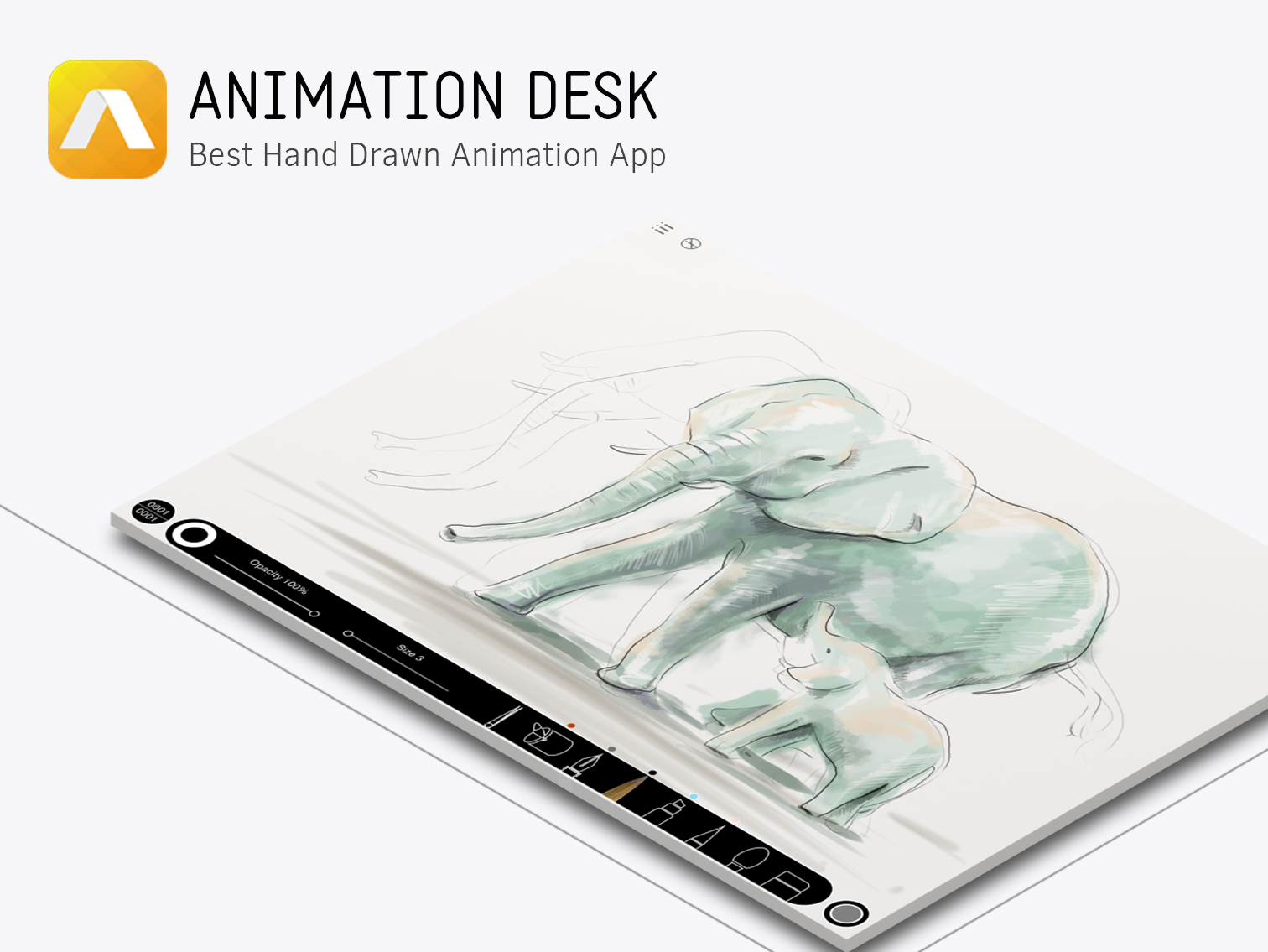
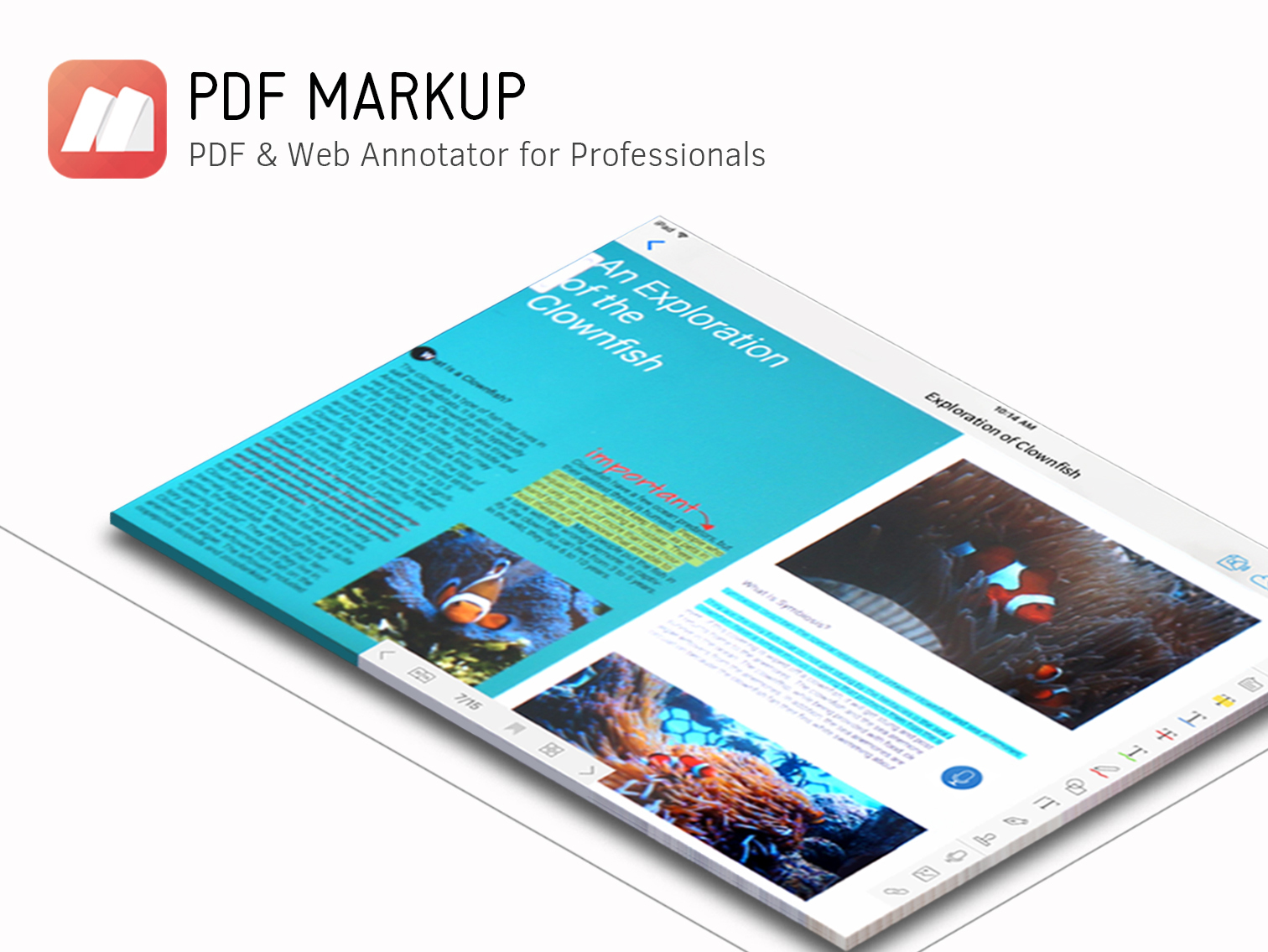
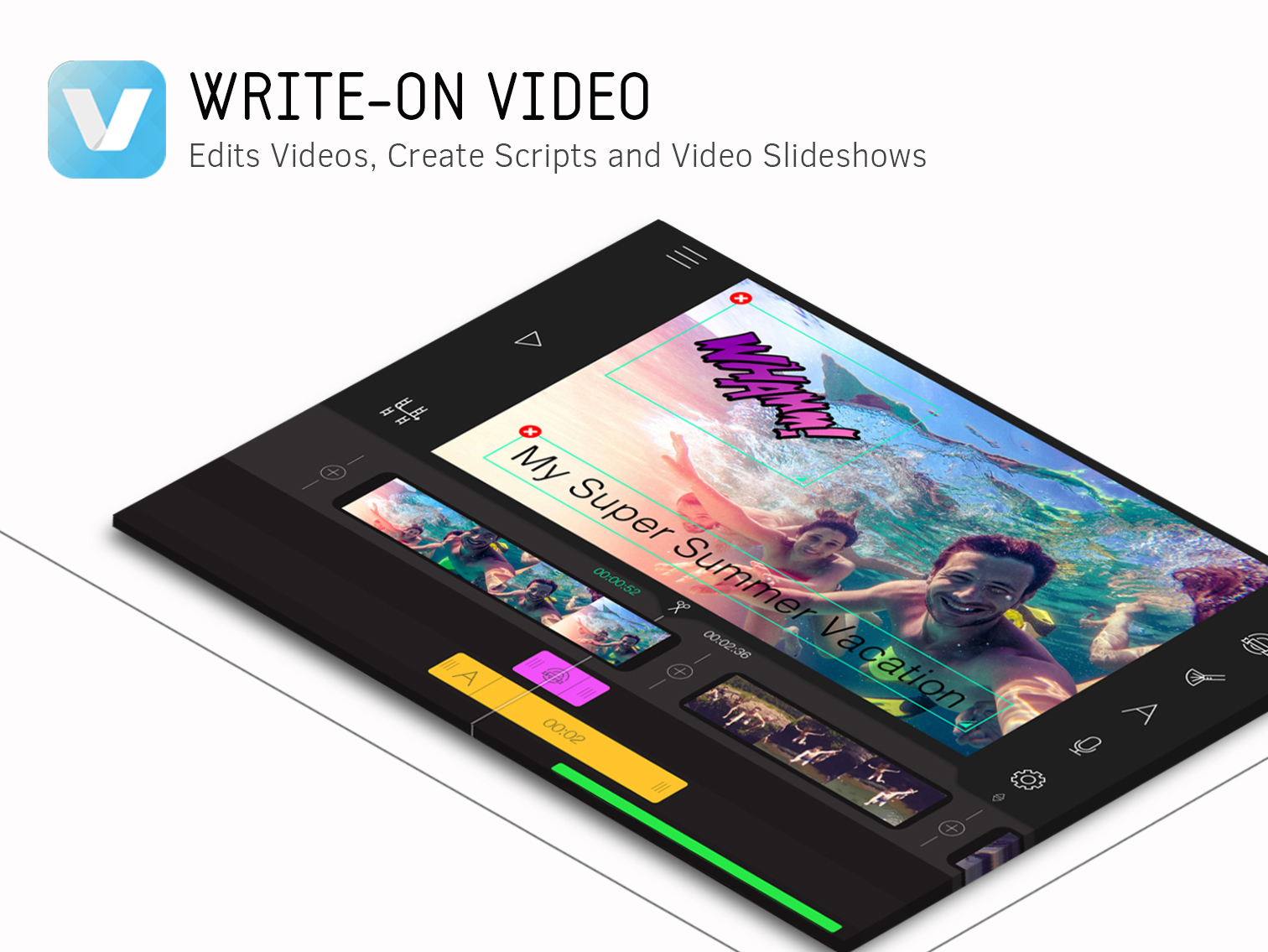
Creativity 365 is a comprehensive, cross-device contention creation tool set designed for both business and creative professionals. The suite aims to help individuals and teams collaborate and improve their productivity and efficiency. The set includes five apps along with 1TB Kdan Cloud storage and access to all of Kdan Mobile's online communities. Platforms: Android, iOS, Mac, Windows According to the vendor key features and business benefits…
N/A
Slack
Score9.1 out of 10
N/A
Slack is a group messaging or team collaboration app that aims to simplify communication for businesses. Features include open discussions, private groups, and direct messaging, as well as deep contextual search and message archiving, and file sharing. Slack integrates with a number of other tools, such as MailChimp, Dropbox, and Google Drive. Slack was acquired by Salesforce in December 2020.
The product is free to use, and also has paid plans with more features and greater controls.
The…
$8.75
per month per user
Pricing
Creativity 365
Slack
Editions & Modules
No answers on this topic
Free
$0
Pro
$7.25*
per month per user
Business+
$12.50*
per month per user
Enterprise
Contact Sales
Offerings
Pricing Offerings
Creativity 365
Slack
Free Trial
Yes
Yes
Free/Freemium Version
No
Yes
Premium Consulting/Integration Services
Yes
No
Entry-level Setup Fee
No setup fee
No setup fee
Additional Details
Monthly $9.99 (*3-day free trial available)
Semi-annually $39.99
Annually $59.99 (*14-day free trial available) Also, comes with a free stylus.**
Quarterly plan with 7-day free trial to come in the following months.
*Special and bulk purchasing options available for educational institutions and businesses.
*Free trials only available on iTunes.
**Free stylus details. Currently, new users subscribing to our Creativity 365 annual plan will receive an Adonit Dash 3 stylus. Once the free stylus has been shipped order is no refundable.
*Per active user, per month, when paying once a year.
Pro is $8.75 USD per active user when paying month to month. Business+ is $15.00 USD per active user when paying month to month.
Owner in Customer Service at The Notorious Banker (Consumer Services, 11-50 employees)
Chose Creativity 365
I think Creativity 365 holds its own in this space. I think where we are at with all this new software is a very high baseline of expectation as it pertains to how successful these software applications can be. Heck, a cell phone can give you as much power as you need at times …
A de minimis incentive was given to thank the reviewer for their time. The incentive was not used to bias or drive a particular response, nor was the incentive contingent on a positive endorsement. More Info
I think in a world where I have to churn out videos and other content for my business, I think that Creativity 365 really allows us in the office to be on the same page when it comes to getting stuff done. These days, especially with a lot of remote work, a collaborative effort can still feel like an individual one, but the coolest thing is that this software makes it feel less and less like that.
A de minimis incentive was given to thank the reviewer for their time. The incentive was not used to bias or drive a particular response, nor was the incentive contingent on a positive endorsement. More Info
If you population likes technology, then I would recommend Slack. It is more difficult to implement if not everyone is on Slack or knows how to use it. Slack was used well by some employees who loved it. Slack allowed them to plan annual events and get feedback and ideas from those involved in the event
A de minimis incentive was given to thank the reviewer for their time. The incentive was not used to bias or drive a particular response, nor was the incentive contingent on a positive endorsement. TR verified that a representative sample of customers was invited. More Info
A de minimis incentive was given to thank the reviewer for their time. The incentive was not used to bias or drive a particular response, nor was the incentive contingent on a positive endorsement. More Info
Would love a better integration with GitHub. For example, notifications when your PR is updated, when review is requested, @-mention in comments, etc.
Improved "Later" tab, for example the ability to create to-do lists or making the "Later" tab into a more powerful to-do list (annotate items with notes)
More powerful integrations, e.g. Google Calendar could render a calendar view within Slack, rather than sending the daily schedule
A de minimis incentive was given to thank the reviewer for their time. The incentive was not used to bias or drive a particular response, nor was the incentive contingent on a positive endorsement. TR verified that a representative sample of customers was invited. More Info
To be more transparent, I give 10 because Slack serves our collaboration needs. It provide us a good platform for team communication relaying important update within the company, it has even mobile app where you can install in your phone to monitor any updates within that team that needs your immediate attention and intervention.
A de minimis incentive was given to thank the reviewer for their time. The incentive was not used to bias or drive a particular response, nor was the incentive contingent on a positive endorsement. More Info
Slack is one of the easiest platforms to use! It is very aesthetically pleasing and you can arrange the chats and other features the way you personally like it. They kept it pretty simple for people who aren’t looking to do anything more than streamlining communication, but they definitely have options for folks to build out the Workspace more.
A de minimis incentive was given to thank the reviewer for their time. The incentive was not used to bias or drive a particular response, nor was the incentive contingent on a positive endorsement. TR verified that a representative sample of customers was invited. More Info
Yes, the app works 24/7. I don't even recall having any period that we could not use since the implementation. Even the maintenance periods are barely noticeable and our work is not impacted by it when it happens.
A de minimis incentive was given to thank the reviewer for their time. The incentive was not used to bias or drive a particular response, nor was the incentive contingent on a positive endorsement. TR verified that a representative sample of customers was invited. More Info
Slack is a soft app, we don't have many issues with it. I recall one or two people complaining about something during our usage period, but I didn't have a bad experience. When the app is slow, usually the problem is with my computer or my internet. The app works just fine.
A de minimis incentive was given to thank the reviewer for their time. The incentive was not used to bias or drive a particular response, nor was the incentive contingent on a positive endorsement. TR verified that a representative sample of customers was invited. More Info
Whenever I've had to troubleshoot an issue with Slack (which, to be honest, has not happened very often), their online documentation has been easy to locate, easy to understand, and effective in resolving my issue. Slack's ever-growing popularity also means that there's a large community of practice out there that can be depended upon.
A de minimis incentive was given to thank the reviewer for their time. The incentive was not used to bias or drive a particular response, nor was the incentive contingent on a positive endorsement. More Info
A de minimis incentive was given to thank the reviewer for their time. The incentive was not used to bias or drive a particular response, nor was the incentive contingent on a positive endorsement. TR verified that a representative sample of customers was invited. More Info
Airtable has a free version that offers basic functionalities that Creativity 365 does not offer. Airtable integrates with 25 different applications and software to make collaboration easier, while Creativity 365 only integrates with 13. Even though key features of Creativity 365 and Airtable should matter you should also carefully explore the integrations provided by each product. Very often you will already be making use of various kinds of SaaS software in your company and it’s much more beneficial to choose software that integrates well with each other. If you do that you will be able to guarantee an effortless transfer of data between your teams and software used, which can significantly reduce the time spent on migrating between one solution and the next.
A de minimis incentive was given to thank the reviewer for their time. The incentive was not used to bias or drive a particular response, nor was the incentive contingent on a positive endorsement. More Info
Having had a lot of experience with Google Chat and Teams, Slack is far and away the better option. In comparison to Teams, Slack is much cleaner with a far more user friendly AI, Teams is far too clunky and feels tiresome to use, whereas it is super easy to pick up Slack and be able to configure it do exactly what you need. Whilst I don't find a massive difference between the usability and UI of Google Chat to Slack. Slack's range of features far outweighs Google Chat. The ease of external connections, workflows, file sharing, external connections for notifications (Make, Zapier etc), plus the huge range of apps you can connect to enhance your workspace is incredible. Google Chat does benefit from directly integrating into your Google Suite so you can get access to automatic status updates based on calendar activity, which would be nice for Slack to have
A de minimis incentive was given to thank the reviewer for their time. The incentive was not used to bias or drive a particular response, nor was the incentive contingent on a positive endorsement. TR verified that a representative sample of customers was invited. More Info
A de minimis incentive was given to thank the reviewer for their time. The incentive was not used to bias or drive a particular response, nor was the incentive contingent on a positive endorsement. More Info
A de minimis incentive was given to thank the reviewer for their time. The incentive was not used to bias or drive a particular response, nor was the incentive contingent on a positive endorsement. More Info