
CrazyCall vs. Webex Contact Center
| Product | Rating | Most Used By | Product Summary | Starting Price |
|---|---|---|---|---|
 CrazyCall | Score8.7 out of 10 | Mid-Size Companies (51-1,000 employees) | CrazyCall is a cloud-based app that is designed to help contact centers and sales teams boost the performance of their outbound and inbound projects. CrazyCall requires no download or technical skills. According to the vendor, users can start making and receiving calls directly in their browser within minutes of creating their account. With the automatic dialer, users no longer need to dial numbers manually. Users can also set rules to efficiently manage their outbound and inbound queue… | $29 per month ($8 for each additional user over 3) |
 Webex Contact Center | Score9 out of 10 | N/A | Cisco Webex Contact Center is a cloud-based omni-channel (e.g. voice, email, and chat) contact center solution providing customer / agent matching, customer service self-service agent, and built-in chat and voice for collaboration between agents. | N/A |
| CrazyCall | Webex Contact Center | |||||||||||||||
|---|---|---|---|---|---|---|---|---|---|---|---|---|---|---|---|---|
| Editions & Modules |
| No answers on this topic | ||||||||||||||
| Offerings |
| |||||||||||||||
| Entry-level Setup Fee | No setup fee | No setup fee | ||||||||||||||
| Additional Details | Plans priced per user / month. Exclusive of connection costs. Competitive rates available. | — | ||||||||||||||
| More Pricing Information | ||||||||||||||||
| CrazyCall | Webex Contact Center | |
|---|---|---|
| Considered Both Products | No answer on this topic | No answer on this topic |
| Key User Insights | ||
| Would buy again | ||
No answers on this topic | 100% Would buy again 39 Answers | |
| Delivers good value for the price | ||
No answers on this topic | 100% Delivers good value for the price 37 Answers | |
| Happy with the feature set | ||
No answers on this topic | 97% Happy with the feature set 38 Answers | |
| Lived up to sales and marketing promises | ||
No answers on this topic | 96% Lived up to sales and marketing promises 27 Answers | |
| Implementation went as expected | ||
No answers on this topic | 91% Implementation went as expected 31 Answers | |
| CrazyCall | Webex Contact Center | |||||||||||||||||||||||||||||||||||||||||||
|---|---|---|---|---|---|---|---|---|---|---|---|---|---|---|---|---|---|---|---|---|---|---|---|---|---|---|---|---|---|---|---|---|---|---|---|---|---|---|---|---|---|---|---|---|
| Contact Center Software |
| |||||||||||||||||||||||||||||||||||||||||||
| Workforce Optimization (WFO) |
| |||||||||||||||||||||||||||||||||||||||||||
| CrazyCall | Webex Contact Center | |
|---|---|---|
| Small Businesses |  Nextiva Contact Center Score9.7 out of 10 | Nextiva Contact Center Score9.7 out of 10 |
| Medium-sized Companies |  Genesys Multicloud CX (discontinued) Score8 out of 10 | Genesys Multicloud CX (discontinued) Score8 out of 10 |
| Enterprises |  Bright Pattern Contact Center Score9.1 out of 10 | Bright Pattern Contact Center Score9.1 out of 10 |
| All Alternatives | View all alternatives | View all alternatives |
| CrazyCall | Webex Contact Center | |
|---|---|---|
| Likelihood to Recommend | 8.7 | 8.7 |
| Likelihood to Renew | - | 8.2 |
| Usability | - | 8.5 |
| CrazyCall | Webex Contact Center | |
|---|---|---|
| Likelihood to Recommend |
|
|
| Pros |
|
|
| Cons |
|
|
| Likelihood to Renew | No answers on this topic |
|
| Usability | No answers on this topic |
|
| Alternatives Considered |
|
|
| Return on Investment |
|
|
| ScreenShots | CrazyCall Screenshots 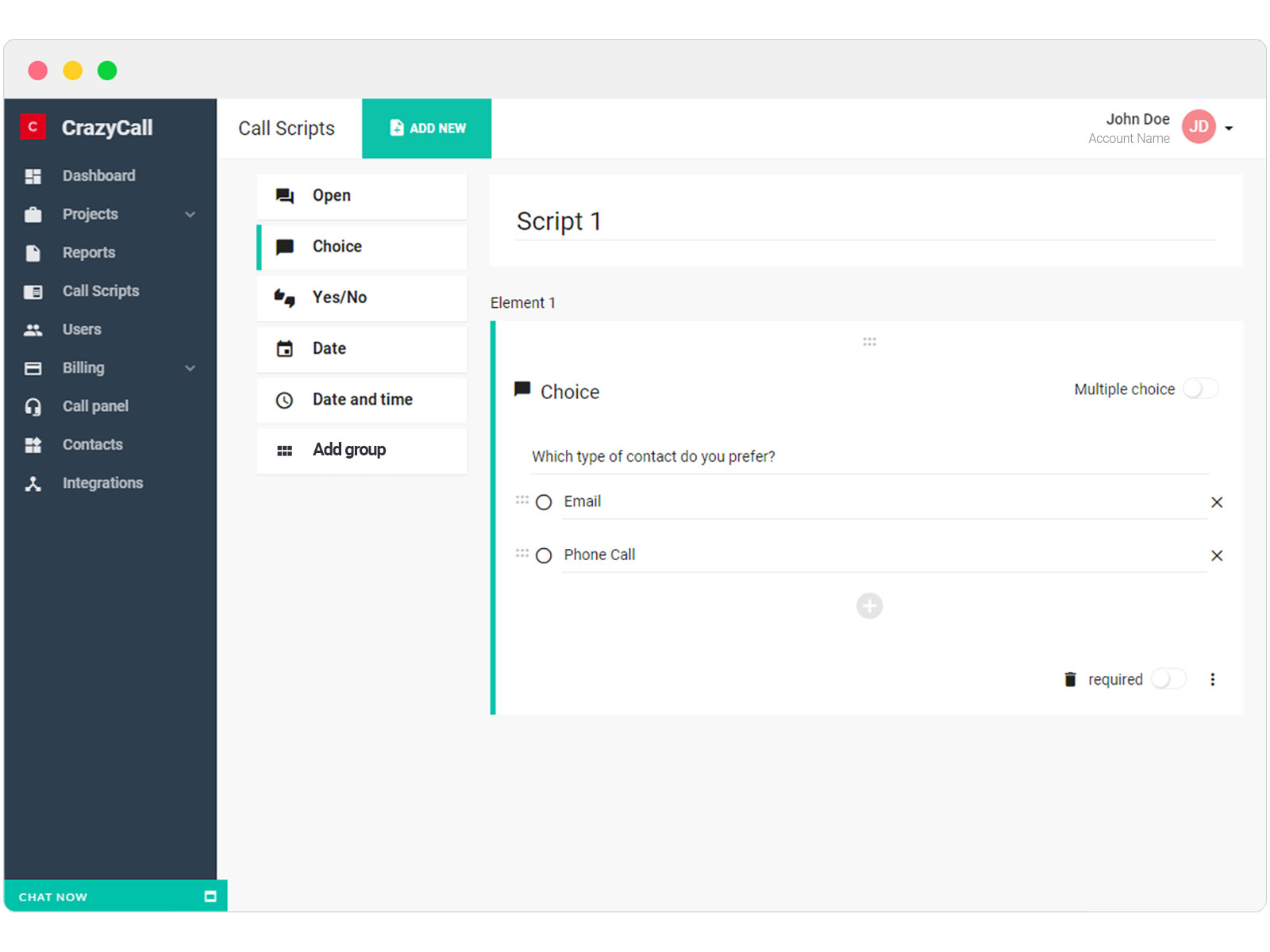 | Webex Contact Center Screenshots    |


