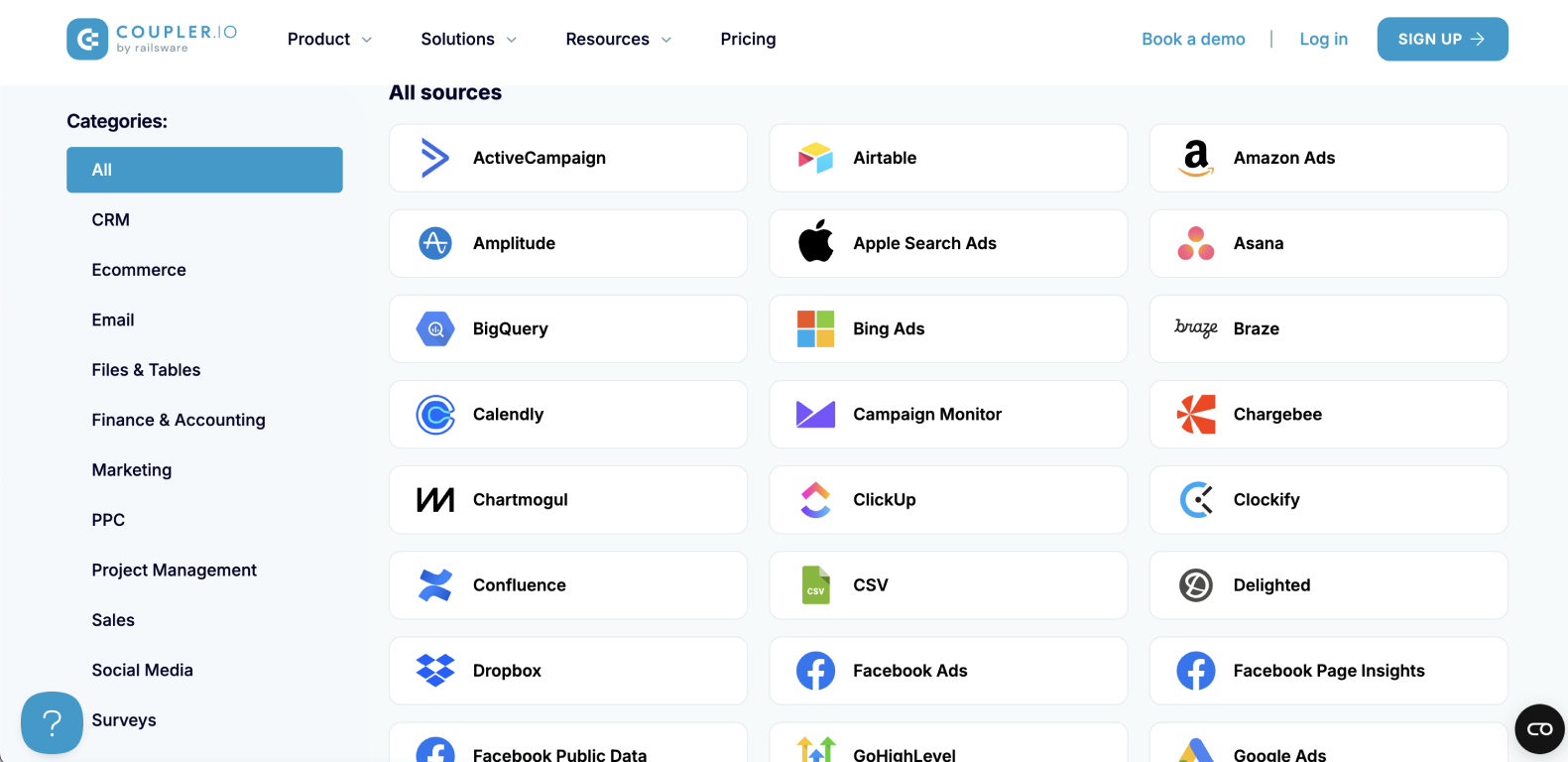
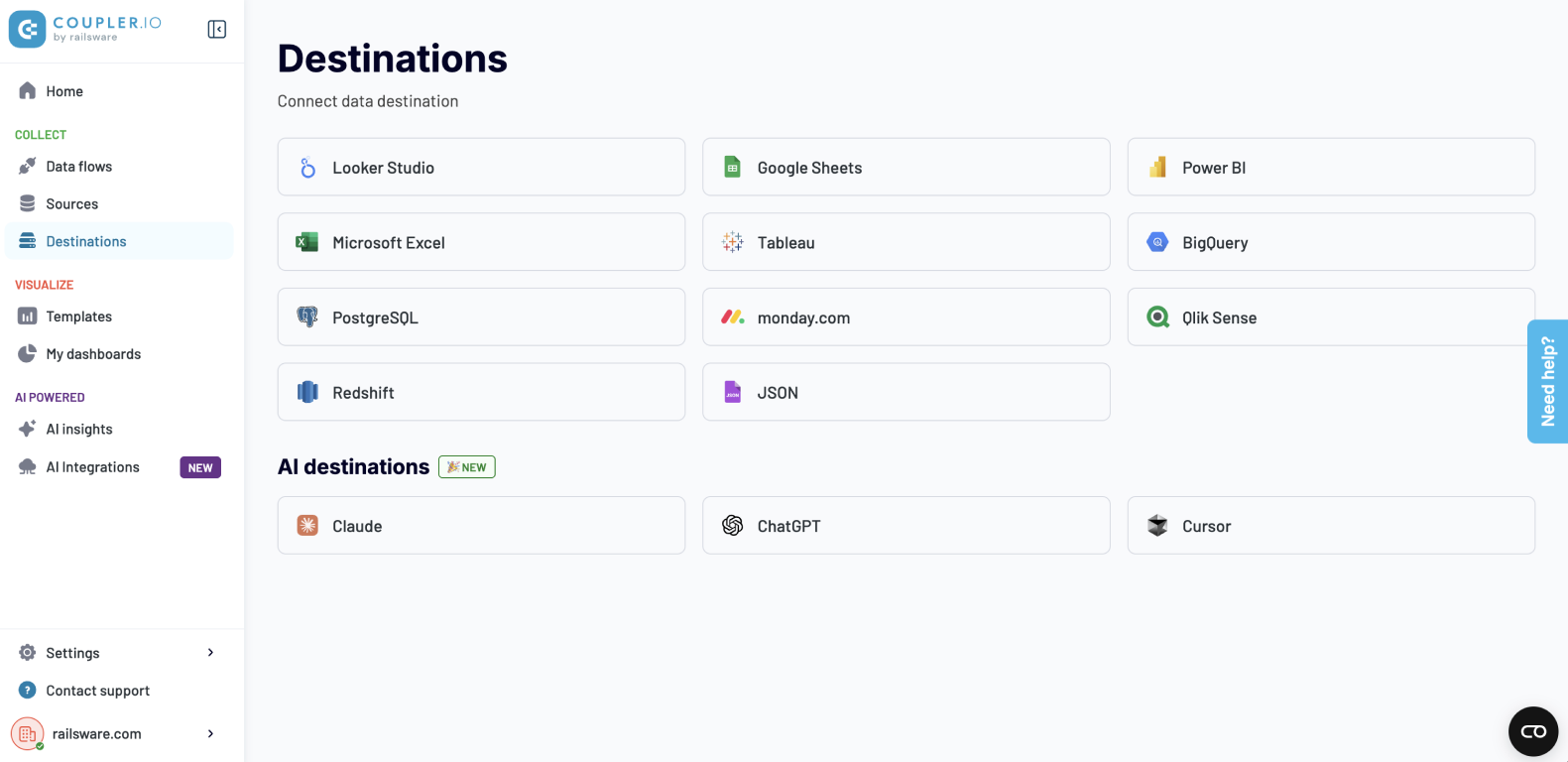
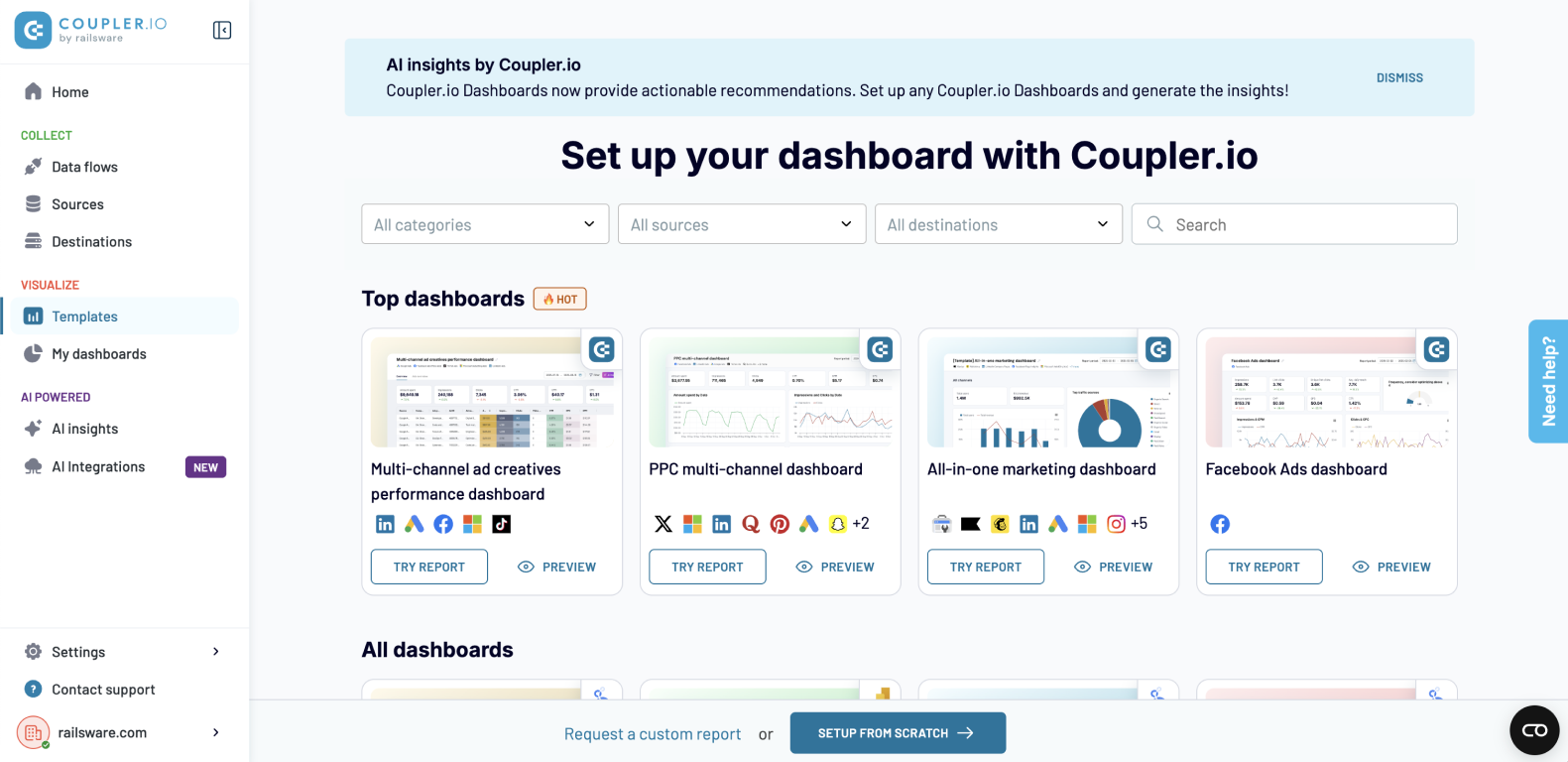
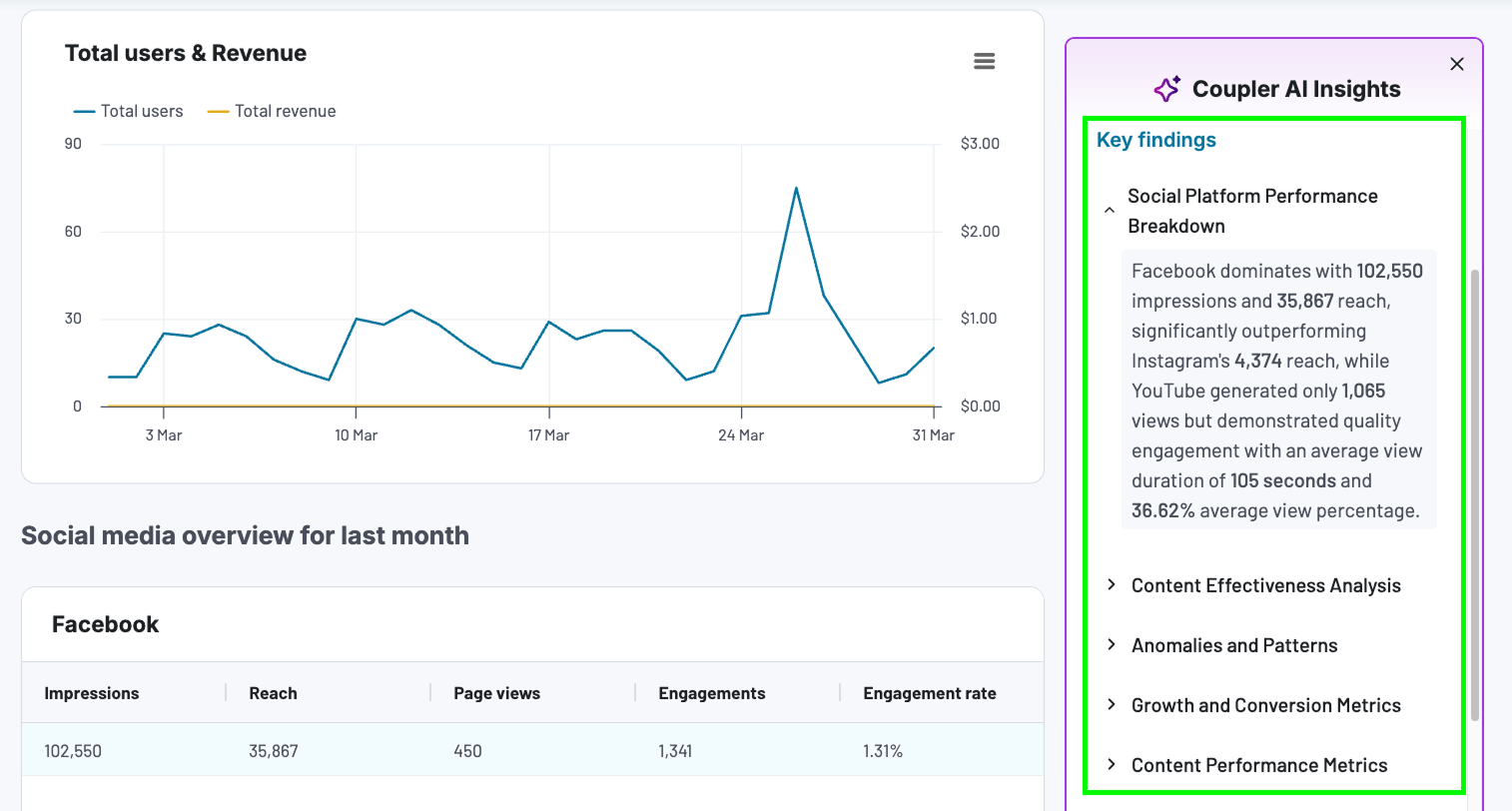
Coupler.io is a no-code data automation and analytics platform. It allows users to collect, organize, transform, visualize, and act on their business data. Coupler.io offers over 1800 data integrations with Microsoft Ads, Google Analytics, GoHighLevel, Xero, Pipedrive, Airtable, Shopify, and other popular platforms. It allows the automatic loading of data to Excel, BigQuery, Power BI, Tableau, etc. Coupler.io's integrations with AI agents…
$32
per month
IBM webMethods
Score 8.8 out of 10
N/A
IBM® webMethods offers a hybrid, enterprise-grade integration platform as a service (iPaaS) that allows users to securely control applications, APIs, B2B and files across environments and locations.
N/A
Pricing
Coupler.io
IBM webMethods
Editions & Modules
Personal
$32
per month
Professional
$132
per month
Team
$259
per month
Business
$599
per month
No answers on this topic
Offerings
Pricing Offerings
Coupler.io
IBM webMethods
Free Trial
Yes
No
Free/Freemium Version
No
No
Premium Consulting/Integration Services
No
No
Entry-level Setup Fee
No setup fee
No setup fee
Additional Details
Discount of up to 25% for annual billing.
—
More Pricing Information
Community Pulse
Coupler.io
IBM webMethods
Features
Coupler.io
IBM webMethods
Cloud Data Integration
Comparison of Cloud Data Integration features of Product A and Product B
Coupler.io is great for automated data syncing from multiple platforms into a single destination. Using with Airtable is particularly helpful, given that there are not a lot of great options for dealing with deleted records.
With its world-class proven technology, the IBM webMethods products are best suited for solving integration needs, including application connectivity, data aggregation, and data synchronization. The business use cases expand across Healthcare, Aviation, Banking, Insurance, etc., and many other mission-critical systems. Though I feel there is room for improvement where webMethods products are utilized in a containerized platform, especially with the API Management suite of products.
The webMethods platform is a fantastic tool for modernizing information systems. It's easy to use and delivers rapid results.The platform is focused on innovation and is accelerating its improvement with the acquisition by IBM.
The webMethods product has a very user-friendly and easy-to-use interface.A weak point is the My webMethods Server portal (administration and monitoring portal for the on-premise platform). This weakness has been addressed thanks to the control plane on the hybrid version of the product. This version should be highlighted and used to ensure a very fluid and functional interface.
The webMethods platform is very stable and does not cause incidents: if it is well configured and tailored at the base. Infrastructure incidents represent 20% of incidents (full disk, memory peaks, etc.) 80% of incidents come from the implementation of the code in the platform. If a code is not optimized and a high volume is observed in production, this can cause incidents. Similarly, if all error cases or conditions are not handled in the code, this can cause errors. Finally, there can be common errors if the applications connected to the platform do not return quality data or are unavailable.
The webMethods platform is designed to handle a high volume of small messages. It's a tool for continuous processing.The incidents I've seen involving application performance declines are caused by: - Code optimization issues - File size issues or fragmentation of the transmitted file - Misuse of the platform (batch processing) - Monitoring data was not purged, and the user was working with millions of data points
In the majority of the tickets I've created, support has been very responsive and provided the right solutions or solutions.Resolving a ticket also depends on the information provided by the creator. It's important to provide the technical context and information about the environment, as well as information to help the support team reproduce the incident.
We received in-person training from the webMethods team. We received standard training from the vendor and custom training on specific security topics.The training sessions went well but remained very standard and did not adapt to the client's specific business. In-person training is more suitable for rapid skill development. It is necessary to practice for a few weeks to ensure familiarity with the tool.
I found clear and easy-to-follow training with realistic use cases for quick understanding and a 360° view of the features. The lesson format allows you to progress and learn by breaking down the allocated time.The technical courses are described step by step, allowing you to quickly get to grips with the products
When implementing webMethods, it's essential to have the right support and guidance.It's important to map out the interactions, document them, prepare test cases, and implement them while making maximum use of the product's native features.Additional tools must also be planned to automate deployments, visualize logs, and monitor the platform.
The two branches of the IBM integration portfolio are coming together nicely, and it's more a question of fully mapping the specific implementation requirements to the respective platform of choice when selecting between IBM Cloud Pak for Integration and IBM webMethods. Pricing and licensing model, cloud strategy, and level of distributed responsibilities and ownership of integration in the organisation can be deciding factors.
webMethods.io Integration is a cost effective approach to integration in isolation
webMethods.io Integration as a supplement to on-premises integration is pointless and redundant and just adds complexity to the environment and additional costs
webMethods.io Integration is a tough sell for organizations using Microsoft Azure integration products such as Logic Apps
webMethods.io Integration has a faster time to market where the use case means standard provided adapters can be used