Copper is a customer relationship management (CRM) built as an integration into Google Apps.
$12
per month per user
Kintone
Score7.4 out of 10
N/A
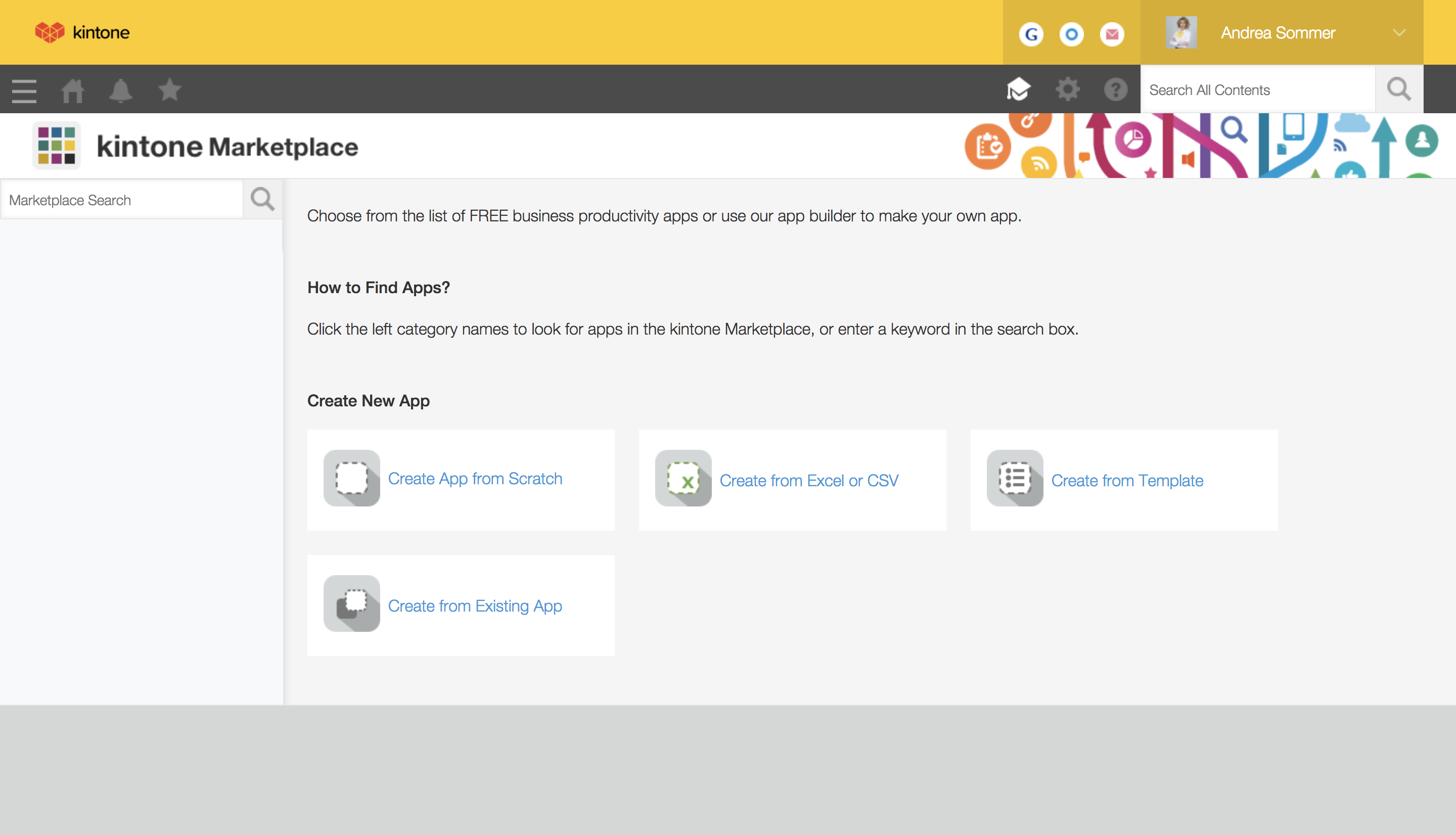
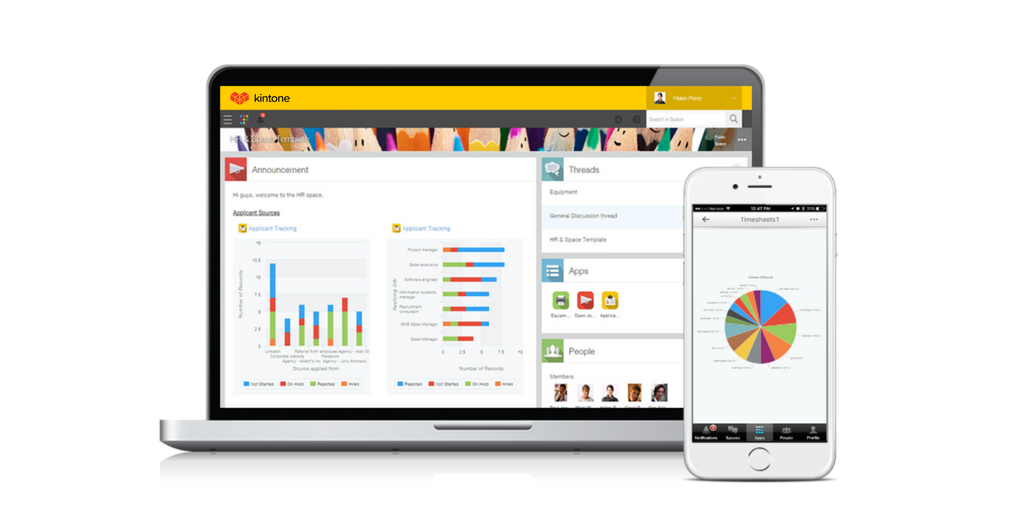
Kintone is a customizable digital workplace platform that lets the user manage data, tasks, and communication in one central place. Over 30,000 customers use Kintone’s no-code platform with more than 1.5 million database and workflow applications custom built for their businesses. The no-code drag-and-drop interface can be used to create custom database applications. Whether it’s sales leads, customer quotes, or inventory management, it can be organized in Kintone and viewed from the…
$24
per month per user
Pricing
Copper
Kintone
Editions & Modules
Starter - Paid Annually
$9.00
per month per user
Basic - Paid Annually
$23.00
per month per user
Professional - Paid Annually
$59.00
per month per user
Business - Paid Annually
$99.00
per month per user
Professional Subscription
$24
per month per user
Offerings
Pricing Offerings
Copper
Kintone
Free Trial
Yes
Yes
Free/Freemium Version
No
No
Premium Consulting/Integration Services
No
Yes
Entry-level Setup Fee
No setup fee
Optional
Additional Details
Up to 15% discount for annual pricing.
All subscriptions have a minimum requirement of 5 users.
Copper has helped me extensively keep track of not only my own but my company's workflow. With so many projects and quotes to track, it has become essential to keep me on task and not miss any of our goals. It has been a perfect fit with our specific workflow, but I don't think it has the customizability just yet to be a perfect fit for every company out there.
A de minimis incentive was given to thank the reviewer for their time. The incentive was not used to bias or drive a particular response, nor was the incentive contingent on a positive endorsement. More Info
Kintone is great if you want a software that will help you in managing your data, and keep track of which tasks are assigned to whom. It also helps to streamline communication and information in one central place. However, it is not for you if you are looking for something complex that has to manage a lot of data.
A de minimis incentive was given to thank the reviewer for their time. The incentive was not used to bias or drive a particular response, nor was the incentive contingent on a positive endorsement. More Info
I think the Opportunities Pipeline is probably the best feature of the CRM. The versatility of it allows for pipelines to be made for not only sales but myriad of other ways.
Copper's commitment to customer satisfaction is pretty spectacular. Many CRMs aren't as dedicated to this and provide their customers with simple how to articles that fall short of being an actual help.
Copper's ability to sync with Google is an undersold perk. If a company relies on the Google workspace, Copper is an amazing tool to work alongside with Google.
A de minimis incentive was given to thank the reviewer for their time. The incentive was not used to bias or drive a particular response, nor was the incentive contingent on a positive endorsement. More Info
A de minimis incentive was given to thank the reviewer for their time. The incentive was not used to bias or drive a particular response, nor was the incentive contingent on a positive endorsement. More Info
Window change: for mobile - when you tap on a card from a pipeline it takes you to the lead’s basic info. I wish it would immediately just open all activities so I can quick see notes
I usually use Copper on the go. When you open the Copper app, it immediately opens a collab window. I wish it had some sort of easy dashboard….plus a notes area. I open Copper on mobile to quickly search for someone’s name or to take quick notes from a sales meeting
I feel that Kintone is not well enough known yet. This means that other apps/APIs are not necessarily easy to connect with Kintone. Yes, you can use Zapier though for interfacing with other apps.
It would be great if it could give more customized options to change the look and format of certain things. You can make price quote apps, for example, but have to rely on 3rd party apps or programming skills to customize the look and fields.
If you make a table as an input field, it cannot connect to other internal Kintone apps for lookups and such.
I think there is more potential to make more customized data graphs.
A de minimis incentive was given to thank the reviewer for their time. The incentive was not used to bias or drive a particular response, nor was the incentive contingent on a positive endorsement. TR verified that a representative sample of customers was invited. More Info
I still think that there's a room for Kintone's future, and high expectations for them in additional features and innovative tools and supports. Truly hope that they will support email features, and standardized supports for various plug-ins with the 3rd party software and apps. In the meantime, we will have to consider our ways of doing our work in all aspects
A de minimis incentive was given to thank the reviewer for their time. The incentive was not used to bias or drive a particular response, nor was the incentive contingent on a positive endorsement. More Info
I would rate Copper overall usability as a 10. It is easy to use. I am not extremely computer friendly so I needed to find something that would fit what I can do. Copper definitely fit the bill. I would highly recommend it to anyone of any level of computer knowledge.
A de minimis incentive was given to thank the reviewer for their time. The incentive was not used to bias or drive a particular response, nor was the incentive contingent on a positive endorsement. More Info
Kintone is agile app and most of the time we can easily come up with new apps. However, there should be more feature-based drag and drop and or a visual-based usability, as we all want to minimize the number of clicks and dropdown menu selections as much as possible. Thanks.
A de minimis incentive was given to thank the reviewer for their time. The incentive was not used to bias or drive a particular response, nor was the incentive contingent on a positive endorsement. More Info
A de minimis incentive was given to thank the reviewer for their time. The incentive was not used to bias or drive a particular response, nor was the incentive contingent on a positive endorsement. TR verified that a representative sample of customers was invited. More Info
A de minimis incentive was given to thank the reviewer for their time. The incentive was not used to bias or drive a particular response, nor was the incentive contingent on a positive endorsement. TR verified that a representative sample of customers was invited. More Info
There have been a few times when I contacted the "help desk" or "support team" and they just told me to watch a video or join a seminar to learn what I am looking to do. I would have expected someone to take a few minutes and literally walk me through the steps one by one until either I figured it out or accomplished the goal of my request.
I have had very specific questions about different aspects of the software, and I have always been able to get a hold of someone who could help. If my sales rep didn’t know the answer, he would get me in touch with someone who did know the answer. The whole team is very ready to help. It definitely feels like they view my success as their success, which is so important with this type of software.
A de minimis incentive was given to thank the reviewer for their time. The incentive was not used to bias or drive a particular response, nor was the incentive contingent on a positive endorsement. More Info
Everyone has their own tastes of things and way they want to work. Asking them to adapt to the changes with the new tools or apps is always difficult. We would want to start with a very small but best example within the organization, which in our case was that the employees will not be bothered by the bosses by being asked to find the documents, status of the progresses, or major things/requests/projects.
A de minimis incentive was given to thank the reviewer for their time. The incentive was not used to bias or drive a particular response, nor was the incentive contingent on a positive endorsement. More Info
The software is designed to mimic the look of Google products. This makes it easy to use for people already familiar with Google products. It syncs with G Suite apps like Google Contacts and Google Calendar, and it is directly accessible from Gmail. It appears as a sidebar within Gmail and can be hidden if needed.
A de minimis incentive was given to thank the reviewer for their time. The incentive was not used to bias or drive a particular response, nor was the incentive contingent on a positive endorsement. More Info
Kintone is the easiest product to create from and the cost is the lowest I believe. In addition, reconfigurability and extendability are great. If you look for a low code tool, you can try Kintone. But as same as another low code tool, don't expect too much.
A de minimis incentive was given to thank the reviewer for their time. The incentive was not used to bias or drive a particular response, nor was the incentive contingent on a positive endorsement. More Info
A de minimis incentive was given to thank the reviewer for their time. The incentive was not used to bias or drive a particular response, nor was the incentive contingent on a positive endorsement. TR verified that a representative sample of customers was invited. More Info
A de minimis incentive was given to thank the reviewer for their time. The incentive was not used to bias or drive a particular response, nor was the incentive contingent on a positive endorsement. TR verified that a representative sample of customers was invited. More Info
A de minimis incentive was given to thank the reviewer for their time. The incentive was not used to bias or drive a particular response, nor was the incentive contingent on a positive endorsement. TR verified that a representative sample of customers was invited. More Info
A de minimis incentive was given to thank the reviewer for their time. The incentive was not used to bias or drive a particular response, nor was the incentive contingent on a positive endorsement. More Info