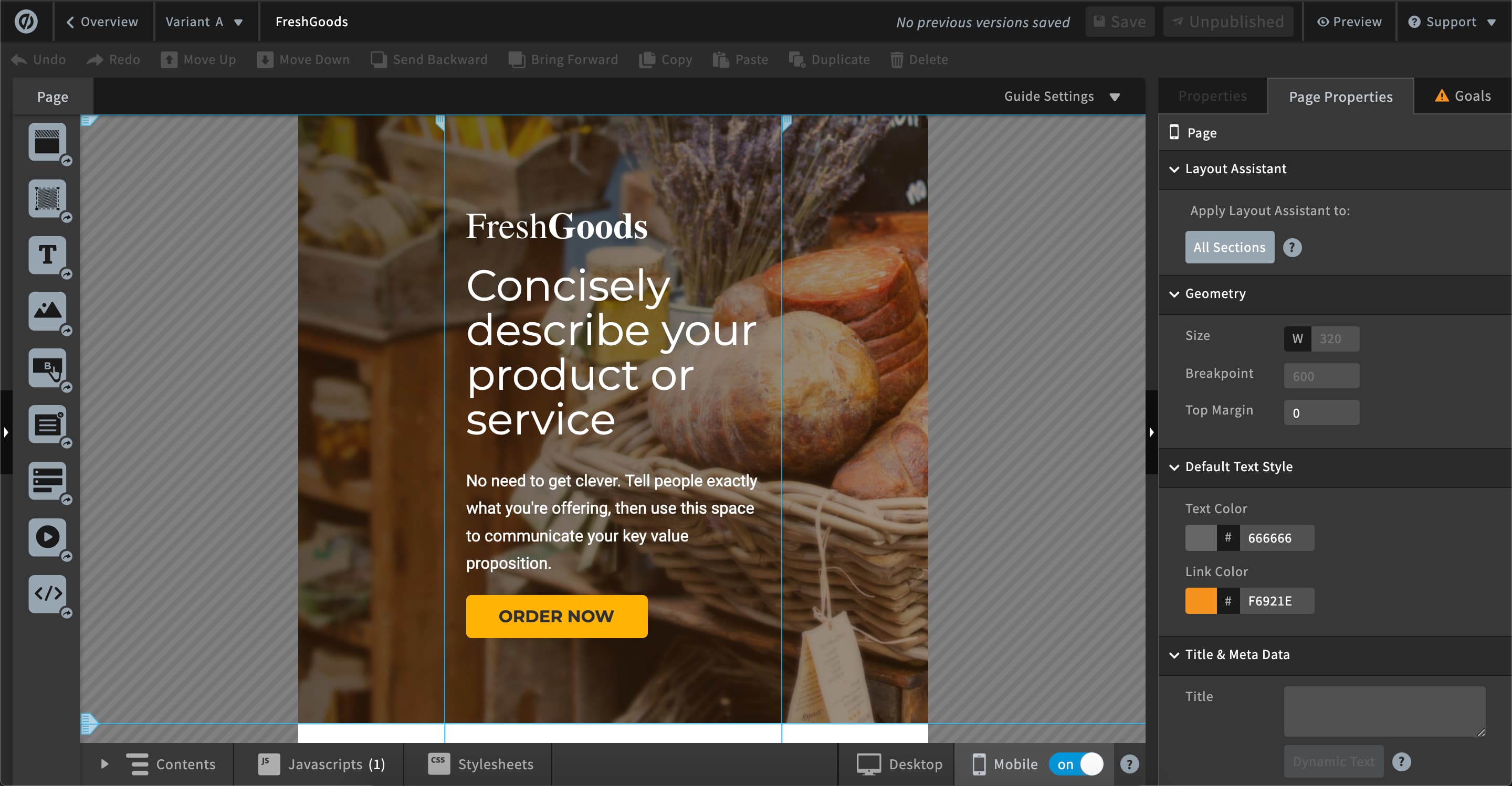
ConvertFlow, from the company of the same name headquartered in Miami, Florida, is a platform for converting website visitors. Users can launch & A/B test personalized popups, sticky bars, quizzes, and landing pages - no coding or developers needed.
$99
per month
Unbounce
Score 8.1 out of 10
Mid-Size Companies (51-1,000 employees)
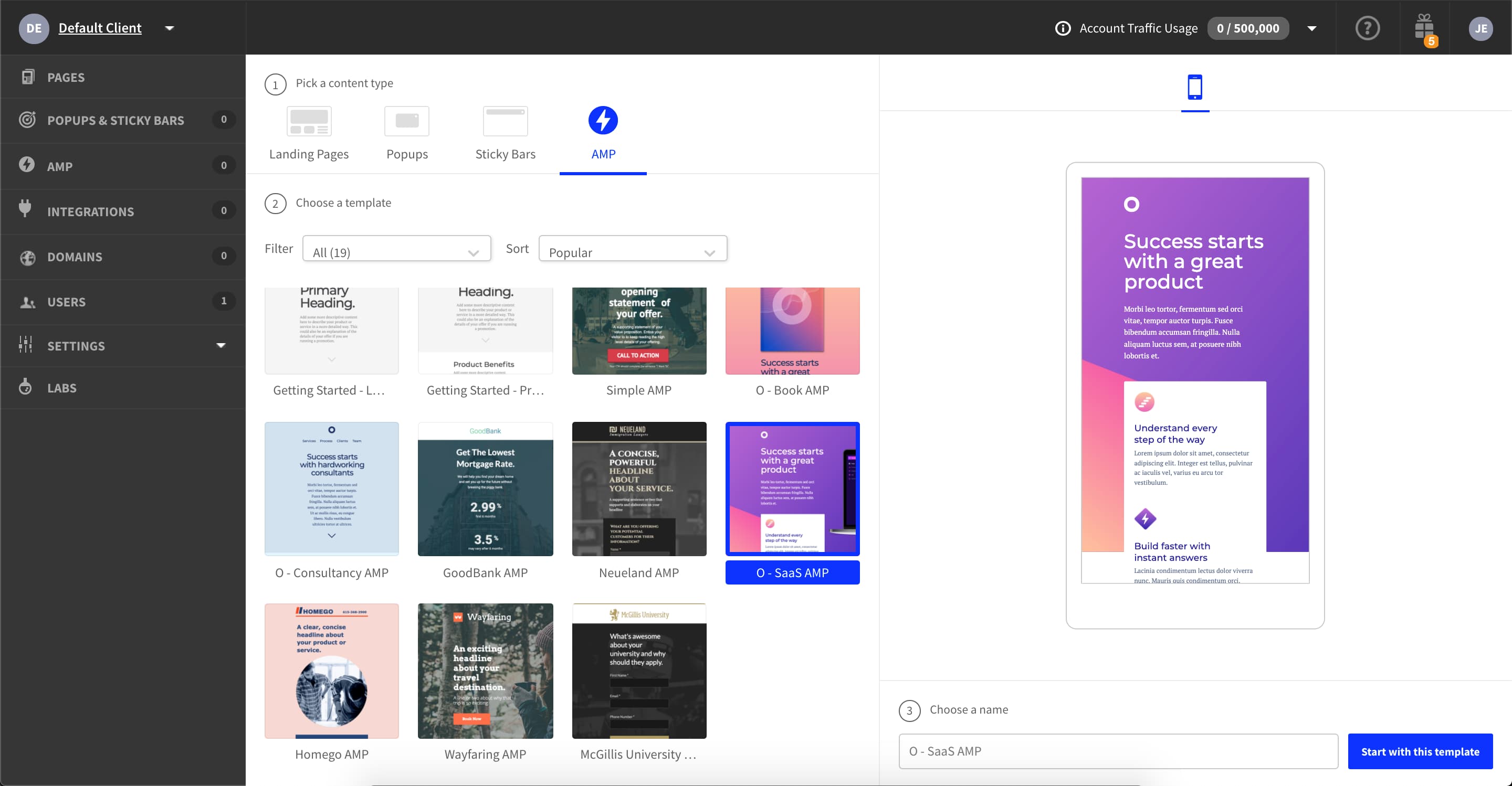
Unbounce is a landing page builder for marketers. Marketers can use the drag and drop platform to create customized, responsive landing pages for their marketing campaigns.
$99
per month
Pricing
ConvertFlow
Unbounce
Editions & Modules
Pro
$99
per month
Teams
$300
per month
Business
$800
per month
Enterprise
Custom
Build
$99
per month
Experiment
$149
per month
Optimize
$249
per month
Agency
Contact Sales
Offerings
Pricing Offerings
ConvertFlow
Unbounce
Free Trial
No
Yes
Free/Freemium Version
Yes
No
Premium Consulting/Integration Services
No
No
Entry-level Setup Fee
No setup fee
Optional
Additional Details
Discounts available for annual pricing.
All plans include: Unlimited conversions, Unlimited subdomains, 1000+ integrations, Built-in AI copywriting, and Customer support. Discount available for annual pricing.
More Pricing Information
Community Pulse
ConvertFlow
Unbounce
Features
ConvertFlow
Unbounce
SEO and Conversion Optimization
Comparison of SEO and Conversion Optimization features of Product A and Product B
I'd say just about every marketing application can benefit from ConvertFlow's features and flexibility. Some step-by-step logic form builders limit what you can have on each step, ConvertFlow leaves that totally up to you which is a huge plus. If you use Keap as your CRM, it is especially helpful as not all systems have a direct connection like this does. If there's an area it may be less suited than other specific tools, I'd say maybe survey forms. You certainly CAN build them, but there are other tools for that which create an easier experience building and for the user.
As I am using this platform for a long time, I believe I am happy with the services I am getting from this outstanding software. It has made my landing page experience better than ever without any coding knowledge to apply. It has upgraded my business in a positive direction and I believe I am using this software for many years to come.
AB testing is simple to set up. Clone a page make your changes and pit one or more against each other. Set the number of views and you're told the winner once the test is done. Simple
Tracking code is easy to add. Follow the straightforward instructions in the back end
Easy to add multiple domains to your account. So you can use the landing pages you build on numerous sites if you so desire
lead source from Google - can't tell paid vs organic
Some custom fields in forms require duplicating or re-setting up across forms - could used custom saved questions library
From landing pages, opening a pop-up requires building a pop-up outside the page. this is good when multiple pages use the same pop-up but in other cases can be time-consuming to exit the page, build, then go back and finish the page. small detail really but worth knowing about
you can set up custom URLs, but so far no option to integrate, for instance, into WordPress and give a landing page your actual URL. So instead of "domain.com/page" you have to use "go.domain.com/page" or something like that. would be nice to keep it within my URL in some cases.
The reporting is very basic - pretty much only A/B test comparisons. If you need more in-depth reporting you will have to use an external system.
Page performance isn't great. When running our landing pages through Google's Page Speed analysis tool, they did not perform well compared to landing pages we created outside of Unbounce. This was big for us because, in paid search, Google looks at your landing page quality as a factor that affects what you pay per click.
Please see comparison information and other areas of my review. We have no need for Unbounce since all of its features are available in Pardot. We would have happily continued using Unbounce if we had not purchased Marketing Automation Software
unbounce is a really good landing page builder and is fairly easy to use and navigate. It empowers to create and see the performance of landing pages quickly and easily, so it is ideal for marketing agencies running paid media campaigns. The landing page builder, like all of these apps, can be a little slow, but I have not found a landing builder that isnt.
Unbounce customer support is very strong. We have been able to connect with them via email and telephone mediums. They are very knowledgeable and can effectively help resolve difficult problems that are slowing us down. Overall Unbounce customer support is very professional. Our wait times have always been small or at least reasonable.
Choose a subdomain that is appropriate for multiple types of pages. You don't want to have to keep changing it. Think about using Google Tag Manager to manage your Google Analytics code and event tracking. Build one landing page to completion. Then make a copy of it if you need to create variant pages.
All of these I used for different, specific purposes. ConvertFlow accomplishes ALL of those purposes and does them well. There might be an area or two where others excel, but you end up needing more than one tool to accomplish the same results as ConvertFlow can do in one tool.
Despite my review for unbounce being not the greatest review or score in the world, when stacked up against its two biggest competitors, I'd prefer Unbounce over Leadpages and Instapage. Leadpages drag and drop editor, integrations, and overall UI/UX is 10x worse than unbounce and unbounce really leads in the category of nice templates and quickness to a production landing page with much better options and integrations.
Saves my team a TON of time. we've used form tools before that generated results but took a whole afternoon to properly set up. My team can set up new forms or a/b test designs in minutes.
Signup optimization is now attainable for many team members. Even my designers can easily test their own work, you don't have to have a deep data analysis to see what's working
We use this to address our graphic design needs for simple things such as landing pages, poo-ups, and announcement bars. It let's us work on these things without having to always get our designer or tech team involved.
With all of the GDPR changes we have really leaned on unbounce to help us create pages to gather list. Using landing pages to have users submit their information is super helpful and it makes it easy to automate the list building process.