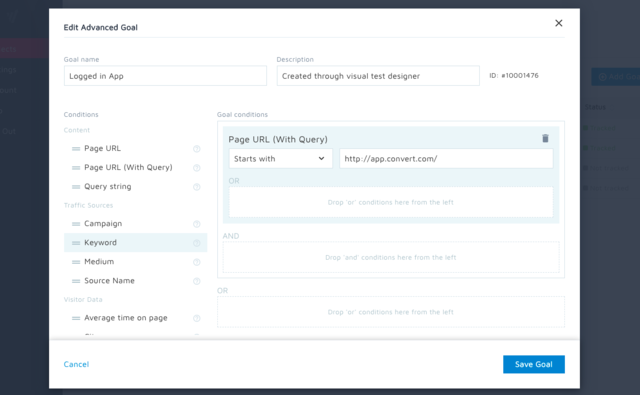
Convert Experiences is an experimentation platform that offers features and support to run A/B tests across multiple growth channels. Its enterprise-ready advanced features include full stack experimentation, multi-page testing, post-segmentation, sequential testing, targeting with 40+ filters, triggering tests based on data in other apps (data sources), dynamic triggers, complex goal tracking, and a secure API. It includes 90+ out-of-the box integrations in a…
$299
per month up to 100k tested users per month
Unbounce
Score8.1 out of 10
Mid-Size Companies (51-1,000 employees)
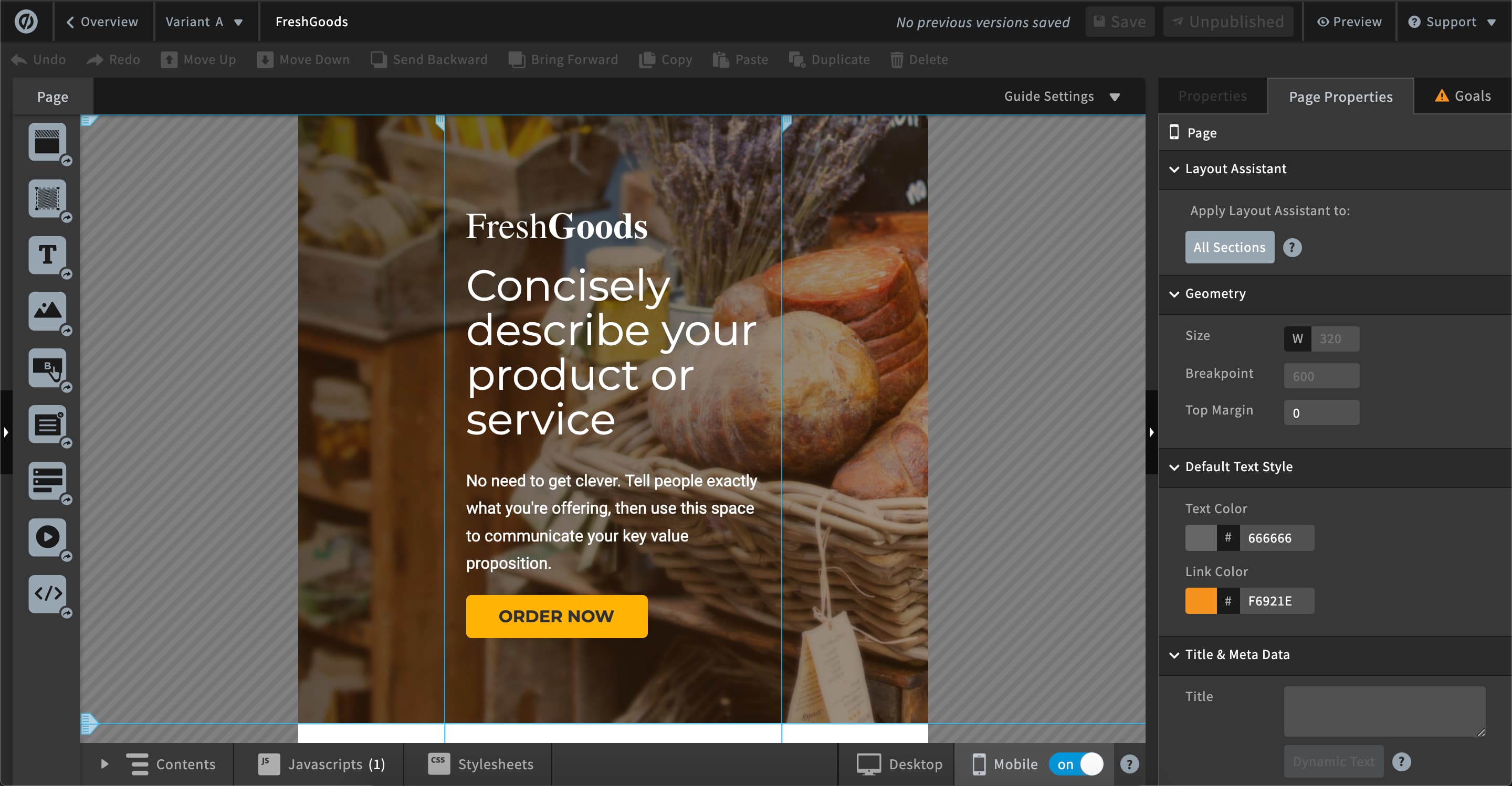
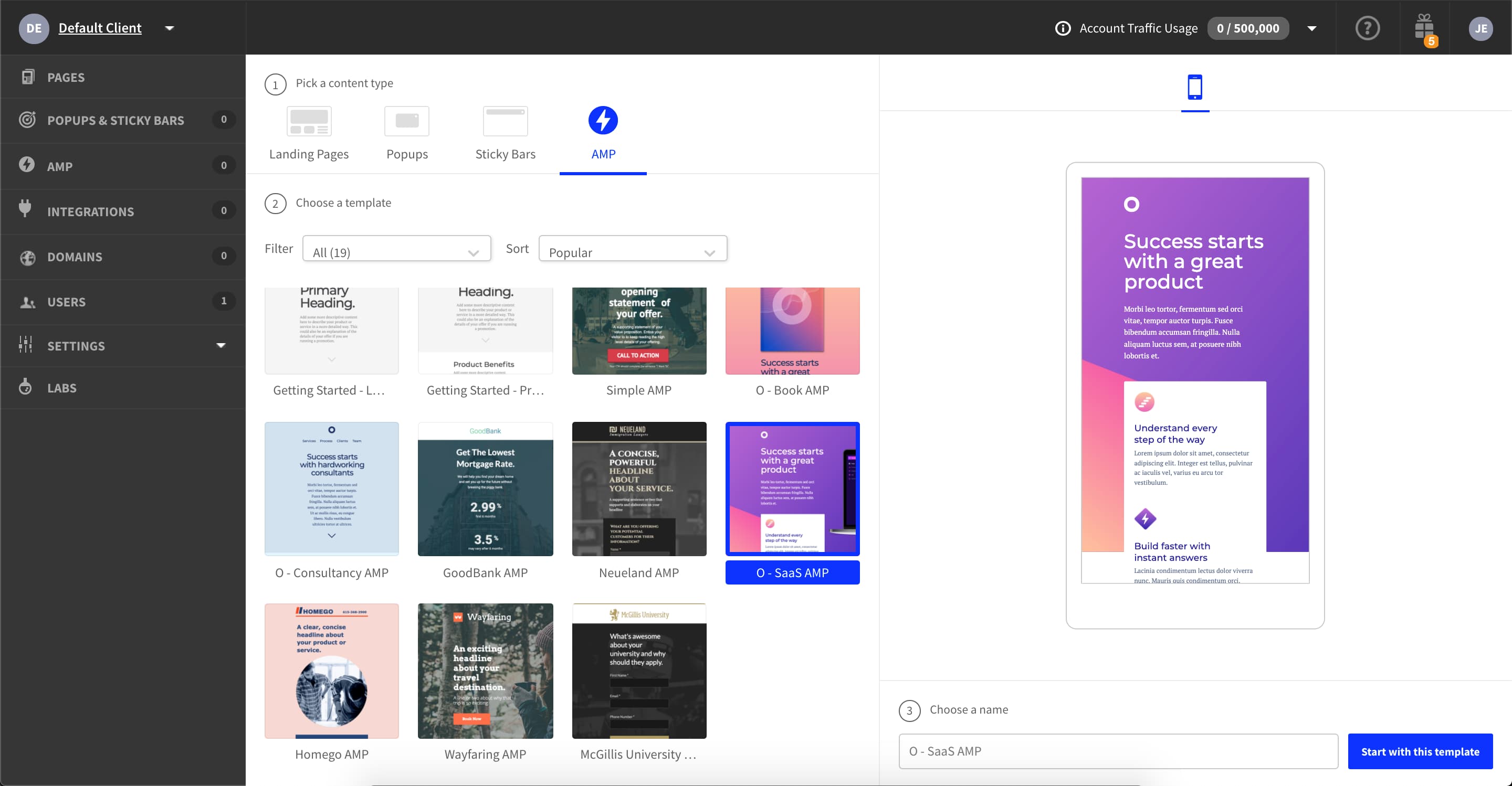
Unbounce is a landing page builder for marketers. Marketers can use the drag and drop platform to create customized, responsive landing pages for their marketing campaigns.
$99
per month
Pricing
Convert Experiences
Unbounce
Editions & Modules
Growth
$299
per month 100k tested users per month
Pro
$5988
per year 3M tested users available upfront
Enterprise
Pricing available on request
From 1M tested users/mo (billed annually)
Enterprise
Pricing available on request
From 1M tested users/mo (billed annually)
Build
$99
per month
Experiment
$149
per month
Optimize
$249
per month
Agency
Contact Sales
Offerings
Pricing Offerings
Convert Experiences
Unbounce
Free Trial
Yes
Yes
Free/Freemium Version
No
No
Premium Consulting/Integration Services
No
Yes
Entry-level Setup Fee
No setup fee
Optional
Additional Details
1. Annual contract or monthly payments available (40% discount for annual pricing).
2. Pricing is not feature dependent. Some features like integrations, goals, Live Logs are necessary to test successfully. This is why Convert caps by unique tested users - basically visitors who have been bucketed to see a variation and are unique to that variation. As a result the app tested users are always </= the site's net traffic.
All plans include: Unlimited conversions, Unlimited subdomains, 1000+ integrations, Built-in AI copywriting, and Customer support. Discount available for annual pricing.
Definitely well suited for budget conscious companies that want a solid array of functionality but without having to pay an exorbitant amount. Great for marketing and analytics team members that need the ability to get in and set up tests w/o dev assistance. But, functionality is there for developers to get in and set up more complicated tests.
As I am using this platform for a long time, I believe I am happy with the services I am getting from this outstanding software. It has made my landing page experience better than ever without any coding knowledge to apply. It has upgraded my business in a positive direction and I believe I am using this software for many years to come.
A de minimis incentive was given to thank the reviewer for their time. The incentive was not used to bias or drive a particular response, nor was the incentive contingent on a positive endorsement. More Info
Over the top powerful Javascript enabled targeting. This feature is called DMP Profiling and is available in the Pro Plan, currently only +$100 more than the plus plan. An article explaining this feature is here for further reading: https://convert.zendesk.com/hc/en-us/articles/206631623-Target-experiment-based-on-a-custom-Javascript-condition-that-evaluates-true-at-a-later-stage. I wrote up a much longer explanation but TR broke it up weirdly. The gist is that you can powerfully use JS to target. This allows me to target users in our SPA in incredibly advanced ways. I can walk their entire history model and assign them an audience value, or I can exclude them. It's MUCH more powerful than just a "Site Area" tool. We recently used it against 900K users to check if they had written a review of their apartment or not yet. This allowed me to only expose the user on the homepage to an experiment that prompted them to write a review while excluding users that couldn't write a review from the experiment (because they had already written one). The experiment converted 50% better than what we do now, generating 9k reviews in a matter of hours.
Audience targeting IN ADDITION to all that fancy DMP targeting. This means I can define demographics or other data as a qualifier AS WELL as the previously mentioned qualifier. This can be setup in so many ways: Traffic source, Visitor Data, Include / Exclude users part of a current experiment (!!), Date/Time, Device/Browser/OS, JS Conditon
Real-time reporting that makes sense to the whole company to view. Seriously, I can share a Convert Report to any level of intelligence on my team and they understand what's happening.
Audiences and Goals are saved as presets, so your entire team can use them. Using the example above, we have an audience called "Wrote a Review" that we exclude from the Review Prompt treatments.
Their customer support is seriously fast at answering questions. I've never had to wait more than a day.
AB testing is simple to set up. Clone a page make your changes and pit one or more against each other. Set the number of views and you're told the winner once the test is done. Simple
Tracking code is easy to add. Follow the straightforward instructions in the back end
Easy to add multiple domains to your account. So you can use the landing pages you build on numerous sites if you so desire
A de minimis incentive was given to thank the reviewer for their time. The incentive was not used to bias or drive a particular response, nor was the incentive contingent on a positive endorsement. More Info
We are aggressive testers and have demanding clients, and if there was any part of the Convert platform where I'd like to see improvement, it would be in the reporting section where I feel a vertical report could present in a more readable fashion to the users.
One of the cons of Unbouncewas the learning curve. We are very familiar now with the ends and outs but in the beginning, it would have been super helpful to have some sore of learning up front.
The pricing structure is not great for our particular organization. We will never need unlimited page views but we do often need more landing pages we make it work but the pricing model could be improved.
The reporting could be a little better. We supplement with some of our own trackings but for the most part, the reporting from Unbounce is a basic level understanding of how the page is performing.
A de minimis incentive was given to thank the reviewer for their time. The incentive was not used to bias or drive a particular response, nor was the incentive contingent on a positive endorsement. More Info
The nonprofit discount makes it so affordable that my client was happy to continue their subscription all year round. They have used it to build landing pages to capture expressions of interest for their next recruitment window. It hasn't quite produced the sort of results we were hoping for, but I'm not sure that's Unbounce's fault.
A de minimis incentive was given to thank the reviewer for their time. The incentive was not used to bias or drive a particular response, nor was the incentive contingent on a positive endorsement. More Info
To use the platform in the context of developing enhanced tests that stretch the platform there is as with most things a learning curve. However, if you're a casual user or have standard experiments that you wish to run you would be easily able to hit the ground running.
Unbounce made it easy for my team to build landing pages for website and email. We gained valuable A/B testing insights and gathered information from visitors effectively converting them to leads. The Editor is straight forward and I was able to learn to use it on my own without instruction. CRM integration was easy and consistently worked.
A de minimis incentive was given to thank the reviewer for their time. The incentive was not used to bias or drive a particular response, nor was the incentive contingent on a positive endorsement. More Info
Unbounce customer support is very strong. We have been able to connect with them via email and telephone mediums. They are very knowledgeable and can effectively help resolve difficult problems that are slowing us down. Overall Unbounce customer support is very professional. Our wait times have always been small or at least reasonable.
A de minimis incentive was given to thank the reviewer for their time. The incentive was not used to bias or drive a particular response, nor was the incentive contingent on a positive endorsement. More Info
Choose a subdomain that is appropriate for multiple types of pages. You don't want to have to keep changing it. Think about using Google Tag Manager to manage your Google Analytics code and event tracking. Build one landing page to completion. Then make a copy of it if you need to create variant pages.
A de minimis incentive was given to thank the reviewer for their time. The incentive was not used to bias or drive a particular response, nor was the incentive contingent on a positive endorsement. More Info
Convert was selected based on price point, feature set, and UI/UX. All three are very friendly to new testers and small to mid-market size companies. Their UI and tool workflow is the best out of all of the non-enterprise solutions that I have tried. There is some small room for improvement, but that only really affects power users or tests that require significant coding/development work to execute.
Despite my review for unbounce being not the greatest review or score in the world, when stacked up against its two biggest competitors, I'd prefer Unbounce over Leadpages and Instapage. Leadpages drag and drop editor, integrations, and overall UI/UX is 10x worse than unbounce and unbounce really leads in the category of nice templates and quickness to a production landing page with much better options and integrations.
A de minimis incentive was given to thank the reviewer for their time. The incentive was not used to bias or drive a particular response, nor was the incentive contingent on a positive endorsement. More Info
Using Convert has allowed us to make quick decisions on site edits and price changes. Seeing and sharing quick results makes our operations much more profitable.
Connecting the tests with Shopify has produced very valuable and timely results that we can act upon as soon as we see statistically significant results.
Unbounce has positively impacted PPC Director's ability to provide clientele with the service of building informative, relevant, and high-converting landing pages. For instance, the traceable effectiveness of landing pages built by PPC Director in Unbounce remains directly correlated to long-term client retention.
A de minimis incentive was given to thank the reviewer for their time. The incentive was not used to bias or drive a particular response, nor was the incentive contingent on a positive endorsement. More Info