Contentsquare is a digital experience analytics cloud designed to help companies understand hidden customer behaviors, and use those insights to drive more successful experiences. It includes functionality from the former Clicktale heatmap, session recording, and A/B testing tool and now boasts a suite of customer journey analytic capabilities.
N/A
Piwik PRO
Score8.7 out of 10
N/A
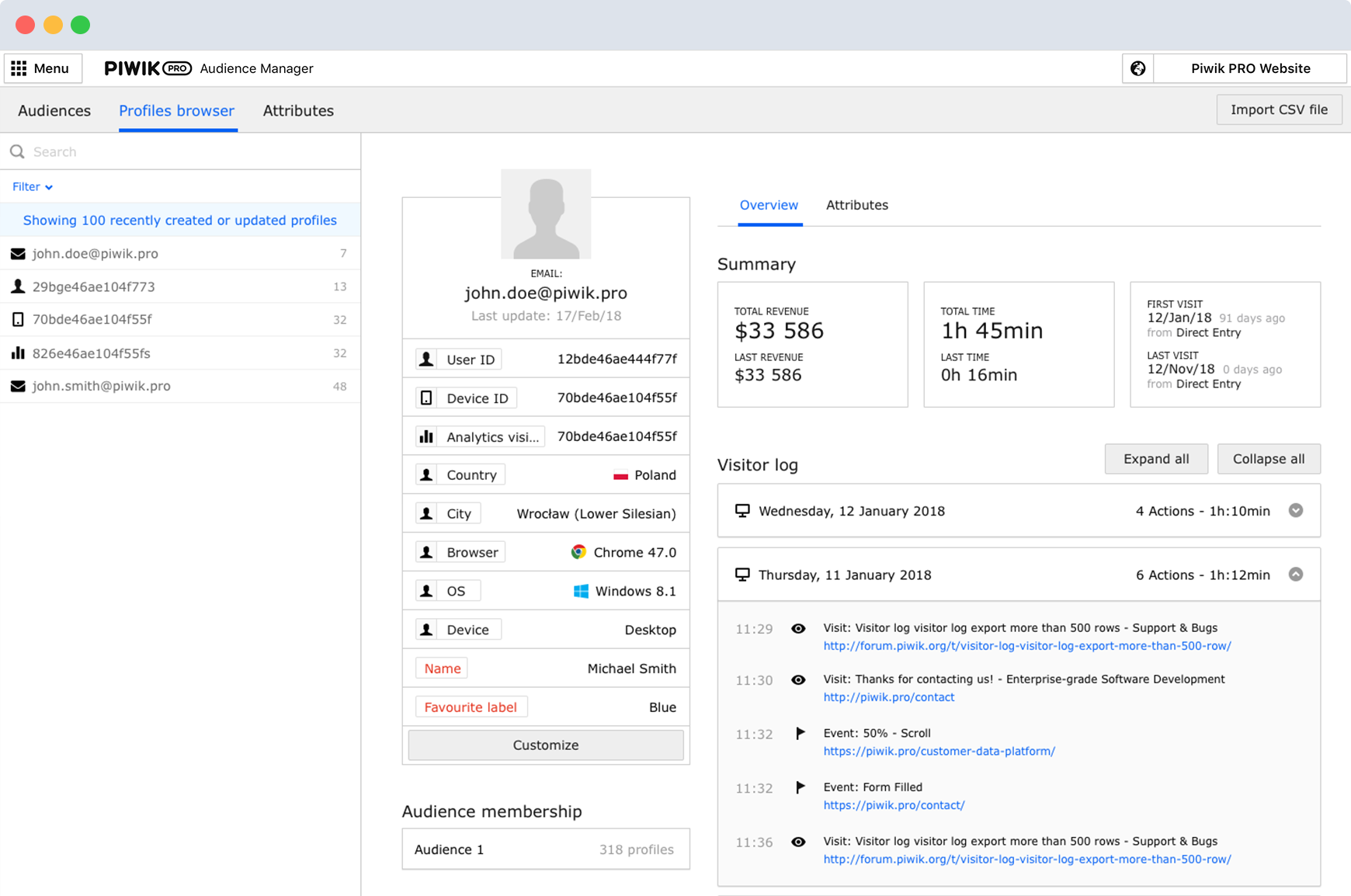
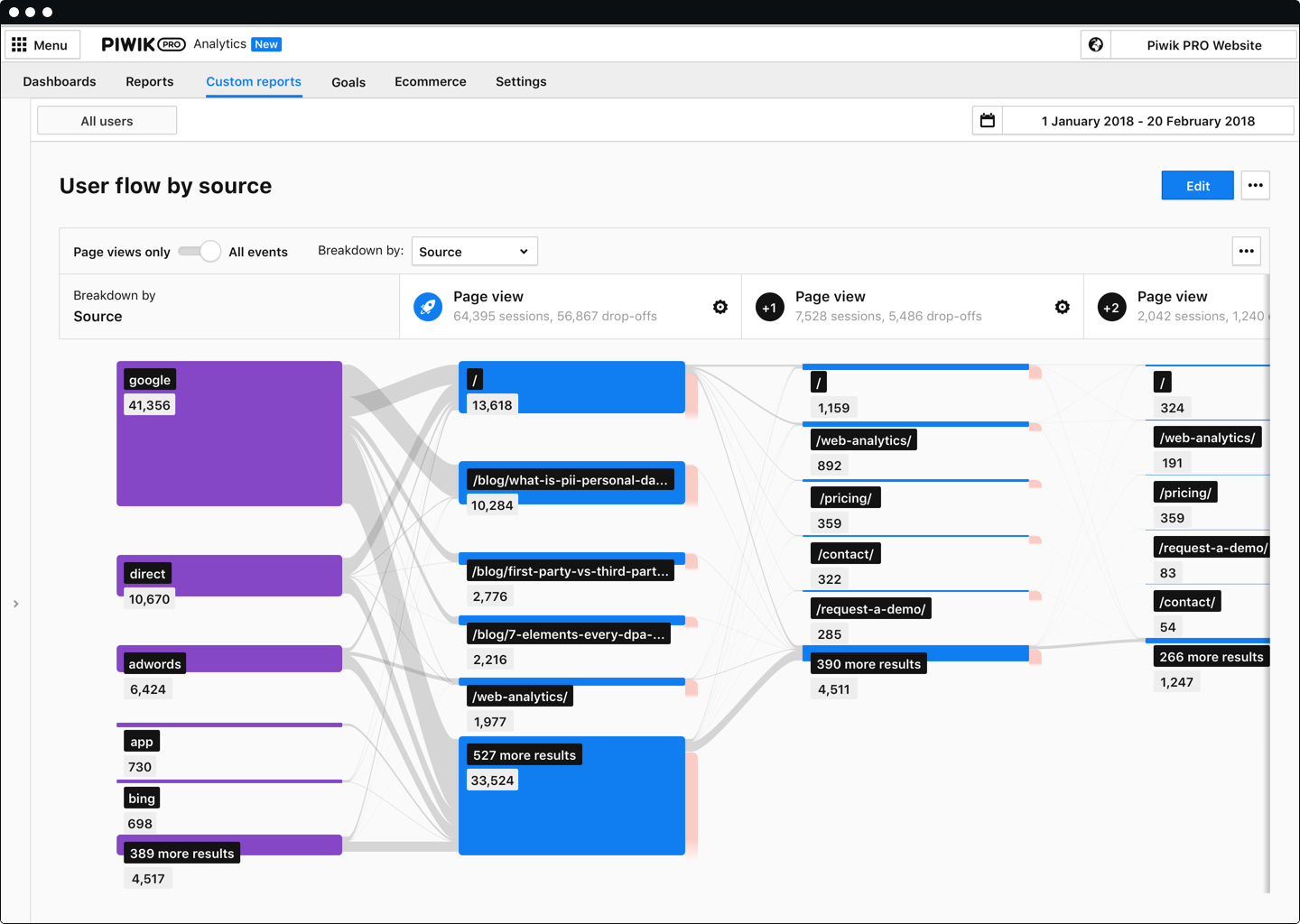
Piwik PRO Analytics Suite is an advanced platform providing a suite of modules centered around analytics that connects with other parts of the client’s tech stack. Piwik PRO Analytics Suite unifies marketing insights, provides a comprehensive view of performance, and facilitates data-driven actions to achieve better results. It offers multiple flexible hosting options and ensures compliance with strict data protection laws, including the GDPR, CCPA, PIPEDA, and…
ContentSquare [(Clicktale)] is best suited to deep dive understanding of how web users truly consume your web pages. For example, when a traditional analytics software informs you on exit rates, ContentSquare [(Clicktale)] helps you to understand if users left without interacting with their last page or if they in fact spent time reading, scrolling, clicking it.
A de minimis incentive was given to thank the reviewer for their time. The incentive was not used to bias or drive a particular response, nor was the incentive contingent on a positive endorsement. More Info
Piwik Pro Core is especially perfect for smaller businesses that want to have an alternative to Google's ecosystem. You can do a lot of the great stuff you can do with GA UA and GA4. But it still needs some tweaking. Especially for some bigger companies who have a lot of events, it would be great to have some smaller payment steps, as of right now it can be quite steep for some companies to pay the bill if you go above 500.000 events per month. Nevertheless, I believe this is one of the better options available when data ownership and privacy come to mind.
Heat Maps - we used and liked CrazyEgg in the past, and it was a cheaper tool that was easy to use. ClickTale gives us additional capabilities with better data about scroll reach, mouse movements, clicks and a summary report that shows what parts of our pages are getting attention. A product manager asked us yesterday for insights on how his product page was performing, and we were easily able to send him the reports in the heat map section.
Visitor recordings - We get good data on our website using analytics tools like GA, HubSpot and ClickTale, but it is very helpful to watch actual visitor recordings for certain visitor segments. If we add a new page or new feature to our website and notice a trend, we can easily drill down and watch visitors and see how they are interacting with the page.
Conversion funnels - We do a lot of our analysis in Google Analytics and you can set up conversion funnels in GA if you know how to do it. The problem is you can't segment the data and the aggregated data is not as helpful. ClickTale makes it very simple to do conversion funnels, and you can segment them with just a few clicks.
A de minimis incentive was given to thank the reviewer for their time. The incentive was not used to bias or drive a particular response, nor was the incentive contingent on a positive endorsement. More Info
It's a bit difficult to navigate form heatmaps of one page on my sites to those of another.
It would be useful to have data on what percentage of clicks for each link are bounces. If this is available already, it is not very easy to find.
I have slight doubts about the accuracy of ClickTale's data based on some industry related articles I've read (i.e. http://redant.com.au/tool-reviews/clicktale-review-technology/). For the most part I feel like the data I'm getting is accurate, because it roughly corresponds to what I'm able to see on Google Analytics. It would be nice to see ClickTale address some of these issues.
At my former company I was able to upgrade our initial subscription level from bronze to gold without any problems after the first year. Unfortunately, the company I am presently with doesn't have a Clicktale subscription. I would have absolutely no hesitation in strongly recommending Clicktale to my current company if I ever get even a remote chance to do so. Clicktale is used in some of the statistics I use on my resume in an effort to quantify my results as a certified usability analyst. Clicktale has made a significant difference in my value to any team I work with.
We had to contact the support several times in the beginning and they really took their time to explain the different functions in detail. So in terms of support I can definitely recommend Piwik PRO.
A de minimis incentive was given to thank the reviewer for their time. The incentive was not used to bias or drive a particular response, nor was the incentive contingent on a positive endorsement. More Info
ClickTale is now a step ahead of the competition since it delivers insights based on pre-defined business KPIs and customer journeys that we have set up. We can also segment our traffic and easily sift through the many recordings finding the ones that match our lookup criteria. This paired with a good and reliable PII masking helps us with insight collection and drive business decisions which other solutions don't have. The new non-Flash interface is clean and simple to use and has all the functionalities centralized.
A de minimis incentive was given to thank the reviewer for their time. The incentive was not used to bias or drive a particular response, nor was the incentive contingent on a positive endorsement. More Info
Piwik Pro's support for multiple sites saved me a lot of time. To view reports from numerous client sites, I'll have to access a single dashboard. Its digest reports save time and are simple enough for non-technical executives to understand. It gives us access to information about individual users that Google doesn't allow us to see as a whole. It will allow users to express their desires more clearly. As a result, this one is significantly more useful compared to other tools.
A de minimis incentive was given to thank the reviewer for their time. The incentive was not used to bias or drive a particular response, nor was the incentive contingent on a positive endorsement. More Info
Rarely was actionable insight taken from the ClickTale tool that resulted in a better user experience on our website. We made small changes on different aspects of our webpages that typically did not show an improvement over the previous versions.
The dedicated time and resources in the ClickTale tool did not justify the investment. The heat maps can be helpful but they are based on mouse clicks (Google Analytics can help with that). Watching recordings can get time consuming and don't always provide enough data for an actionable takeaway.
If you take the approach of identifying a potential problem on your website first, then using the ClickTale tool to dig deeper in the issue, you might find the tool helpful. However, make sure you gather enough data on the potential issue before making changes to your site (and monitor the changes afterward).
We have obtained a good impact both economically and in data integration.
It has allowed us to collect and analyze all the data of our clients, and to create groups that allow us to divide potential clients and make personalized messages.
We use the Enterprise plan because it provides us with the necessary tools and unlimited features.
A de minimis incentive was given to thank the reviewer for their time. The incentive was not used to bias or drive a particular response, nor was the incentive contingent on a positive endorsement. More Info