
ConnectWise RMM vs. xAssets IT Asset Management Software
| Product | Rating | Most Used By | Product Summary | Starting Price |
|---|---|---|---|---|
 ConnectWise RMM | Score7.1 out of 10 | N/A | ConnectWise RMM is built upon the Asio platform and combines out-of-the-box automation coupled with robust automation that IT solution providers can use to deliver customized services to their customers. ConnectWise RMM aggregates both software and human elements, covers the spectrum of do-it-yourself (DIY) and do-it-for-you (DFY) delivery options, and integrates an intelligent automation engine. It’s a solution that reinvents how IT solution providers adopt, interact with and manage their… | N/A |
 xAssets IT Asset Management Software | Score9.1 out of 10 | Mid-Size Companies (51-1,000 employees) | IT asset management software with large enterprise scalability and deep configurability to meet the complex requirements of large enterprises. The product provides highly scalable agentless network discovery software, full lifecycle asset management including software asset management, help desk, barcoding, procurement, receiving, disposal and obsolescence, contract management, financials and depreciation, spares, storage and this can be extended easily to new functional areas. | $0 |
| ConnectWise RMM | xAssets IT Asset Management Software | |||||||||||||||
|---|---|---|---|---|---|---|---|---|---|---|---|---|---|---|---|---|
| Editions & Modules | No answers on this topic |
| ||||||||||||||
| Offerings |
| |||||||||||||||
| Entry-level Setup Fee | No setup fee | Optional | ||||||||||||||
| Additional Details | — | Express edition is free to qualifying customers for a single user. Pricing then depends on additional users and number of assets and discovered nodes. Enterprise edition provides enterprise level scalability, security and configurability suitable for medium and large enterprises. | ||||||||||||||
| More Pricing Information | ||||||||||||||||
| ConnectWise RMM | xAssets IT Asset Management Software | ||||||||||||||||
|---|---|---|---|---|---|---|---|---|---|---|---|---|---|---|---|---|---|
| IT Asset Management |
| ||||||||||||||||
| ConnectWise RMM | xAssets IT Asset Management Software | |
|---|---|---|
| Small Businesses |  Panda Systems Management Score9.8 out of 10 | No answers on this topic |
| Medium-sized Companies |  N-able N-sight RMM Score8.7 out of 10 |  KACE Asset Management Appliance Score7.5 out of 10 |
| Enterprises | No answers on this topic |  Ivanti Neurons for ITAM Score6.6 out of 10 |
| All Alternatives | View all alternatives | View all alternatives |
| ConnectWise RMM | xAssets IT Asset Management Software | |
|---|---|---|
| Likelihood to Recommend | 7.3 | 9.1 |
| ConnectWise RMM | xAssets IT Asset Management Software | |
|---|---|---|
| Likelihood to Recommend |
|
|
| Pros |
|
|
| Cons |
|
|
| Alternatives Considered |
| No answers on this topic |
| Return on Investment |
| No answers on this topic |
| ScreenShots | xAssets IT Asset Management Software Screenshots  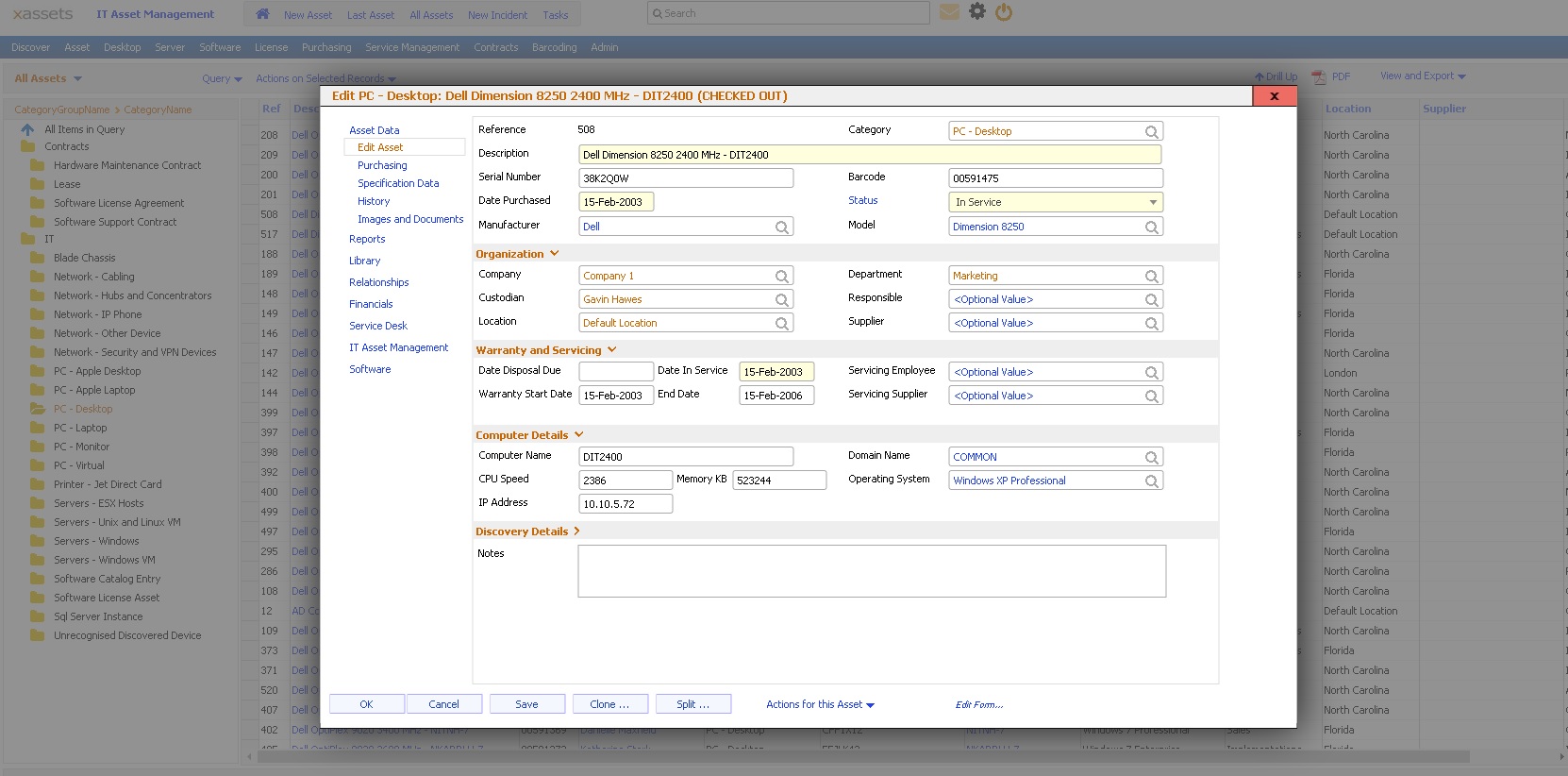  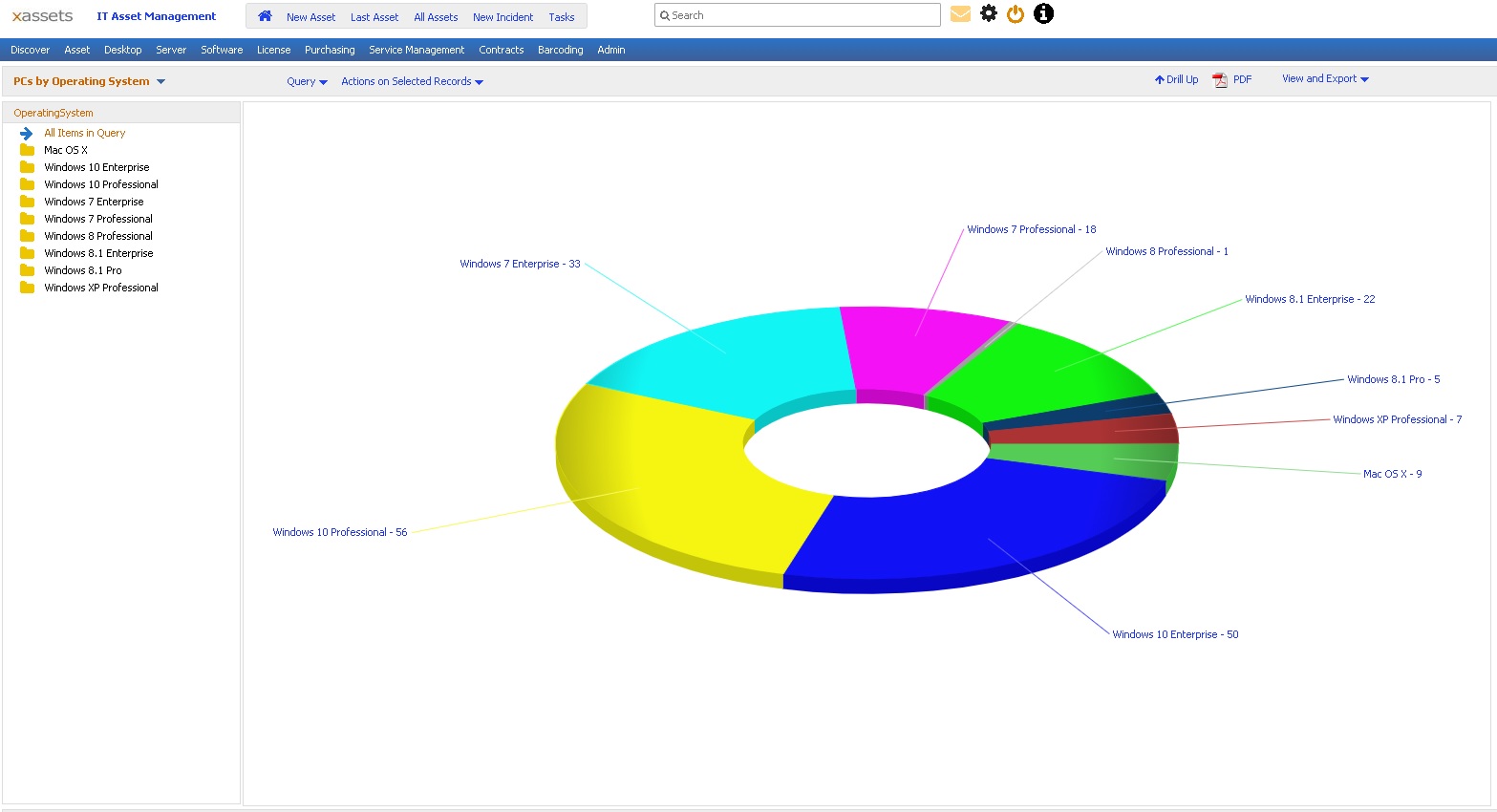 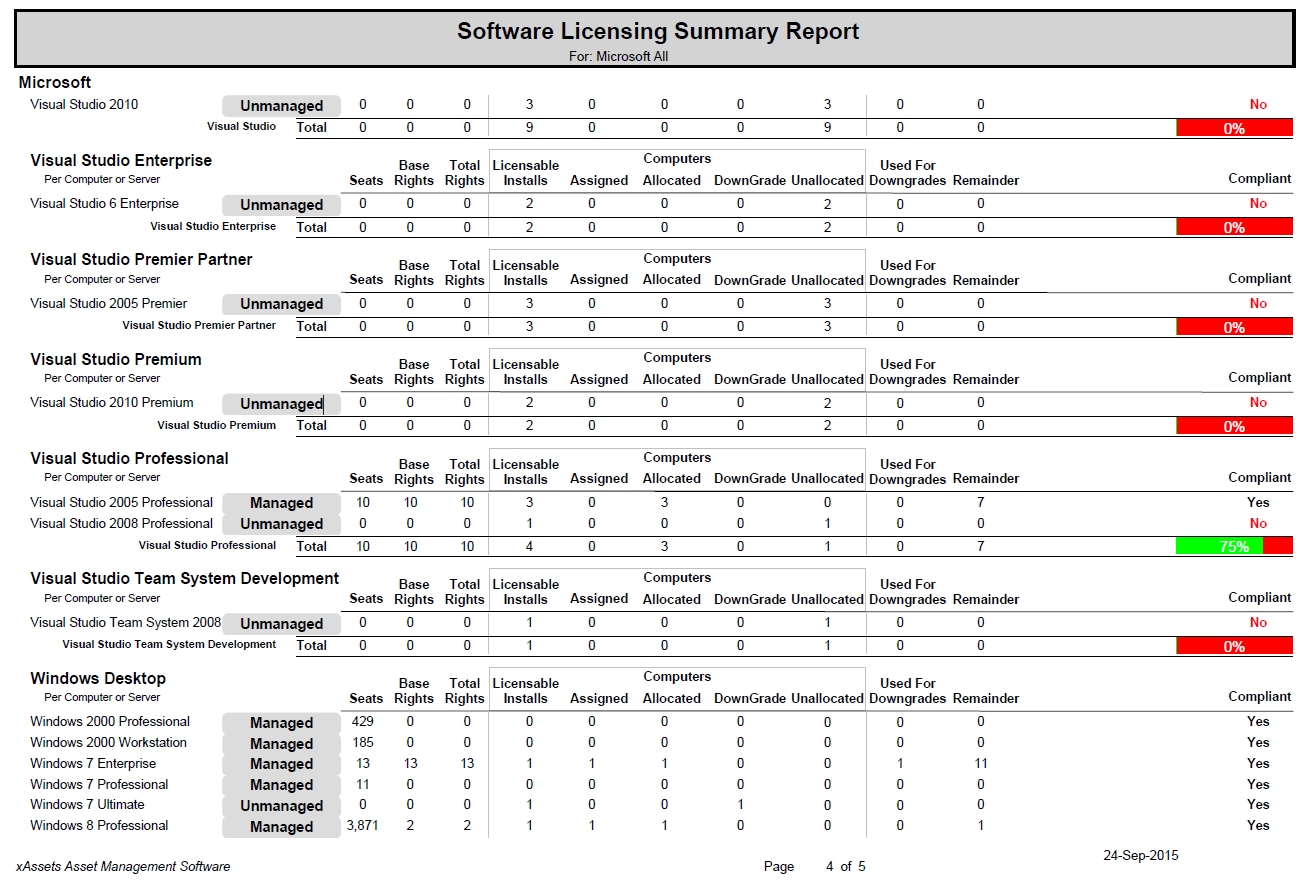 |

