ConceptDraw MINDMAP vs. MindMeister

Overview
ProductRatingMost Used ByProduct SummaryStarting Price
ConceptDraw MINDMAP
Score 4.1 out of 10
N/A
ConceptDraw MINDMAP is l mind mapping software application that can also resolve tasks for project management. According to the vendor, multiple shortcuts help users create new topics, re-arrange them and highlight important points, and export to various file formats. Enrich your mind map with in-built visual…N/A
MindMeister
Score 3.4 out of 10
N/A
MindMeister is an online mind mapping tool that lets users share maps with an unlimited number of users and collaborate with them in real-time. MindMeister is used to brainstorm ideas, plan projects, take meeting minutes, develop business strategies, and create presentations. MindMeister runs in any standard web-browser as well as on iOS and Android devices, so users can access, edit and present their mind maps anytime, wherever they are. With MindMeister, users…
$45
per 6 months per user
Pricing
ConceptDraw MINDMAPMindMeister
Editions & Modules
No answers on this topic
Personal
$45
per 6 months per user
Pro
$75
per 6 months per user
Business
$114
per 6 months per user
Offerings
Pricing Offerings
ConceptDraw MINDMAPMindMeister
Free Trial
YesNo
Free/Freemium Version
NoYes
Premium Consulting/Integration Services
NoNo
Entry-level Setup Fee$199 per seatNo setup fee
Additional DetailsPrice varies for Individual, Commercial, Academic, Nonprofit and GovernmentMindMeister offers 6-monthly and yearly subscriptions. Discounts for educational users and non-profit organizations are also available. Up to 22% discount for yearly pricing.
More Pricing Information
Community Pulse
ConceptDraw MINDMAPMindMeister
Best Alternatives
ConceptDraw MINDMAPMindMeister
Small Businesses
OmniGraffle
OmniGraffle
Score 9.1 out of 10
MindManager
MindManager
Score 8.3 out of 10
Medium-sized Companies
OmniGraffle
OmniGraffle
Score 9.1 out of 10
MindManager
MindManager
Score 8.3 out of 10
Enterprises
OmniGraffle
OmniGraffle
Score 9.1 out of 10
Miro
Miro
Score 9.2 out of 10
All AlternativesView all alternativesView all alternatives
User Ratings
ConceptDraw MINDMAPMindMeister
Likelihood to Recommend
8.7
(0 ratings)
1.0
(0 ratings)
Support Rating
8.6
(0 ratings)
10.0
(0 ratings)
User Testimonials
ConceptDraw MINDMAPMindMeister
Likelihood to Recommend
MINDMAP is very focused on brainstorming and branching hierarchies of ideas and planning. Outside of those uses a more general diagramming software package like ConceptDraw DIAGRAM is a better option.
Read full review
This product is well suited for making mind maps and outlining projects and ideas from the start. It can be tough if you are trying to convert something you began in Docs. It allows for a lot of intuitive creation, making your work flow easily. It can get to be a bit clunky though if you make your map too large.
Read full review
Pros
  • For an idea, put whatever comes to your mind and organize with ConceptDraw MINDMAP.
  • Easily create slideshows for a business presentation of your idea without going for any other tool.
  • Easily export the work to PDF, PowerPoint and any image format for quick share.
  • Best note taking application which we can connect to our existing work.
Read full review
  • The UI is well laid out and easy to use. The workflow makes perfect sense and makes creating tasks a breeze.
  • The collaboration features make brainstorming not only easy but fun! Everyone enjoys using the tool, which was not the case with other collaboration software we used.
  • I love being able to get all of my thoughts and ideas on the screen to see them and then be able to connect them in a logical way.
Read full review
Cons
  • Having a ConceptDraw Mindmap app running on the iPad would be fantastic.
Read full review
  • I wish collaborators could add comments without having to be given editor privileges. A "Reviewer" role would be helpful.
  • I would like to be able to toggle note visibility on and off. If there is a way to do it now, I haven't found it. As it is, I have to hover or use the sidebar to see notes.
  • Two or three times I have seen my nodes spontaneously reverse order in a big map (over their recommended limit). Even so, they are working on tracking the issue down.
Read full review
Support Rating
The sales team is very responsive and willing to help out with questions, however the community of users is not as large as some other products so it can be difficult to find answers to more complex problems
Read full review
Never had an issue with customer support, though we never really needed anything major as far as technical help. I do not believe they offer 24 hour customer support but we don't need it as MindMeister is not the type of tool we need need 24 hour a day support for. Overall, very happy with the level of support.
Read full review
Alternatives Considered
As we were already using PROJECT, it became obvious that ConceptDraw MINDMAP was the product to use. The integration between those two products is very convenient and useful. The fact that ConceptDraw MINDMAP solutions was usable on Mac OS was also a pre requisite for us. We did not use any other Mind Map software.
Read full review
Mindmeister has a good free plan compared with Lucidchart, and better Google Drive integration in my opinion. draw.io has a better free plan than MindMeister, but I prefer MindMeister for mindmap creation still, while I prefer draw.io for other types of diagrams. Xmind is powerful, but bloated, and requires installation on every machine that needs to open the file. The fact that MindMeister is in the cloud is a huge bonus.
Read full review
Return on Investment
  • It allows collaborative working for colleagues working remotely
Read full review
  • Our meetings became more productive (time saving /better outcome).
  • Project management activities became more efficient (time-saving/increased quality/better collaboration).
  • It became easier to create online repositories to share relevant and well-organized information to our teams (before it was dispersed, incomplete, and difficult to find/manage).
Read full review
ScreenShots

ConceptDraw MINDMAP Screenshots

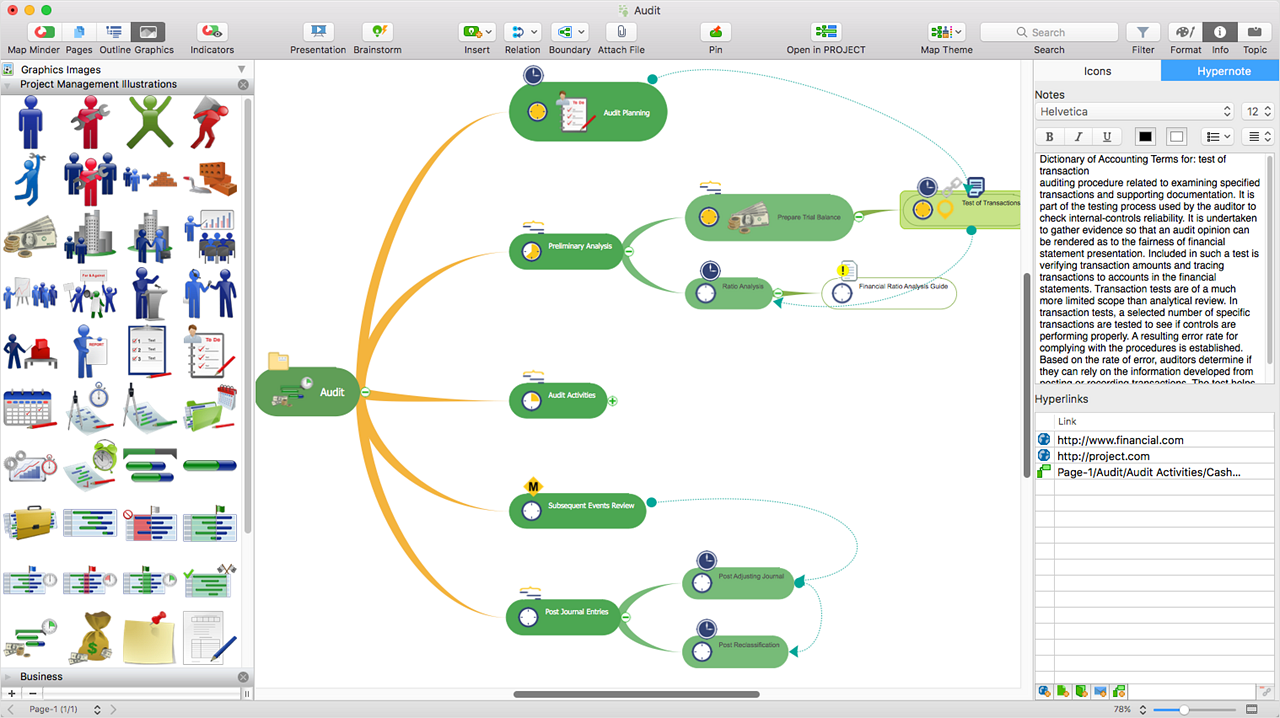
Screenshot of ConceptDraw MIDMAP v10 is perfect for brainstorming, project planning, meeting management, note taking, and much more.Screenshot of Data ExchangeScreenshot of Presentation ModeScreenshot of ConceptDraw OFFICE IntegrationScreenshot of In-built GraphicsScreenshot of Hypernotes

MindMeister Screenshots

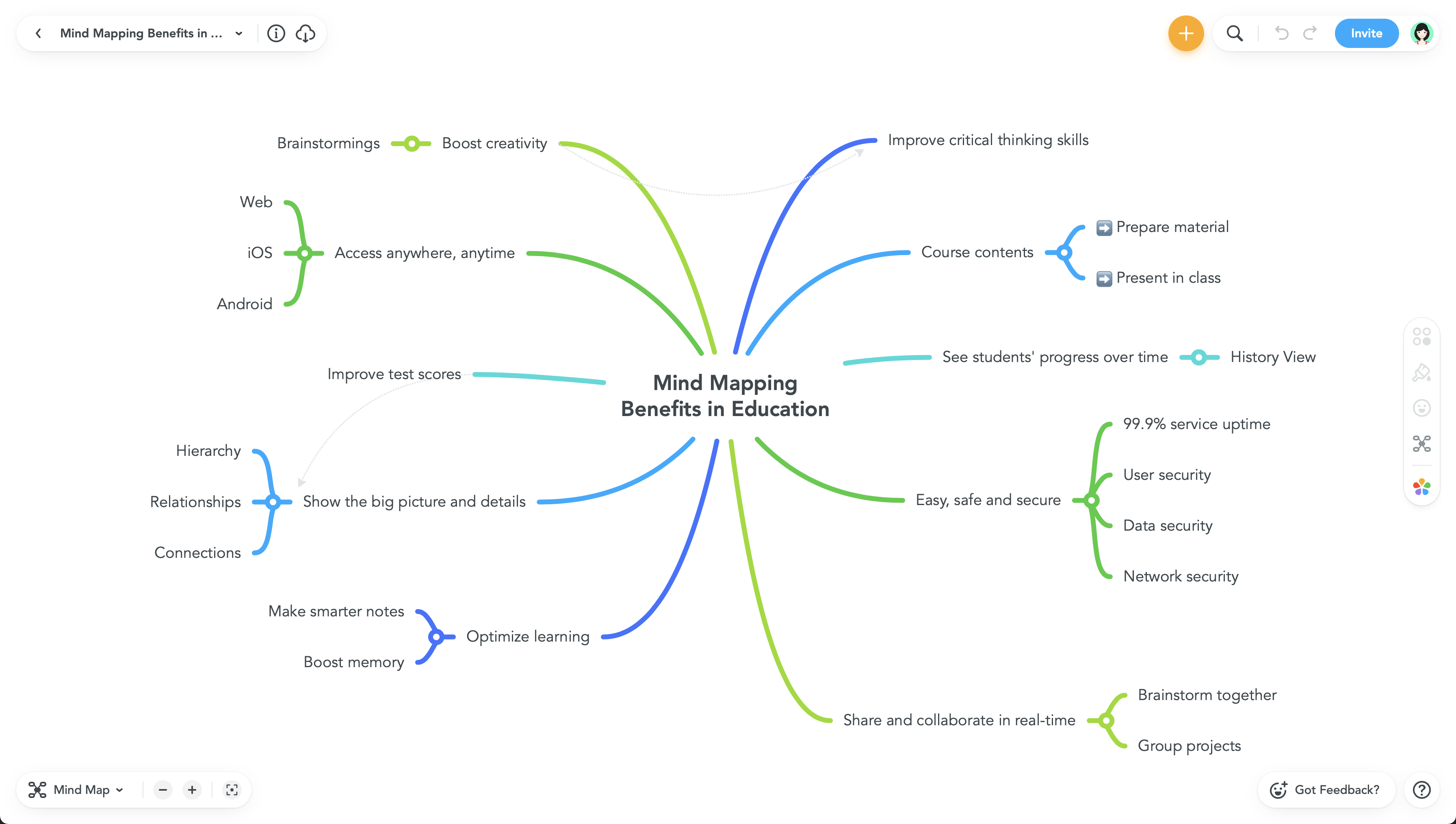
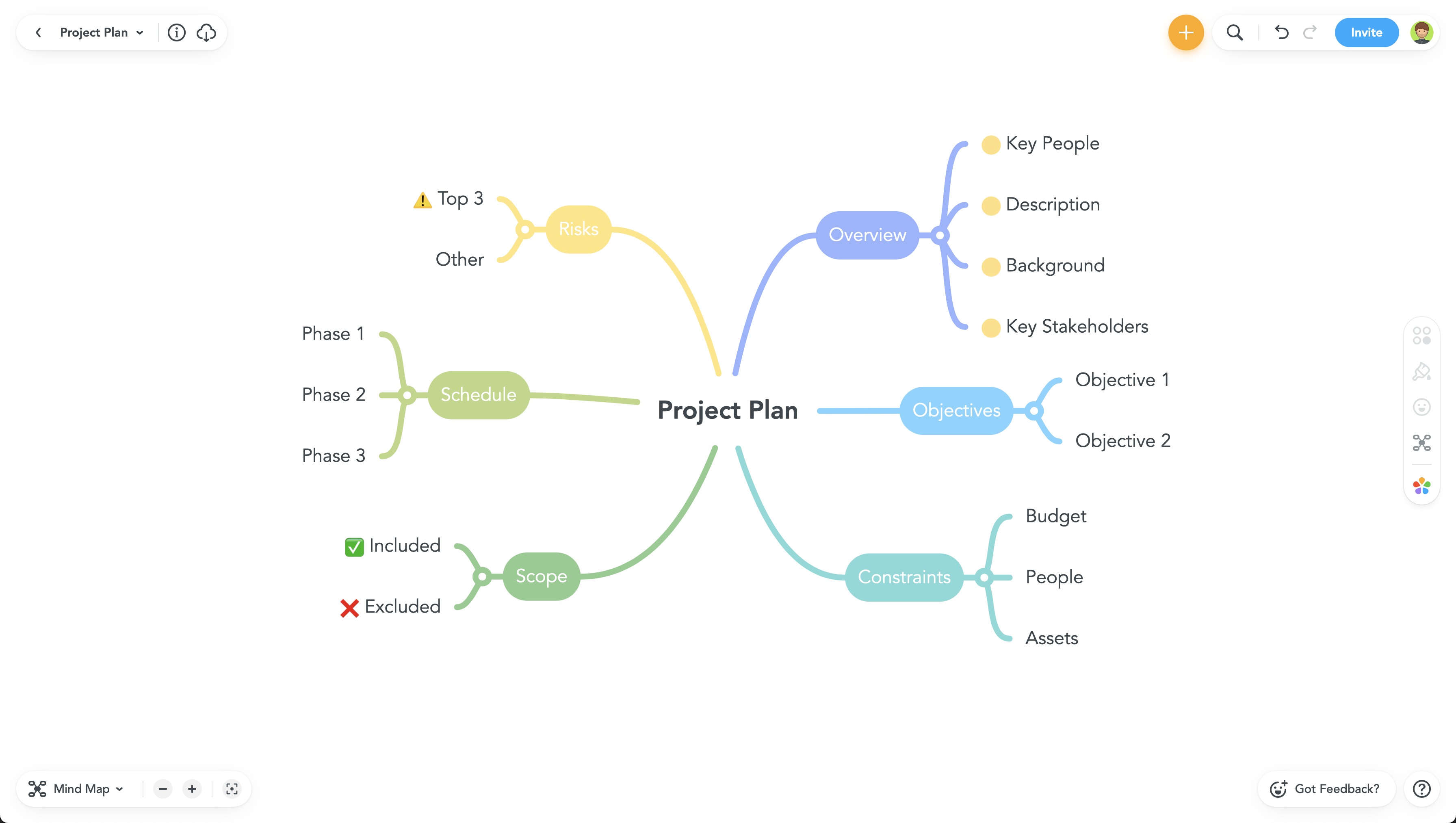
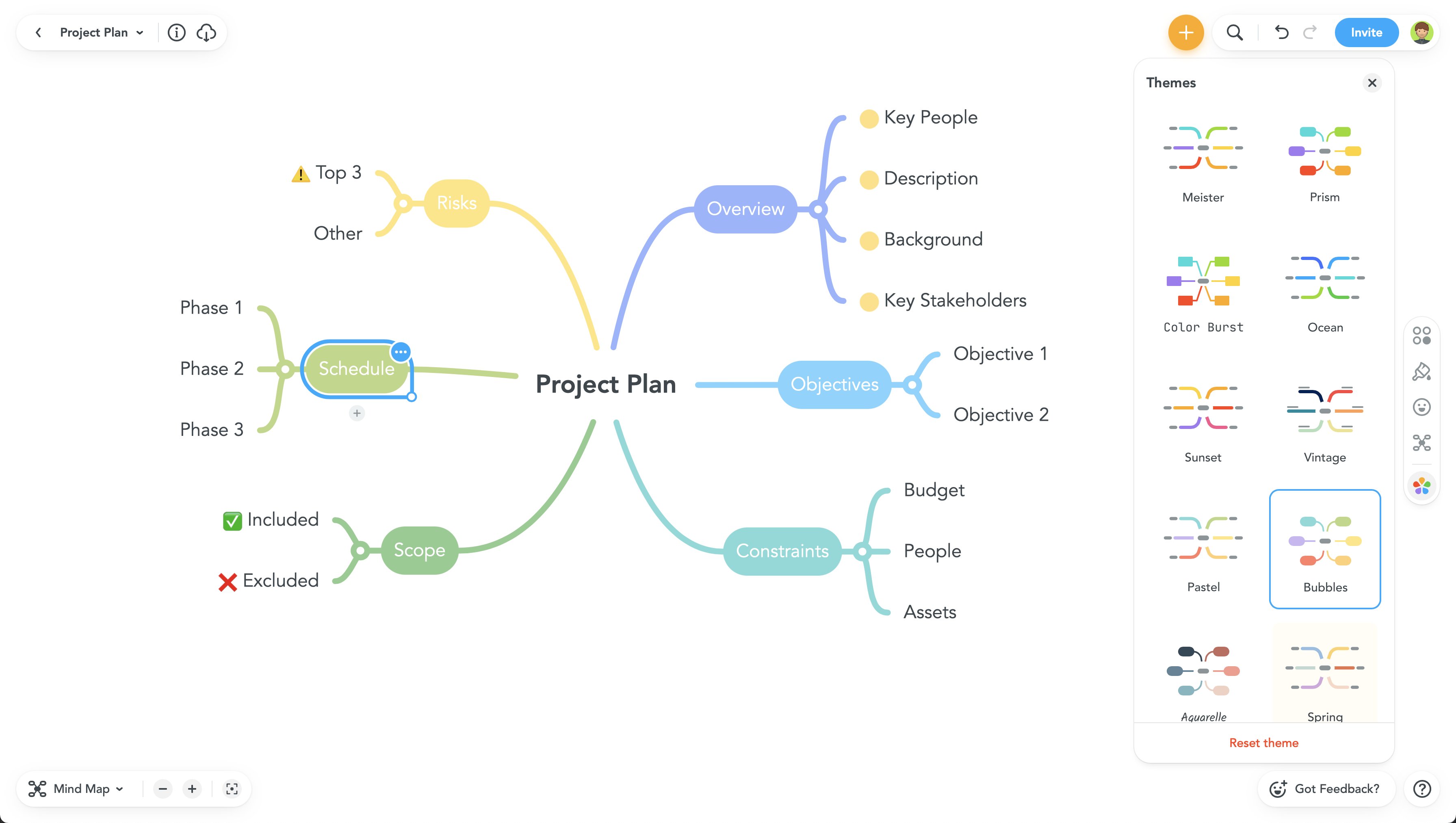
Screenshot of Screenshot of Screenshot of Screenshot of