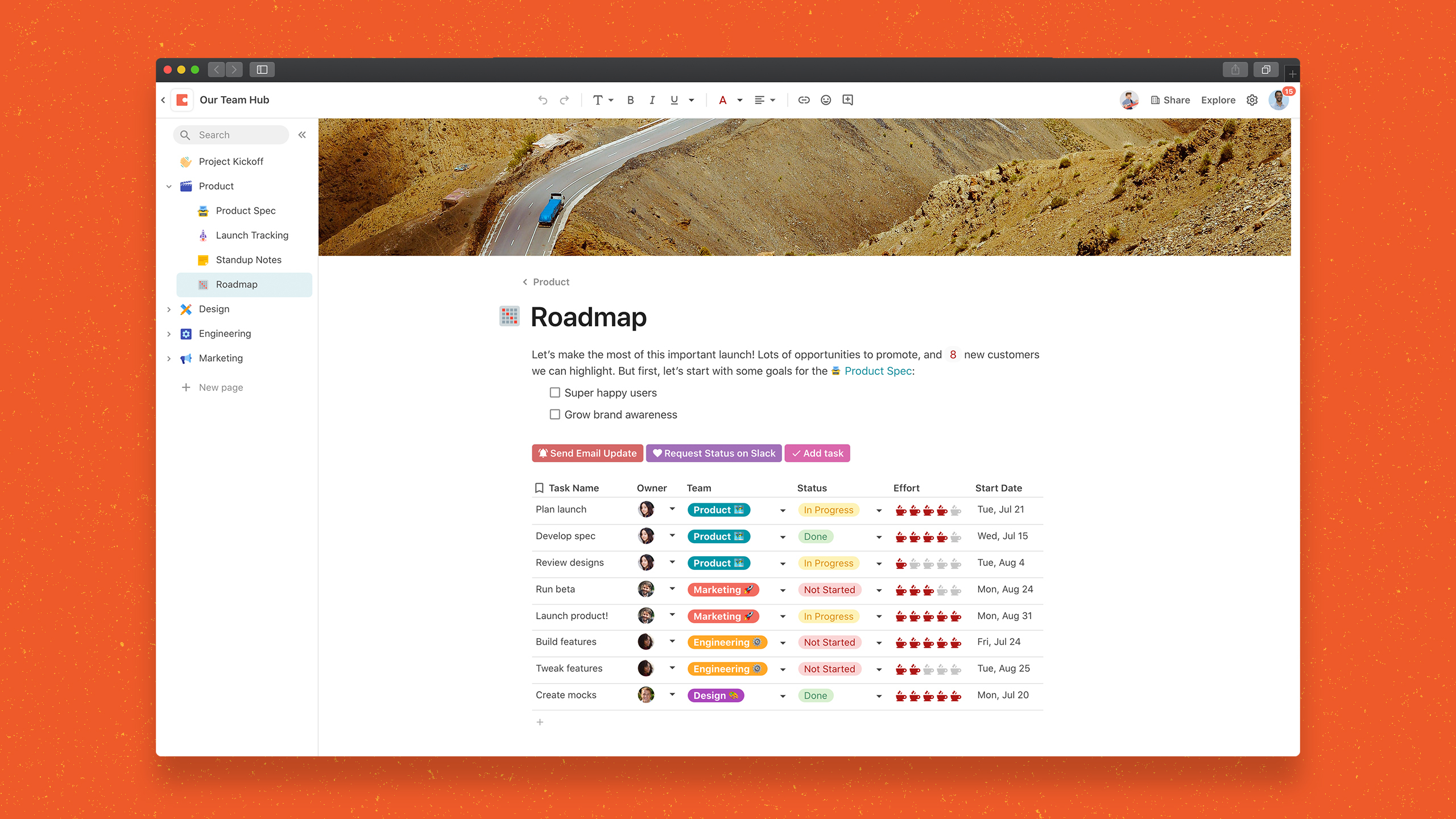
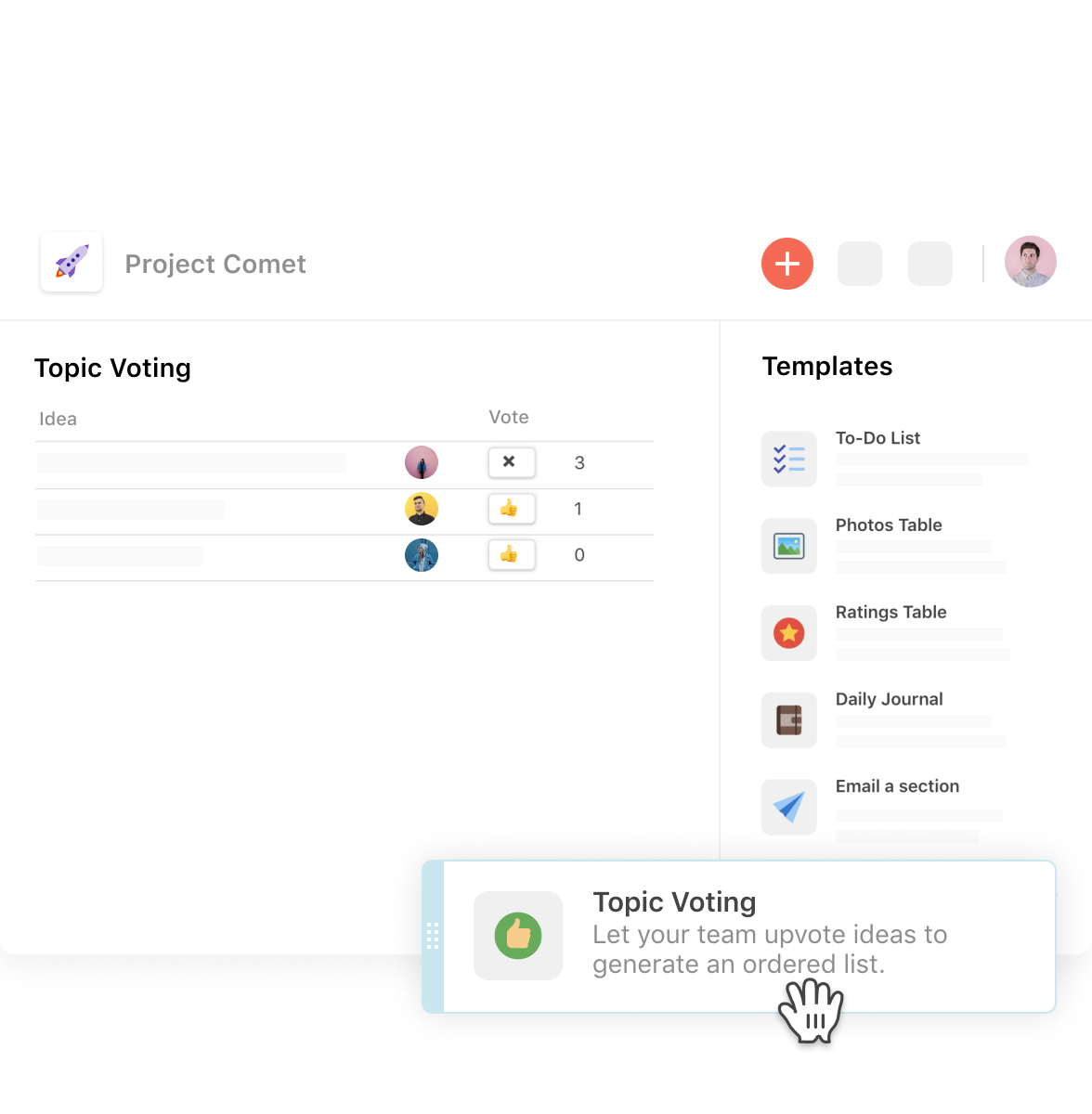
Coda, acquired by Grammarly in early 2025, is a template-based document creation and collaboration solution, supporting a variety of use cases.
$0
per month
TaskRay
Score 8.0 out of 10
N/A
TaskRay is a project management platform for managing project within Salesforce. It enables work to be planned quickly and efficiently, across geographically distributed teams.
It supports collaboration using Chatter groups, and file sharing.
$25
per month
Pricing
Coda by Grammarly
TaskRay
Editions & Modules
Free
$0.00
per month
Pro
$10.00
per month per doc maker; unlimited editors (paid annually)
Team
$30.00
per month per doc maker; unlimited editors (paid annually)
Enterprise
Custom Pricing
TaskRay
$25.00
per month
Offerings
Pricing Offerings
Coda by Grammarly
TaskRay
Free Trial
Yes
Yes
Free/Freemium Version
Yes
No
Premium Consulting/Integration Services
No
No
Entry-level Setup Fee
No setup fee
No setup fee
Additional Details
With Coda, you only pay for Doc Makers.
Often one person creates a doc, others edit it, and some simply observe from afar. Instead of charging for everyone, we only charge for the people who create docs.
Interested in enterprise pricing? Visit coda.io/enterprise
—
More Pricing Information
Community Pulse
Coda by Grammarly
TaskRay
Features
Coda by Grammarly
TaskRay
Project Management
Comparison of Project Management features of Product A and Product B
Coda by Grammarly
-
Ratings
TaskRay
8.6
Ratings
12% above category average
Task Management
00 Ratings
8.70 Ratings
Resource Management
00 Ratings
8.30 Ratings
Gantt Charts
00 Ratings
9.30 Ratings
Scheduling
00 Ratings
10.00 Ratings
Workflow Automation
00 Ratings
9.00 Ratings
Team Collaboration
00 Ratings
9.00 Ratings
Support for Agile Methodology
00 Ratings
8.30 Ratings
Support for Waterfall Methodology
00 Ratings
8.00 Ratings
Document Management
00 Ratings
6.30 Ratings
Email integration
00 Ratings
9.00 Ratings
Mobile Access
00 Ratings
9.00 Ratings
Timesheet Tracking
00 Ratings
10.00 Ratings
Change request and Case Management
00 Ratings
8.00 Ratings
Budget and Expense Management
00 Ratings
8.00 Ratings
Professional Services Automation
Comparison of Professional Services Automation features of Product A and Product B
Coda is great to build a place for your users to go to and see information. It is easy to navigate through and the variety of content creation is great. However, it is not always easy to create what you want and there is a lot of playing around and learning. Coda also sometimes misses some functionality which is expected. For example, downloading a list of users that have access to the platform. Being able to send push notifications when a new page has been created etc. Overall it is a good tool to use just be prepared to invest time!
One source of truth: It's incredibly easy to keep everything organized and easy to find.
Being able to show different views of the same information throughout your doc makes it really easy to customize the information.
In general, I love the "coding" aspect of it, and being able to do advanced functions has helped us create some really interesting automation and streamline our process.
During my use, I would at times get responsive issues in regards to tasks opening, editing task details, or moving from stage to stage. This didn't occur for quite some time until we started loading the system with extensive projects and hundreds of tasks to each project. While unfortunate to run into these performance issues, many applications run into similar issues when working many simultaneous tickets at the same time.
Customization to the task layouts is a bit cumbersome.
If you are running a lot of stages, 8 - 12, moving tasks from one side of the board to the other can take a little bit of work. At the time there were no quick close capabilities on the tasks to redirect the task to its final stage.
Coda is definitely something that has been proven to drive positive impact in our organization. We have many divisions that can benefit from this that we have yet to explore. It would definitely be worth renewing.
It's hands-down the best PM tool we have ever used. Nothing compares in ease of use and being easy to learn. It also looks great and makes sense immediately
There is a little bit of a learning curve on where to point and click to add in different elements and make edits. But it is still very manageable once you get the hang of it. I do still have some issues with some of my connected pages updating each other when I don't want them to sync. So I'll end up editing one page, and it will make the same edits on another page.
We haven't done any integrations - the initial part of our experience we found that for docs with complex formulas, the page tends to load slowly but in recent months, Coda has improved and optimized the loading times in general and we generally don't find any problems in terms of speed anymore.
Mainly due to timezone differences. I think Coda's support in general is well implemented and executed. They know their stuff and are helpful. But since I'm not in the same timezone, solution rates are slower for me, and that's not something I prefer. I work in customer service, too, and more often than not, time is important. Shortening the solution time would be a much greater experience.
I'm relatively inexperienced but this experience is meaningful. It would have been nice to have some guidance from Coda so that we understood more on Coda's purpose and potential.
For general use cases, Google Docs or Airtable are often a better starting place. But if things get complex or you're constantly pairing the two together, consider graduating to Coda to save yourself long-term headaches. Notion is great for personal use, but the powerful automation and collaboration features in Coda make it a better fit for teams in my experience so far.
TaskRay is a simple solution to install and get moving with. Project creation, stage setup, and task creation are just a few great features that are simple to set up. Remedyforce & Service Manager are a more enterprise type application for more service desk type environments. JIRA is a highly used and close favorite with project management. At the end of the day, simplicity for setup and configuration as well as day to day usability went hands down to TaskRay over JIRA.
I think scalability is definitely good here since it's based on number of doc makers. Implementation into each dept becomes simpler. That being said, due to the nature of our work, we find it easier that we have a "super user" and then a team of other doc makers. This would make the doc creation and management more efficient.
The cost of TaskRay is much less than other project management solutions. Other solutions require you to upgrade for premium features such as Gantt charts or calendar views. It costs $21/month per user.
They offer volume (number of users) discounts as well as contract length discounts.