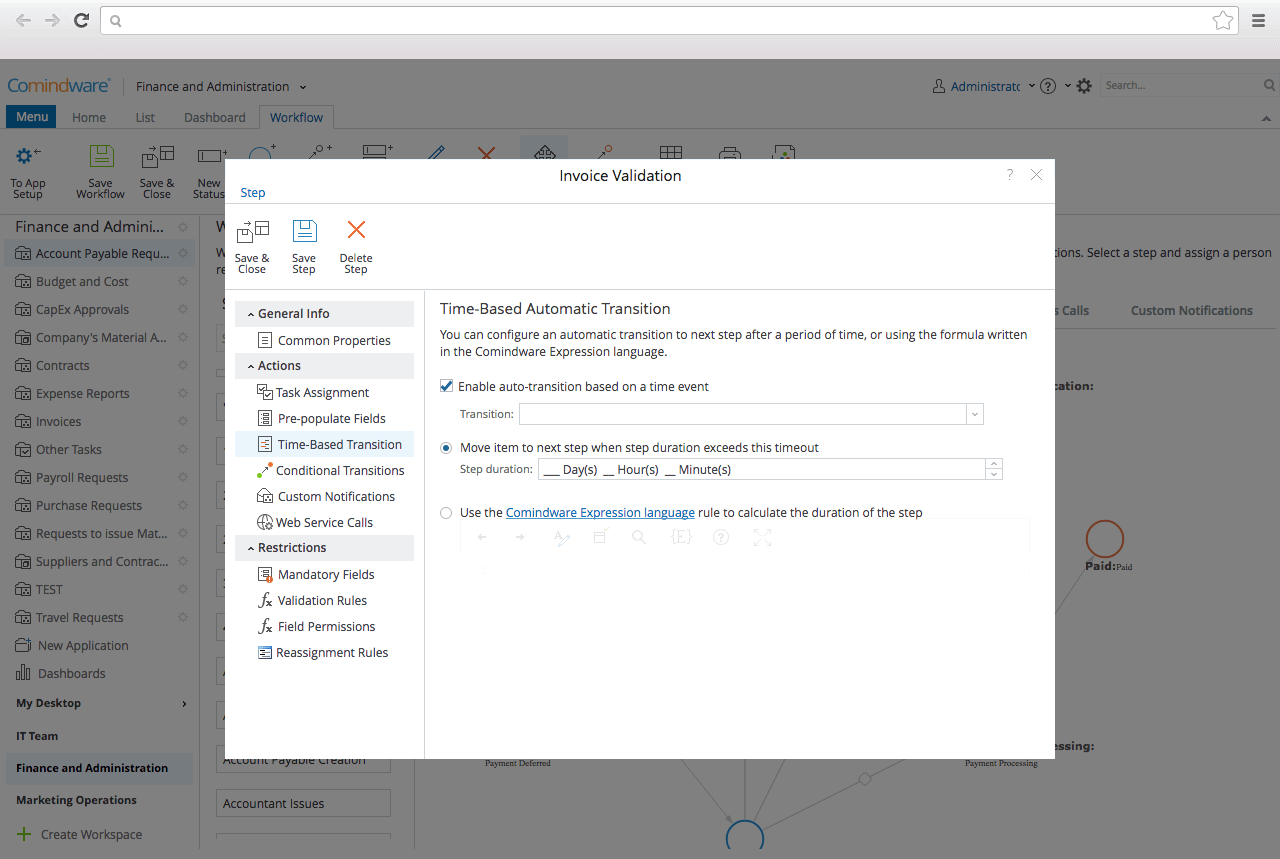
CMW Platform (formerly Comindware) is a business process management software centered on worklows to build automations. It implements a drag-and-drop interface along with Excel-style rules and forms.
N/A
n8n
Score7 out of 10
N/A
Free, open and self-hostable workflow automation tool.
N/A
Pricing
CMW Platform
n8n
Editions & Modules
No answers on this topic
No answers on this topic
Offerings
Pricing Offerings
CMW Platform
n8n
Free Trial
Yes
No
Free/Freemium Version
No
Yes
Premium Consulting/Integration Services
Yes
No
Entry-level Setup Fee
Optional
No setup fee
Additional Details
Comindware Tracker is available for purchase on a per-user subscription plan.
CMW has less integration capabilities, this is something that can definitely be improved in the future. On a side note, the MS Outlook integration option is excellent. The UI is decent for its purpose and the platform is well suited for a range of business requirements - customer order management, document tracking and approval management. You name it, they have it.
A de minimis incentive was given to thank the reviewer for their time. The incentive was not used to bias or drive a particular response, nor was the incentive contingent on a positive endorsement. More Info
It is simply great for replacing manual and repetitive tasks, as well as for more complex ones where you need to work a little bit harder to get the whole process well represented inside the app. It is an excellent app for learning how to build agents using AI, going from simple to more complex solutions as you evolve.
A de minimis incentive was given to thank the reviewer for their time. The incentive was not used to bias or drive a particular response, nor was the incentive contingent on a positive endorsement. More Info
A de minimis incentive was given to thank the reviewer for their time. The incentive was not used to bias or drive a particular response, nor was the incentive contingent on a positive endorsement. More Info
I would like to see Comindware Tracker come in a free pricing tier.
I would like to see Comindware Tracker offer more granular roles to be assigned to workflow users.
I would like to see Comindware Tracker integrate with more ERP systems and to offer more import/export/migration capabilities from other workflow management systems.
A de minimis incentive was given to thank the reviewer for their time. The incentive was not used to bias or drive a particular response, nor was the incentive contingent on a positive endorsement. More Info
A de minimis incentive was given to thank the reviewer for their time. The incentive was not used to bias or drive a particular response, nor was the incentive contingent on a positive endorsement. More Info
As I mentioned in my whole review that it is making opration smoother it's capabilities to automate repetitive tasks, reduce manual errors,and improve productivity.Its low code approach allows us to create business apps quickly and easily without requiring extensibe programming knowledge.although it has lots of positive points but there are some issues which is barrier to become perfect that's why I give 8
The learning curve of the app is a little too steep for new users, especially those users who are not very familiar with technology and maybe coding. Nothing that can't be reached if you choose to use YouTube to learn more. It might be hard at first, but it can save you many hours, and your current job will get a lot easier with it.
A de minimis incentive was given to thank the reviewer for their time. The incentive was not used to bias or drive a particular response, nor was the incentive contingent on a positive endorsement. More Info
It's more of drag and drop functionality. It is quite easy to set up. Creation of form is very easy. Support Team of Comindware Tracker is good and very friendly. It is efficient in terms of task management, project management, team management, vendor/client tracking.
A de minimis incentive was given to thank the reviewer for their time. The incentive was not used to bias or drive a particular response, nor was the incentive contingent on a positive endorsement. More Info
Other than trying Comindware Tracker it is newer to me, I have used Adobe software multiple times and are familiar with their products. I won't stack Comindware Tracker against them because they both are amazing. I like using Comindware tracker because it is easy to use and is great for me, it helps optimize and maintain my workflows.
n8n gives more freedom to use and do whatever I want. Make was a bit too stiff and limited to try to make the UX more friendly. But I prefer capability over friendliness in this specific scenario.
A de minimis incentive was given to thank the reviewer for their time. The incentive was not used to bias or drive a particular response, nor was the incentive contingent on a positive endorsement. More Info
A de minimis incentive was given to thank the reviewer for their time. The incentive was not used to bias or drive a particular response, nor was the incentive contingent on a positive endorsement. More Info
A de minimis incentive was given to thank the reviewer for their time. The incentive was not used to bias or drive a particular response, nor was the incentive contingent on a positive endorsement. More Info