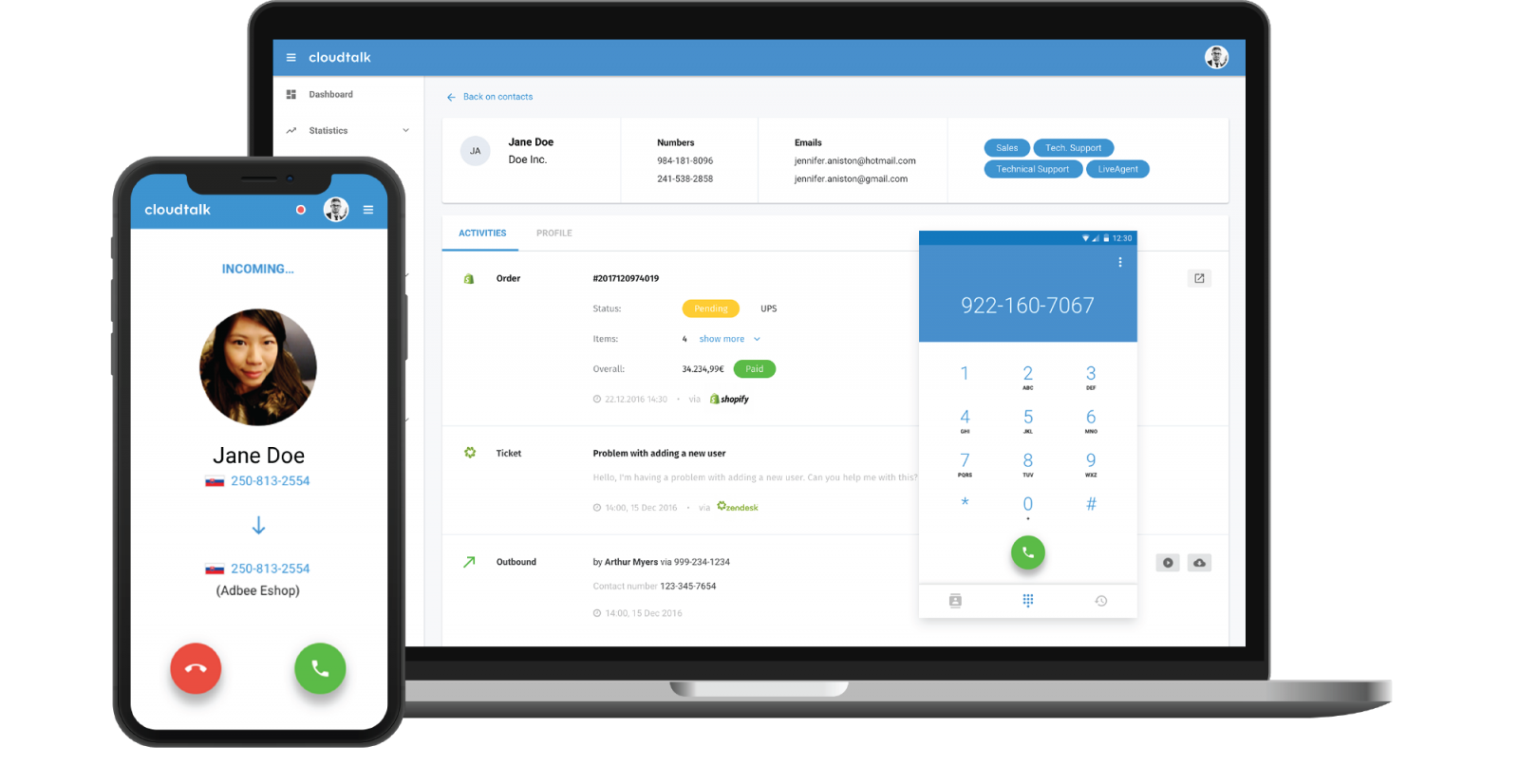
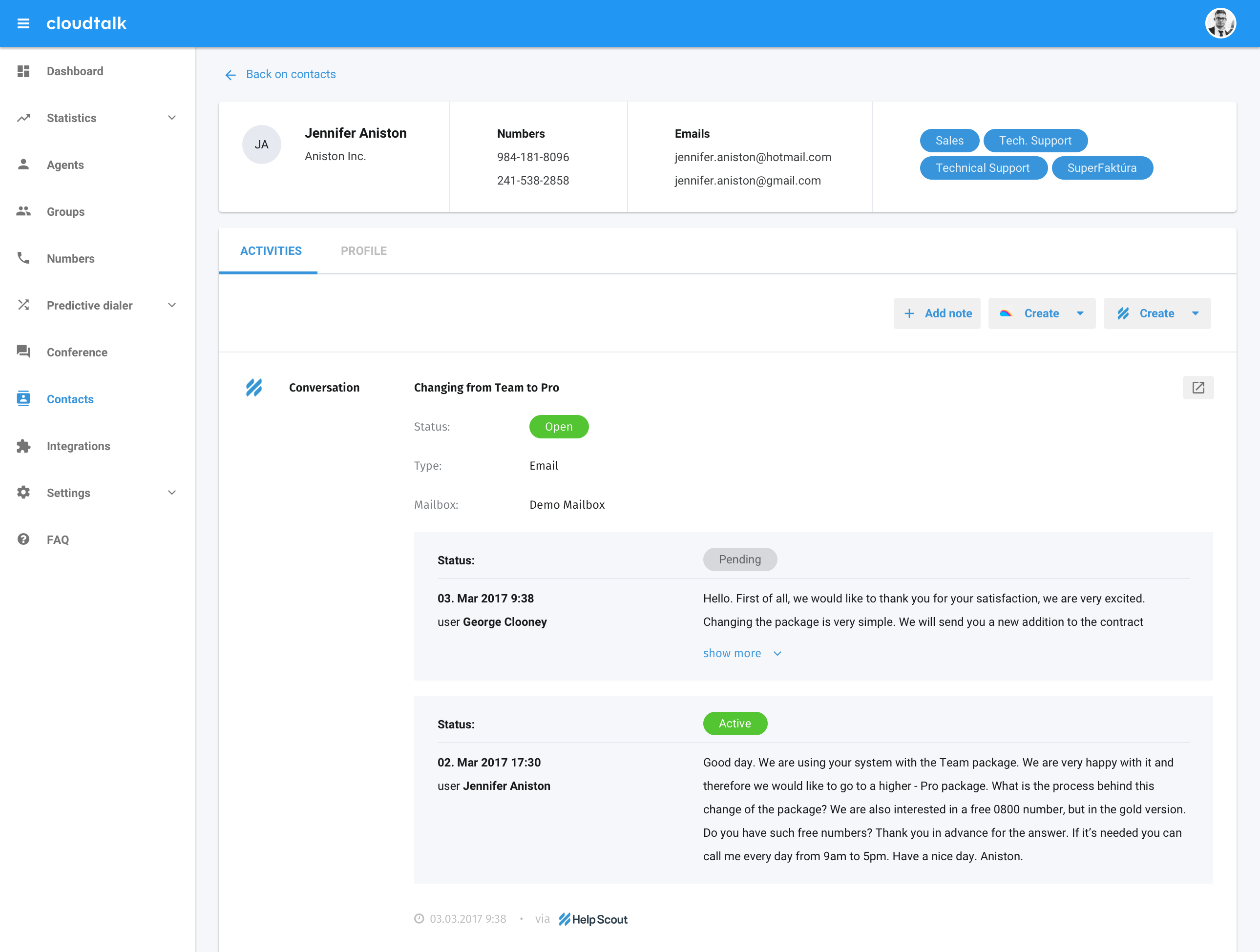
CloudTalk is cloud-based call center software for sales and support teams of all sizes, looking to improve customer experiences through more personalized, data-driven customer interactions. The vendor aims to help teams communicate clearly and efficiently. With CloudTalk users can get local, mobile or toll-free numbers from more than 140+ countries across the world. The vendor says they offer integration with important tools (such a CRM, Helpdesk, or…
$27
per month per user
Skype (discontinued)
Score 7.1 out of 10
N/A
Skype (the personal edition or Skype free) was a web meeting, video conferencing, and VoIP software, now superseded by Microsoft Teams' free edition and unsupported from May 2025.
$2.99
per month
Pricing
CloudTalk
Skype (discontinued)
Editions & Modules
CloudTalk Lite
$27
per month per user
CloudTalk Essential
$39
per month per user
CloudTalk Expert
$69
per month per user
CloudTalk Custom
Custom Pricing
per user or company/month (invoiced annually)
United States Subscription
$2.99
per month
North America Subscription
$6.99
per month
India Subscription
$7.99
per month
Offerings
Pricing Offerings
CloudTalk
Skype (discontinued)
Free Trial
Yes
No
Free/Freemium Version
No
No
Premium Consulting/Integration Services
No
No
Entry-level Setup Fee
No setup fee
No setup fee
Additional Details
A discount is offered for annual billing.
—
More Pricing Information
Community Pulse
CloudTalk
Skype (discontinued)
Features
CloudTalk
Skype (discontinued)
Contact Center Software
Comparison of Contact Center Software features of Product A and Product B
CloudTalk
9.8
Ratings
17% above category average
Skype (discontinued)
-
Ratings
Agent dashboard
10.00 Ratings
00 Ratings
Validate callers
9.80 Ratings
00 Ratings
Outbound response
10.00 Ratings
00 Ratings
Call forwarding
9.90 Ratings
00 Ratings
Click-to-call (CTC)
9.80 Ratings
00 Ratings
Warm transfer
9.60 Ratings
00 Ratings
Predictive dialing
10.00 Ratings
00 Ratings
Interactive voice response
9.90 Ratings
00 Ratings
REST APIs
9.60 Ratings
00 Ratings
Call scripts
9.10 Ratings
00 Ratings
Call tracking
9.40 Ratings
00 Ratings
Multichannel integration
9.90 Ratings
00 Ratings
CRM software integration
9.90 Ratings
00 Ratings
Workforce Optimization (WFO)
Comparison of Workforce Optimization (WFO) features of Product A and Product B
CloudTalk
9.9
Ratings
19% above category average
Skype (discontinued)
-
Ratings
Inbound call routing
10.00 Ratings
00 Ratings
Omnichannel inbound routing
9.90 Ratings
00 Ratings
Recording
9.90 Ratings
00 Ratings
Quality management
9.90 Ratings
00 Ratings
Call analytics
10.00 Ratings
00 Ratings
Historical reporting
9.90 Ratings
00 Ratings
Live reporting
9.90 Ratings
00 Ratings
Customer surveys
9.90 Ratings
00 Ratings
Customer interaction analytics
9.90 Ratings
00 Ratings
Performance & Compatibility of Online Events Software
Comparison of Performance & Compatibility of Online Events Software features of Product A and Product B
CloudTalk
-
Ratings
Skype (discontinued)
9.5
Ratings
18% above category average
High quality audio
00 Ratings
9.70 Ratings
High quality video
00 Ratings
9.50 Ratings
Low bandwidth requirements
00 Ratings
9.30 Ratings
Mobile support
00 Ratings
9.30 Ratings
Screen Sharing
Comparison of Screen Sharing features of Product A and Product B
CloudTalk
-
Ratings
Skype (discontinued)
9.3
Ratings
16% above category average
Desktop sharing
00 Ratings
9.40 Ratings
Whiteboards
00 Ratings
9.10 Ratings
Online Meetings / Events
Comparison of Online Meetings / Events features of Product A and Product B
CloudTalk
-
Ratings
Skype (discontinued)
9.5
Ratings
14% above category average
Calendar integration
00 Ratings
9.30 Ratings
Meeting initiation
00 Ratings
9.70 Ratings
Integrates with social media
00 Ratings
9.30 Ratings
Record meetings / events
00 Ratings
9.30 Ratings
Slideshows
00 Ratings
9.80 Ratings
Online Events Collaboration
Comparison of Online Events Collaboration features of Product A and Product B
CloudTalk
-
Ratings
Skype (discontinued)
9.7
Ratings
17% above category average
Live chat
00 Ratings
9.70 Ratings
Audience polling
00 Ratings
9.80 Ratings
Q&A
00 Ratings
9.40 Ratings
Online Events Security
Comparison of Online Events Security features of Product A and Product B
CloudTalk
-
Ratings
Skype (discontinued)
9.6
Ratings
17% above category average
User authentication
00 Ratings
9.60 Ratings
Participant roles & permissions
00 Ratings
9.50 Ratings
Confidential attendee list
00 Ratings
9.90 Ratings
VoIP system collaboration
Comparison of VoIP system collaboration features of Product A and Product B
Cloudtalk is by far the best value-for-price software out there for call center solutions. Packed with features, very accessible, kind and accessible customer support, and cheap, especially when compared with their competitors for the same range of features. Easy entry-level software, especially if you're a startup that doesn't want to make big initial commitments but needs a solution that scales with the business.
Skype is an excellent choice for phone calls, both local and international, and is also one of the most affordable solutions for business office line. It is simple to use and get started with and provides a call experience on mobile that is similar to a regular phone call. It is not the ideal tool for team chat. For text-based team communication, a separate dedicated tool is still ideal
Perfect for chatting via text. Has emojis, file sharing, audio sharing, and even video sharing capabilities.
Good for video chats. You can do 1 on 1 sessions with a good quality video.
Privacy is also another important function they have. They allow for private conversations between users.
Ability to delete conversations with sensitive information you may not want seen by users not authorized. Can share confidential information via Skype.
Customizable profiles to fit your company culture.
CloudTalk is super easy to use and has a great quality. It helps to communicate with the clients easily and we can feel that the sound quality is high, while speaking to the client and while listening to the recordings. This is for our department essential in our day to day work.
Skype is not as good as Facetime in terms of ease to glance at it and figure out how it works. I think that's a result of Skype trying to be too many things at once. A lot of the menu and UI could be streamlined, and I would jettison some of the additional functions that have been tacked on over the years to simplify. That being said, while some options are slightly hard to find, they all work flawlessly once found.
They are skilled, experienced, and anytime I need something and contact the support time, I get the right person who understands my needs and reacts to them accordingly. So far I was only pleasantly surprised by the level of support these guys provide and coming from a customer service oriented background myself, I can only say keep it up guys, you are doing a fantastic job!
I am not aware of the current support level for Skype for business, as I have never used even though I have the product. However, the support for Skype's personal paid users is not where it could be. Users who pay for Skype features do not have a clear path to reach out to support. So, rating 6, can be better as soon as I need to use Skype for business support and get a good experience. I will say that I will renew Skype for Business subscription, which is a significant inconsistency on my end. The explanation is that Skype for Business comes bundled with Office for Business, with no additional cost, so why not.
It was a gamble if I'm being honest, plus this is a very nuanced and intricate topic. We didn't necessarily substitute one for the other, it was a much needed state of affairs where we needed the call monitoring and agent tracking pros of CloudTalk more so than ever before.
Selected Skype because it was the only platform that was available for such purposes for video conferencing or audio conferencing. Since Microsoft, the tech giant, backed it, it was assured that it would work great in terms of productivity, with utmost security measures for all data, conversations, work materials, and personal information.
Skype has contributed to increased efficiency for remote collaboration, especially now due to the ways things are and having so many remote employees. Without this tool, or any collaboration tool, business could not move forward.
I think Skype is the cost effective solution also between it and the other competitors out there. I'm not privy to the exact costs, but it strikes me as the cheaper option.
The only negative impact I would say is its lack of functionality and customization for larger organizations or groups that have employees spread out or require inter-departmental collaboration.