Clio is web-based legal practice management software for solo practitioners and small firms. It is designed to replace multiple different systems (like document management, case management, and accounting software) to streamline the amount of technology that small firms need to manage.
$49
per month
OneAdvanced Legal
Score 8.8 out of 10
N/A
ALB is a comprehensive UK Legal Practice Case Management solution that integrates all law firm processes into one system, including legal accounting, document management, time recording and client / matter management. The vendor states that their system is used by 700+ UK legal firms, and 68 per cent of them reported that ALB helps their fee earners save time every single day. They further state their customers gain real benefits in improved efficiencies, better management, consistent customer…
N/A
Pricing
Clio
OneAdvanced Legal
Editions & Modules
EasyStart
$49
per user/per month
Clio Grow
$59
per user/per month
Essentials
$89
per month per user
Advanced
$129
per month per user
Complete
$159
per month per user
No answers on this topic
Offerings
Pricing Offerings
Clio
OneAdvanced Legal
Free Trial
Yes
No
Free/Freemium Version
No
No
Premium Consulting/Integration Services
No
No
Entry-level Setup Fee
No setup fee
$83 per user, per month
Additional Details
All pricing tiers have a 7-day free trial. Discount available for annual pricing.
Clio allows our law firm to track all aspects of a matter, such as documents, emails, time entries, tasks, and notes, in one place. This is ideal for our mid-sized law firm, which handles general litigation, personal injury, and family law. A feature we appreciate is the client portal's secure way to share updates, documents, and invoices.
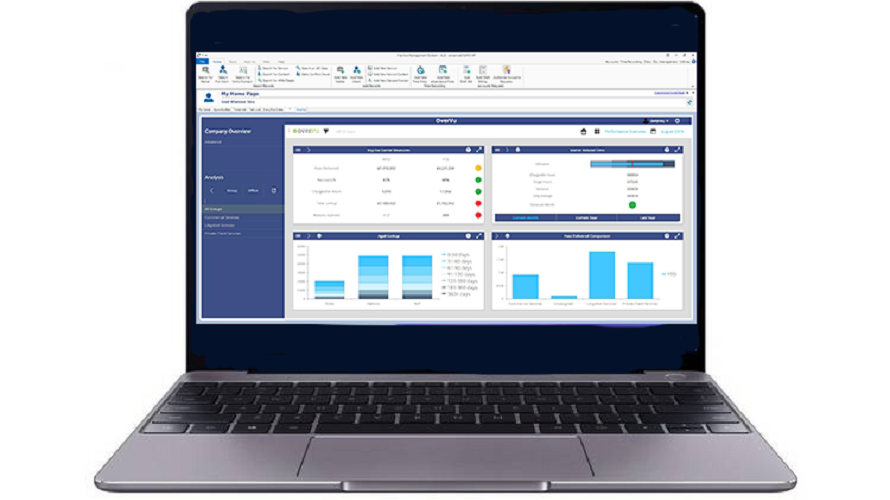
It has all you need built in right out of the box with all the core features you'd expect; Client Matter Inception process, Time Recording, Diary, Customisable Workflow modules, Billing, etc. Then there's all the extra modules which other products don't necessarily have; Wills and Deeds databases, Purchase Ledger (Accounts and Cashiers love everything to do with the accounts side), Laserform Integration, pdfDocs integration, OverVu integration for easy reporting.
Inevitably there will be compromises as with any piece of software. Especially one that covers off so many angles. The development tools could be stronger, the way addresses are handled seems to me to be overly complex. Having said that though, the software's primary purpose is to help Fee Earners and support staff provide services to clients and it does this admirably. You can't expect Visual Studio. I've seen users make a mess of the simplest of address databases with strong training provided so it might not be to my taste but I imagine they didn't develop it for fun.
My biggest gripe with the software is that some errors look severe. Other software would trap them in a more gentle manner. However, users quickly adjust to this and Advanced do some very clear monitoring to reduce them as the product mores forward.
Provides an interface with NextChapter Bankruptcy.
Provides an interface with the forms on our website and landing pages to allow for easy transmission of potential clients into our Clio system from these sources with little human intervention.
Its billing, invoicing and payment integration makes the billing cycle for clients easier.
Document management. It's still far easier for me to create Word templates and just use Word.
Centralized filing of client files. Like I said, I use Word. I work on a Mac and use Mac's tag structure. Clio should find a way to gather all files that have a certain tag and allow me to access them through Clio. Instead, I use Hazel and DropBox.
Case planning and budgeting. I use OmniFocus for project management, a self-created Excel spreadsheet for project budgeting and a cloud-based service for Gantt charts. How hard would it be to add robust project management tools to Clio?
Search feature for stored documents and information. Evernote has Clio beat hands-down, but I don't put client-sensitive information (only caselaw) on Evernote.
Case notes. This feature may be useful for high-volume practices, but I never use it.
At times the dashboard and User Experience and User Interface do not follow a logical pathway. It can be confusing at times, but not extremely detrimental.
The client portal has also experienced some issues with the User interface and user experience functions as well.
We have been able to streamline our task management and everyday office procedures by using Clio to its fullest potential. We have a hire client retention rate because we can easily keep track of leads and follow ups. Clio Draft is saving us time on drafting legal documents and correspondence espondence. Overall, we are able to save time and money on everything tasks
Clio is intuitive and easy to learn. Even new staff or attorneys with limited tech experience can quickly navigate through tasks, matters, billing, and calendars. This reduces training time and increases productivity, especially in a busy mid-sized law firm. Because it’s cloud-based, Clio can be accessed from any device, anywhere. Whether I am working in the office, at home, or in court, I have full access to my cases, documents, and time entries.
The usability is slightly above average. The all-in-one approach has been great and useful, but some of the functionality and user experience and user interface issues can affect usability. Some might be nitpicky, but not following logical pathways or ones that may pose issues for those that have disabilities can really create issues.
When I contact them, I am told that the person who can help me cannot be reached but that I should call back. When I call, I cannot get ahold of anyone who can help. Sales/support does not respond to my emails. Maybe if you are part of a large firm they treat you differently.
The support, if we are talking about technical support with the product itself when issues arise, is average. It's not terrible, but not great either. It is average and what you might expect. Some issues are delayed in getting responses and we constantly have to be upgrading to higher tiers or developers. Some responses are quick though. Response time could be improved, much like other organizations.
We did not use any other practice management software, but I did evaluate Rocket Matter as a potential alternative. Rocket Matter does not have the same robust intake software that Clio Grow does and therefore it was not even a plausible alternative for us to implement. Clio is constantly updating and evolving based on feedback from users and that makes it the kind of program that can grow with your business needs.
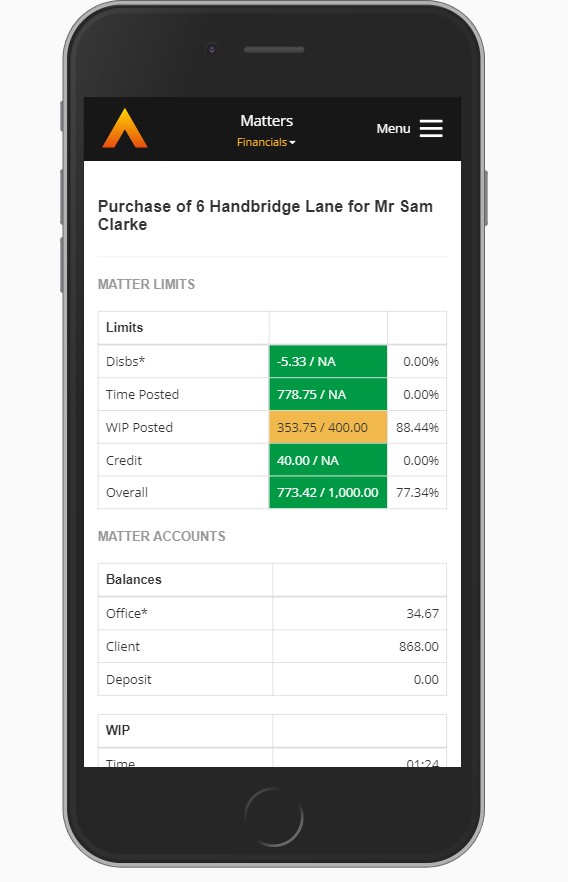
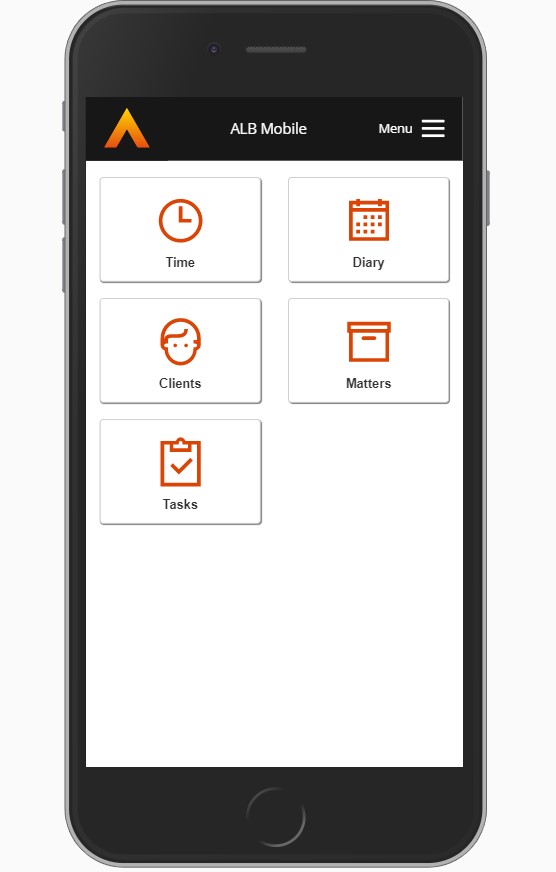
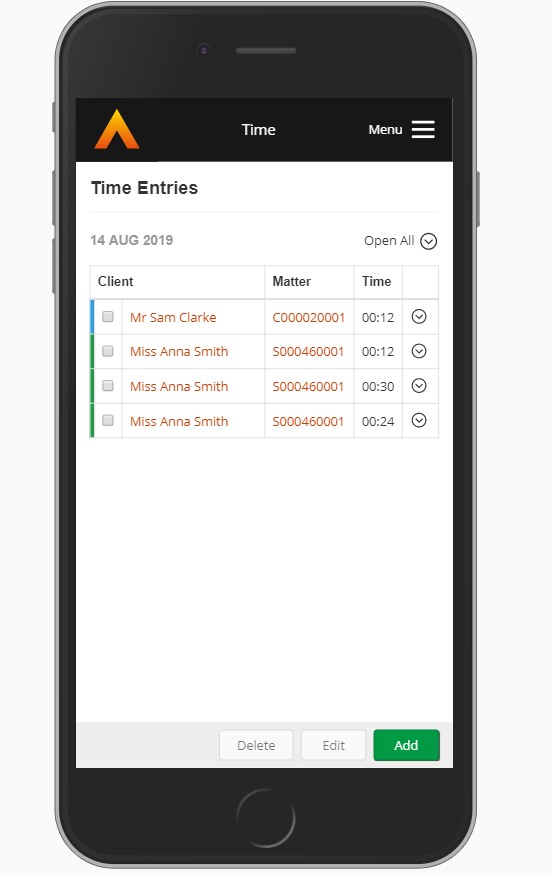
ALB Legal Software is a more efficient product than MyCase and PracticePanther mostly for the integration it allows and the "all in one" approach that it takes. It takes several different areas and functions of legal practice and puts in one platform eliminating the need to leverage 2-3 platforms sometimes i.e. timekeeping, document management, mobile access, client portal, etc. Keeping it under one roof helps.