
ClickUp vs. Glasscubes
| Product | Rating | Most Used By | Product Summary | Starting Price |
|---|---|---|---|---|
 ClickUp | Score8.1 out of 10 | Small Businesses (1-50 employees) | ClickUp is an all-in-one productivity platform. It’s a hub where teams can come together to plan, organize, and collaborate on work using tasks, Docs, Chat, Goals, and Whiteboard. Customized with just a few clicks, ClickUp helps teams of all types and sizes deliver work more effectively, to boost productivity to new heights. ClickUp aims to make the world more productive by removing friction caused by using many different applications. The platform boasts millions… | $0 per month per seat |
 Glasscubes | Score9.8 out of 10 | N/A | UK company Glasscubes offers their eponymous collaboration platform, featuring document management, file sharing and synchronization, and other project management tools. | $25 per month |
| ClickUp | Glasscubes | |||||||||||||||
|---|---|---|---|---|---|---|---|---|---|---|---|---|---|---|---|---|
| Editions & Modules |
|
| ||||||||||||||
| Offerings |
| |||||||||||||||
| Entry-level Setup Fee | No setup fee | No setup fee | ||||||||||||||
| Additional Details | — | — | ||||||||||||||
| More Pricing Information | ||||||||||||||||
| ClickUp | Glasscubes | |
|---|---|---|
| Considered Both Products | No answer on this topic | No answer on this topic |
| Key User Insights | ||
| Would buy again | ||
98% Would buy again 646 Answers | No answers on this topic | |
| Delivers good value for the price | ||
99% Delivers good value for the price 598 Answers | No answers on this topic | |
| Happy with the feature set | ||
98% Happy with the feature set 647 Answers | No answers on this topic | |
| Lived up to sales and marketing promises | ||
97% Lived up to sales and marketing promises 487 Answers | No answers on this topic | |
| Implementation went as expected | ||
94% Implementation went as expected 540 Answers | No answers on this topic | |
| ClickUp | Glasscubes | ||||||||||||||||||||||||||||||||||||||||
|---|---|---|---|---|---|---|---|---|---|---|---|---|---|---|---|---|---|---|---|---|---|---|---|---|---|---|---|---|---|---|---|---|---|---|---|---|---|---|---|---|---|
| Project Management |
| ||||||||||||||||||||||||||||||||||||||||
| Professional Services Automation |
| ||||||||||||||||||||||||||||||||||||||||
| ClickUp | Glasscubes | |
|---|---|---|
| Small Businesses |  Any.do Score8 out of 10 |  Flock Score9.1 out of 10 |
| Medium-sized Companies |  KanbanFlow Score7.3 out of 10 |  Microsoft Viva Engage Score7.9 out of 10 |
| Enterprises |  Microsoft To Do Score9.6 out of 10 |  Google Keep Score9.9 out of 10 |
| All Alternatives | View all alternatives | View all alternatives |
| ClickUp | Glasscubes | |
|---|---|---|
| Likelihood to Recommend | 7.9 | - |
| Likelihood to Renew | 7.3 | - |
| Usability | 6.1 | - |
| Availability | 9.5 | - |
| Performance | 8.0 | - |
| Support Rating | 9.4 | - |
| Online Training | 10.0 | - |
| Implementation Rating | 7.9 | - |
| Configurability | 8.0 | - |
| Contract Terms and Pricing Model | 5.0 | - |
| Ease of integration | 7.0 | - |
| Product Scalability | 8.9 | - |
| Professional Services | 5.0 | - |
| Vendor post-sale | 5.0 | - |
| Vendor pre-sale | 5.0 | - |
| ClickUp | Glasscubes | |
|---|---|---|
| Likelihood to Recommend |
| No answers on this topic |
| Pros |
| No answers on this topic |
| Cons |
| No answers on this topic |
| Likelihood to Renew |
| No answers on this topic |
| Usability |
| No answers on this topic |
| Reliability and Availability |
| No answers on this topic |
| Performance |
| No answers on this topic |
| Support Rating |
| No answers on this topic |
| Online Training |
| No answers on this topic |
| Implementation Rating |
| No answers on this topic |
| Alternatives Considered |
| No answers on this topic |
| Scalability |
| No answers on this topic |
| Return on Investment |
| No answers on this topic |
| ScreenShots | ClickUp Screenshots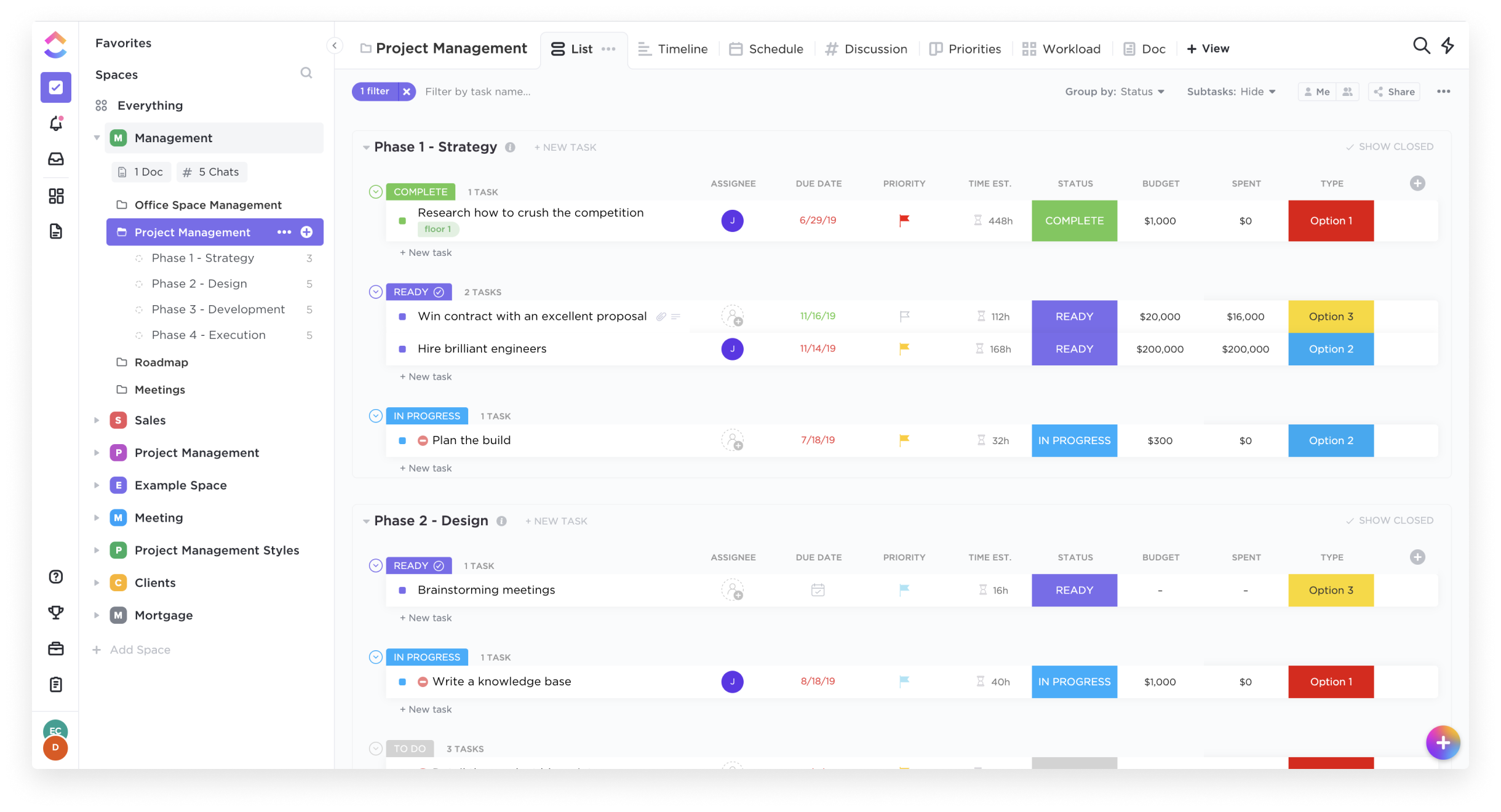    |





