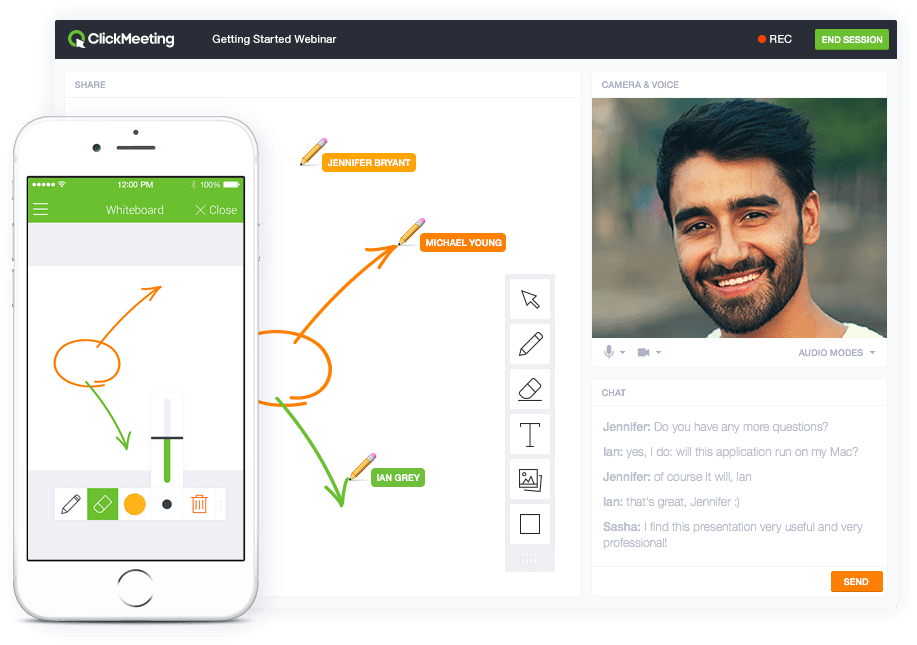
ClickMeeting is a webinar solution formerly owned by GetResponse, an email marketing software company. ClickMeeting's online meeting and collaboration tools are designed to support the sales, marketing, e-learning, and training needs of business of all sizes.
$25
per month
HipChat (discontinued)
Score9.7 out of 10
N/A
Hipchat was discontinued by Atlassian. Users are being migrated to Slack.
$0
per user
Pricing
ClickMeeting
HipChat (discontinued)
Editions & Modules
Live 25
$25
up to 25 attendees
Live 50
$35
up to 50 attendees
Automated 25
$40
up to 25 attendees
Automated 50
$45
up to 50 attendees
Live 100
$60
up to 100 attendees
Automated 100
$75
up to 100 attendees
Live 200
$119
up to 200 attendees
Live 500
$139
up to 500 attendees
Automated 200
$145
up to 200 attendees
Enterprise
$165
500 - 5000
Automated 500
$179
up to 500 attendees
Live 1000
$239
up to 1000 attendees
Automated 1000
$279
up to 1000 attendees
HipChat Basic
$0
per user
HipChat Plus
$2
per user
Offerings
Pricing Offerings
ClickMeeting
HipChat (discontinued)
Free Trial
Yes
Yes
Free/Freemium Version
No
Yes
Premium Consulting/Integration Services
Yes
Yes
Entry-level Setup Fee
No setup fee
No setup fee
Additional Details
Detailed enterprise pricing on demand.
For Server pricing info please visit https://www.hipchat.com/server (Only $1.20/user/month at the highest user tier!)
ClickMeeting serves a dual purpose within our organization. Firstly, it acts as a reliable platform for hosting staff meetings, enabling effective communication and collaboration among team members. Whether it's for updates, discussions, or brainstorming sessions, ClickMeeting provides the necessary tools for seamless engagement.Secondly, ClickMeeting is instrumental in delivering online courses to our students. It empowers us to create interactive learning experiences regardless of geographical constraints. We can easily share course materials, conduct live or pre-recorded lectures, and facilitate interactive discussions and Q&A sessions. ClickMeeting ensures our students have access to high-quality education and a supportive learning environment.In summary, ClickMeeting is an invaluable tool for both internal staff communications and student-centered online courses. It fosters collaboration, engagement, and knowledge sharing in a flexible and accessible manner, enhancing our overall productivity and educational offerings.
A de minimis incentive was given to thank the reviewer for their time. The incentive was not used to bias or drive a particular response, nor was the incentive contingent on a positive endorsement. More Info
ClickMeeting is user-friendly, the admin and user panel is simple, intuitive!
When conducting training, you can use default settings such as edu mode and it saves time, I don't have to worry if I'm sure I've muted everyone and if I'm the only one visible.
ClickMeeting is also integrated with the Moodle e-learning platform, so it's a great support in organizing blended-learning processes.
HipChat is very stable and reliable. I have never had issues with not being able to connect or being able to communicate with others on HipChat.
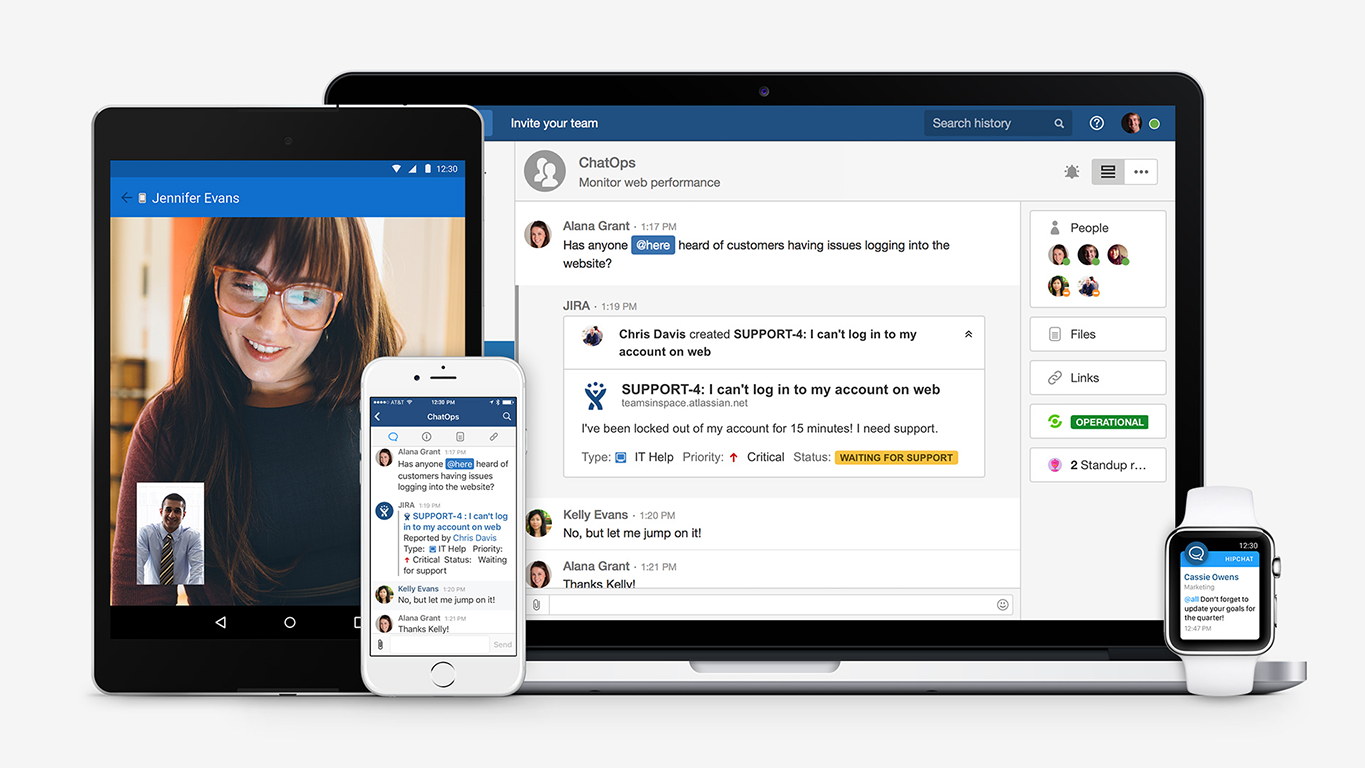
HipChat integrates quite well with other applications, such as Jira and Stash. This is a main selling point for my team. It provides a convenient feed of actions on a JIRA story or Stash pull request.
HipCat does a good job of allowing 1-1 and group chats. It is simple to start a new conversation and it is easy to hold a group conversation and keep track of who is in the room.
I like how HipChat has away/here/on mobile statuses. This makes it easy to see if a person is available to be contacted.
A de minimis incentive was given to thank the reviewer for their time. The incentive was not used to bias or drive a particular response, nor was the incentive contingent on a positive endorsement. TR verified that a representative sample of customers was invited. More Info
Individual Audio Controls. I'd love to be able to adjust the audio for each of the presenters within the platform, as the host. Not all presenters are tech savvy and sometimes don't know how to adjust this themselves.
Additional Saved Color Schemes. I'd love to be able to create/save multiple custom color schemes that I can use for various events instead of a single one.
A de minimis incentive was given to thank the reviewer for their time. The incentive was not used to bias or drive a particular response, nor was the incentive contingent on a positive endorsement. More Info
Mobile app is not very responsive on iOS. Sometimes connection to Hipchat servers is taking too long even on good networks.
Both mobile and desktop versions have no alphabetical or recent sorting for groups and chat rooms.
Video and audio calls are pretty useless, they're slow and not always work.
The whole user interface is simple but very outdated - apparently Atlassian didn't focus too much on Hipchat even though they tried in the last 2 years.
A de minimis incentive was given to thank the reviewer for their time. The incentive was not used to bias or drive a particular response, nor was the incentive contingent on a positive endorsement. More Info
A de minimis incentive was given to thank the reviewer for their time. The incentive was not used to bias or drive a particular response, nor was the incentive contingent on a positive endorsement. More Info
ClickMeeting's overall usability is commendably excellent. Its intuitive, user-friendly interface makes it remarkably easy for users of all skill levels to navigate. The platform delivers a seamless, streamlined experience from setting up meetings to engaging with participants. Despite some advanced features having a slight learning curve, the platform remains user-friendly, efficient, and reliable.
A de minimis incentive was given to thank the reviewer for their time. The incentive was not used to bias or drive a particular response, nor was the incentive contingent on a positive endorsement. More Info
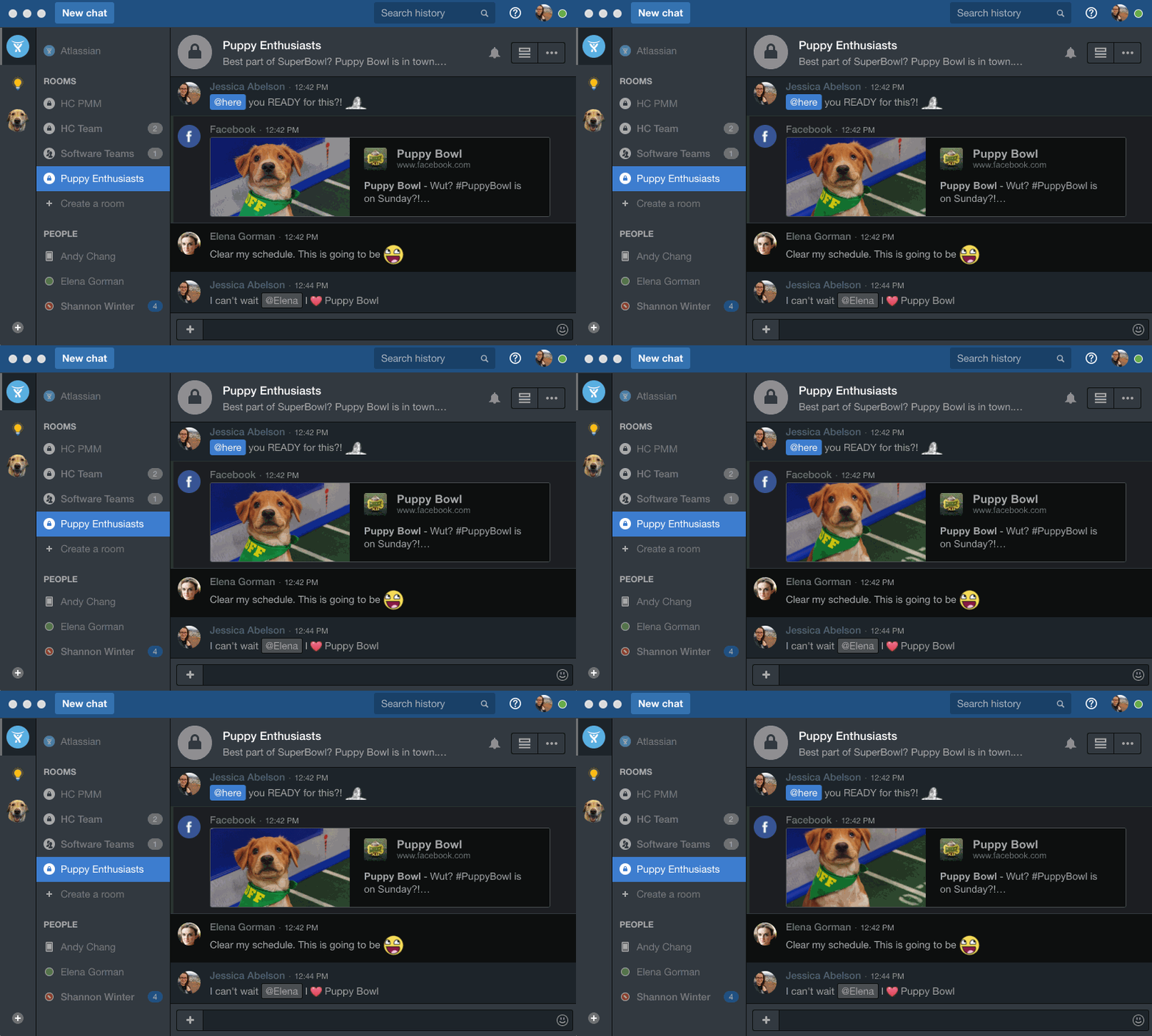
The app itself had a pleasant if not generic interface. As a user experience expert and engineer I can say the interface is fairly intuitive if not bland. It does what you expect it to do and it's available on iOS and Android devices. If I recall it was generally pretty light weight in terms of installation size.
A de minimis incentive was given to thank the reviewer for their time. The incentive was not used to bias or drive a particular response, nor was the incentive contingent on a positive endorsement. More Info
It takes a bit of time to get to grips with the platform at first, but it's short and there is an online help chat available. People on the chat are very helpful and available for a long time - also on weekends, which greatly improves work. Really very good support.
HipChat support is good . Responds in timely manner when ever we have raised the request via email , phone and gives us continue update on the request .Though most of the questions are answered by HipChat FAQs , but they can still improve it and add more to the knowledge base .
A de minimis incentive was given to thank the reviewer for their time. The incentive was not used to bias or drive a particular response, nor was the incentive contingent on a positive endorsement. More Info
A de minimis incentive was given to thank the reviewer for their time. The incentive was not used to bias or drive a particular response, nor was the incentive contingent on a positive endorsement. TR verified that a representative sample of customers was invited. More Info
- does not require installation - clear interface - fast chat technical support - available in Polish language - provides a stable connection - it allows us to share presentations - we can also record the meeting - the process of creating the meeting is quick and easy also for beginners
We tried a lot of chat clients before choosing HipChat. The Skype for Business UI on the Mac side was 5 years old and terrible. Mac users hated the app including our CTO. Cisco Jabber was expensive to license and maintain; Skype was open to the public which took time away due to users dealing with spam and could allow viruses and malware. HipChat being a closed product, centrally managed and available to try without an upfront investment was perfect for our environment. All our Agile teams have their own room, chat and can communicate with others quickly and easily.
A de minimis incentive was given to thank the reviewer for their time. The incentive was not used to bias or drive a particular response, nor was the incentive contingent on a positive endorsement. More Info
Actually I never shared of HipChat using with more than 25 persons in team simultaneously, but I believe it can be scaled for much largest collaboration teams. At least it works flawlessly for us, with transparent integration with Jira, and I am not see any reasons for some troubles for work at big scale.
A de minimis incentive was given to thank the reviewer for their time. The incentive was not used to bias or drive a particular response, nor was the incentive contingent on a positive endorsement. TR verified that a representative sample of customers was invited. More Info
Strengthening the image of the ITAKA Foundation as an institution that comprehensively deals with the subject of disappearances and can share knowledge in this area.
Time savings in the preparation of internal meetings (e.g. thanks to the possibility of placing an accurate schedule).
Reaching a greater number of webinar recipients (e.g. thanks to the possibility of live broadcast via social media).
HipChat has increased the effiency with which I am able to communicate with my coworkers, particularly those who work out of other offices. Having a light, portable messaging solution has been beneficial for checking in on small things without the need to send emails or schedule phone calls.
A de minimis incentive was given to thank the reviewer for their time. The incentive was not used to bias or drive a particular response, nor was the incentive contingent on a positive endorsement. More Info