
Clickability (discontinued) vs. ManageWP
Clickability (discontinued) vs. ManageWP
| Product | Rating | Most Used By | Product Summary | Starting Price |
|---|---|---|---|---|
 Clickability (discontinued) | N/A | Clickability was a content management system acquired by Upland Software in 2013 which provided a SaaS platform for web content creation, management, publishing, analytics, digital marketing, and online publishing for marketers and enterprises. It has been discontinued, and is no longer available. | N/A | |
 ManageWP | N/A | ManageWP is a WordPress management console that allows users to manage multiple WordPress sites with ease. | N/A |
| Clickability (discontinued) | ManageWP | |||||||||||||||
|---|---|---|---|---|---|---|---|---|---|---|---|---|---|---|---|---|
| Editions & Modules | No answers on this topic | No answers on this topic | ||||||||||||||
| Offerings |
| |||||||||||||||
| Entry-level Setup Fee | No setup fee | No setup fee | ||||||||||||||
| Additional Details | — | Starting is easy and free. Premium upgrades are there for those that need more. If you want to free up your time and let ManageWP do the heavy lifting - we are there for you with a number of automations (safe updates, automated backups, scheduled security and performance checks, etc.), site migration tools, website templates and more. Special bundles were built for agencies and companies creating affordable discounts for customers with large number of websites. | ||||||||||||||
| More Pricing Information | ||||||||||||||||
| Clickability (discontinued) | ManageWP |
|---|
| Clickability (discontinued) | ManageWP | |||||||||||||||||||||||||||
|---|---|---|---|---|---|---|---|---|---|---|---|---|---|---|---|---|---|---|---|---|---|---|---|---|---|---|---|---|
| Security |
| |||||||||||||||||||||||||||
| Platform & Infrastructure |
| |||||||||||||||||||||||||||
| Web Content Creation |
| |||||||||||||||||||||||||||
| Web Content Management |
|
| Clickability (discontinued) | ManageWP | |
|---|---|---|
| Small Businesses | ManageWP Score 10.0 out of 10 |  Divi Score 10.0 out of 10 |
| Medium-sized Companies |  RWS Tridion Sites Score 9.0 out of 10 | RWS Tridion Sites Score 9.0 out of 10 |
| Enterprises | RWS Tridion Sites Score 9.0 out of 10 | RWS Tridion Sites Score 9.0 out of 10 |
| All Alternatives | View all alternatives | View all alternatives |
| Clickability (discontinued) | ManageWP | |
|---|---|---|
| Likelihood to Recommend | 7.0 (0 ratings) | 9.6 (0 ratings) |
| Likelihood to Renew | 5.5 (0 ratings) | - (0 ratings) |
| Usability | 7.5 (0 ratings) | - (0 ratings) |
| Support Rating | 7.6 (0 ratings) | - (0 ratings) |
| Implementation Rating | 7.3 (0 ratings) | - (0 ratings) |
| Clickability (discontinued) | ManageWP | |
|---|---|---|
| Likelihood to Recommend | 
| 
|
| Pros |
|
 Matthew Lundh Cofounder |
| Cons |
|
 Gary Williams President & CEO |
| Likelihood to Renew |
 Adam Blinzler UX/UI Designer | No answers on this topic |
| Usability |
|
|
| Support Rating |
| No answers on this topic |
| Implementation Rating |
| No answers on this topic |
| Alternatives Considered |
|
|
| Return on Investment |
 Dave Sell Manager, Interactive Development / Software+Web+Cloud Engineer |
 Darien Chaffart Associate Pastor |
| ScreenShots | ManageWP Screenshots  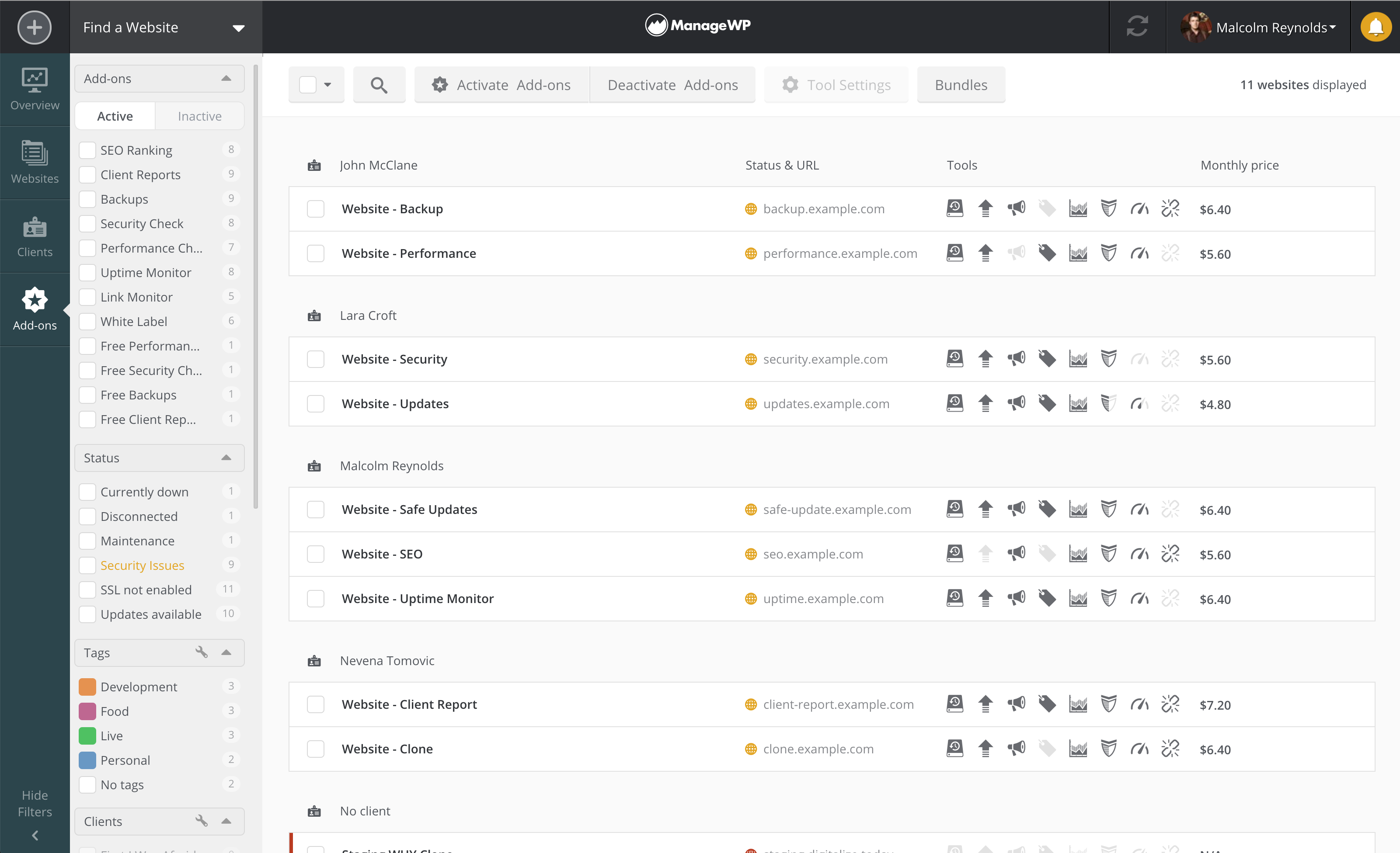 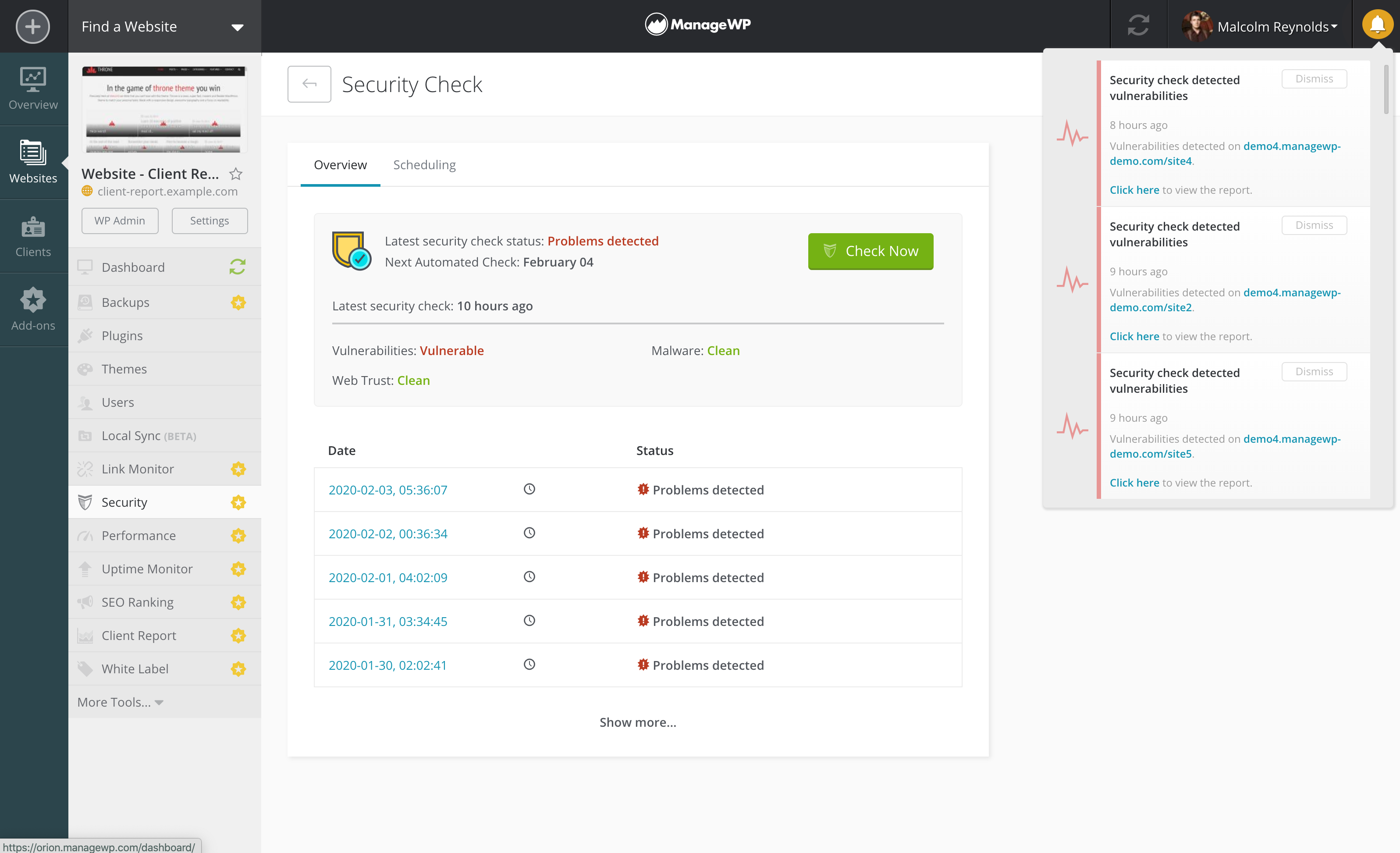 |