
Cisco Unified Communications Manager (Call Manager) vs. VoIP.ms
| Product | Rating | Most Used By | Product Summary | Starting Price |
|---|---|---|---|---|
 Cisco Unified Communications Manager (Call Manager) | Score8.6 out of 10 | N/A | Call Manager is a unified call control center from Cisco that supports enterprise collaboration functions across the spectrum of IP telephony, video & web conferencing, and messaging. Features include call forwarding, call back, call transfer, ad hoc conferencing, and call park. | N/A |
 VoIP.ms | Score8.5 out of 10 | N/A | VoIP.ms is a Canadian voice-over-internet protocol (VoIP) bring-your-own-device provider headquartered in Canada with over 80,000 customers. VoIP.ms provides a vast range of standard telephony features, as well as enhanced communication features to simplify both business and residential communications such as local DID numbers in 60+ countries. It offers Free Porting across US and Canada for local & toll-free DIDs with termination (outgoing calls) in over 125 countries across the globe. | N/A |
| Cisco Unified Communications Manager (Call Manager) | VoIP.ms | |||||||||||||||
|---|---|---|---|---|---|---|---|---|---|---|---|---|---|---|---|---|
| Editions & Modules | No answers on this topic | No answers on this topic | ||||||||||||||
| Offerings |
| |||||||||||||||
| Entry-level Setup Fee | No setup fee | Optional | ||||||||||||||
| Additional Details | Must contact sales team for pricing | — | ||||||||||||||
| More Pricing Information | ||||||||||||||||
| Cisco Unified Communications Manager (Call Manager) | VoIP.ms | |
|---|---|---|
| Considered Both Products | No answer on this topic | No answer on this topic |
| Key User Insights | ||
| Would buy again | ||
89% Would buy again 24 Answers | No answers on this topic | |
| Delivers good value for the price | ||
96% Delivers good value for the price 25 Answers | No answers on this topic | |
| Happy with the feature set | ||
93% Happy with the feature set 25 Answers | No answers on this topic | |
| Lived up to sales and marketing promises | ||
95% Lived up to sales and marketing promises 19 Answers | No answers on this topic | |
| Implementation went as expected | ||
91% Implementation went as expected 20 Answers | No answers on this topic | |
| Cisco Unified Communications Manager (Call Manager) | VoIP.ms | |||||||||||||||||||
|---|---|---|---|---|---|---|---|---|---|---|---|---|---|---|---|---|---|---|---|---|
| Cloud PBX |
| |||||||||||||||||||
| Call Management |
| |||||||||||||||||||
| VoIP system collaboration |
| |||||||||||||||||||
| Mobile apps |
| |||||||||||||||||||
| Cisco Unified Communications Manager (Call Manager) | VoIP.ms | |
|---|---|---|
| Small Businesses |  Zoom Phone Score9 out of 10 | Zoom Phone Score9 out of 10 |
| Medium-sized Companies | Zoom Phone Score9 out of 10 | Cisco Unified Communications Manager (Call Manager) Score8.6 out of 10 |
| Enterprises |  Google Voice Score7.8 out of 10 | Google Voice Score7.8 out of 10 |
| All Alternatives | View all alternatives | View all alternatives |
| Cisco Unified Communications Manager (Call Manager) | VoIP.ms | |
|---|---|---|
| Likelihood to Recommend | 8.5 | - |
| Likelihood to Renew | 10.0 | - |
| Usability | 9.0 | - |
| Support Rating | 8.0 | - |
| Implementation Rating | 10.0 | - |
| Cisco Unified Communications Manager (Call Manager) | VoIP.ms | |
|---|---|---|
| Likelihood to Recommend |
| No answers on this topic |
| Pros |
| No answers on this topic |
| Cons |
| No answers on this topic |
| Likelihood to Renew |
| No answers on this topic |
| Usability |
| No answers on this topic |
| Support Rating |
| No answers on this topic |
| Implementation Rating |
| No answers on this topic |
| Alternatives Considered |
| No answers on this topic |
| Return on Investment |
| No answers on this topic |
| ScreenShots | VoIP.ms Screenshots 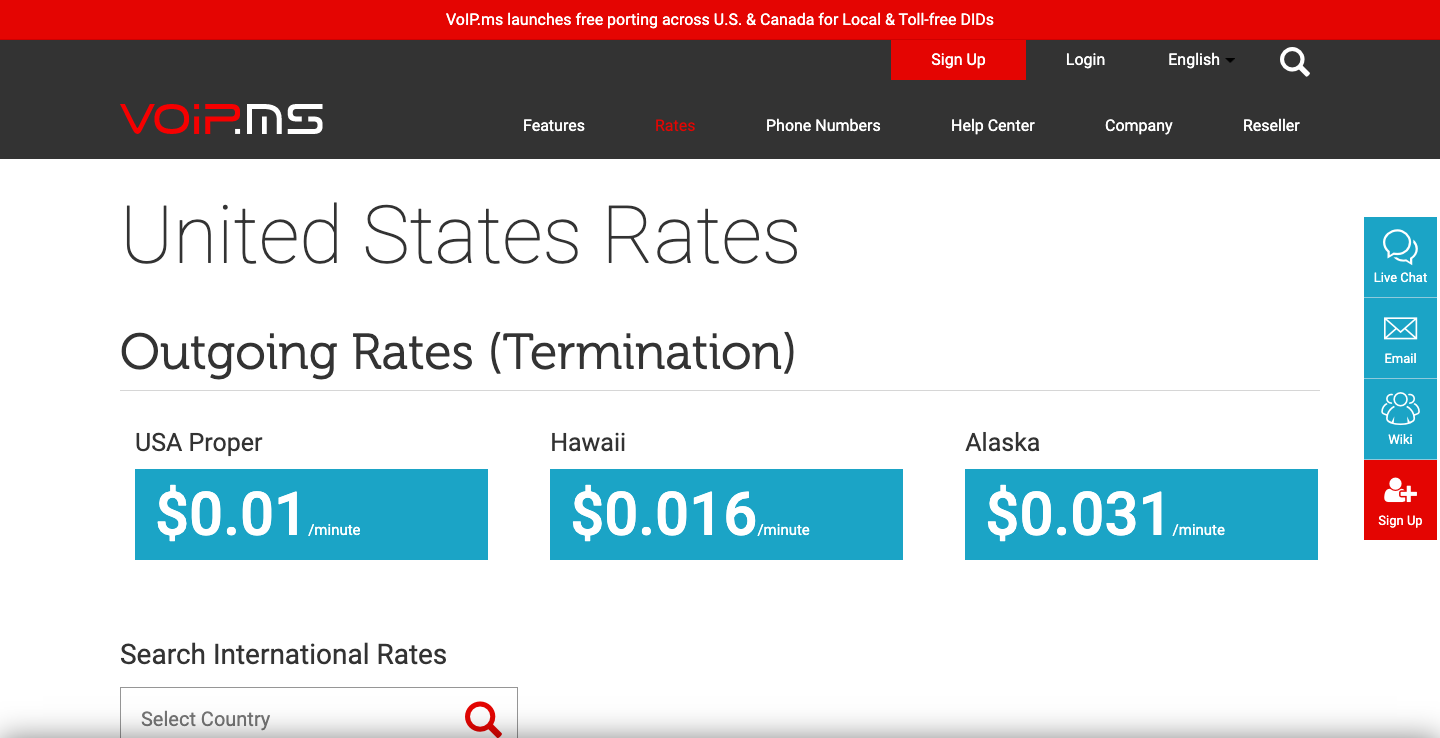 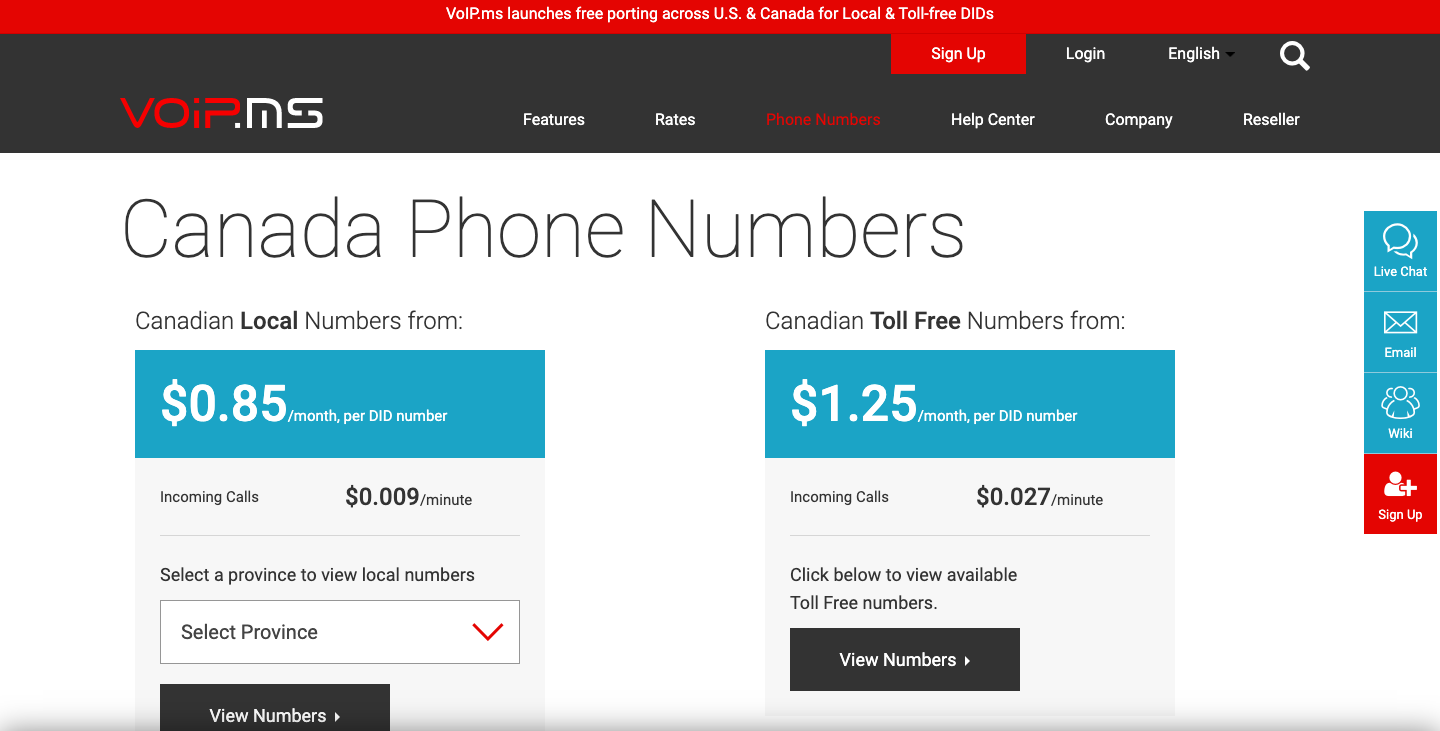 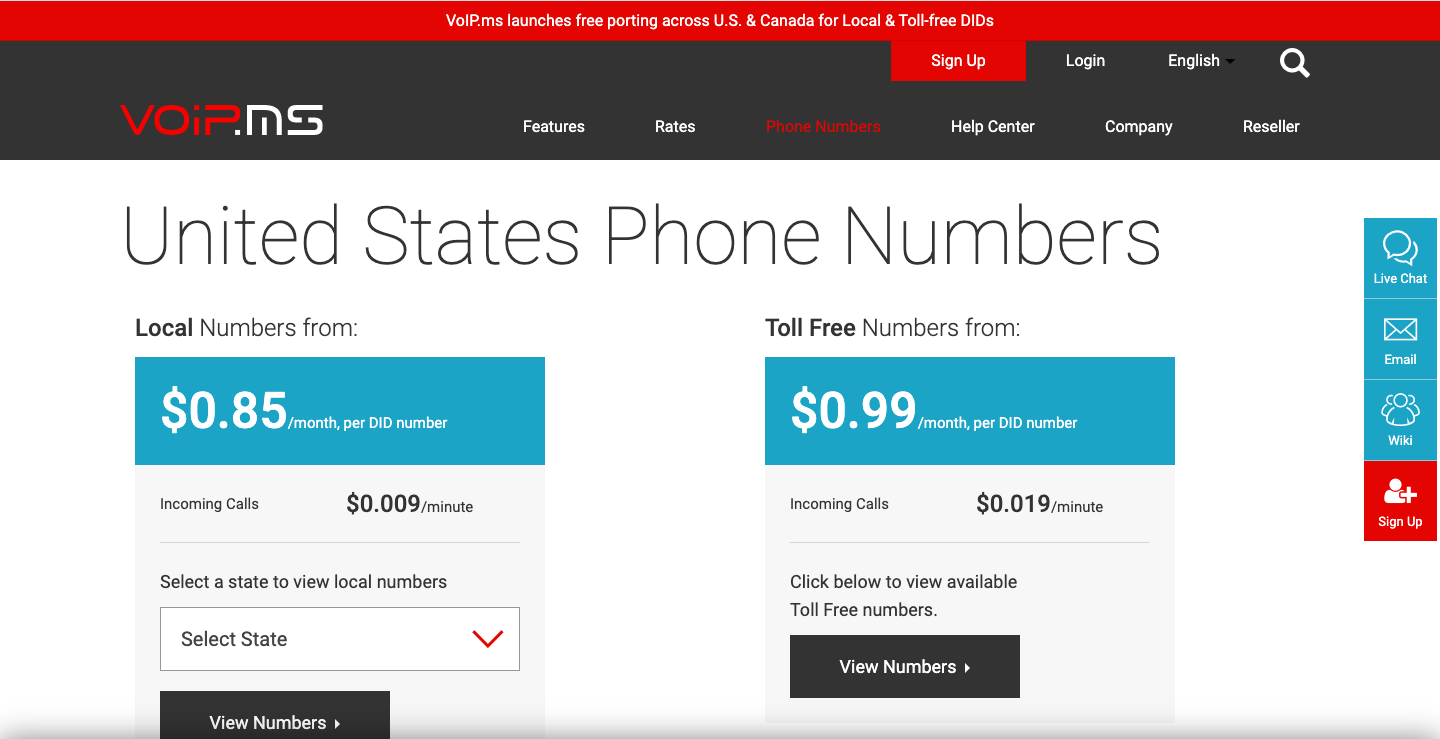 |


