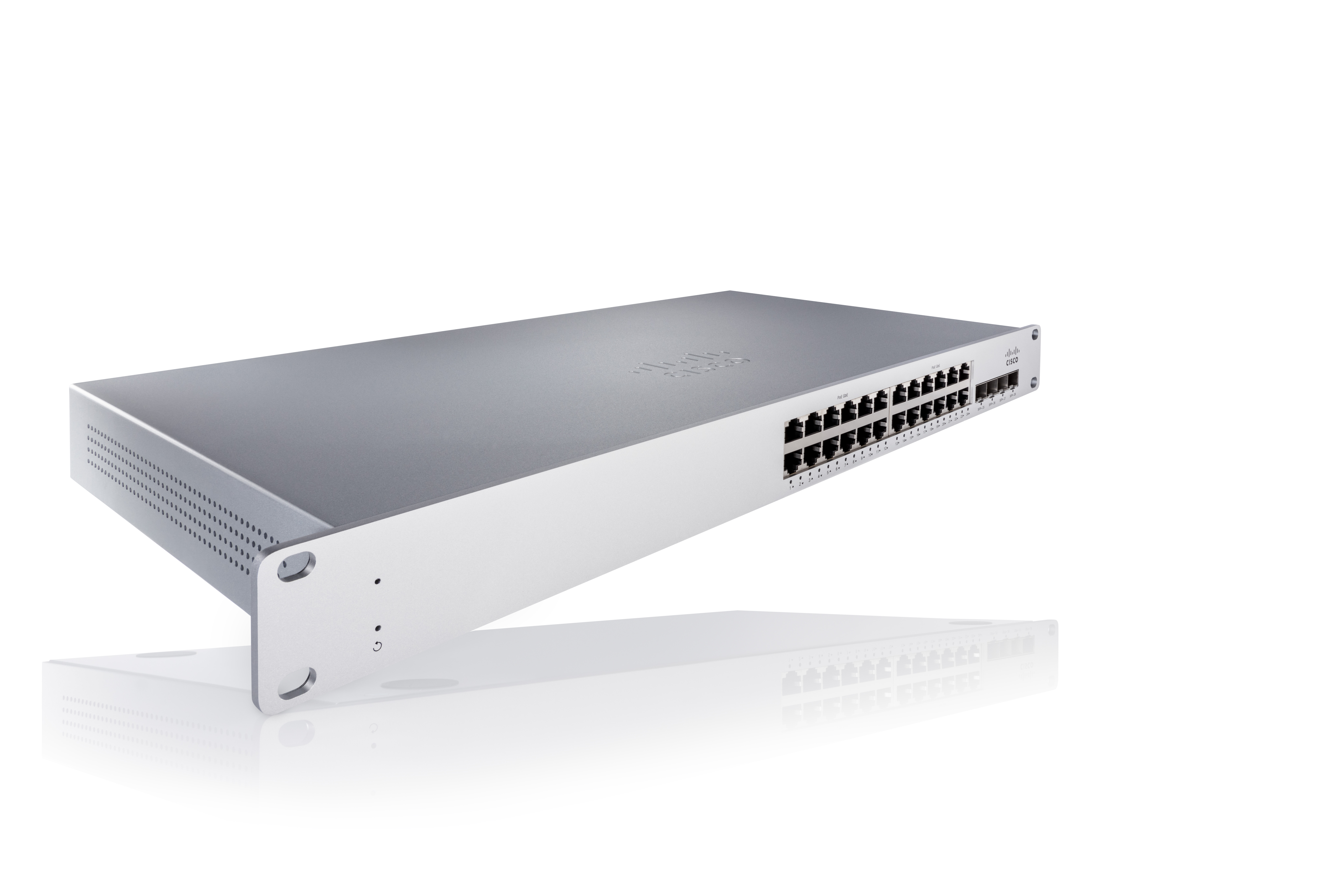
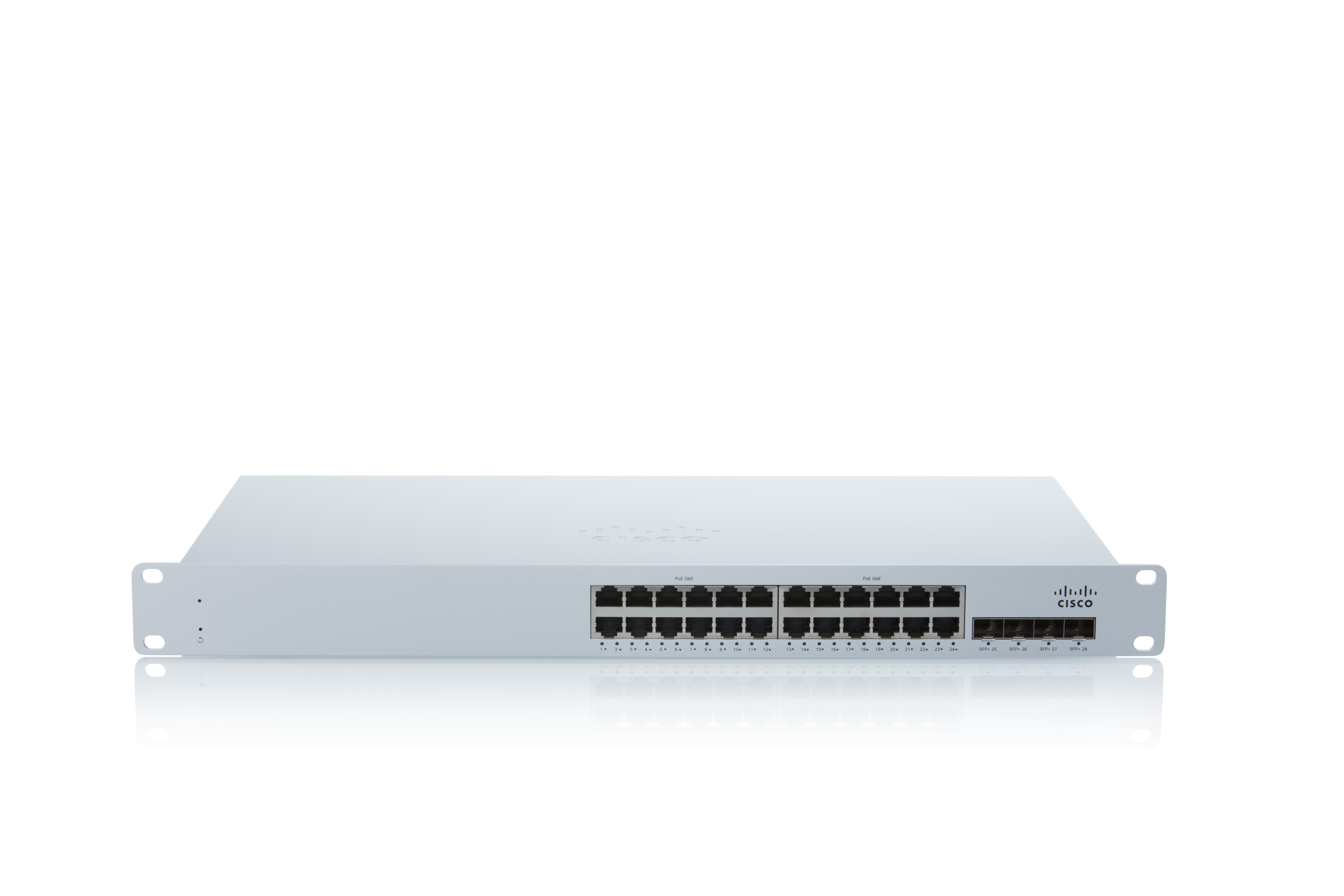
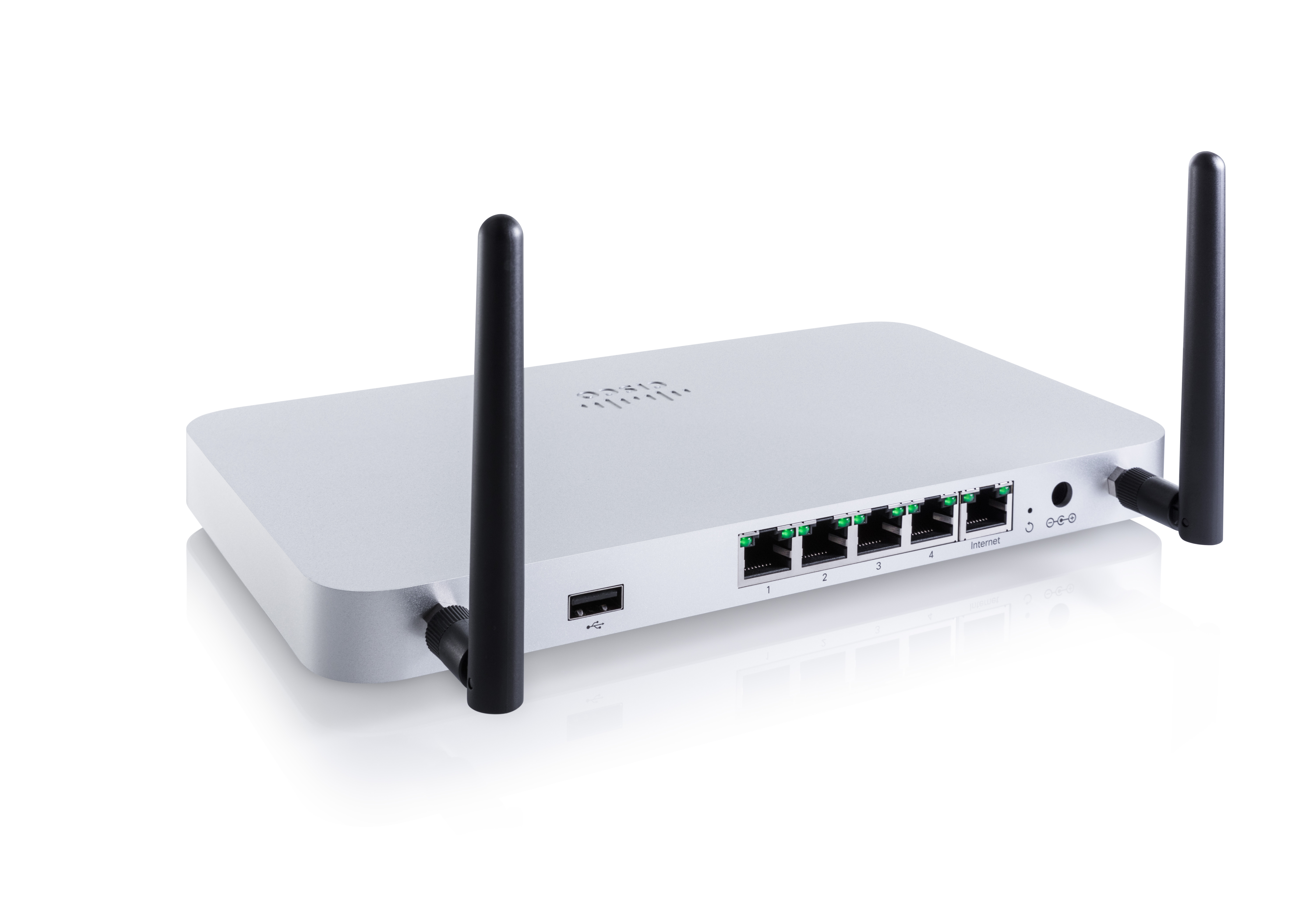
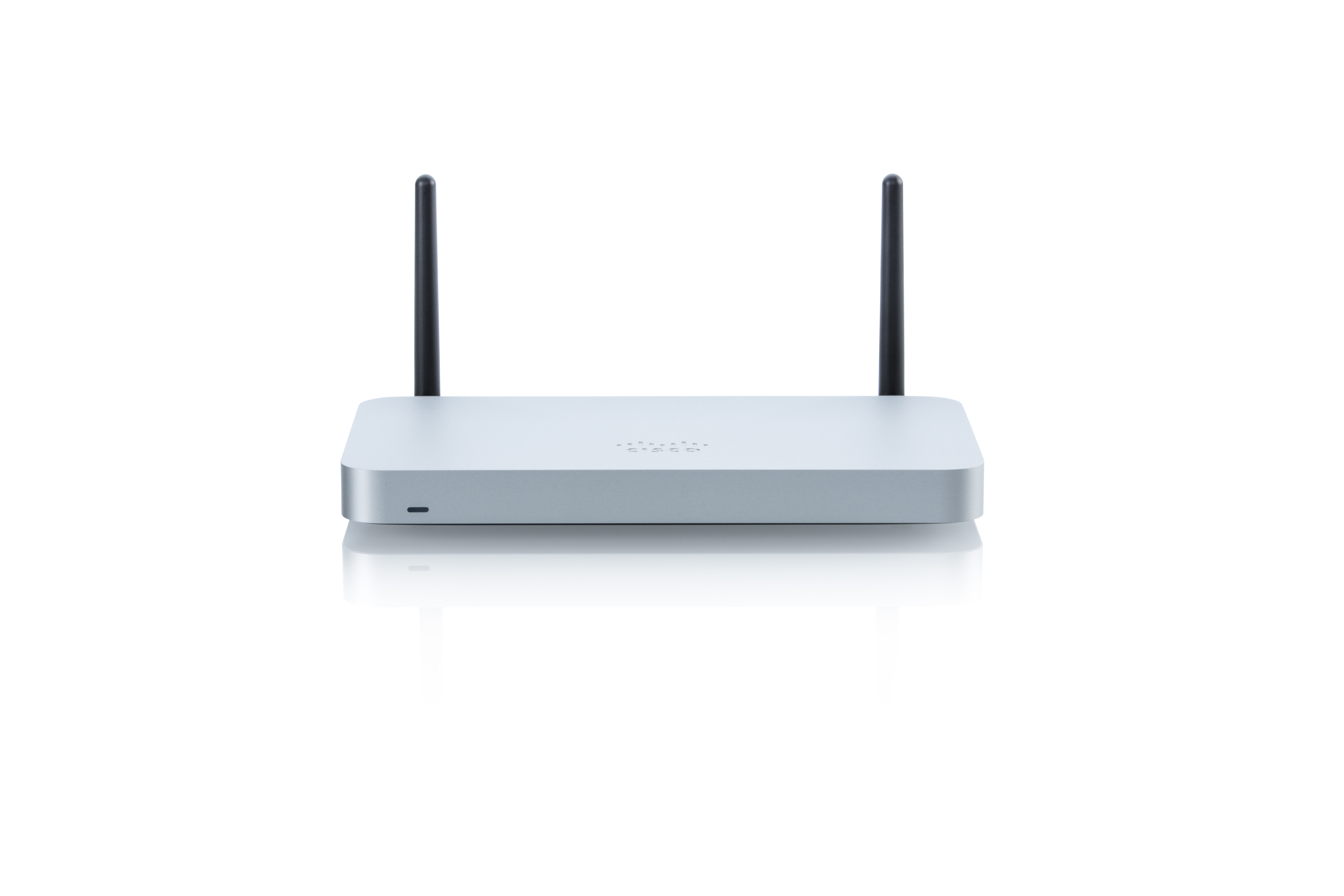
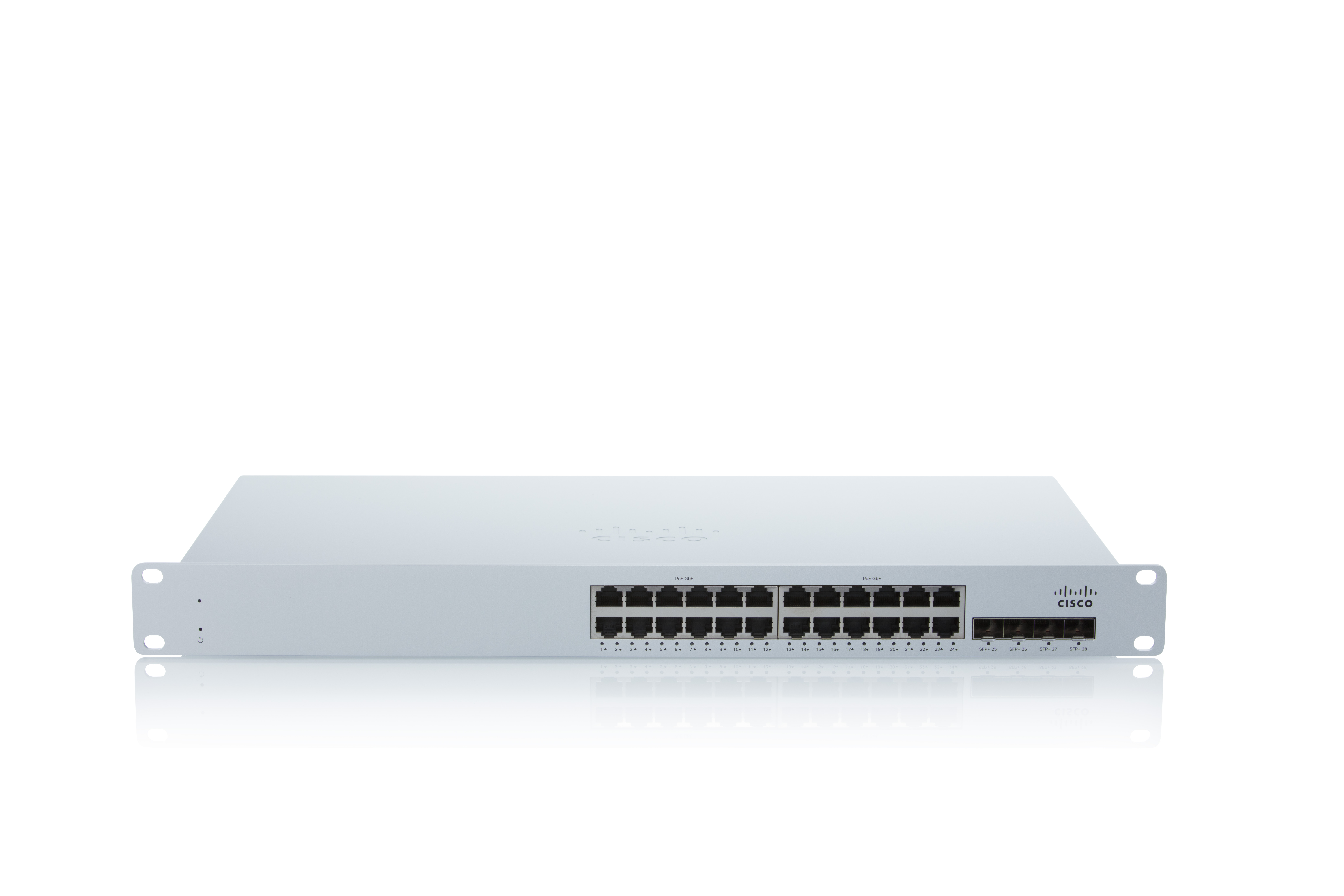
As a cloud-managed network management solution, the Cisco Meraki Dashboard enables users to provision, configure, and troubleshoot global networking and IoT deployments.
N/A
SPDocKit
Score 10.0 out of 10
N/A
SysKit, in Zagreb, offers SPDocKit as the Ultimate SharePoint On-Premises Administration Tool, used to automate routine administrators’ tasks such as document configuration and exploration of SharePoint structure.
Cisco Meraki Dashboard is great for NOC teams with little network experience at helping give them all the tools they need to do the job and become more efficient with networks. From easy RMA processes to metric gathering the Cisco Meraki Dashboard does it all very well. The licenses are a problem for a lot of companies since there are no guarantees the product stays online and certain integrations like ThousandEyes are overlooked due to the additional cost despite it being a great product.
The product is second to none in providing an accurate and detailed view of a SharePoint farm, its composition, and its configuration. It is an essential tool for discovery purposes, and it should be used anytime business continuity and disaster recover plans/documentations are being prepared. Since SharePoint doesn't include a "farm clone" method, SPDocKit provides the next best thing in attempts to replicate configuration. It can also be used as a Q&A checkpoint through the use of farm snapshots to highlight differences that exist between two or more environments.
Discovery. When trying to learn the ins and outs of an unfamiliar SharePoint farm configuration, SPDocKit creates a complete and accurate picture.
Documentation. Documenting farm configurations manually is a very time and labor intensive process, so I turn to SPDocKit to automate the process for me.
Change Tracking. SPDocKit can take a series of farm snapshots over time, and it can highlight and track differences in configuration and settings from snapshot to snapshot.
More granular controls over devices. It definitely feels like, especially when you come from a CLI environment and you're working in a command line interface and then going into the dashboard, you can feel restricted sometimes because if they don't have the button you can't press it. So more buttons.
Cloud Readiness. Unfortunately, SPDocKit cannot run against SharePoint Online (SPO) environments due to its reliance on server APIs that aren't exposed in the cloud.
Variations. SPDocKit exists in a number of forms for licensing purposes, and not all versions are equivalent. It's sometimes difficult to know what version of the product houses the feature that I want to use, as well as whether or not I'm licensed for it.
At the time of writing this, it appears that Cisco Meraki Dashboard has finally integrated a Cisco IOS XE output window into the dashboard. This is a massive step in the right direction and something that it was dearly missing. At the moment, we do not have this integration and so a lot of the times, we have to navigate via several tools menus to get the info we need instead of being able to run a quick command.
SysKit support is second to none. On occasions where I've had questions about any aspect of SPDocKit, I've reached out to SysKit through available channels and usually gotten back a detailed and helpful answer within 24 hours of my request submission. They're also very friendly and supply more information that may be related to my inquiry or problem. I never feel like customer support is an afterthought with SysKit.
A number of networks we've taken over were using Ubiquiti Unifi, which is an okay solution, but a lot more cumbersome to manage. We've found the Cisco Meraki Dashboard system much more intuitive and way less time-intensive. Simple things like setting up dedicated DHCP entries or poking holes in VLAN firewalls are way easier in Cisco Meraki Dashboard.
I am unaware of any other product on the market that does what SysKit SPDocKit does. SPDocKit has certainly been doing it the longest, and it offers a unique value proposition and set of capabilities.
When there's an issue with communication to the cloud. EX: unable to fetch configs. This due to like new device being installed or if you have to factory reset the device. This has been a negative impact.
Incorrect status. Sometimes the status of the device or network is not reflected as it should be. This has had a negative impact in the past. However, for the most part, the Status is fairly accurate.
Incident response has been very good. Anytime an issue has been reported to Cisco regarding Cisco Meraki Dashboard, the issue is quickly investigated and doesn't take long to resolve.
Customer support and Cisco's technical team has been very helpful and responsive.
The product cost may appear large, but when you compare the cost and reuse of the product to what it would cost in time and effort to carry out its functions manually, the cost is truly a drop in the bucket.
Since I operate as a consultant, I consider the SysKit SPDocKit tool essential to the work I do. It allows me to go into new environments, generate a farm report, and use that report as something I provide to the client - as well as for my own purposes.