
Cisco Meraki Dashboard vs. Restorepoint
| Product | Rating | Most Used By | Product Summary | Starting Price |
|---|---|---|---|---|
 Cisco Meraki Dashboard | Score9.3 out of 10 | N/A | As a cloud-managed network management solution, the Cisco Meraki Dashboard enables users to provision, configure, and troubleshoot global networking and IoT deployments. | N/A |
 Restorepoint | Score6 out of 10 | N/A | Restorepoint provides script-free network automation for more than 100 network, security, and storage vendors. Deployed in less than an hour, Restorepoint helps organisations lower their exposure to often unforeseen security, compliance, and availability risks. | N/A |
| Cisco Meraki Dashboard | Restorepoint | |||||||||||||||
|---|---|---|---|---|---|---|---|---|---|---|---|---|---|---|---|---|
| Editions & Modules | No answers on this topic | No answers on this topic | ||||||||||||||
| Offerings |
| |||||||||||||||
| Entry-level Setup Fee | No setup fee | No setup fee | ||||||||||||||
| Additional Details | — | — | ||||||||||||||
| More Pricing Information | ||||||||||||||||
| Cisco Meraki Dashboard | Restorepoint | |
|---|---|---|
| Considered Both Products | No answer on this topic | No answer on this topic |
| Key User Insights | ||
| Would buy again | ||
97% Would buy again 37 Answers | No answers on this topic | |
| Delivers good value for the price | ||
100% Delivers good value for the price 37 Answers | No answers on this topic | |
| Happy with the feature set | ||
97% Happy with the feature set 37 Answers | No answers on this topic | |
| Lived up to sales and marketing promises | ||
100% Lived up to sales and marketing promises 27 Answers | No answers on this topic | |
| Implementation went as expected | ||
97% Implementation went as expected 30 Answers | No answers on this topic | |
| Cisco Meraki Dashboard | Restorepoint | |
|---|---|---|
| Small Businesses |  Pulseway Score9.9 out of 10 | Pulseway Score9.9 out of 10 |
| Medium-sized Companies |  SolarWinds Engineer's Toolset Score9.4 out of 10 | Cisco Meraki Dashboard Score9.3 out of 10 |
| Enterprises |  Cisco Prime LAN Management (discontinued) Score8.5 out of 10 | Cisco Prime LAN Management (discontinued) Score8.5 out of 10 |
| All Alternatives | View all alternatives | View all alternatives |
| Cisco Meraki Dashboard | Restorepoint | |
|---|---|---|
| Likelihood to Recommend | 9.0 | - |
| Usability | 10.0 | - |
| Cisco Meraki Dashboard | Restorepoint | |
|---|---|---|
| Likelihood to Recommend |
| No answers on this topic |
| Pros |
| No answers on this topic |
| Cons |
| No answers on this topic |
| Usability |
| No answers on this topic |
| Alternatives Considered |
| No answers on this topic |
| Return on Investment |
| No answers on this topic |
| ScreenShots | Cisco Meraki Dashboard Screenshots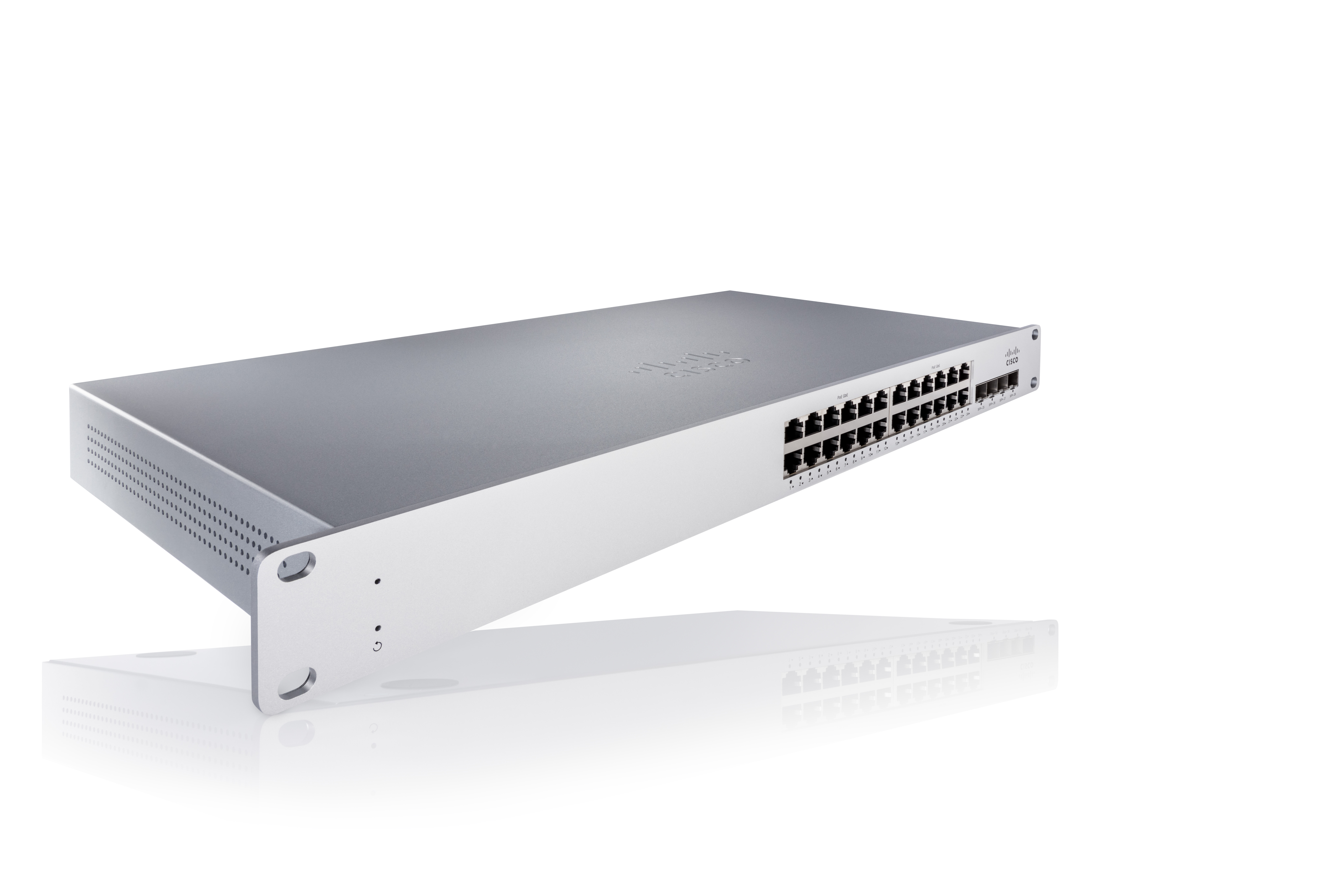 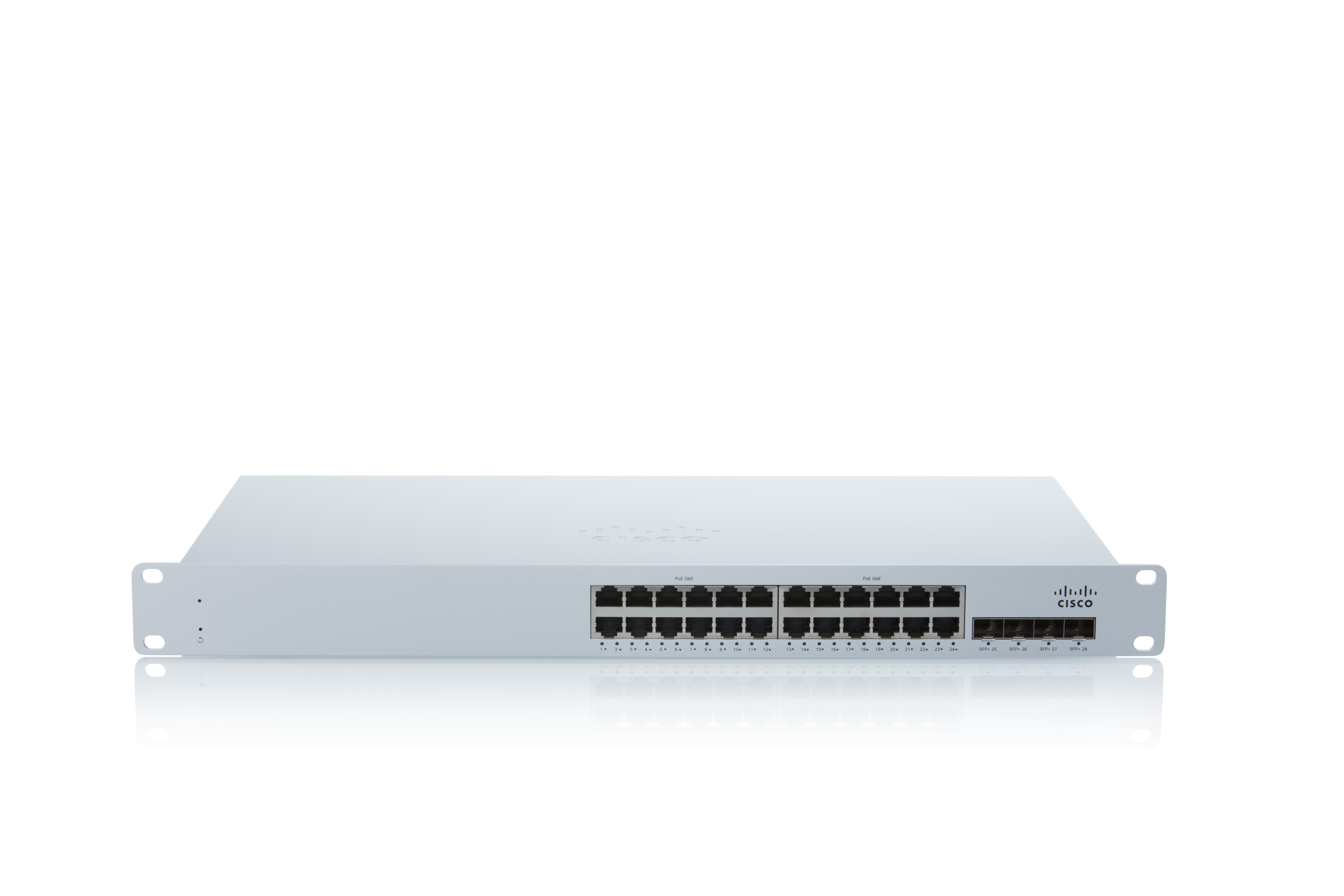 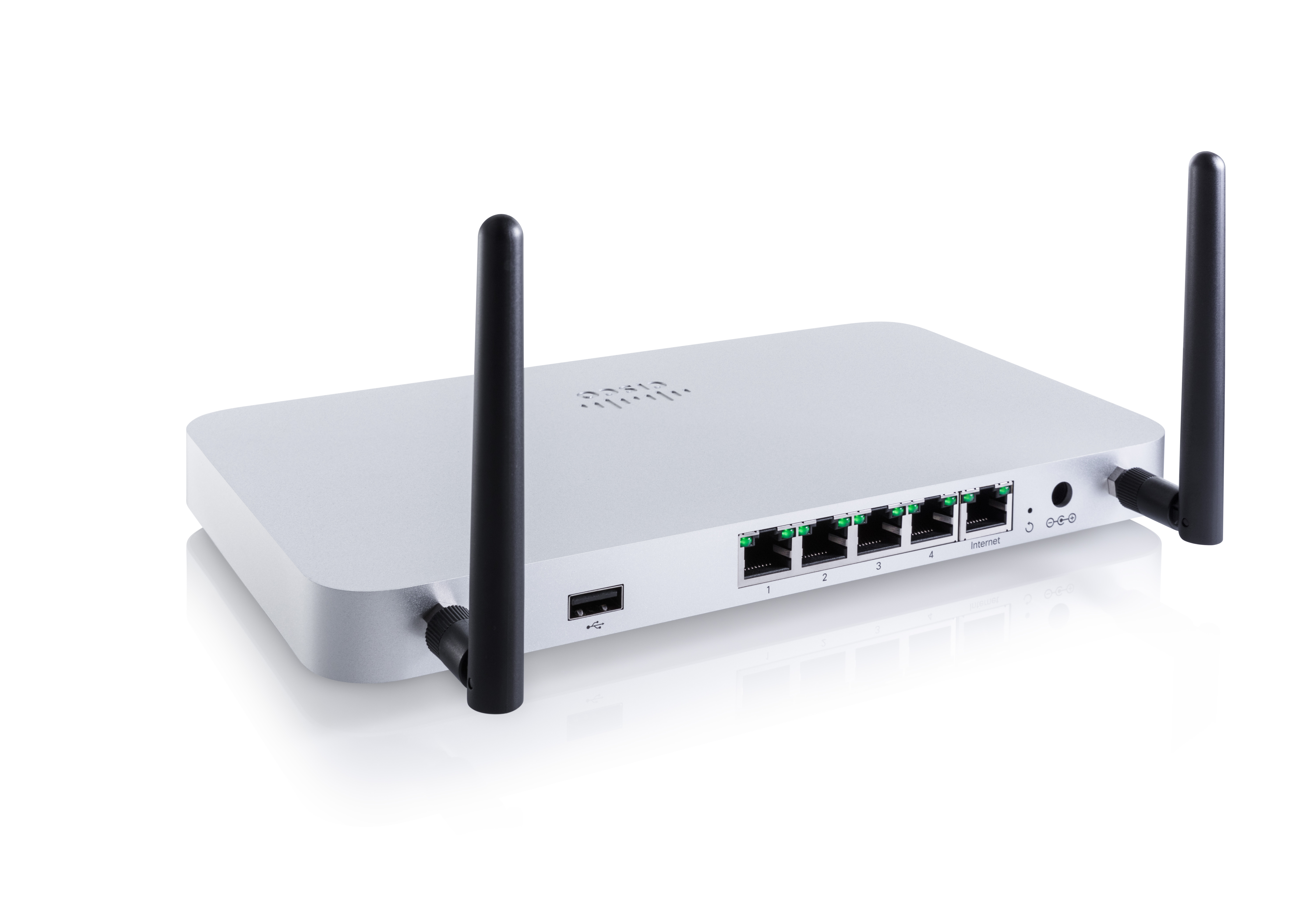 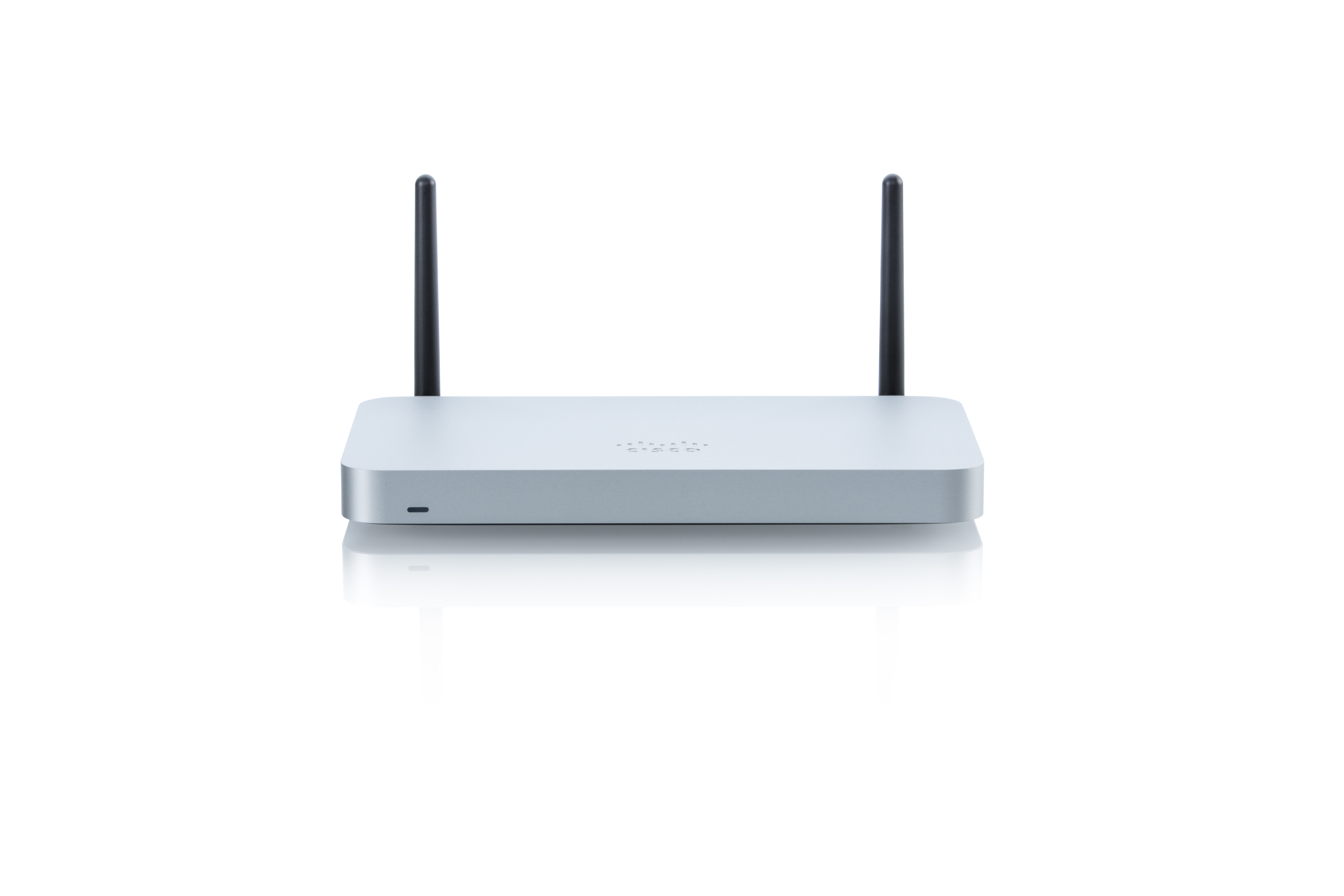 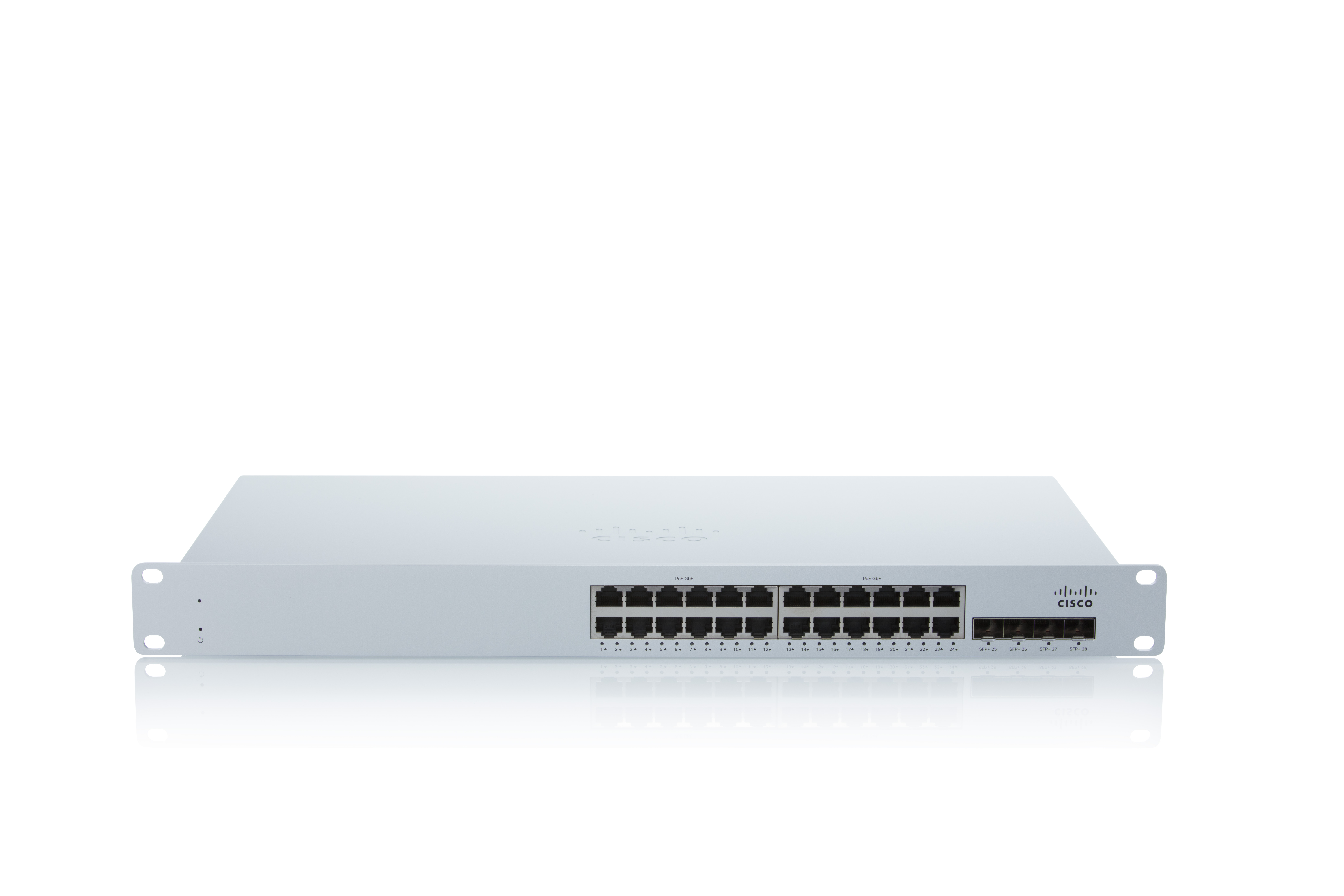 |
