Cisco Meraki Dashboard vs. Progress WhatsUp Gold

Overview
ProductRatingMost Used ByProduct SummaryStarting Price
Cisco Meraki Dashboard
Score 9.3 out of 10
N/A
As a cloud-managed network management solution, the Cisco Meraki Dashboard enables users to provision, configure, and troubleshoot global networking and IoT deployments.N/A
Progress WhatsUp Gold
Score 7.2 out of 10
Mid-Size Companies (51-1,000 employees)
WhatsUp Gold developed by Ipswitch (acquired by Progress Software May 2019) offers network performance monitoring and mapping. It supports core monitoring features, including automated workflows and network capacity planning, and monitors across hybrid environments.N/A
Pricing
Cisco Meraki DashboardProgress WhatsUp Gold
Editions & Modules
No answers on this topic
Offerings
Pricing Offerings
Cisco Meraki DashboardProgress WhatsUp Gold
Free Trial
YesYes
Free/Freemium Version
NoNo
Premium Consulting/Integration Services
NoNo
Entry-level Setup FeeNo setup feeOptional
Additional Details
More Pricing Information
Community Pulse
Cisco Meraki DashboardProgress WhatsUp Gold
User Ratings
Cisco Meraki DashboardProgress WhatsUp Gold
Likelihood to Recommend
9.0
(0 ratings)
8.3
(0 ratings)
Usability
10.0
(0 ratings)
-
(0 ratings)
Support Rating
-
(0 ratings)
4.2
(0 ratings)
User Testimonials
Cisco Meraki DashboardProgress WhatsUp Gold
Likelihood to Recommend
Cisco Meraki Dashboard is great for NOC teams with little network experience at helping give them all the tools they need to do the job and become more efficient with networks. From easy RMA processes to metric gathering the Cisco Meraki Dashboard does it all very well. The licenses are a problem for a lot of companies since there are no guarantees the product stays online and certain integrations like ThousandEyes are overlooked due to the additional cost despite it being a great product.
Read full review
[Progress WhatsUp Gold (formerly Ipswitch WhatsUp Gold)] is good for what it is. An inexpensive but accurate monitor for alerting on systems and services. However, it is time consuming to configure, The GUI leaves a lot to be desired and the formatting for txt alerts stinks (I just use it now as an alert to check my email to view the actual alert.)
Read full review
Pros
  • The ability to monitor any port and get accurate information on its activity.
  • The ability to port cycle and reboot remotely. This is best for off-hour reboots.
  • Being able to search for devices through the client page with an IP address or MAC address saves time on device searches.
  • It is an easy process to add and remove devices to different organizations.
Read full review
  • Easy to install and manage.
  • While it does require a whole server with IIS and a SQL db it is low impact on resources but still quick to respond.
  • Great for quick notifications about a server going above a configured resource threshold. We don't have to look at every server's resource utilization individually anymore.
  • Quick and easy to setup a service up or down notification.
Read full review
Cons
  • More granular controls over devices. It definitely feels like, especially when you come from a CLI environment and you're working in a command line interface and then going into the dashboard, you can feel restricted sometimes because if they don't have the button you can't press it. So more buttons.
Read full review
  • While it is easy to get up and running, I know I could utilize the software better if I had some formal training on it. There are a wealth of features available, but I don't have time to learn them all in depth.
  • The training classes offered are very expensive. I'd love it if IPSwitch offered some kind of reasonably priced training options.
Read full review
Usability
At the time of writing this, it appears that Cisco Meraki Dashboard has finally integrated a Cisco IOS XE output window into the dashboard. This is a massive step in the right direction and something that it was dearly missing. At the moment, we do not have this integration and so a lot of the times, we have to navigate via several tools menus to get the info we need instead of being able to run a quick command.
Read full review
No answers on this topic
Support Rating
No answers on this topic
Not too much to support as it doesn't do that much.
Read full review
Alternatives Considered
A number of networks we've taken over were using Ubiquiti Unifi, which is an okay solution, but a lot more cumbersome to manage. We've found the Cisco Meraki Dashboard system much more intuitive and way less time-intensive. Simple things like setting up dedicated DHCP entries or poking holes in VLAN firewalls are way easier in Cisco Meraki Dashboard.
Read full review
WhatsUp Gold gives you a much better in-depth analysis and understanding of both your network and endpoint devices but the emphasis should be laid more on report generation. WhatsUp Gold has the ability to generate a report (e.g device uptime, bandwidth utilization, device health etc) and track events that took place even as low as 5 minutes ago.
Read full review
Return on Investment
  • When there's an issue with communication to the cloud. EX: unable to fetch configs. This due to like new device being installed or if you have to factory reset the device. This has been a negative impact.
  • Incorrect status. Sometimes the status of the device or network is not reflected as it should be. This has had a negative impact in the past. However, for the most part, the Status is fairly accurate.
  • Incident response has been very good. Anytime an issue has been reported to Cisco regarding Cisco Meraki Dashboard, the issue is quickly investigated and doesn't take long to resolve.
  • Customer support and Cisco's technical team has been very helpful and responsive.
Read full review
  • As I mentioned earlier, the monitoring of the external environment and uptime is a necessity. An hour down is a 1% loss of revenue per day which may not sound like much but in a million dollar company, that 1% is a huge chunk.
  • The backup configuration has been very handy in turn around time for failed equipment. I did have a homegrown way of backing up configurations but had to check daily and verify every backup. This becomes very time consuming and a waste of company time.
  • Only negative is the mapping. In the Cisco world CDP is a great way to map connections and they don't seem to do it that way.
Read full review
ScreenShots

Cisco Meraki Dashboard Screenshots

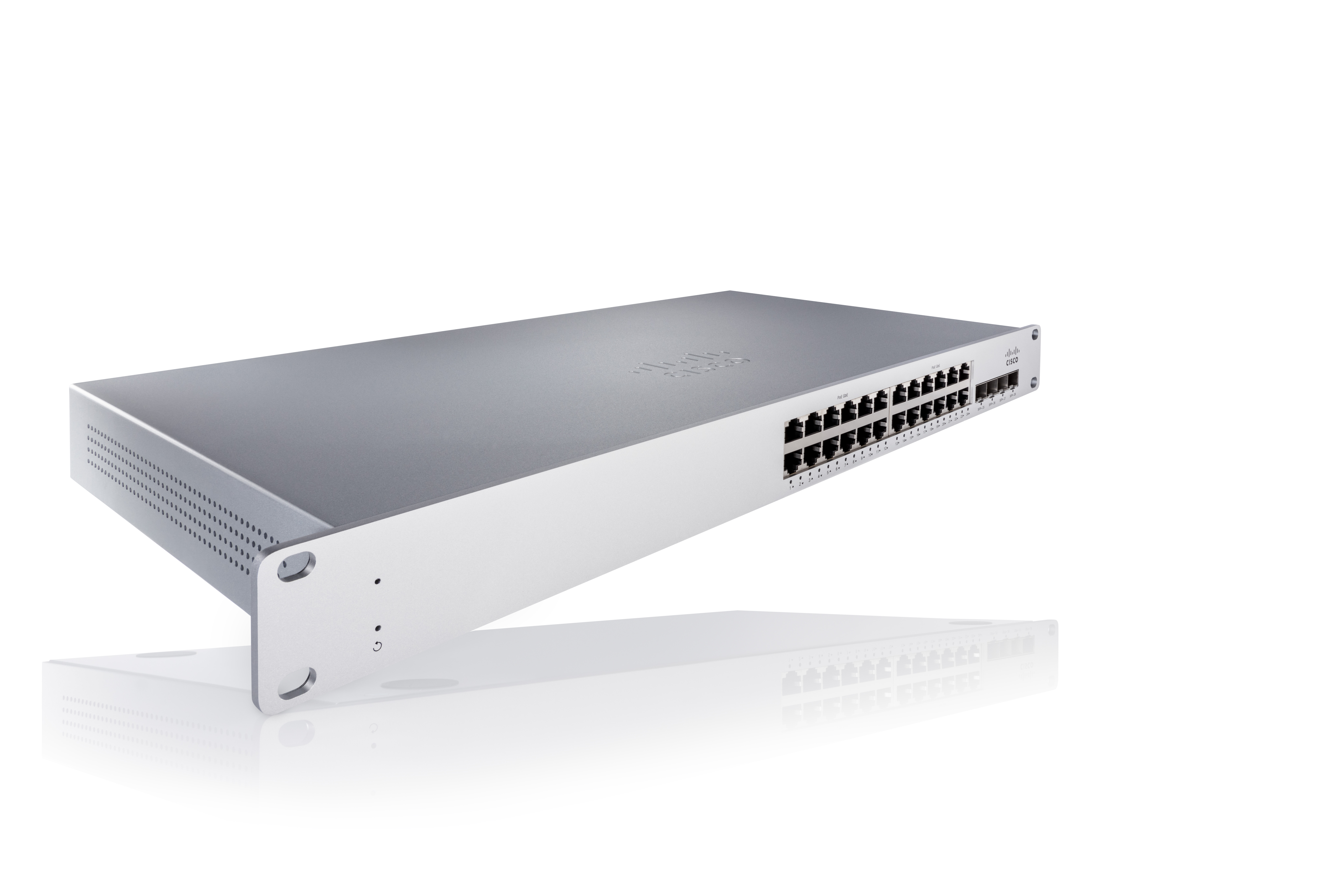
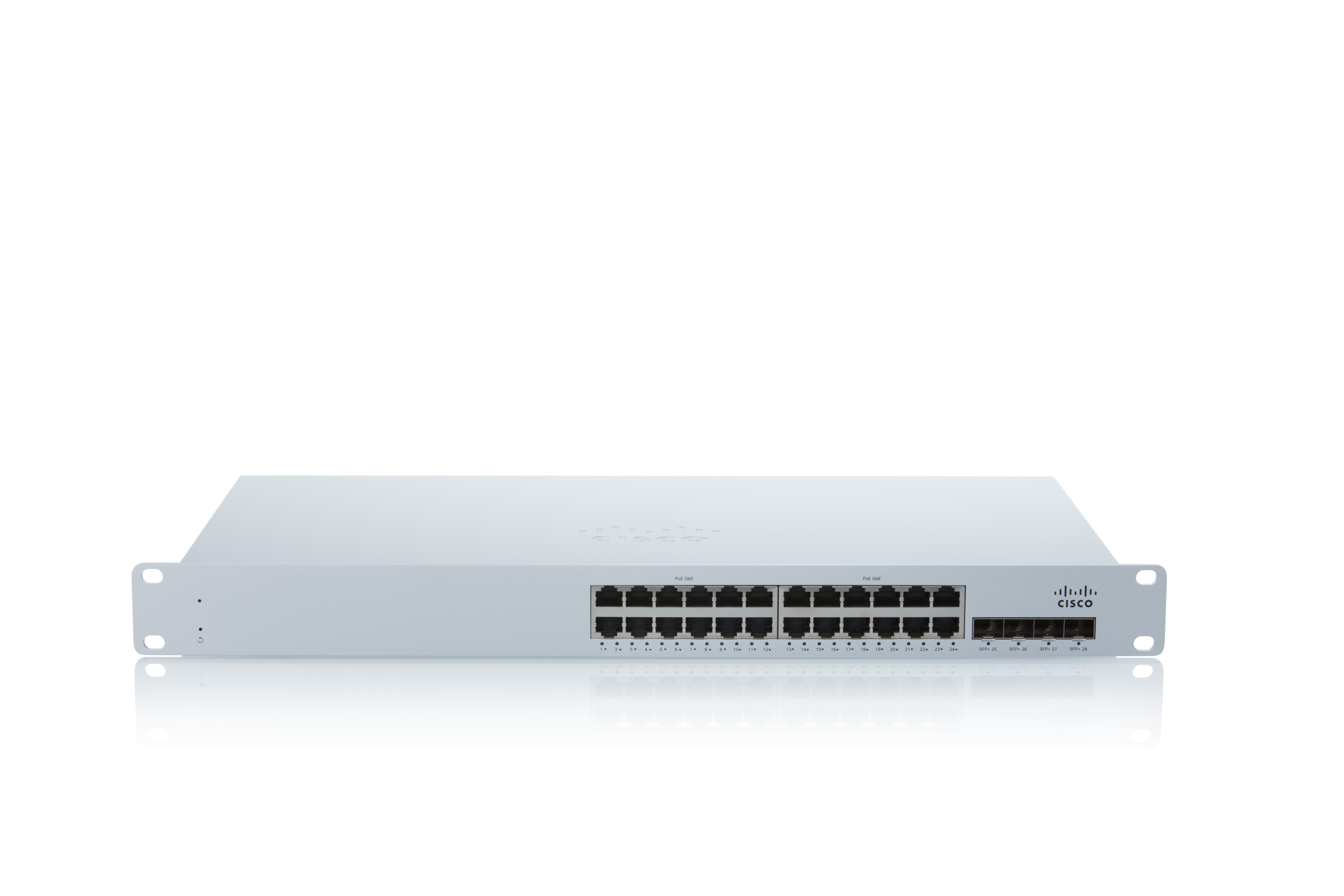
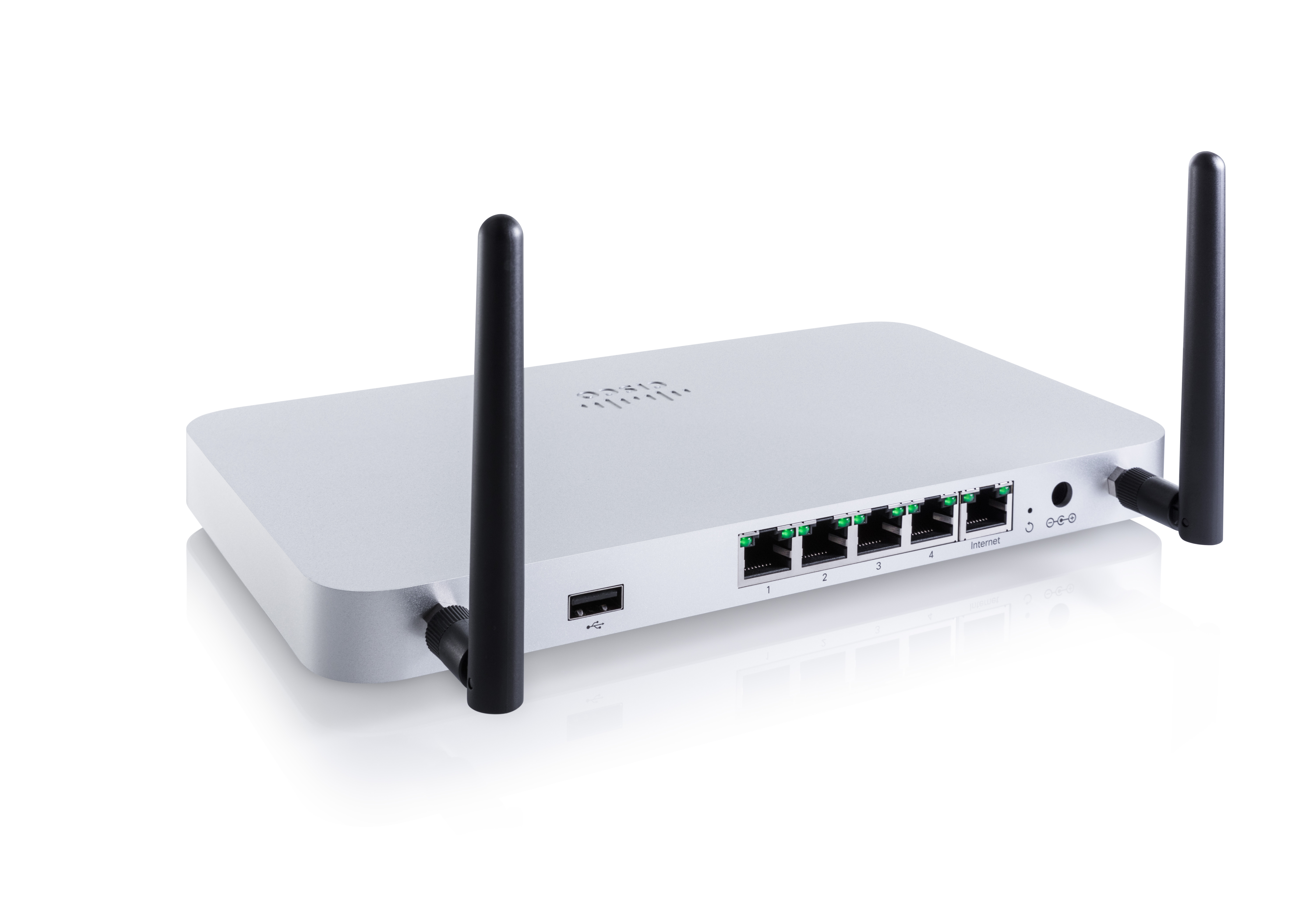
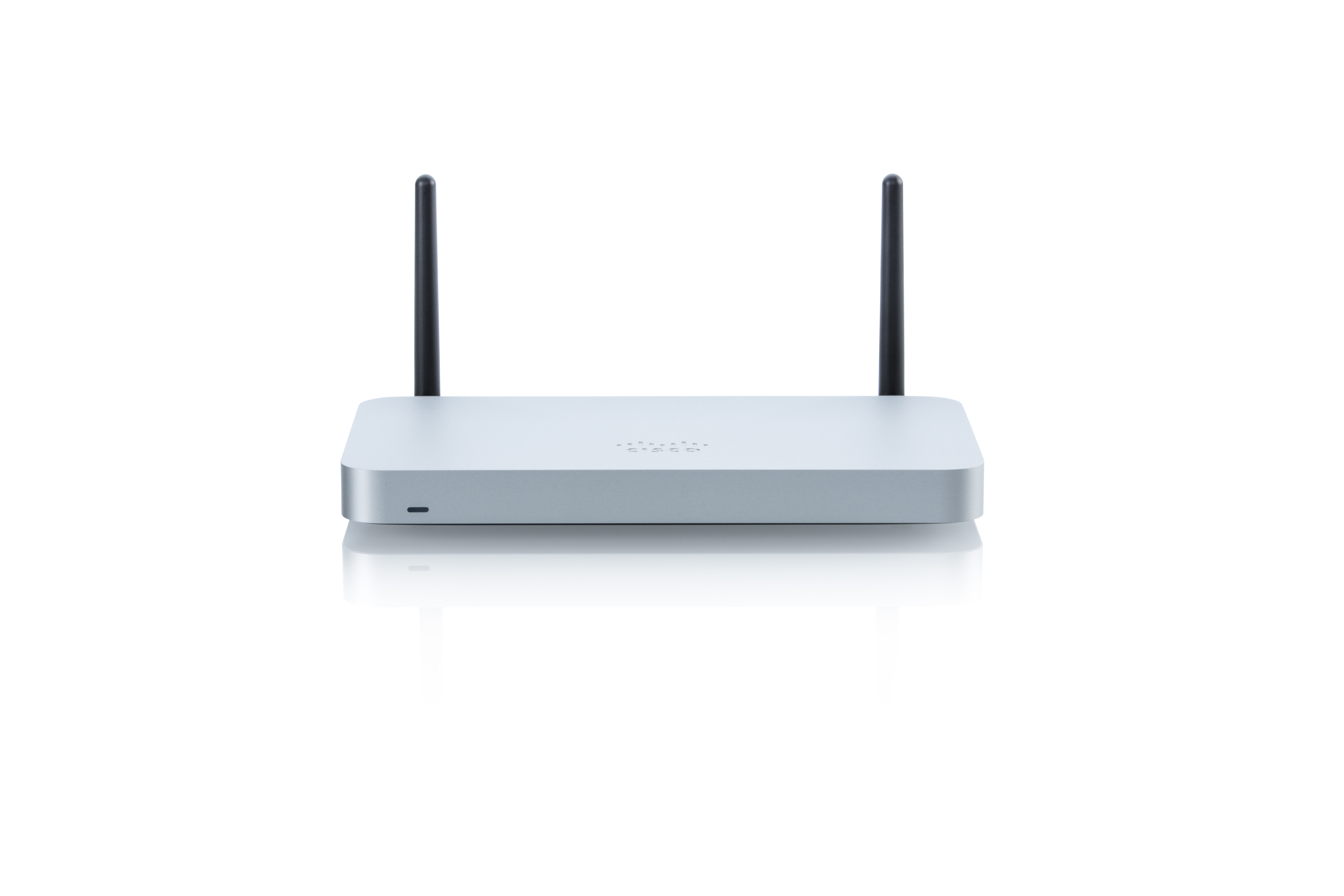
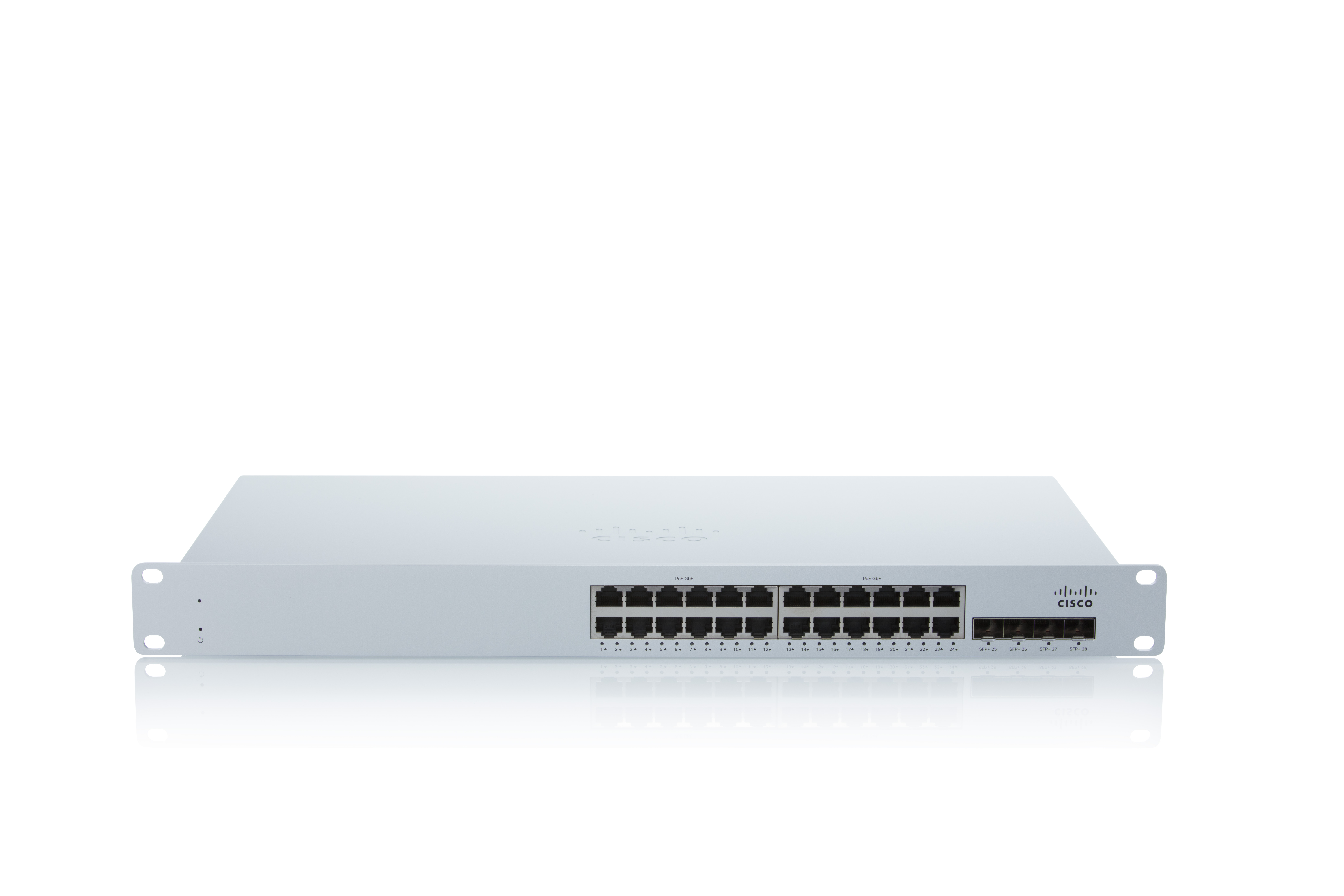
Screenshot of Connect MS225 24portScreenshot of ConnectMS225 24portScreenshot of SECURITY MX64WScreenshot of SECURITY MX64WScreenshot of Connect MS225 24port

Progress WhatsUp Gold Screenshots

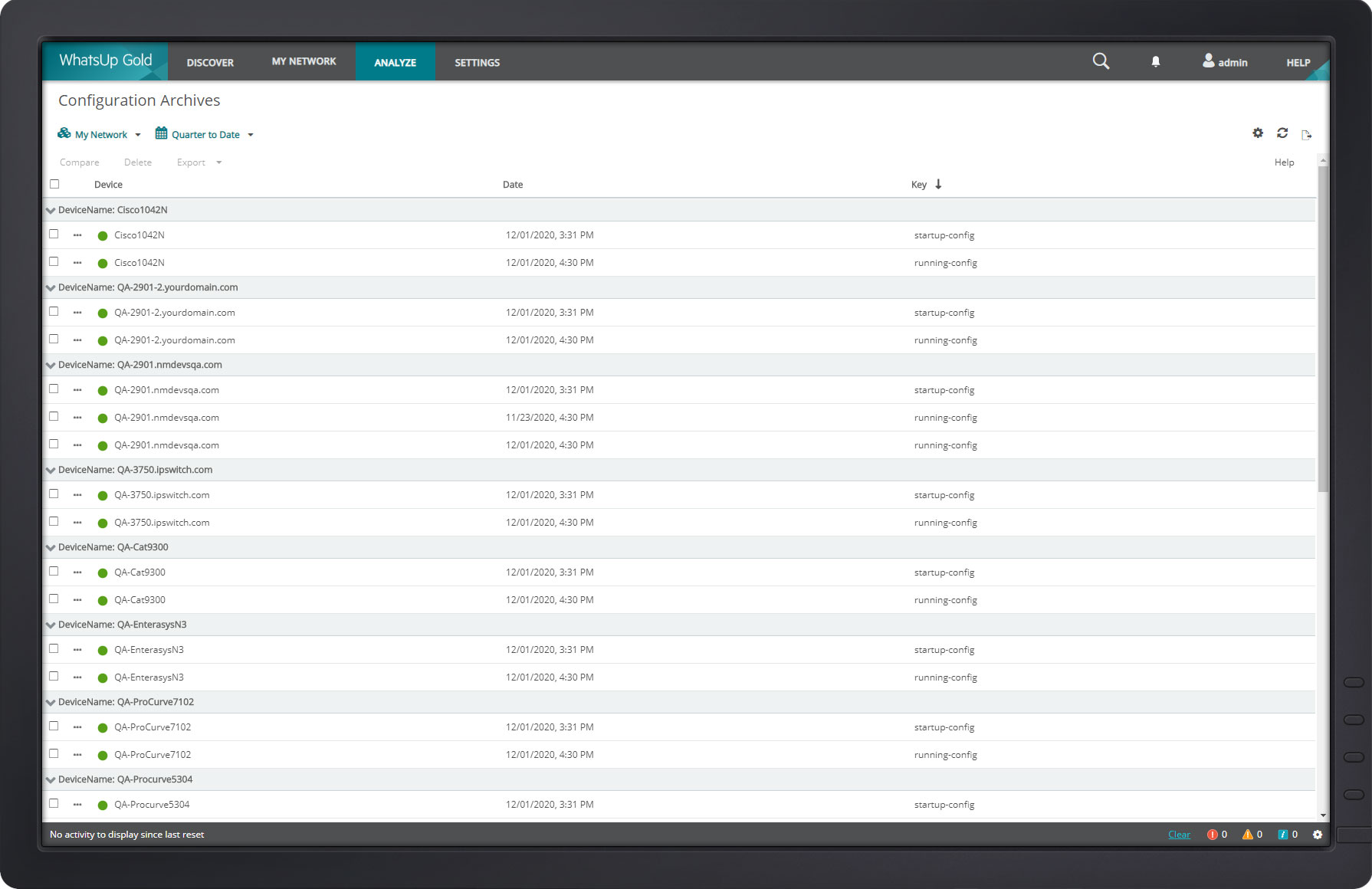
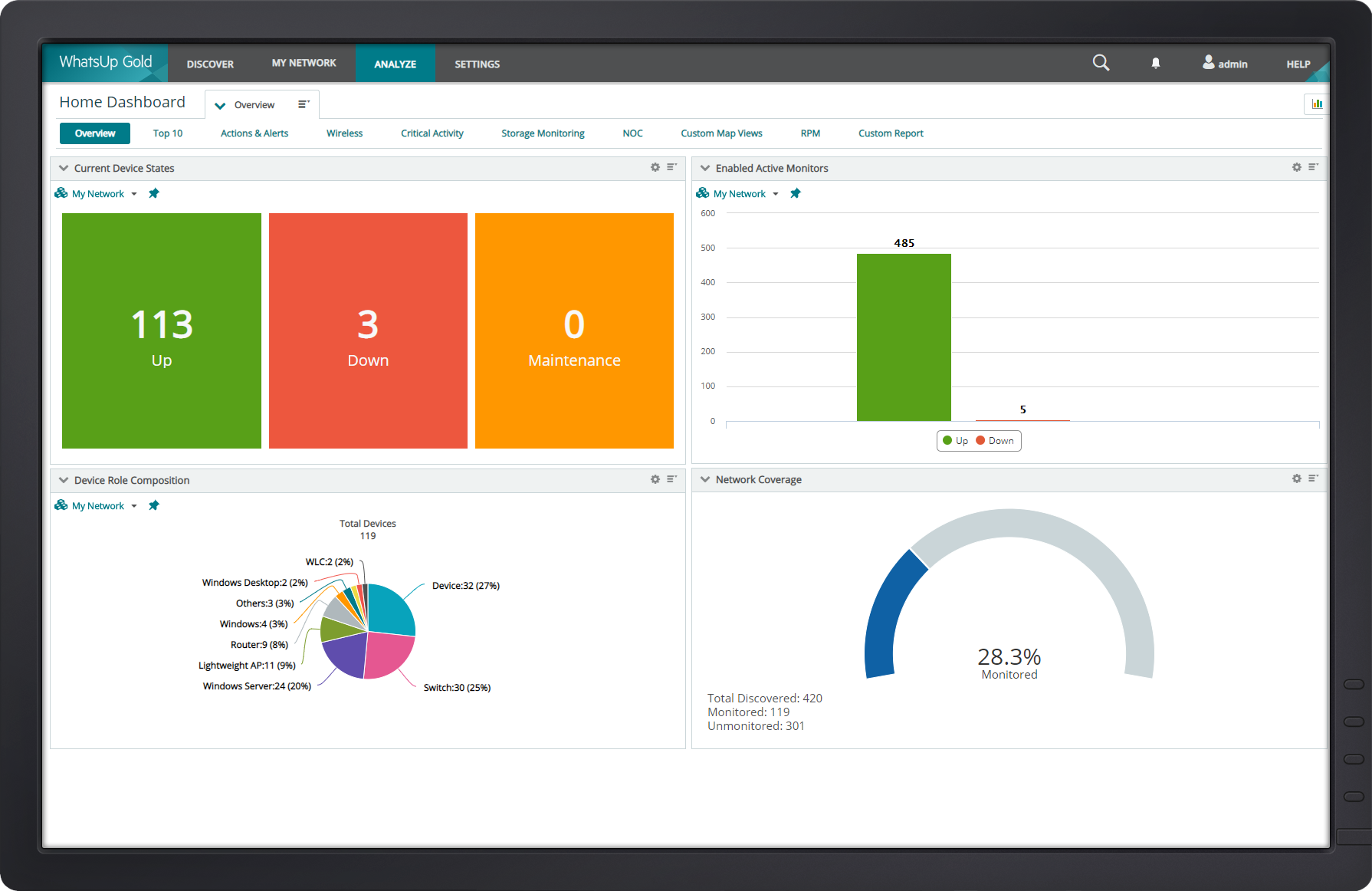
Screenshot of WhatsUp Gold Alert CenterScreenshot of WhatsUp Gold Cloud InfrastructureScreenshot of WhatsUp Gold Configuration ManagementScreenshot of WhatsUp Gold Custom MapScreenshot of WhatsUp Gold DashboardScreenshot of WhatsUp Gold Device Properties